

Nicholas C. Bauer PhD
4.0
ratings23 MB
SizeVerified
SCREENSHOTS (8)
About the app
Make cell counting with a hemocytometer effortless!
You know the drill--time to count cells for your experiment. Get out the hemocytometer and squeaky mechanical counter, prepare your dilution, fill the chamber, then look under the scope and start pushing the lever. Get to the end of a square, write down the count, reset the counter, and repeat. Finally, try to remember the right calculation, then write down the result.
What if you didn't need the squeaky counter? The scrap paper? A manual calculator?
Sure, you *could* get an expensive, fancy cell counter with wasteful disposables. But why do that when a $5 app is nearly as good?
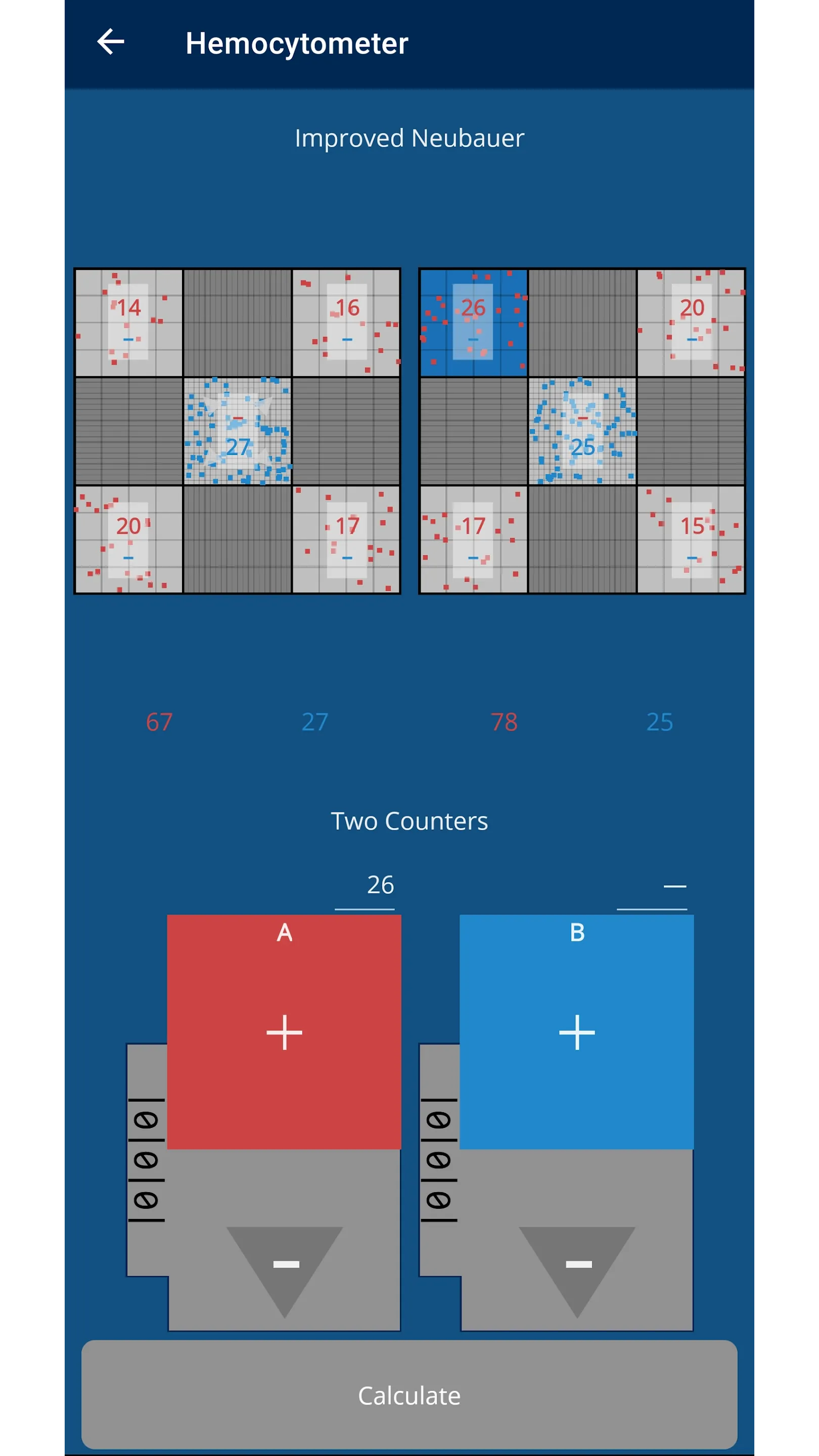
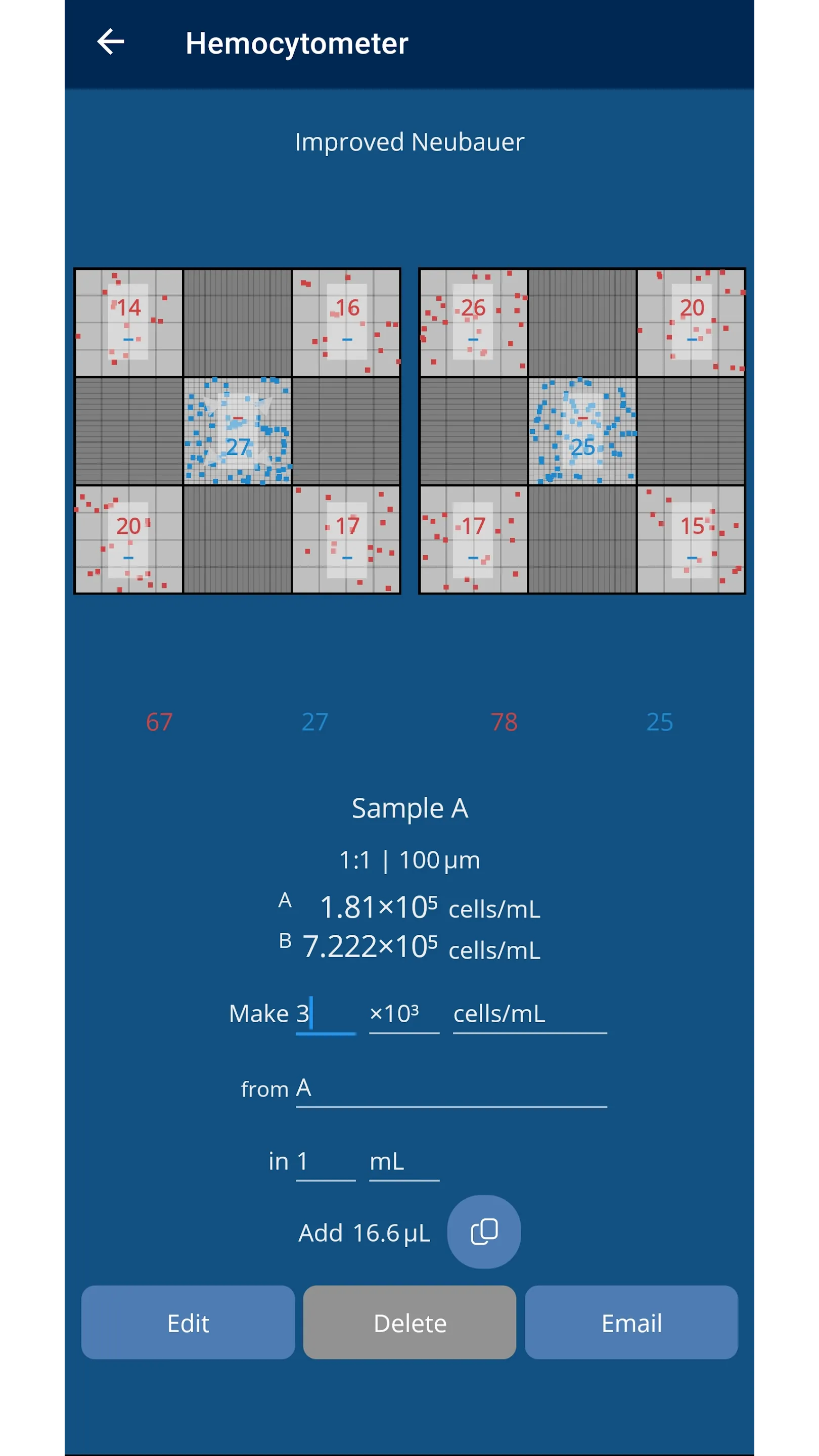
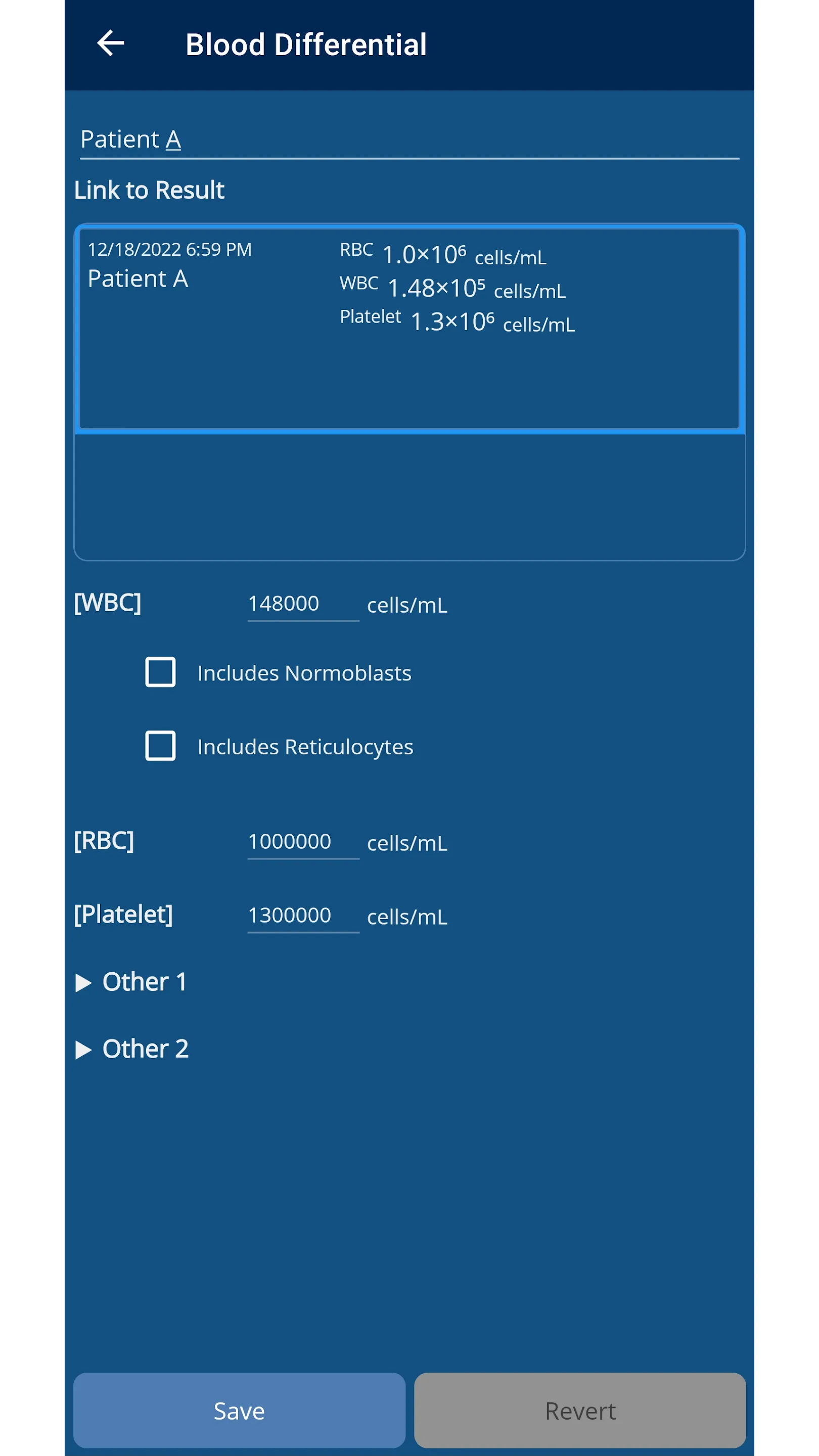
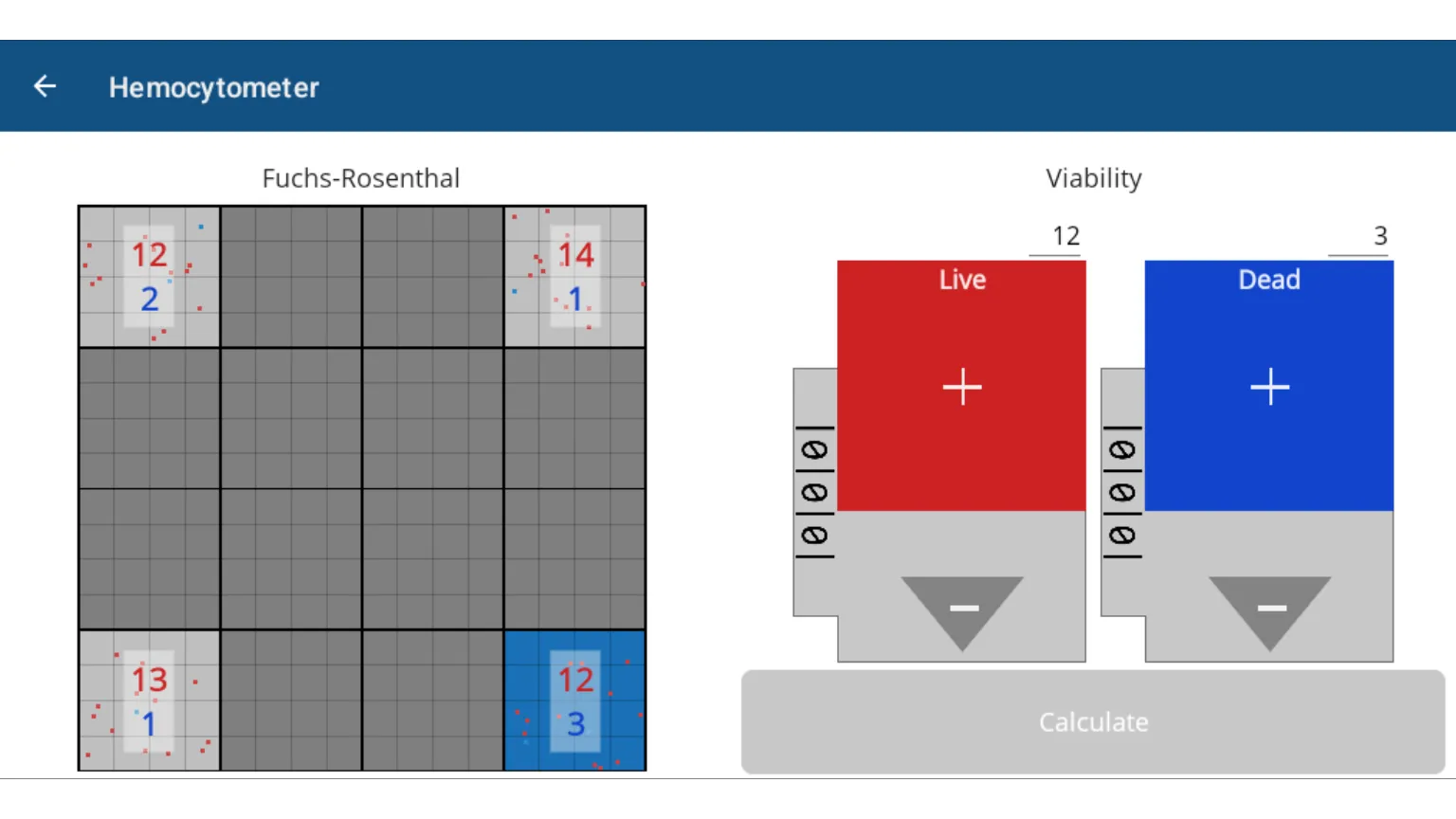
Hemocytometer Sidekick eliminates those annoyances. Record one or two counters for all samples with automatic calculations (including viability, blood counter), and use the full grid or the center square. Data is saved for you, so you can record it in your notebook at your convenience.
Hemocytometer Sidekick, designed from the ground up by a biologist, will make your life in the lab so much easier, that I'm giving you 10 measurements for free!
Features:
- Optimized for eyes-free operation (large buttons, sounds, vibration)
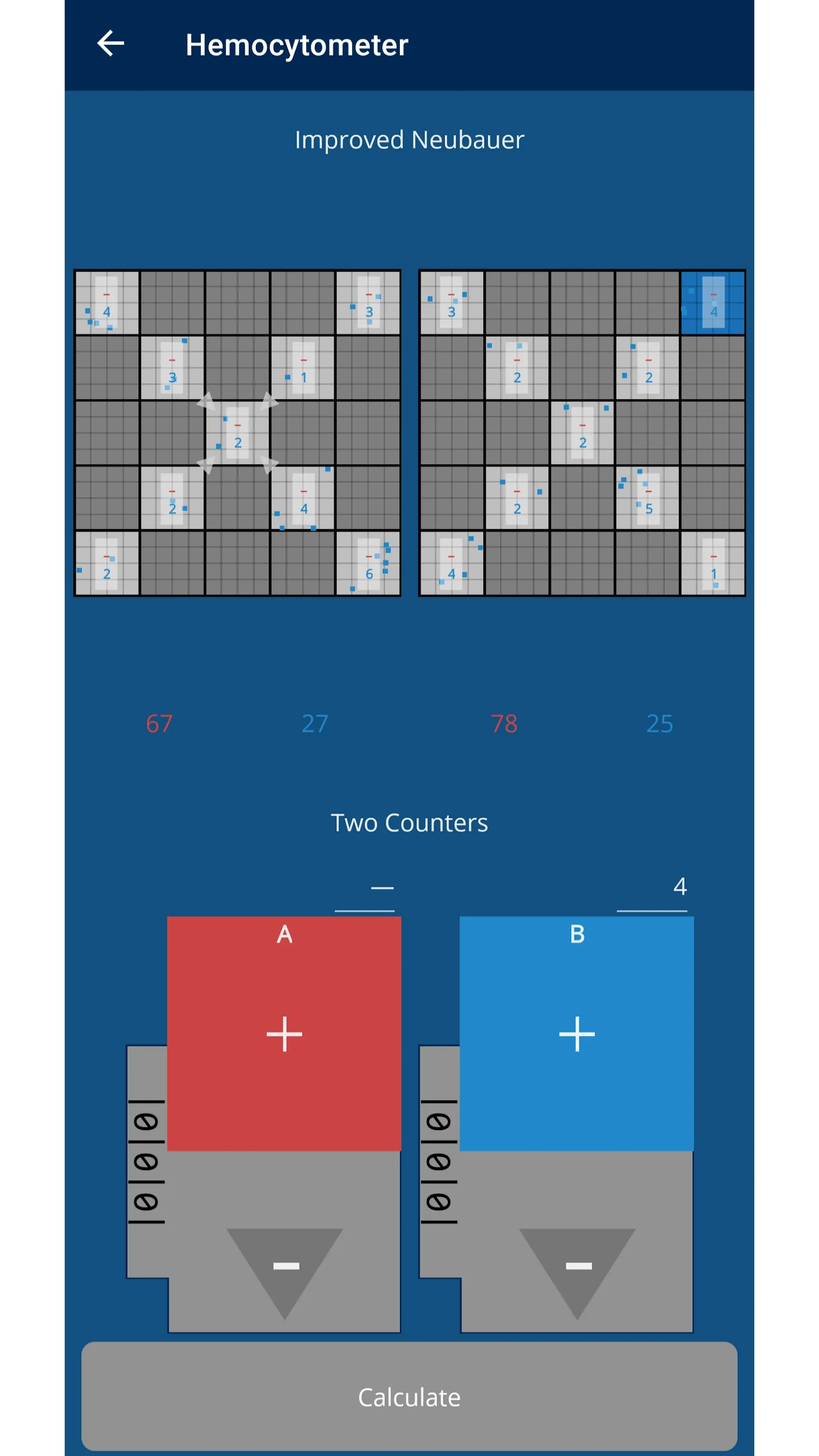
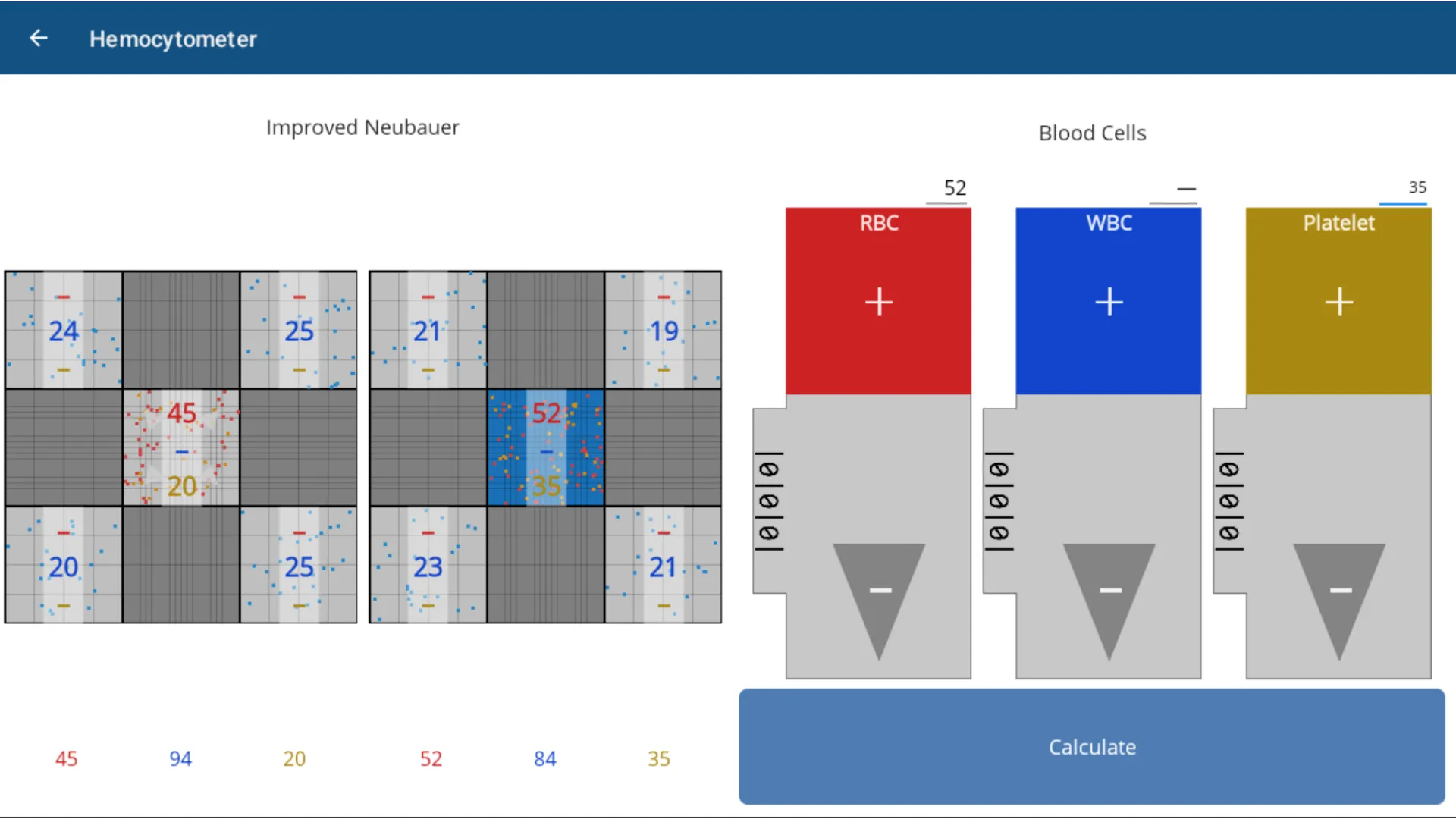
- Use both chambers and zoom in to inner grid
- Chamber types: Basic, Improved Neubauer, Bürker-Türk/Thoma, Fuchs-Rosenthal, Jessen, Spiers-Levy, Malassez, Makler
- One or two counters available, plus viability and blood (RBC, WBC, Platelet) counter
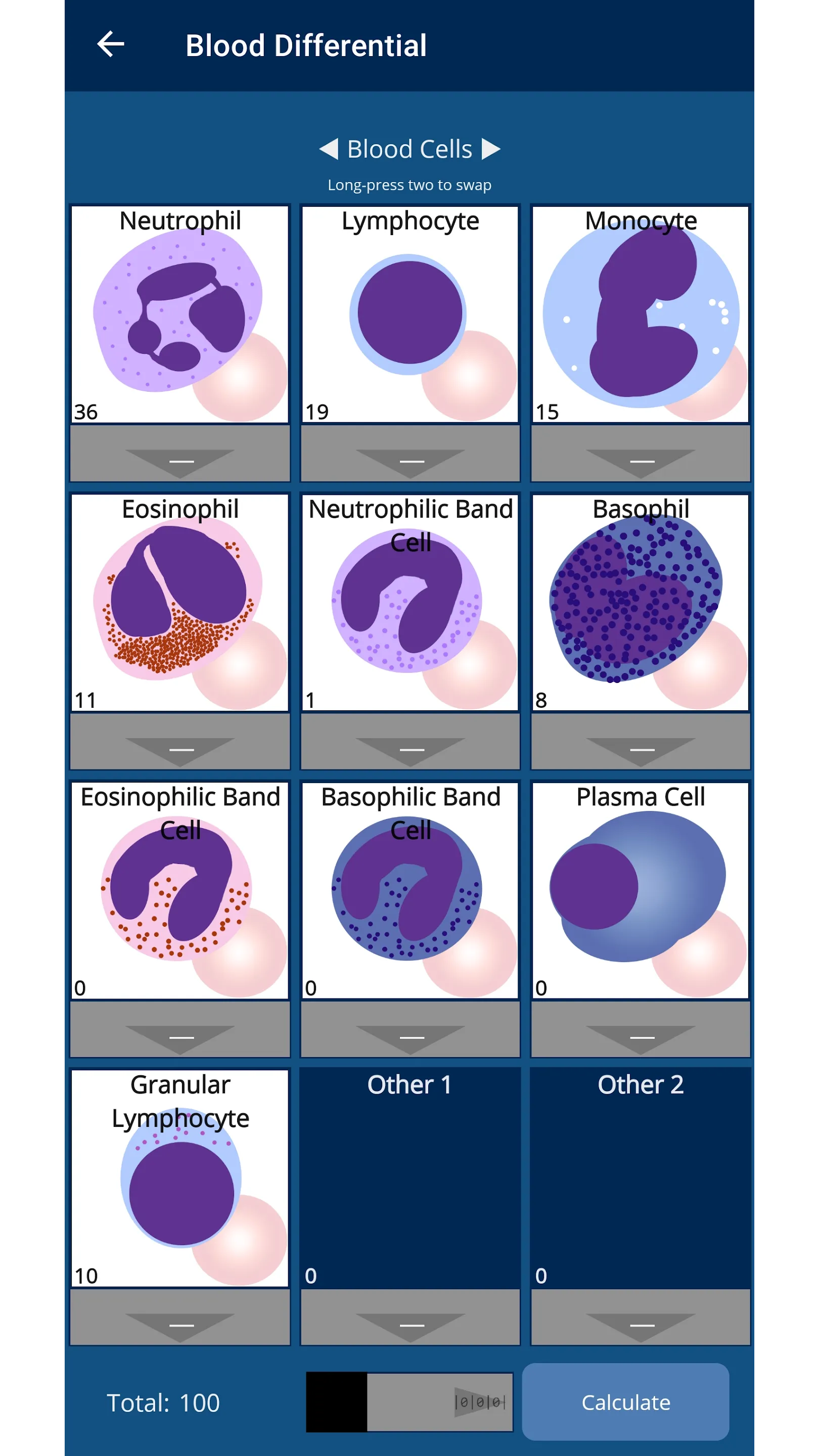
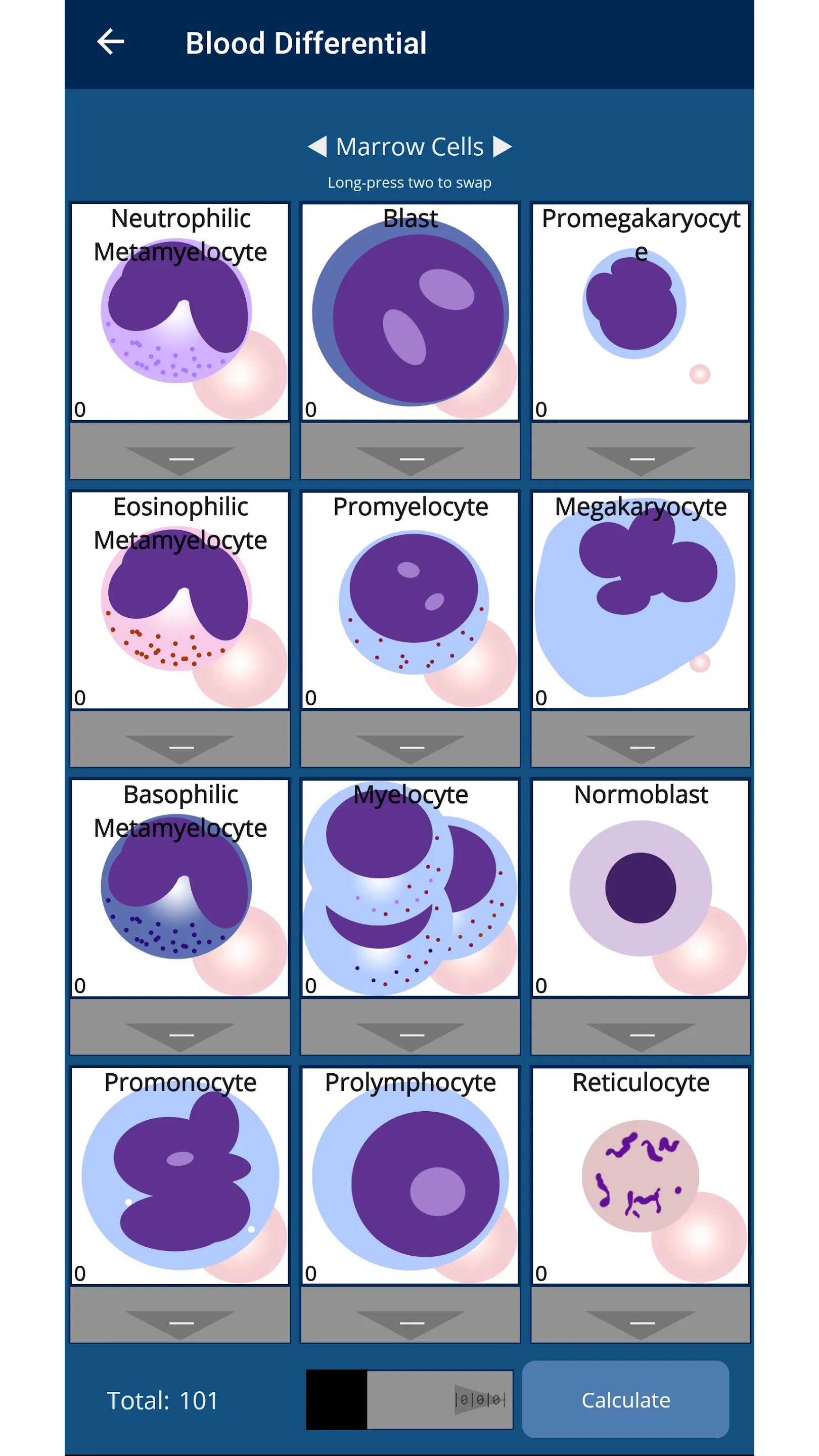
- Differential blood counter for many white blood cell types
- Pause and sound every 100 blood cells counted
- Automatic calculations
- Adjustable chamber depth
- Email results
- Prompt support
Essential Apps
Ratings
0
0 total ratings
5
73%
4
10%
3
4%
2
3%
1
10%
REVIEWS
No reviews yet. Be the first one to review this app
'%20fill-rule='evenodd'%20clip-rule='evenodd'%20d='M8.04878%200.118571C9.10796%20-0.198465%2010.2321%200.132893%2010.9526%200.961509L18.7058%209.9036H22.0709C23.0433%209.90386%2023.8429%2010.7032%2023.843%2011.6757V13.1309H23.8497C23.8497%2013.4983%2023.5476%2013.8014%2023.1803%2013.8015H19.9372V33.9548C19.9372%2034.423%2019.5703%2034.7975%2019.1021%2034.7977H17.142C15.91%2034.7977%2014.9156%2033.8036%2014.9154%2032.5644V28.0251C13.5538%2028.5582%2012.3722%2028.7169%2010.9963%2028.7169C6.45689%2028.7169%203.74677%2025.6897%203.74677%2020.6099V13.8015H1.77319C0.800641%2013.8015%200.000280942%2013.0091%200%2012.0294V10.573C0.000219737%2010.2057%200.303205%209.9036%200.670545%209.9036H13.5676L5.13039%201.85482C4.82078%201.55938%204.94365%201.04032%205.35428%200.917851L8.04878%200.118571ZM8.78425%2013.8082V20.611C8.78438%2023.1974%209.8151%2024.35%2012.1135%2024.35C12.9637%2024.3499%2014.1167%2024.1489%2014.902%2023.7959V13.8082H8.78425Z'%20fill='white'/%3e%3c/svg%3e)
Permissions
Storage: access photos, media, and files on your device
Internet: use your internet connection
Phone: make and manage phone calls
Curated for YouSee all






Scan to download on PhonePe Appstore

