

Government Digital Service
4.0
ratings25 MB
SizeVerified
SCREENSHOTS (6)
About the app
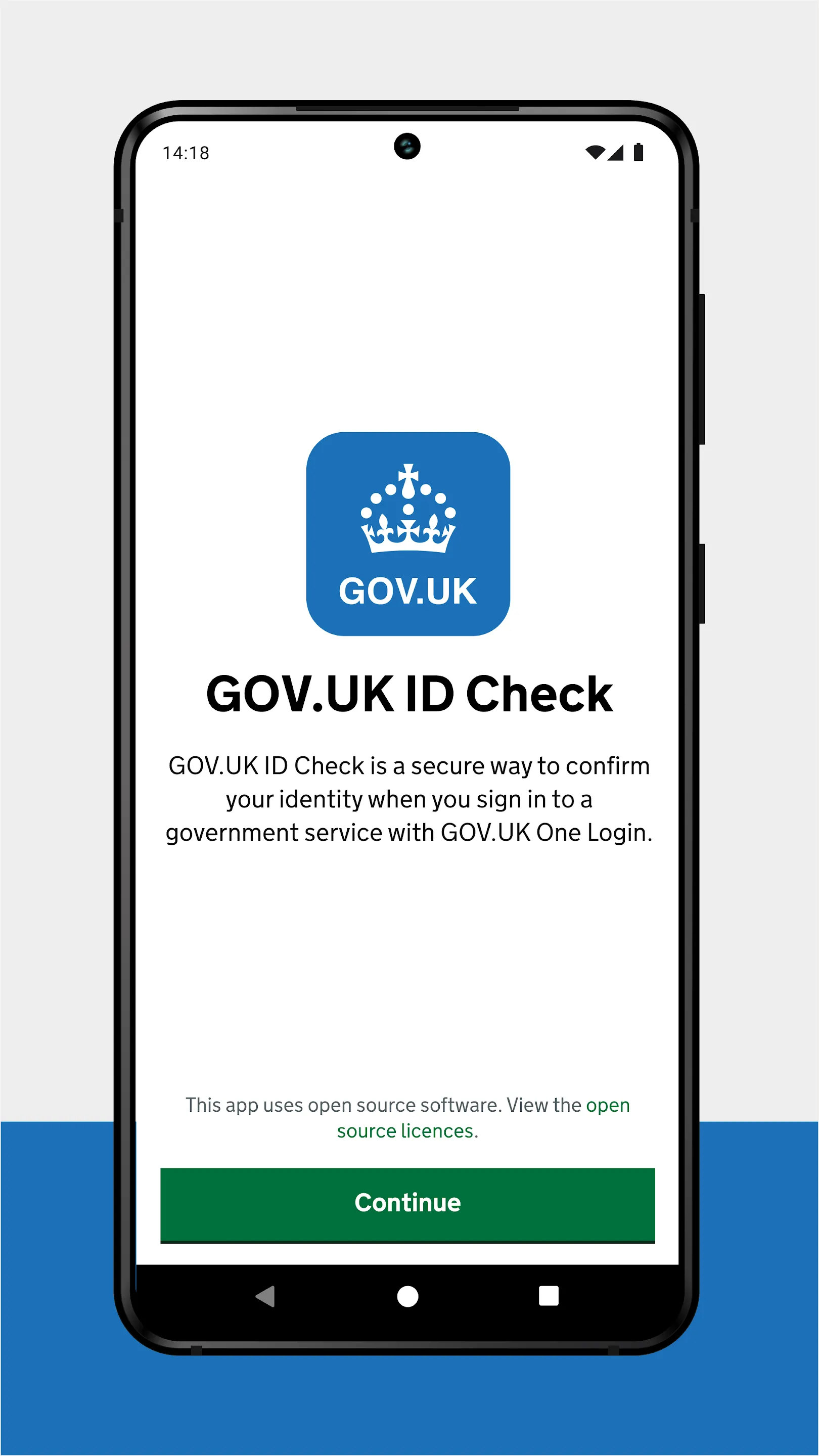
GOV.UK ID Check is a secure way to confirm your identity when you sign in to a government service with GOV.UK One Login. It works by matching your face to your photo ID.
Before you start
You can use any of the following types of photo ID:
• UK photocard driving licence
• UK passport
• non-UK passport with a biometric chip
• UK biometric residence permit (BRP)
• UK biometric residence card (BRC)
• UK Frontier Worker permit (FWP)
You can use an expired BRP, BRC or FWP up to 18 months after its expiry date.
You will also need:
• a well-lit area where you can take a good quality photograph
• an Android phone running Android version 10 or higher
How it works
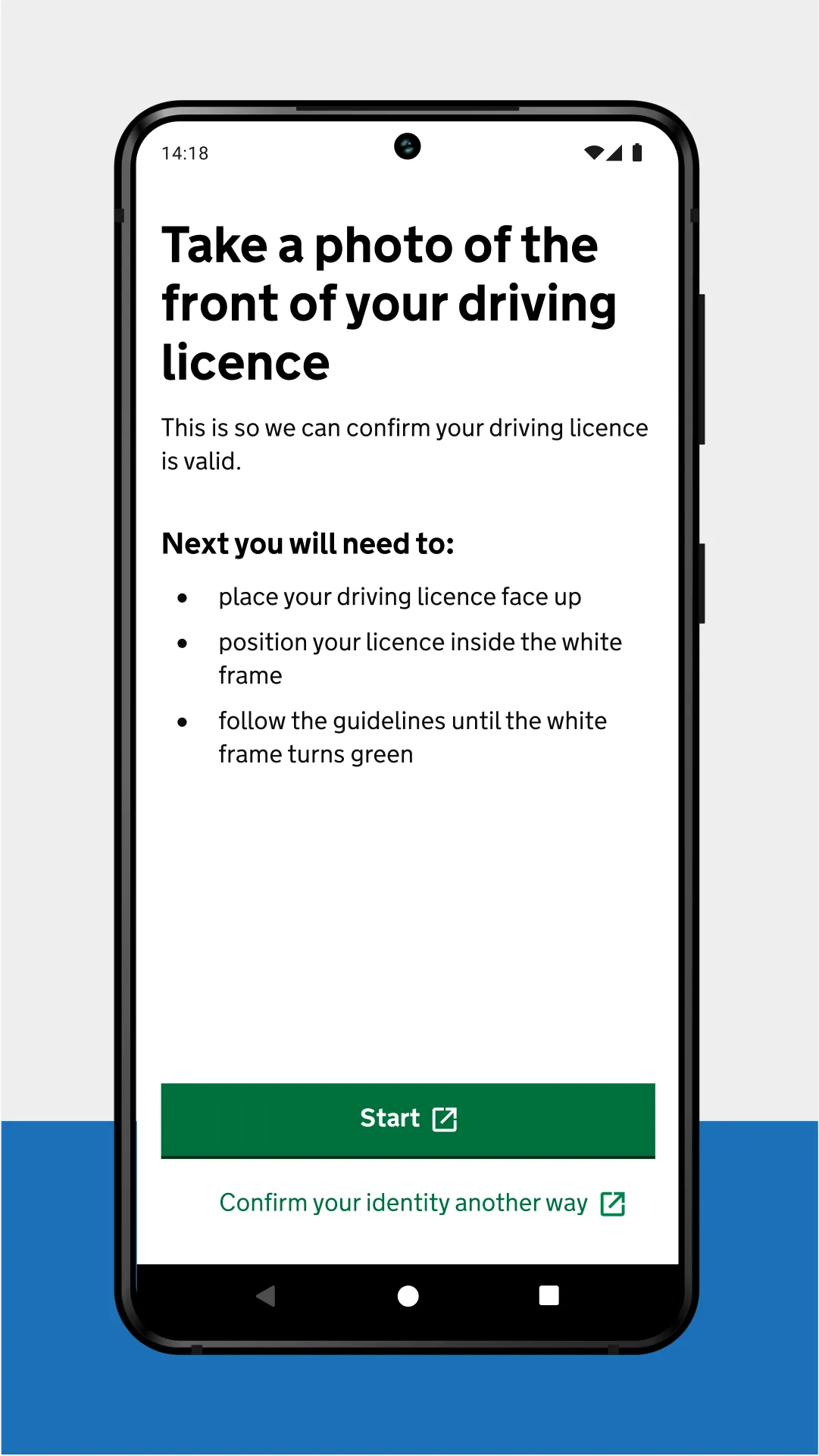
If your photo ID is a driving licence you will:
• take a photo of your driving licence
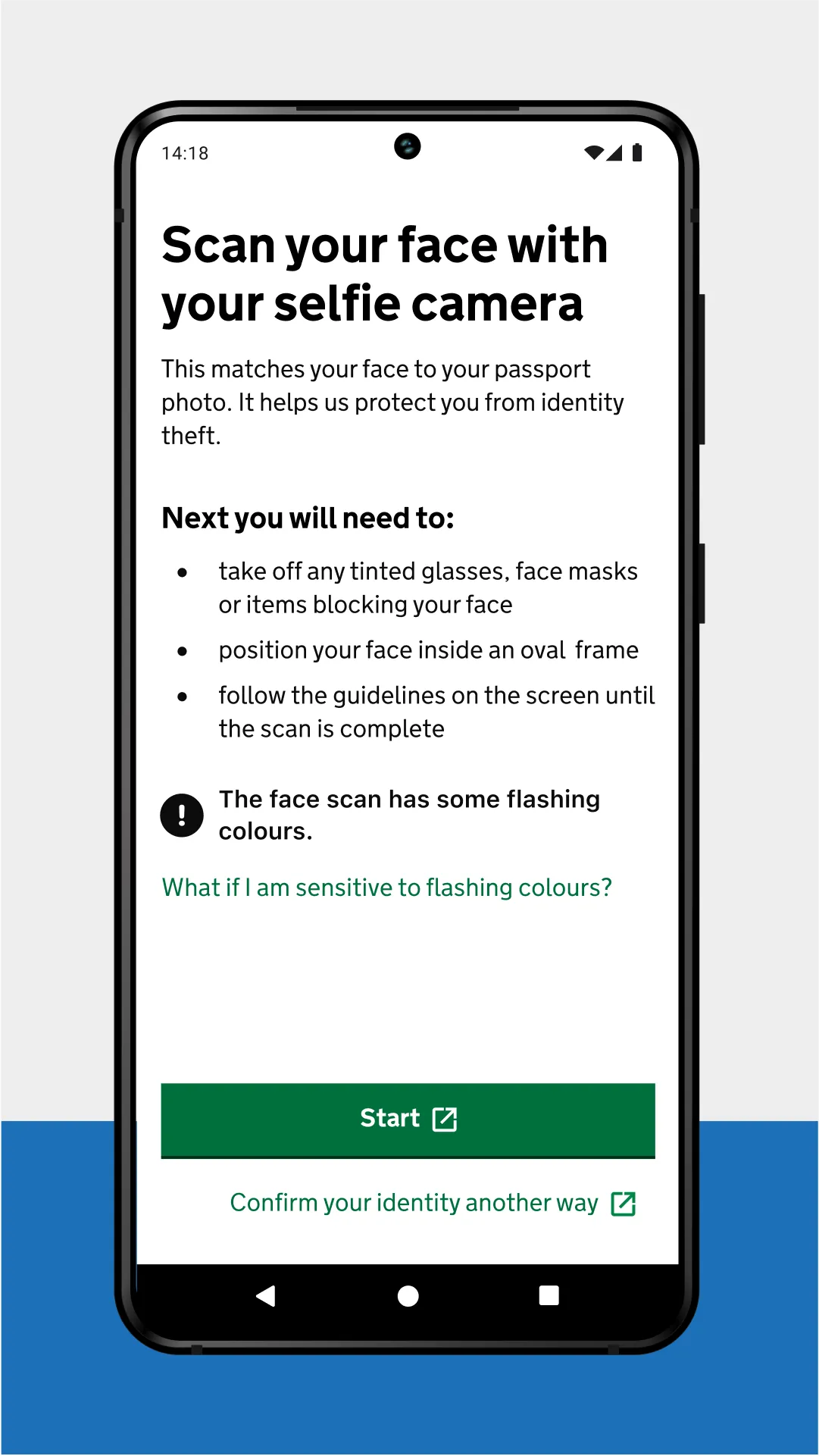
• scan your face using your phone
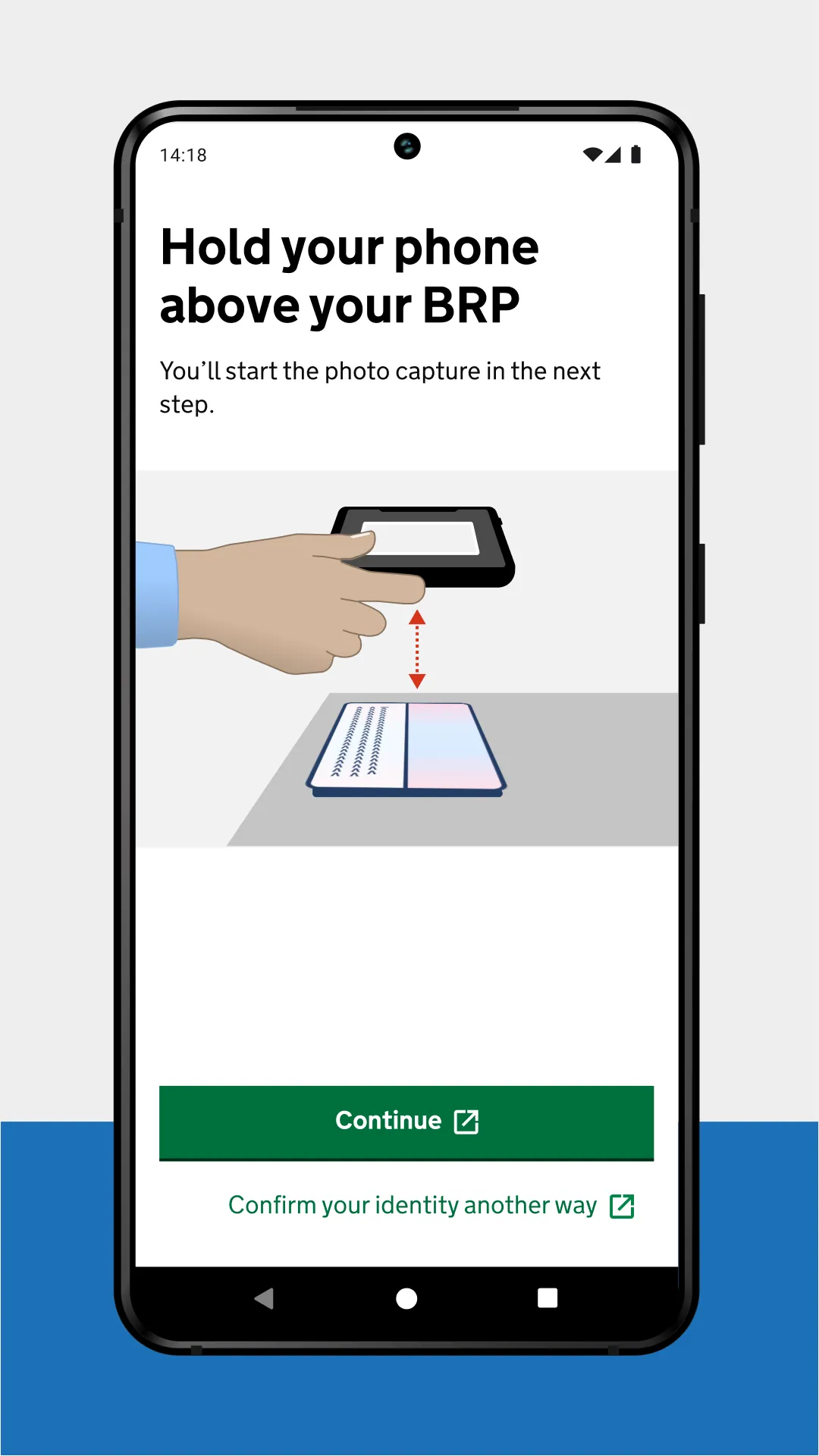
If your photo ID is a passport, BRP, BRC or FWP you will:
• take a photo of your photo ID
• scan the biometric chip in your photo ID using your phone
• scan your face using your phone
What happens next
The app only helps confirm your identity. You will return to the website of the government service you were accessing to view the results of your identity check.
Privacy and security
Your personal information will not be stored in the app, or on the phone when you finish using it. We collect your data securely and delete it when it is no longer needed.
Essential Apps
Ratings
0
0 total ratings
5
73%
4
10%
3
4%
2
3%
1
10%
REVIEWS
No reviews yet. Be the first one to review this app
'%20fill-rule='evenodd'%20clip-rule='evenodd'%20d='M8.04878%200.118571C9.10796%20-0.198465%2010.2321%200.132893%2010.9526%200.961509L18.7058%209.9036H22.0709C23.0433%209.90386%2023.8429%2010.7032%2023.843%2011.6757V13.1309H23.8497C23.8497%2013.4983%2023.5476%2013.8014%2023.1803%2013.8015H19.9372V33.9548C19.9372%2034.423%2019.5703%2034.7975%2019.1021%2034.7977H17.142C15.91%2034.7977%2014.9156%2033.8036%2014.9154%2032.5644V28.0251C13.5538%2028.5582%2012.3722%2028.7169%2010.9963%2028.7169C6.45689%2028.7169%203.74677%2025.6897%203.74677%2020.6099V13.8015H1.77319C0.800641%2013.8015%200.000280942%2013.0091%200%2012.0294V10.573C0.000219737%2010.2057%200.303205%209.9036%200.670545%209.9036H13.5676L5.13039%201.85482C4.82078%201.55938%204.94365%201.04032%205.35428%200.917851L8.04878%200.118571ZM8.78425%2013.8082V20.611C8.78438%2023.1974%209.8151%2024.35%2012.1135%2024.35C12.9637%2024.3499%2014.1167%2024.1489%2014.902%2023.7959V13.8082H8.78425Z'%20fill='white'/%3e%3c/svg%3e)
Permissions
Internet: use your internet connection
Camera: take pictures and record video
Developer Info
Curated for YouSee all






Scan to download on PhonePe Appstore

