
coreorbits
4.0
ratings22 MB
SizeVerified
SCREENSHOTS (7)
About the app
🕹️ GamerPad: Turn Your Phone Into a Wireless Gamepad
GamerPad lets you use your smartphone as a wireless game controller for your computer. It's the perfect solution for gamers who want a simple, fast, and cable-free way to play their favorite games using their phone as a virtual gamepad.
Whether you enjoy action-packed shooters, racing games, retro classics, or emulators, GamerPad transforms your mobile device into a responsive and customizable controller — right over your local Wi-Fi network.
🔧 Key Features:
• Wireless Gamepad for PC Games
No cables, no drivers, multi-device support (2+ phones) — just connect over Wi-Fi and start gaming.
• Modern & Intuitive Layout
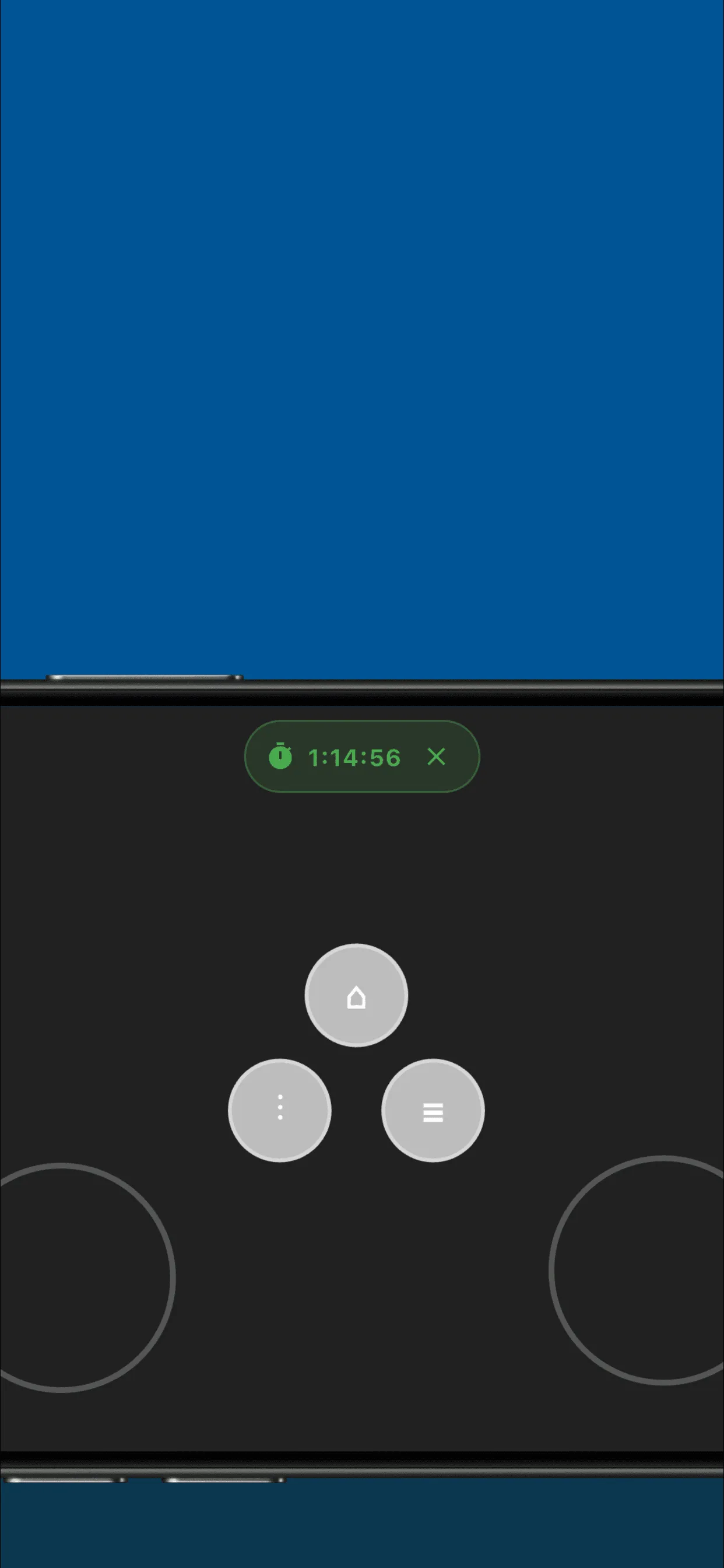
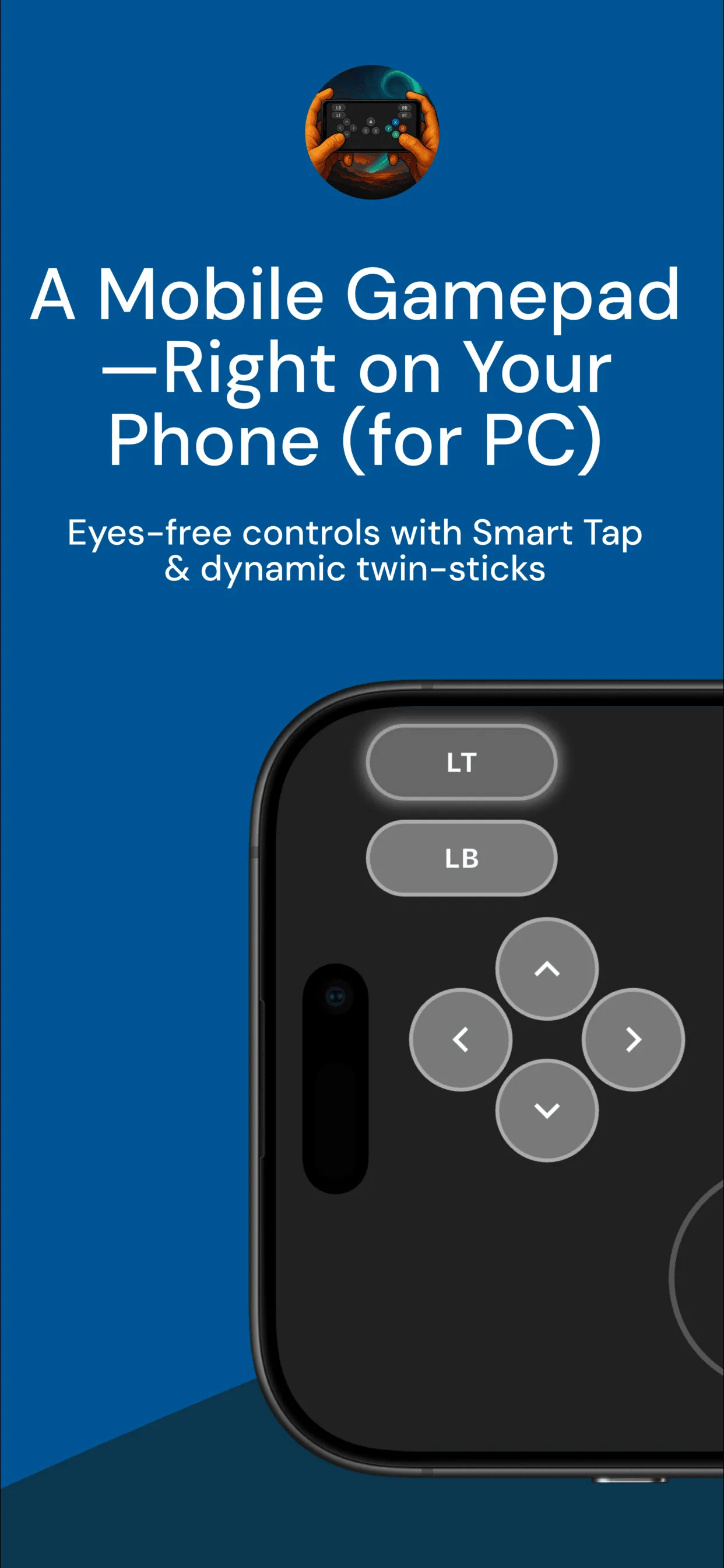
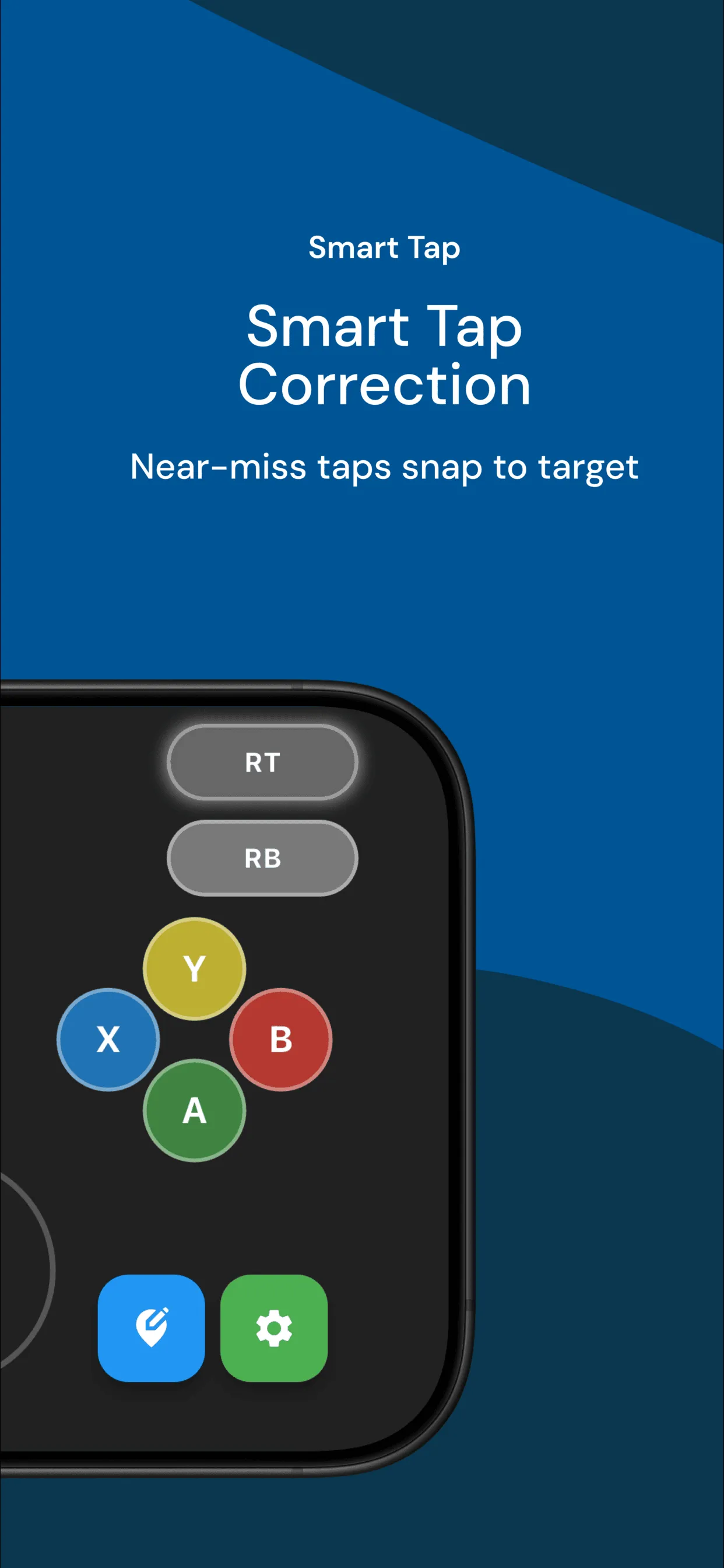
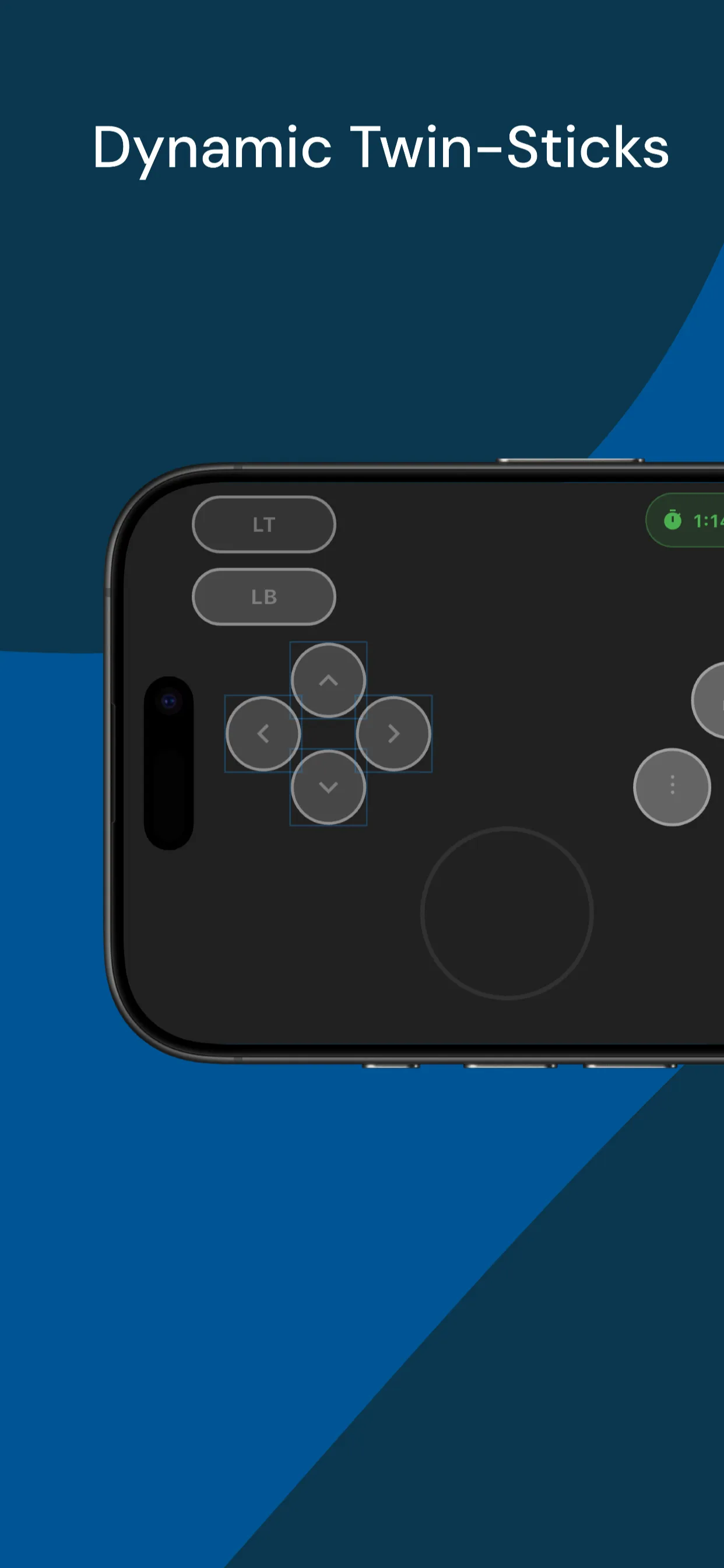
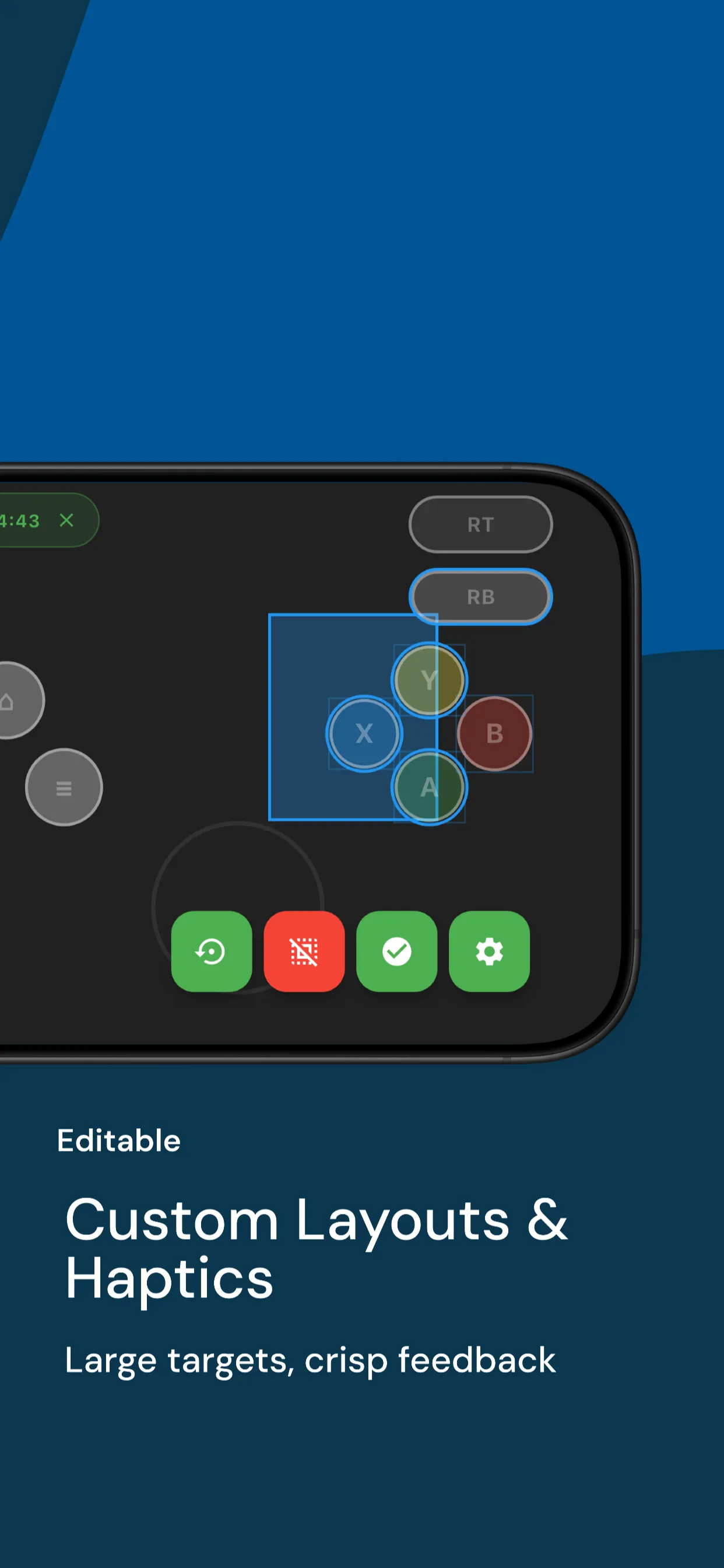
Enjoy an easy-to-use controller layout with buttons, D-pad, analog sticks, triggers.
• Low Latency Control
GamerPad is optimized for fast input delivery with minimal delay, providing a smooth gameplay experience.
• Customizable Experience
Change layouts and sensitivity to match your play style.
• Cross-Platform Plans
Currently supports Windows. macOS, Linux, and Android TV support are on our roadmap.
• Privacy-Focused
No accounts, no tracking. Your data stays on your device.
🖥️ How It Works:
Install the GamerPad Server
Download and install the GamerPad server app on your computer from our official website.
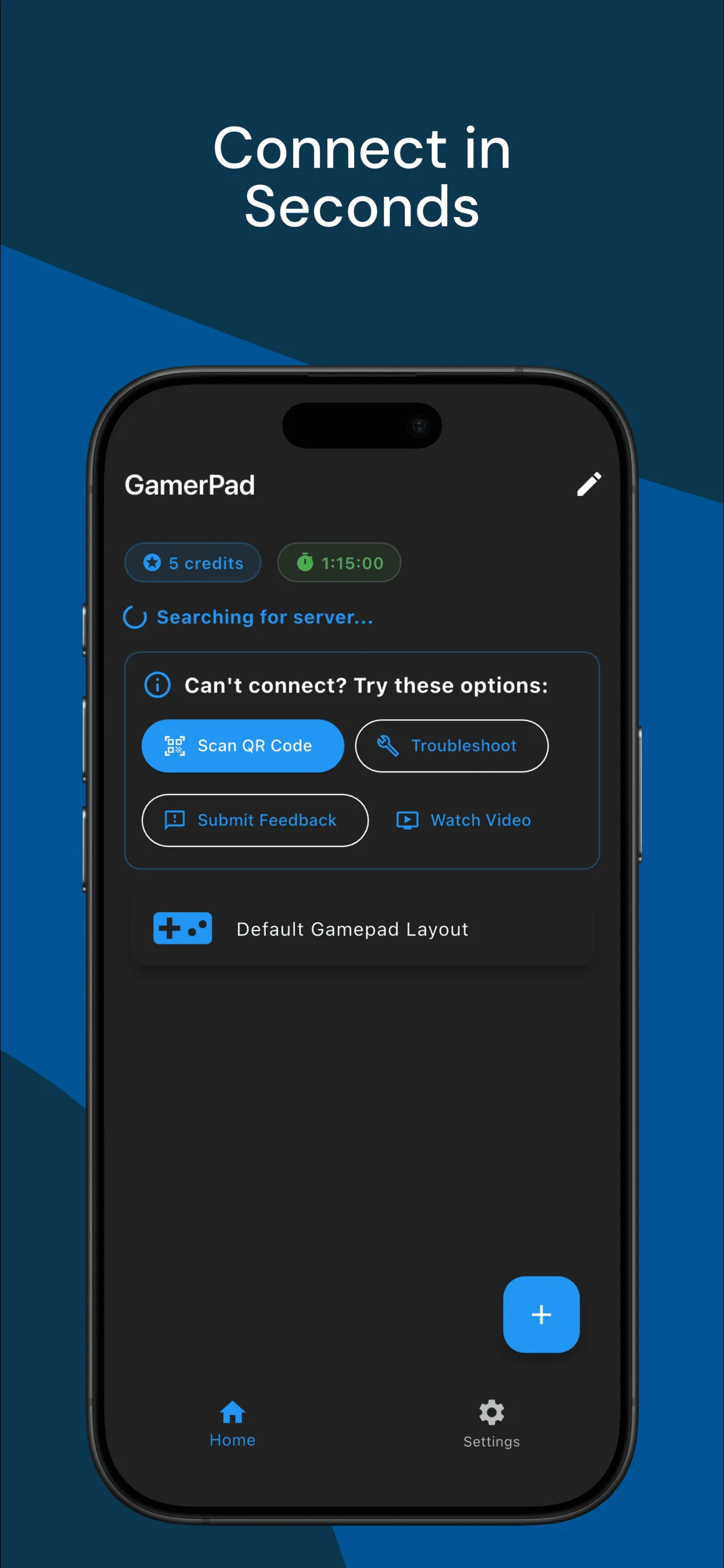
Connect Over Wi-Fi
Make sure your phone and computer are on the same local Wi-Fi network.
Automatic Connection
GamerPad will automatically discover and connect to the server over your local Wi-Fi network.
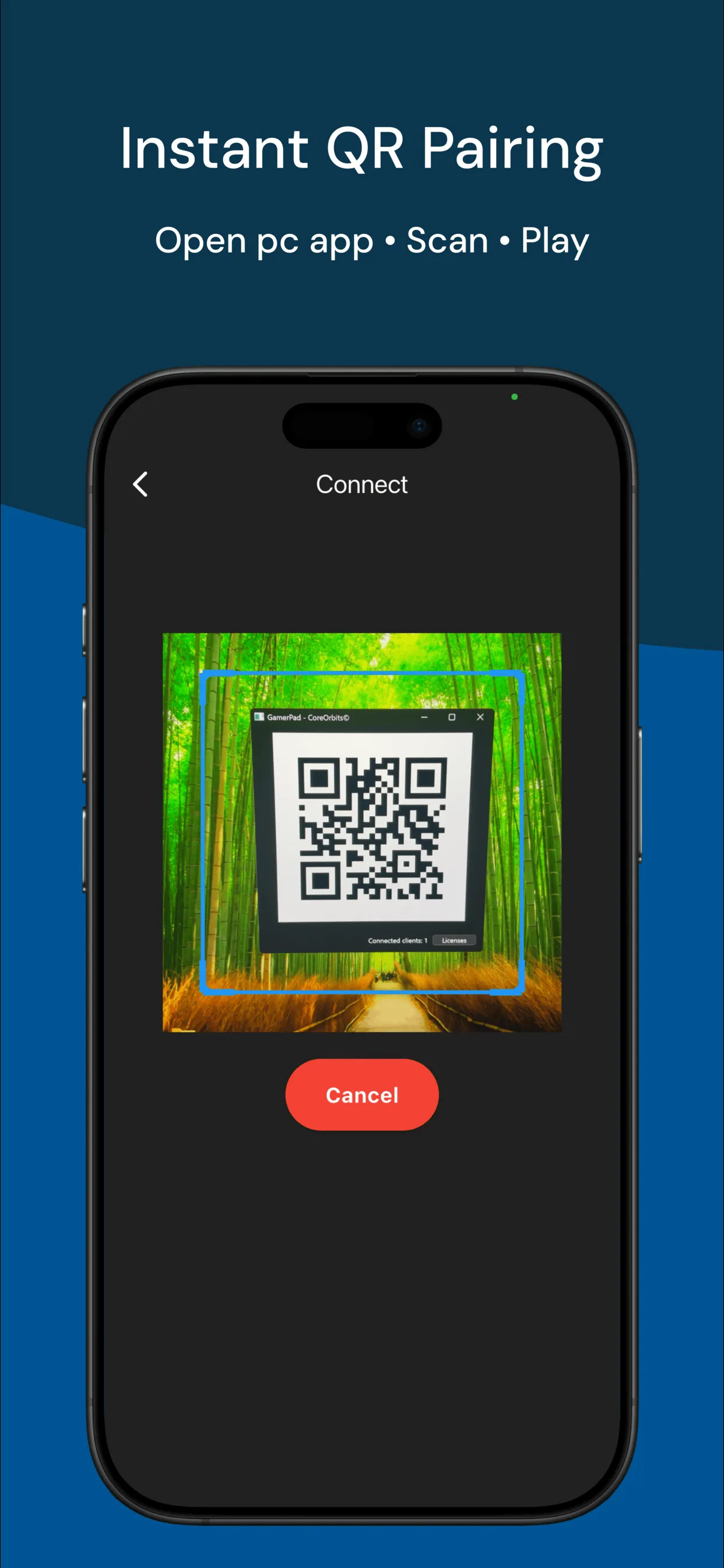
QR Code Fallback
If automatic discovery fails, simply scan the on-screen QR code with your phone to connect instantly.
Start Playing
Your phone becomes a fully functional gamepad. Play and enjoy!
🎮 Ideal For:
• PC gamers who want a portable, wireless gamepad
• Gamers without a physical controller
• Retro and emulator gaming setups
• Quick multiplayer sessions with friends
🚀 Future Updates:
We are actively developing GamerPad and will be releasing updates regularly. Upcoming features include:
Full layout customization
Bluetooth support
Game-specific profiles
Linux compatibility
Gyro sensor support
📦 Requirements:
• GamerPad app installed on your phone
• GamerPad server installed on your PC
• Both devices connected to the same Wi-Fi network
• Windows 10 or higher (for now)
Ready to transform your phone into a powerful wireless controller?
Download GamerPad now and start gaming smarter!
Essential Apps
Ratings
0
0 total ratings
5
73%
4
10%
3
4%
2
3%
1
10%
REVIEWS
No reviews yet. Be the first one to review this app
'%20fill-rule='evenodd'%20clip-rule='evenodd'%20d='M8.04878%200.118571C9.10796%20-0.198465%2010.2321%200.132893%2010.9526%200.961509L18.7058%209.9036H22.0709C23.0433%209.90386%2023.8429%2010.7032%2023.843%2011.6757V13.1309H23.8497C23.8497%2013.4983%2023.5476%2013.8014%2023.1803%2013.8015H19.9372V33.9548C19.9372%2034.423%2019.5703%2034.7975%2019.1021%2034.7977H17.142C15.91%2034.7977%2014.9156%2033.8036%2014.9154%2032.5644V28.0251C13.5538%2028.5582%2012.3722%2028.7169%2010.9963%2028.7169C6.45689%2028.7169%203.74677%2025.6897%203.74677%2020.6099V13.8015H1.77319C0.800641%2013.8015%200.000280942%2013.0091%200%2012.0294V10.573C0.000219737%2010.2057%200.303205%209.9036%200.670545%209.9036H13.5676L5.13039%201.85482C4.82078%201.55938%204.94365%201.04032%205.35428%200.917851L8.04878%200.118571ZM8.78425%2013.8082V20.611C8.78438%2023.1974%209.8151%2024.35%2012.1135%2024.35C12.9637%2024.3499%2014.1167%2024.1489%2014.902%2023.7959V13.8082H8.78425Z'%20fill='white'/%3e%3c/svg%3e)
Permissions
Location: access this device"s location
Internet: use your internet connection
Camera: take pictures and record video
Developer Info
Curated for YouSee all






Scan to download on PhonePe Appstore

