

Samsung Electronics Co., Ltd.
4.0
ratings36 MB
SizeVerified
SCREENSHOTS (8)
About the app
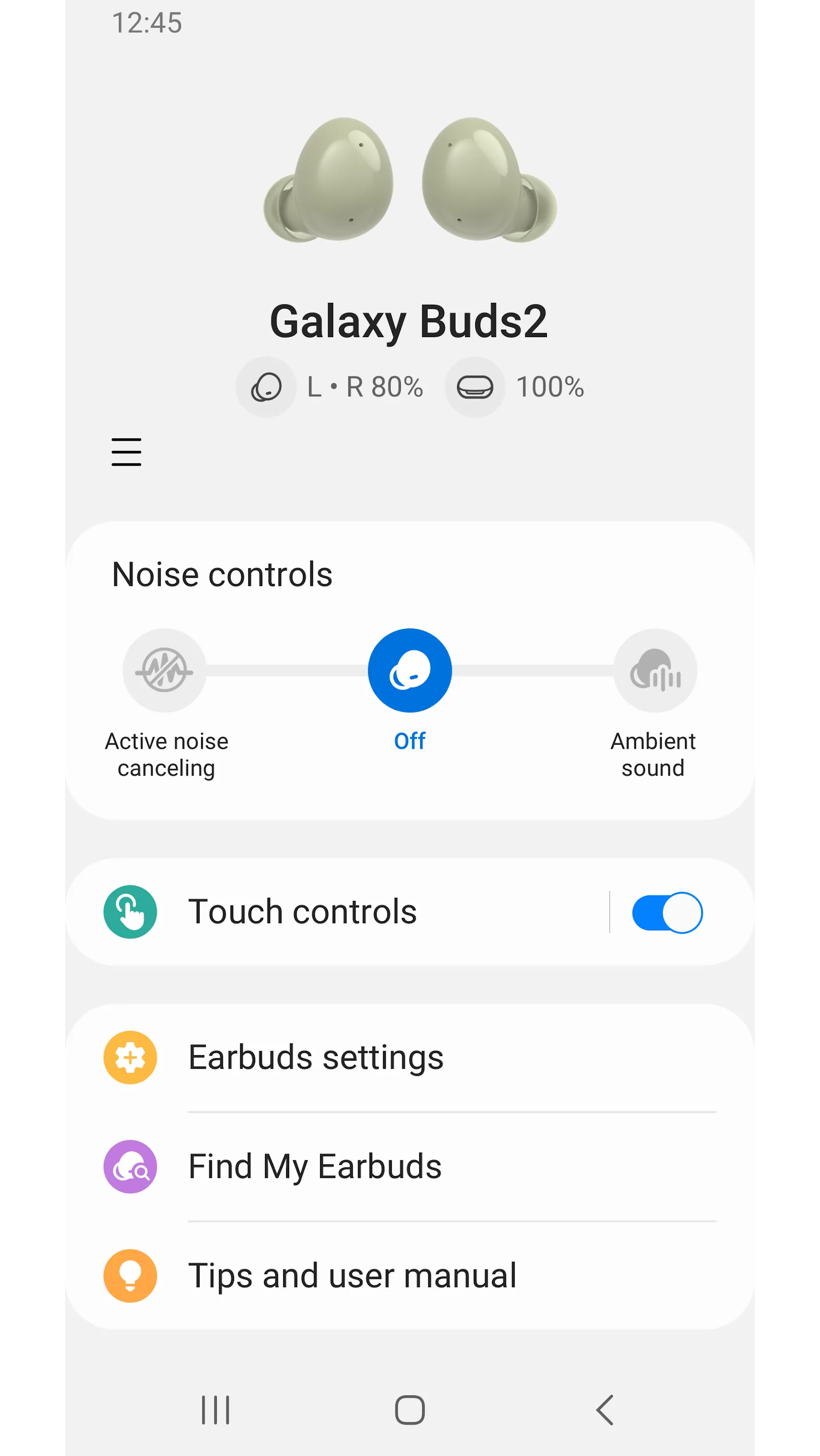
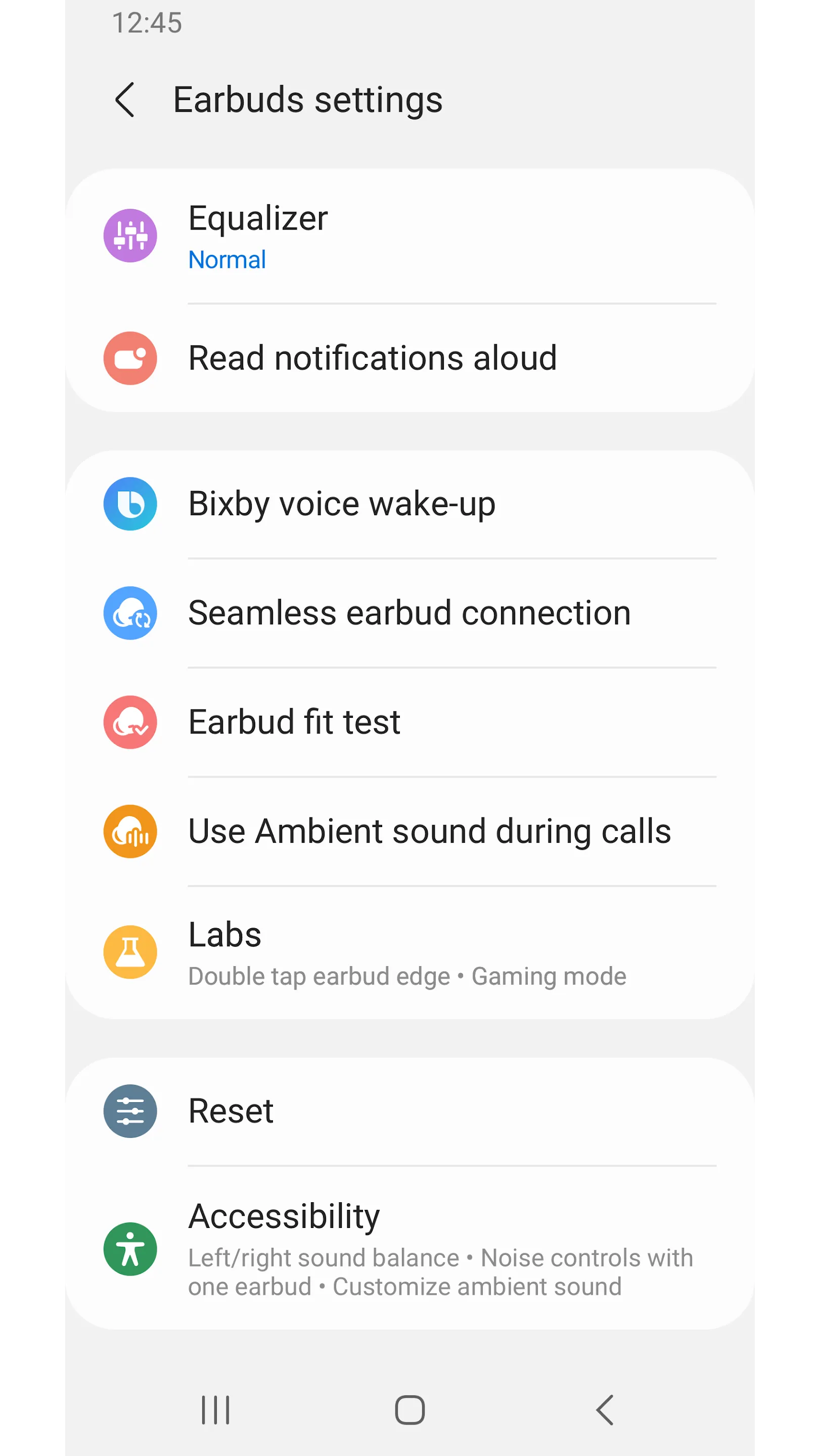
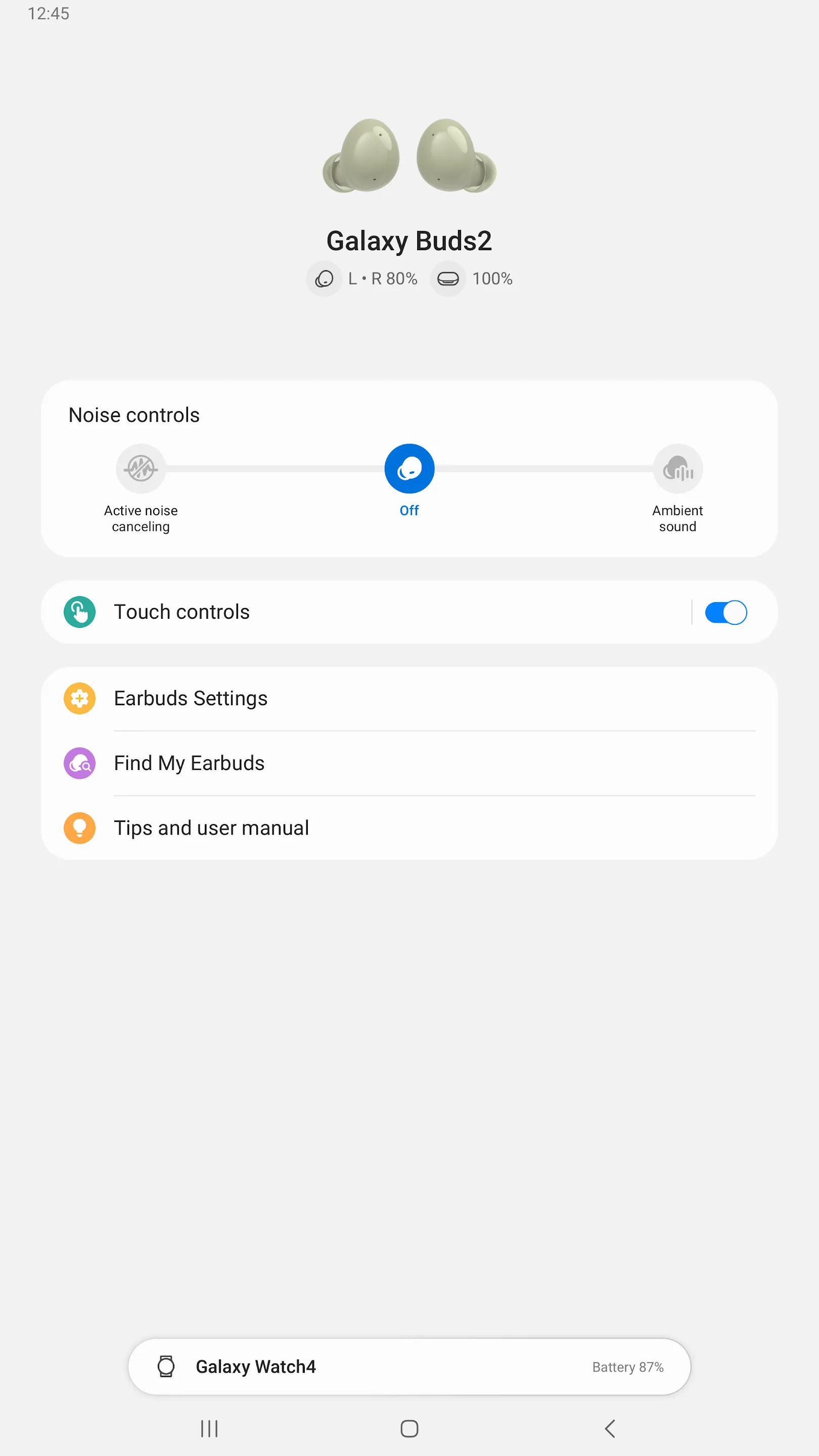
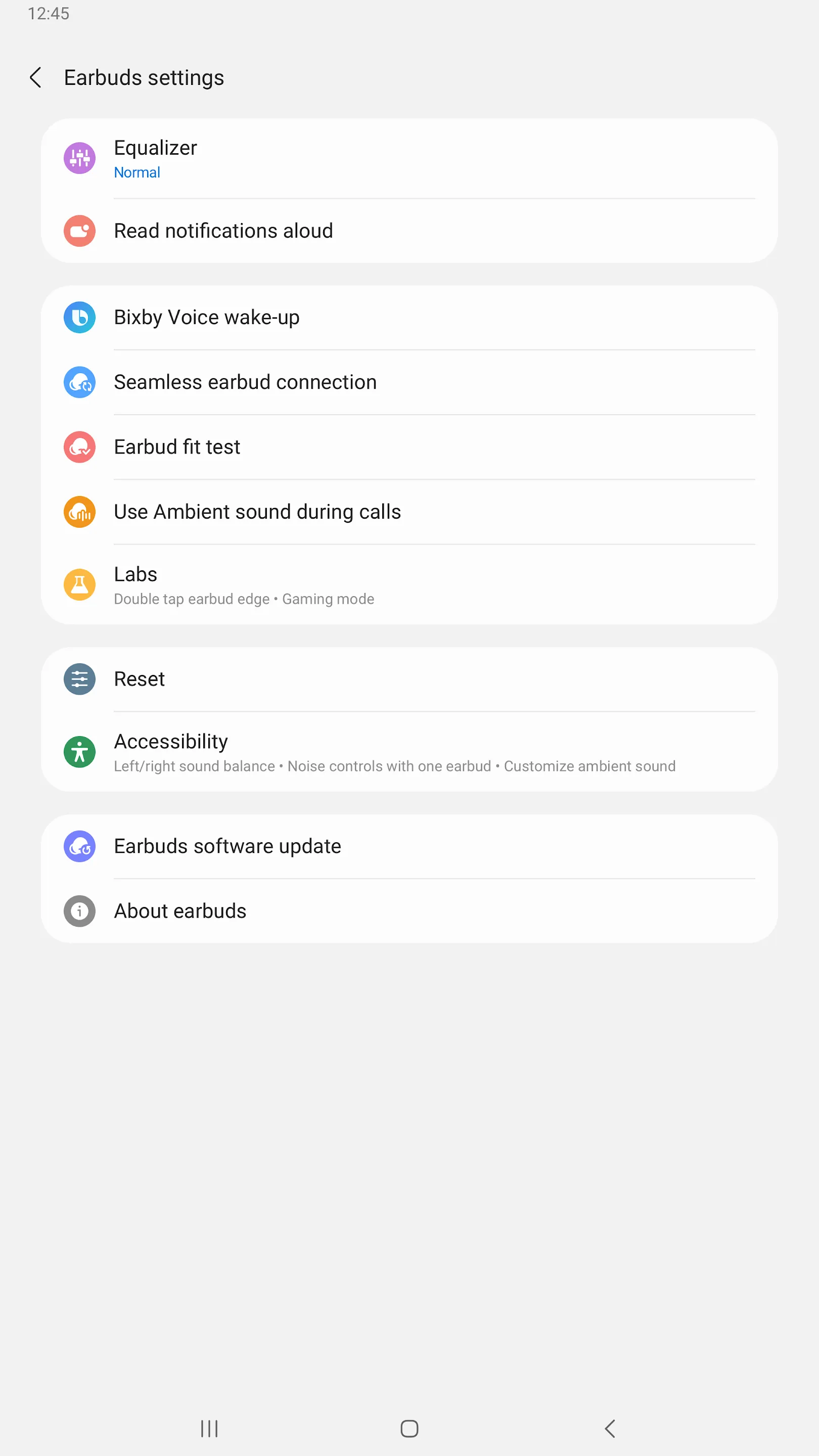
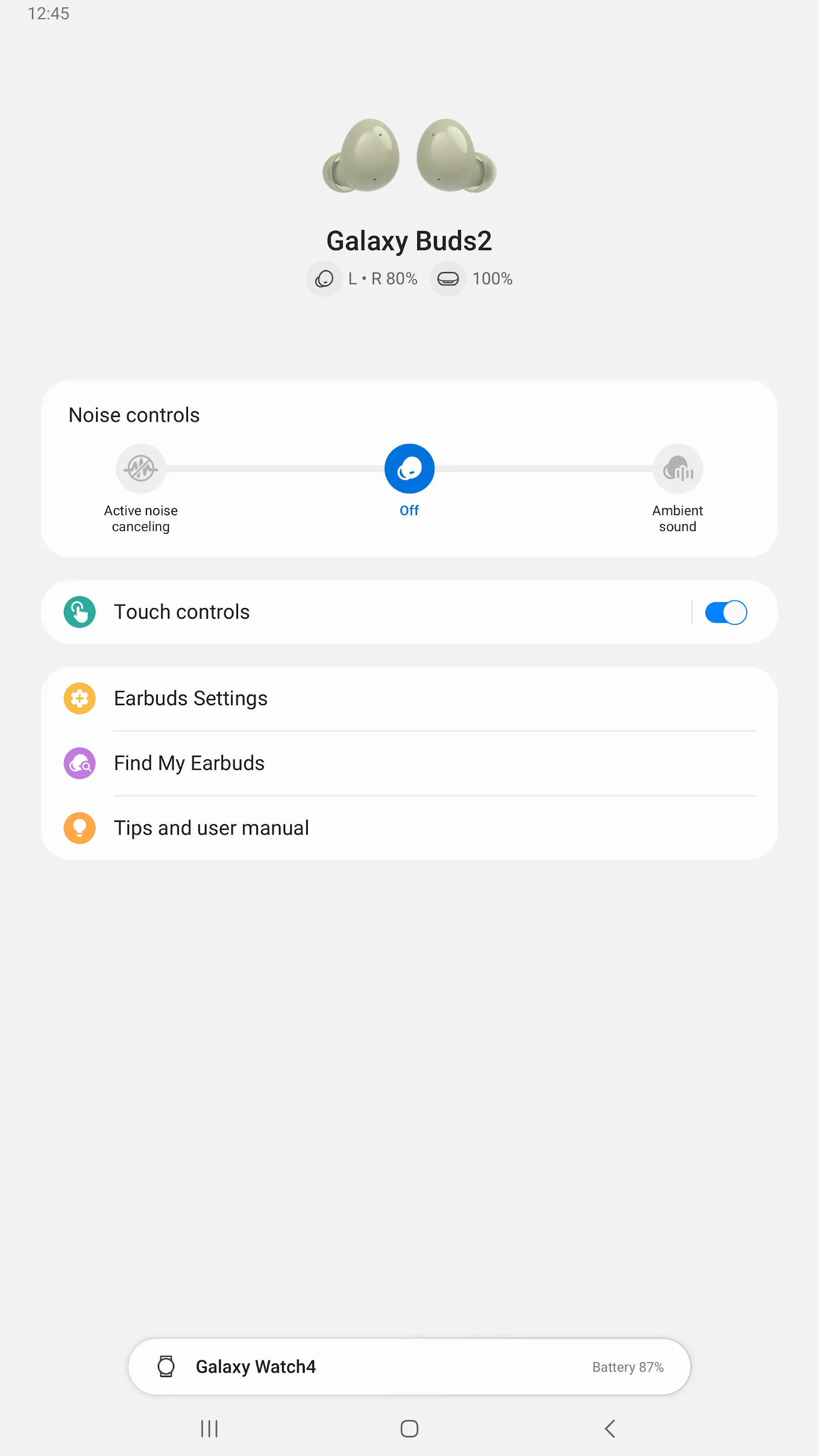
The Galaxy Buds2 Manager allows you to use features such as device settings and status view when connected to a Galaxy Buds2 device.
This application does not work alone because this is a component of the Galaxy Wearable application.
The Galaxy Wearable application has to be installed first for the Galaxy Buds2 Manager application to operate normally.
※ Please allow the permissions of the Galaxy Buds2 Manager in Android Settings to use all the features in Android 7.0 or later.
Settings > Applications > Galaxy Buds2 Manager> Permissions
※ Access rights information
The following permissions are required for the app service. For optional permissions, the default functionality of the service is turned on, but not allowed.
[Required Permissions]
- Notifications : Purpose for confirming voice notification function
- Contacts : Purpose for confirming Contacts information for voice notification function
- Phone : Purpose for confirming Contacts information for voice notification function
- Calendar : Purpose for checking Calendar information for using voice notification function
- Call logs : Purpose for confirming Call logs information for voice notification function
- Nearby devices : Purpose for confirming to search Buds Devices
- SMS: Purpose for confirming SMS contents for voice notification
[Optional Permissions]
-None
Previously allowed permissions can be reset on Apps menu in device settings after software update.
Essential Apps
Ratings
0
0 total ratings
5
73%
4
10%
3
4%
2
3%
1
10%
REVIEWS
No reviews yet. Be the first one to review this app
'%20fill-rule='evenodd'%20clip-rule='evenodd'%20d='M8.04878%200.118571C9.10796%20-0.198465%2010.2321%200.132893%2010.9526%200.961509L18.7058%209.9036H22.0709C23.0433%209.90386%2023.8429%2010.7032%2023.843%2011.6757V13.1309H23.8497C23.8497%2013.4983%2023.5476%2013.8014%2023.1803%2013.8015H19.9372V33.9548C19.9372%2034.423%2019.5703%2034.7975%2019.1021%2034.7977H17.142C15.91%2034.7977%2014.9156%2033.8036%2014.9154%2032.5644V28.0251C13.5538%2028.5582%2012.3722%2028.7169%2010.9963%2028.7169C6.45689%2028.7169%203.74677%2025.6897%203.74677%2020.6099V13.8015H1.77319C0.800641%2013.8015%200.000280942%2013.0091%200%2012.0294V10.573C0.000219737%2010.2057%200.303205%209.9036%200.670545%209.9036H13.5676L5.13039%201.85482C4.82078%201.55938%204.94365%201.04032%205.35428%200.917851L8.04878%200.118571ZM8.78425%2013.8082V20.611C8.78438%2023.1974%209.8151%2024.35%2012.1135%2024.35C12.9637%2024.3499%2014.1167%2024.1489%2014.902%2023.7959V13.8082H8.78425Z'%20fill='white'/%3e%3c/svg%3e)
Permissions
Contacts: access your contacts
Internet: use your internet connection
Phone: make and manage phone calls
Calendar: access your calendar
Curated for YouSee all






Scan to download on PhonePe Appstore

