
Thaaraa's World
4.0
ratings4 MB
SizeVerified
SCREENSHOTS (8)
About the app
✅ Want to Check Dead or Defective Pixels in your mobile?
✅ Want to Fix the Dead or Defective pixels ?
✅ Found any of the below problems 🙄?
👀 Dead or Defective?
👀 Dotted Line?
👀 Black spot?
👀 White Stripe?
👀 Lcd Strip Line
👁️ Dark dot defect
👁️ Bright dot defect
👁️ Stuck sub-pixel
👁️ Partial sub-pixel defect
👁️ Tape automated bonding fault
🙋♂️ Don't Worry you are in the right place. Here is our small application used to check following
✔️ Identify Defective Pixel
✔️ Find Dead, Abnormal Pixels & stuck pixel present or not
✔️ Fix Dead, Defective & stuck pixel
✔️ Screen Display Information
🌾 Features 🌾
🌟 Completely Full Screen supported for all devices
🌟 Fully notch supported for all cutout notch devices
👍 Top display
👍 Bottom display
👍 Tall display
👍 Corner display
🌟 Detailed Display information about mobile screen
🌟 More Different methods to fix dead pixels
🌟 Target Spot Method for minimal defective place
☰ Our application having following options ☰
✔️ Home
✔️ Test
✔️ Fix
🏠 Home
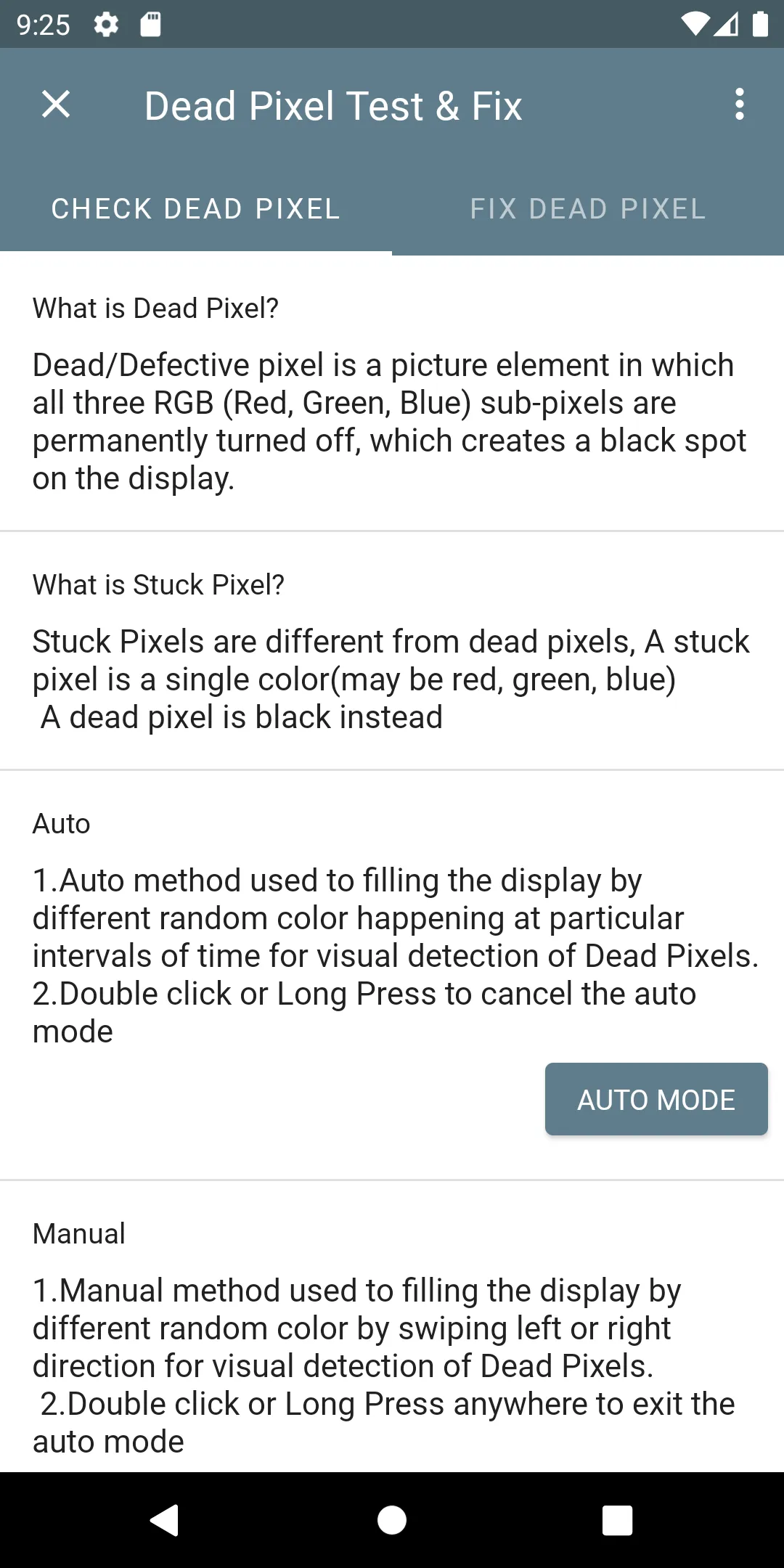
✍️ What is Dead Pixel? ✍️
💠 Dead/Defective pixel is a picture element in which all three RGB (Red, Green, Blue) sub-pixels are permanently turned off, which creates a black spot on the display.
✍️ What is Stuck Pixel? ✍️
💠 Stuck Pixels are different from dead pixels, A stuck pixel is a single color(may be red, green, blue) A dead pixel is black instead
ℹ️ Display Info ℹ️
Before Going to further into the application. As a owner of the mobile you have to know about your mobile display information fully. This option is used to show the following display details of the Mobile/Tablet/TV
✨ Device Model
✨ Display Name
✨Touch Screen
✨ Diagonal
✨ Refresh Rate
🔥 Resolution
🔥 Calculated Ratio
🔥 Absolute Ratio
🔥 Density DPI
🔥 Orientation
🌟 X DPI
🌟 Y DPI
🌟 PPI
🌟 Hdr (High Dynamic Range)
🌟 Supported Hdr Types
⚜️ Supported Modes
⚜️ Luminance
⚜️ WideColorGamut
⚜️ WideColorGamut Rendering
⚜️ GlEs Version
🌟 Display Id Name
🌟 Manufacturer Pnp Id
🌟 Display Model Year
🌟 The year of manufacture
Test
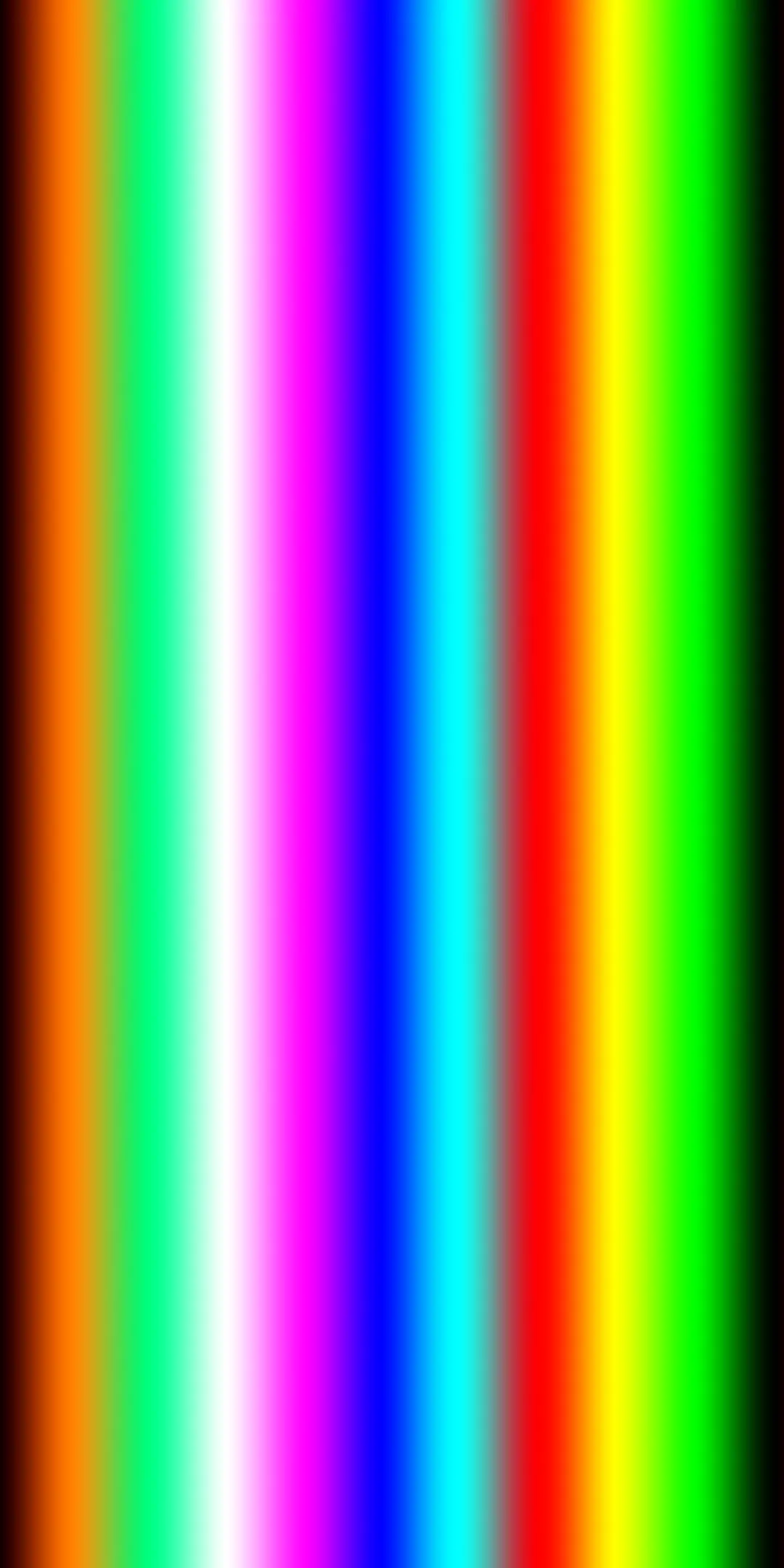
🤳 There are two methods available called Auto & Manual solid color by Auto or Manual Mode
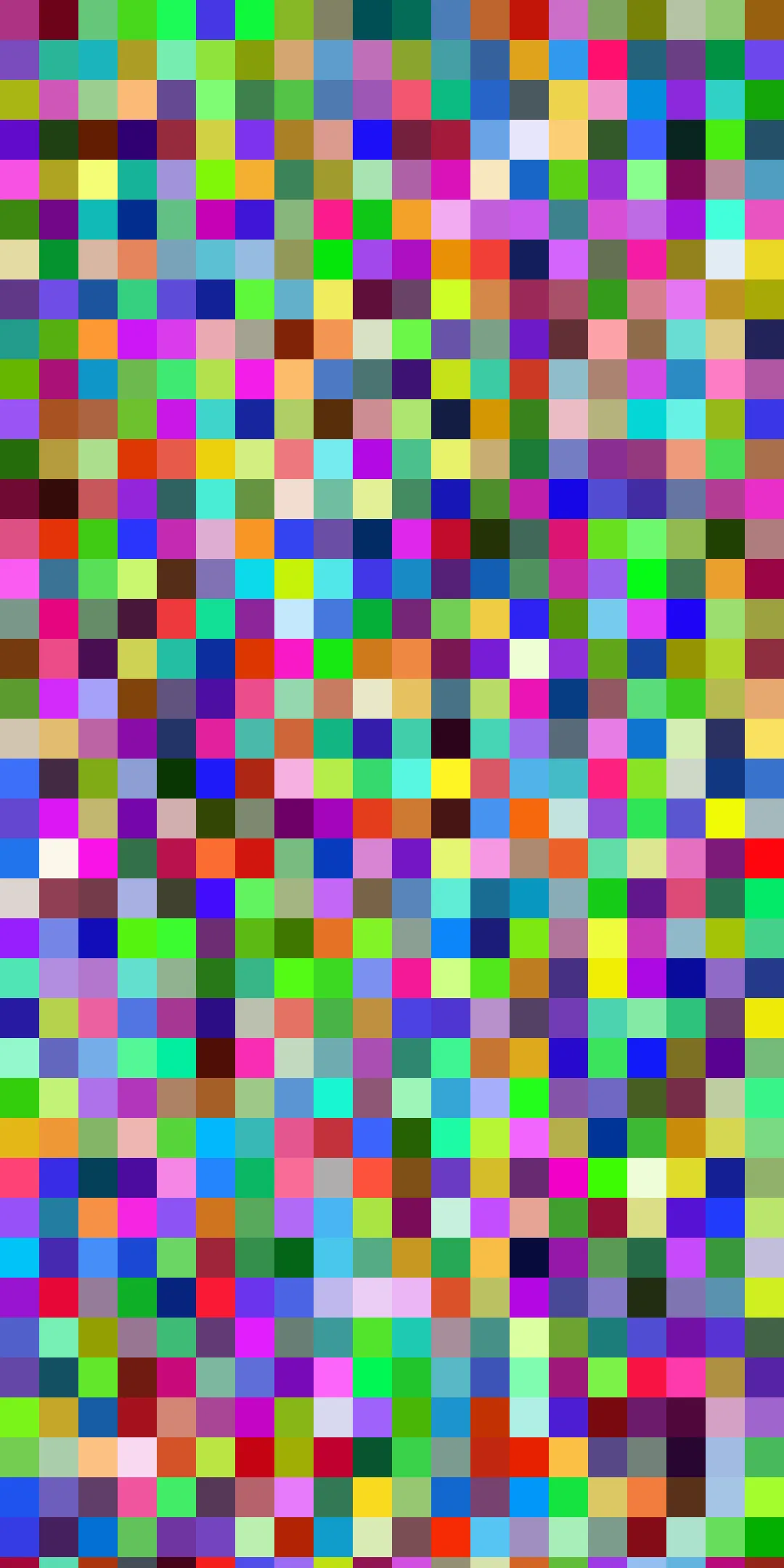
📲 Auto method used to fill the display by different random colors happening at particular intervals of time for visual detection of Dead Pixels.
🤳 Manual Method used to fill the display by different random colors. Users can fill with different colors by swiping the color slide & can detect of Dead Pixels.
📲 User can exit or cancel at any time by Double clicking or long pressing any where in the screen
Fix
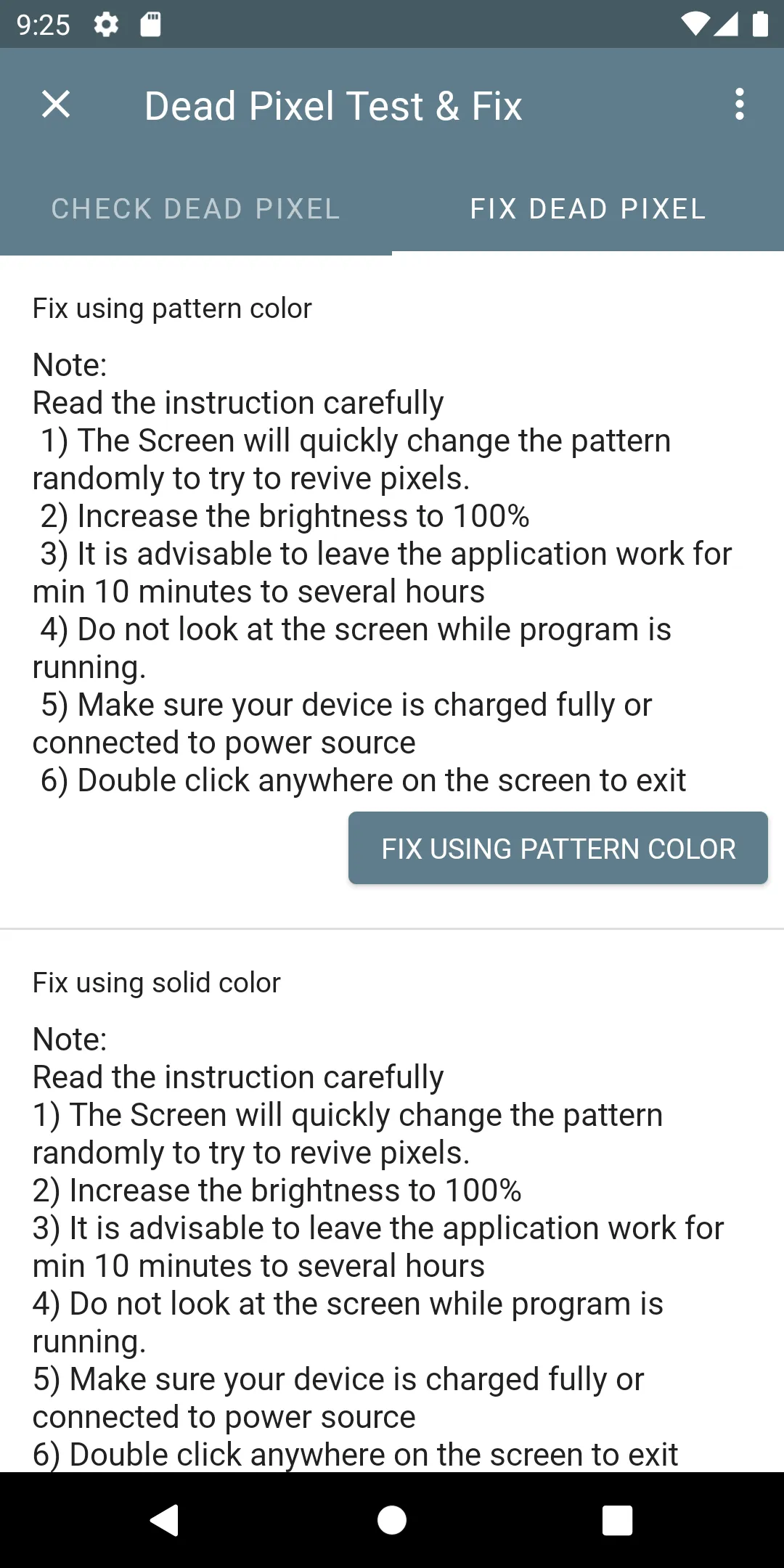
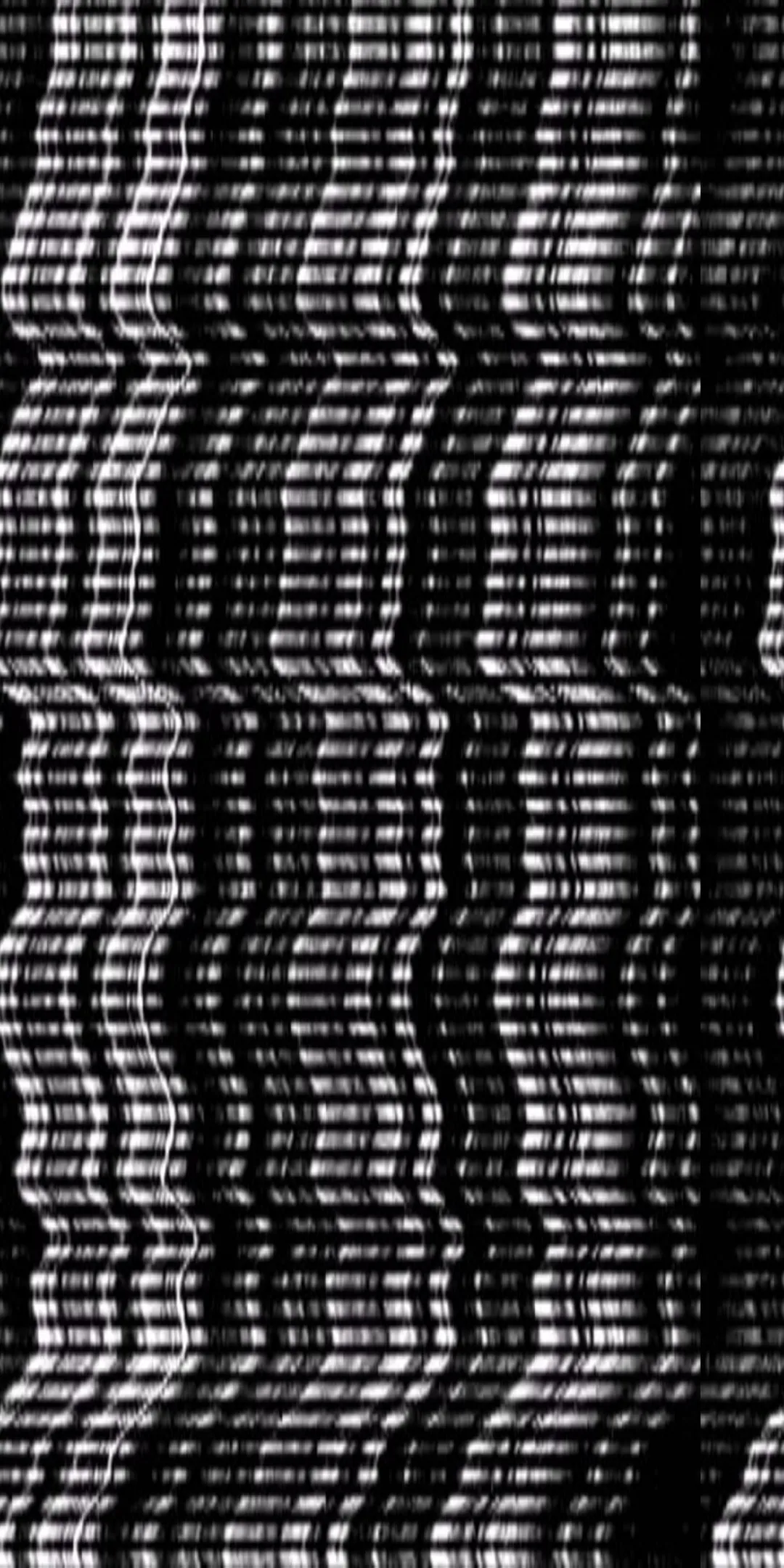
📱 User can fix the dead pixel by simplest & efficient methods. If display screen having minimal dead pixel user can choose Target spot method otherwise can select other methods.There are four Fix methods available
⚙️ Target Spot Method (TSM)
⚙️ Box Method
⚙️ Pattern Method
⚙️ Color Method
Read the instruction carefully
1) Dead pixel view will quickly change the pattern randomly to try to revive pixels.
2) Increase the brightness to 100%
3) It is advisable to leave the application work for min 10 minutes to several hours
4) Do not look at the screen while the program is running.
5) Make sure your device is charged fully or connected to power source
❤️ Heartily Thank you for using our Application
😎 If you like this application, share it with your friends.
⭐ Your 🌟 Rating 🤩 Review ✍️ are very important to us to keep us motivated,
🤷♂️ Have any doubt? found any bugs? Have any problems? kindly leave a mail to
[email protected] before low rating.
💁🏼 There are so many Phone/Tablet/Tv models around the world. We are hardly working for each & every device. So please send mail before adding a low rating.
Disclaimer
This app doesn't guarantee that the dead pixels or defective pixels will be completely fixed.
Sometimes this problem is related to the touchscreen hardware that cannot be repaired through application software.
Essential Apps
Ratings
0
0 total ratings
5
73%
4
10%
3
4%
2
3%
1
10%
REVIEWS
No reviews yet. Be the first one to review this app
'%20fill-rule='evenodd'%20clip-rule='evenodd'%20d='M8.04878%200.118571C9.10796%20-0.198465%2010.2321%200.132893%2010.9526%200.961509L18.7058%209.9036H22.0709C23.0433%209.90386%2023.8429%2010.7032%2023.843%2011.6757V13.1309H23.8497C23.8497%2013.4983%2023.5476%2013.8014%2023.1803%2013.8015H19.9372V33.9548C19.9372%2034.423%2019.5703%2034.7975%2019.1021%2034.7977H17.142C15.91%2034.7977%2014.9156%2033.8036%2014.9154%2032.5644V28.0251C13.5538%2028.5582%2012.3722%2028.7169%2010.9963%2028.7169C6.45689%2028.7169%203.74677%2025.6897%203.74677%2020.6099V13.8015H1.77319C0.800641%2013.8015%200.000280942%2013.0091%200%2012.0294V10.573C0.000219737%2010.2057%200.303205%209.9036%200.670545%209.9036H13.5676L5.13039%201.85482C4.82078%201.55938%204.94365%201.04032%205.35428%200.917851L8.04878%200.118571ZM8.78425%2013.8082V20.611C8.78438%2023.1974%209.8151%2024.35%2012.1135%2024.35C12.9637%2024.3499%2014.1167%2024.1489%2014.902%2023.7959V13.8082H8.78425Z'%20fill='white'/%3e%3c/svg%3e)
Permissions
Storage: access photos, media, and files on your device
Internet: use your internet connection
Phone: make and manage phone calls
Developer Info
Curated for YouSee all






Scan to download on PhonePe Appstore

