

Bheem Tech Tools
4.0
ratings11 MB
SizeVerified
SCREENSHOTS (8)
About the app
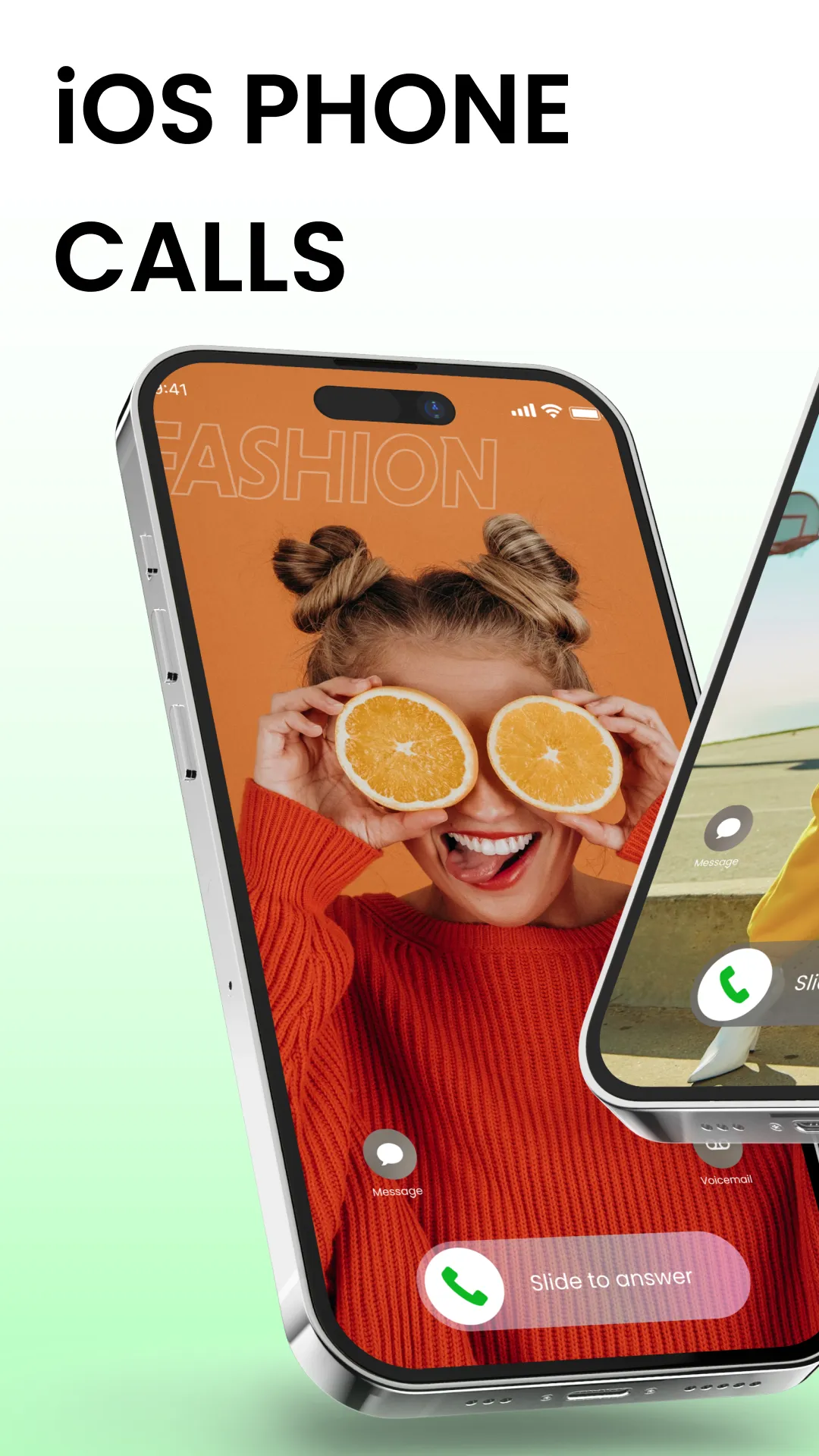
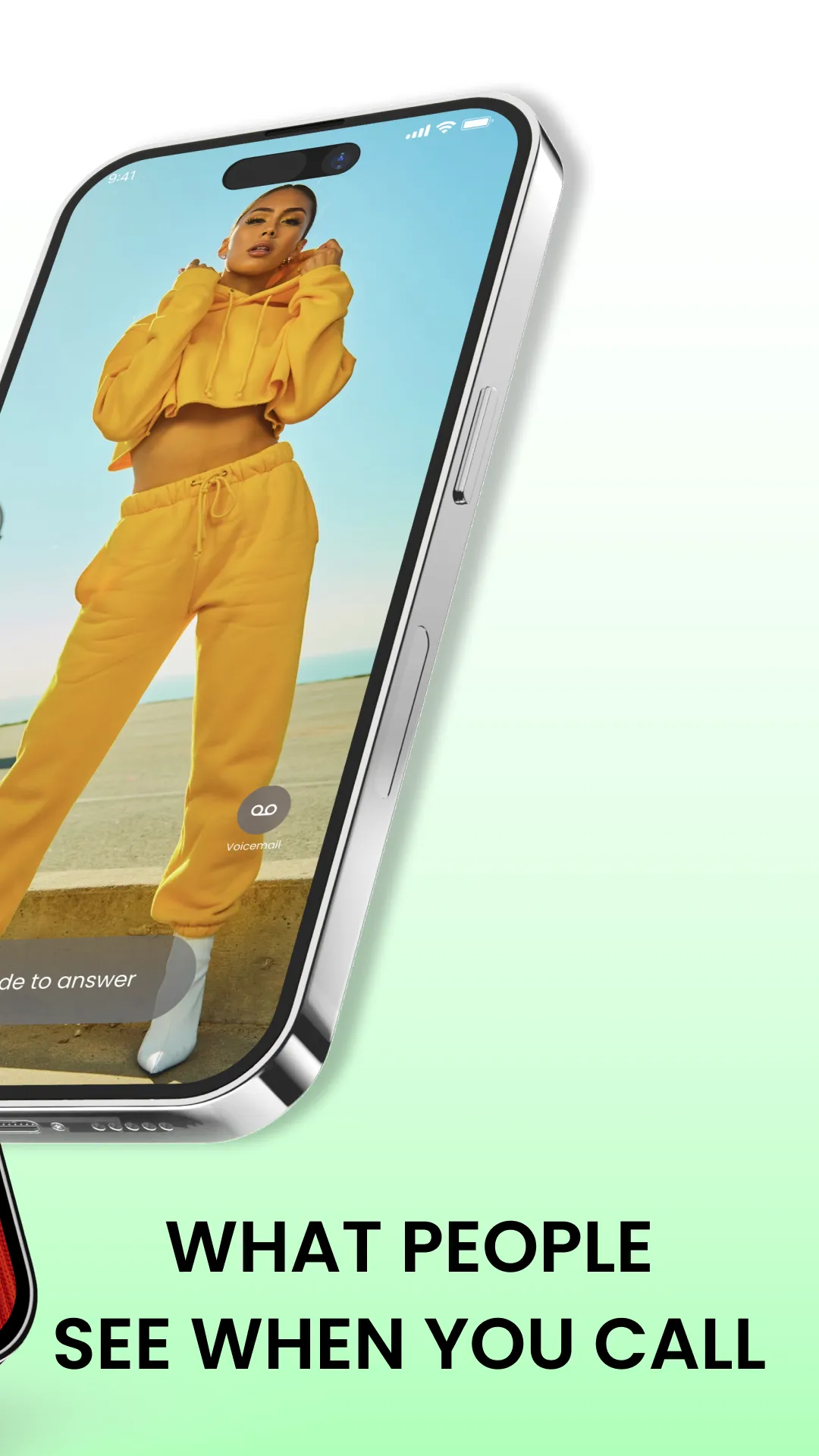
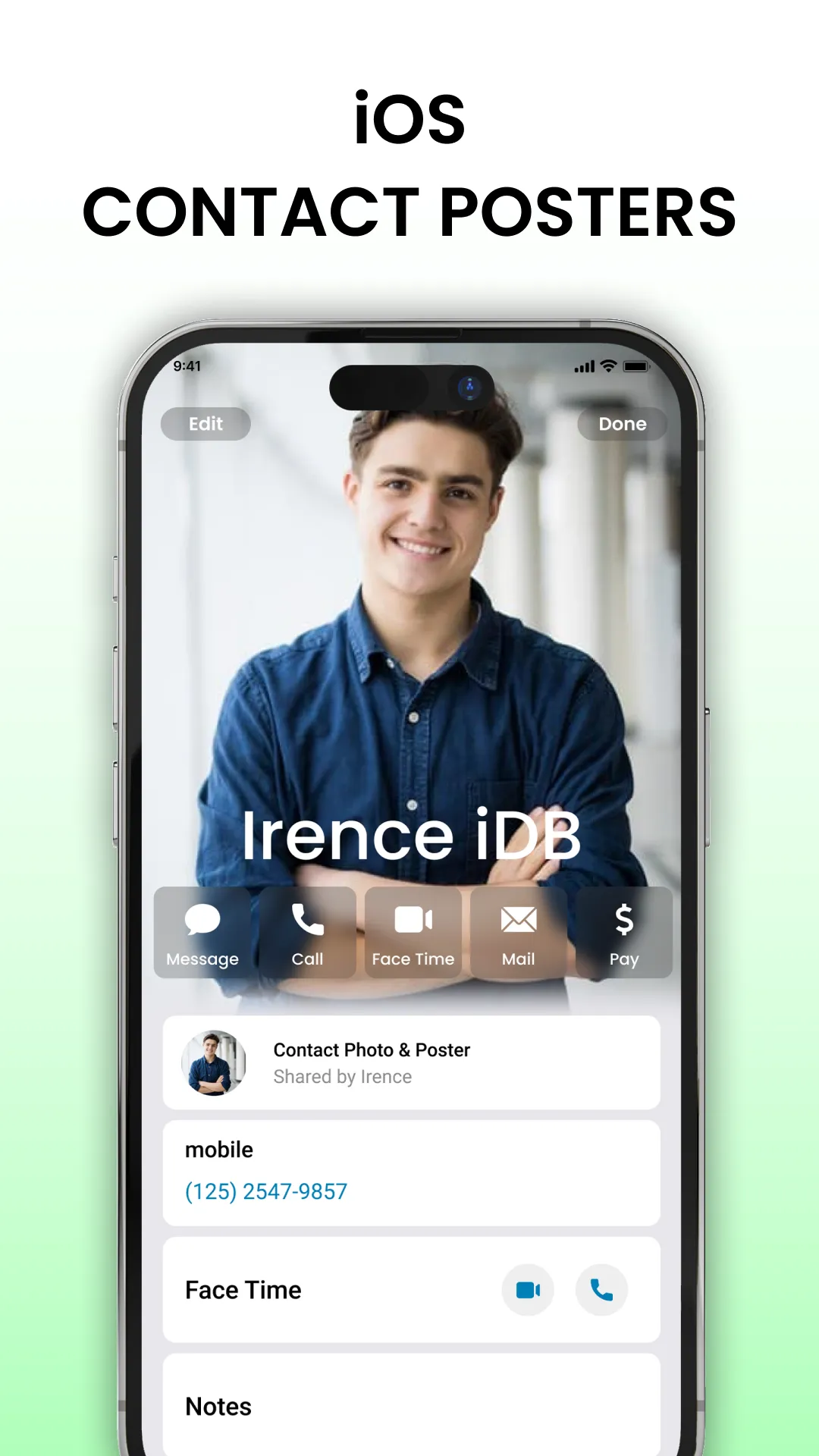
Download the iOS Phone Dialer - Call Screen to have the iPhone iOS 14 & 15 vibes on your Android phone! Imagine having that cool Full Screen Phone Dialer Caller ID just like on the latest iPhones. Yes, you get it right, we're talking about iPhone X, XI, XII, XIII, or OS16 and OS17 styles right on your Android.
This iOS Phone Dialer app has all the cool features. Customized contacts list, your favorite people, recent calls, and even a feature to block annoying spam calls. Say goodbye to those unknown numbers bothering you. You can even update the spam call database in your Call Block List.
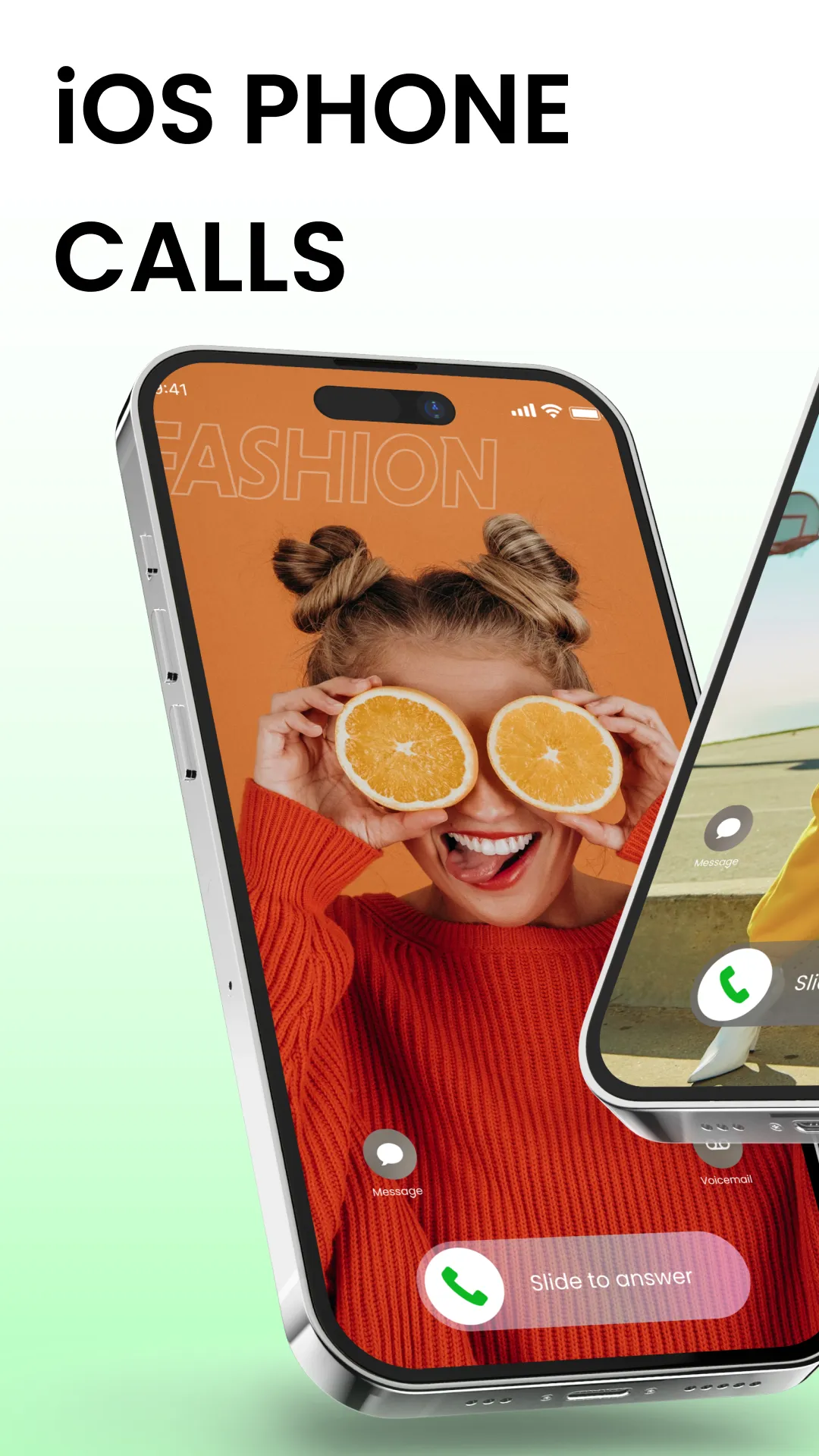
Well, there's a smart dialer search keypad, a call history you can easily manage, and a quick phone keypad for speedy dialing. Easily add or remove contacts from your favorites list. For the incoming and outgoing call screens, we have a conference call option too!
Customize your screen with beautiful themes, as per your liking. It's like having all the fantastic features of the iOS 15 call screen but on your trusty Android. Dive into the world of iCall Dialer and enjoy the iPhone features on your Android phone – and yes, it's a free calling app! 🌟
Default Dialer Features:
Sleek Dialer Design
Enjoy a modern and stylish dialer interface that sets iOS Phone Dialer apart from the ordinary.
Contact Management
Easily see, search, and manage your contacts with convenience.
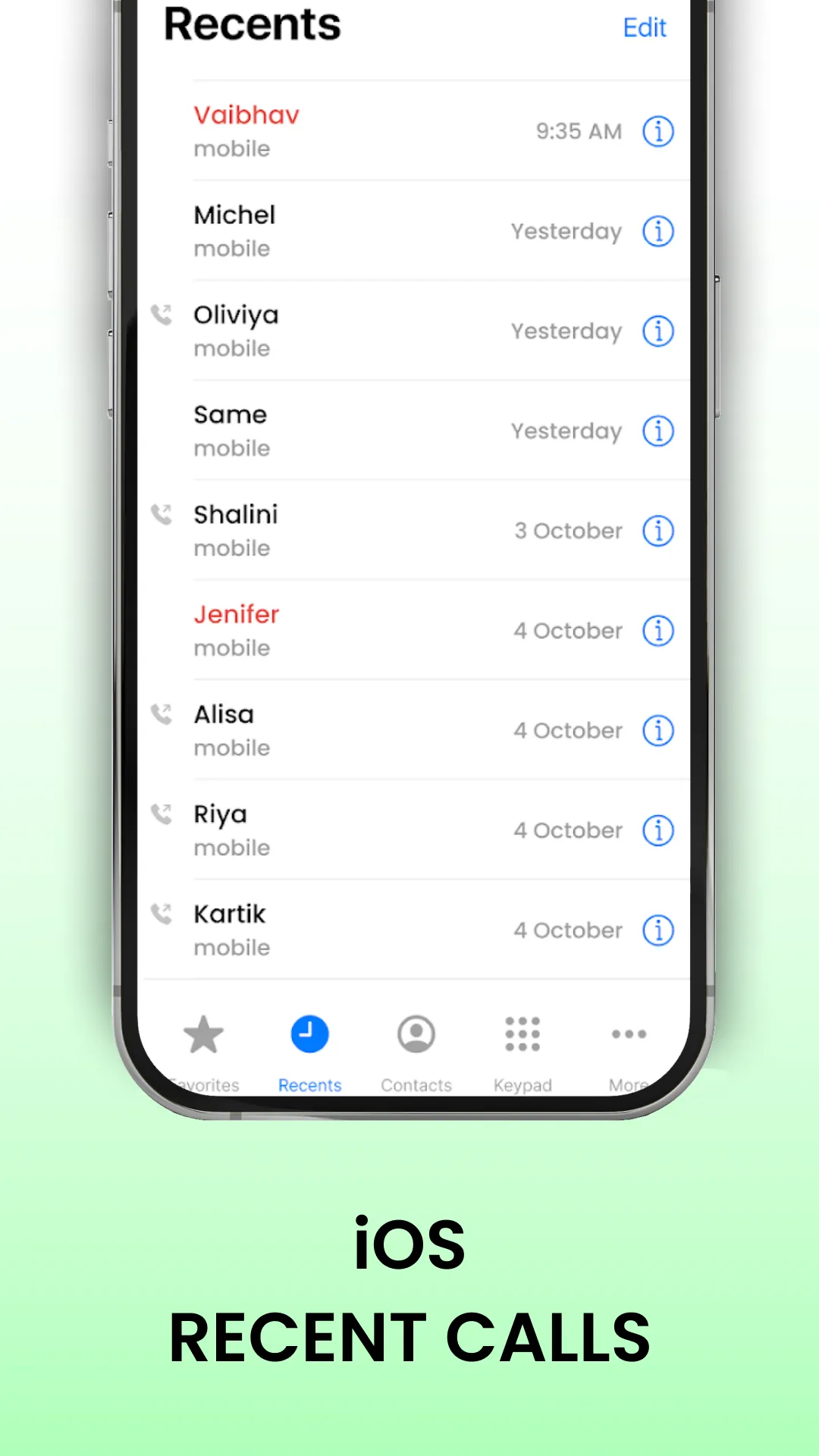
Call History
View your recent call history for quick reference.
Favorites
Add and remove contacts from your favorites list.
Incoming and Outgoing Call Screens
Experience both incoming and outgoing call screens with a touch of sophistication.
Conference Call Facility
Effortlessly manage conference calls for enhanced communication.
Enjoying the iOS Phone Dialer - Call Screen? Why not take a moment and show us some love ❤️
Setting as Default Dialer:
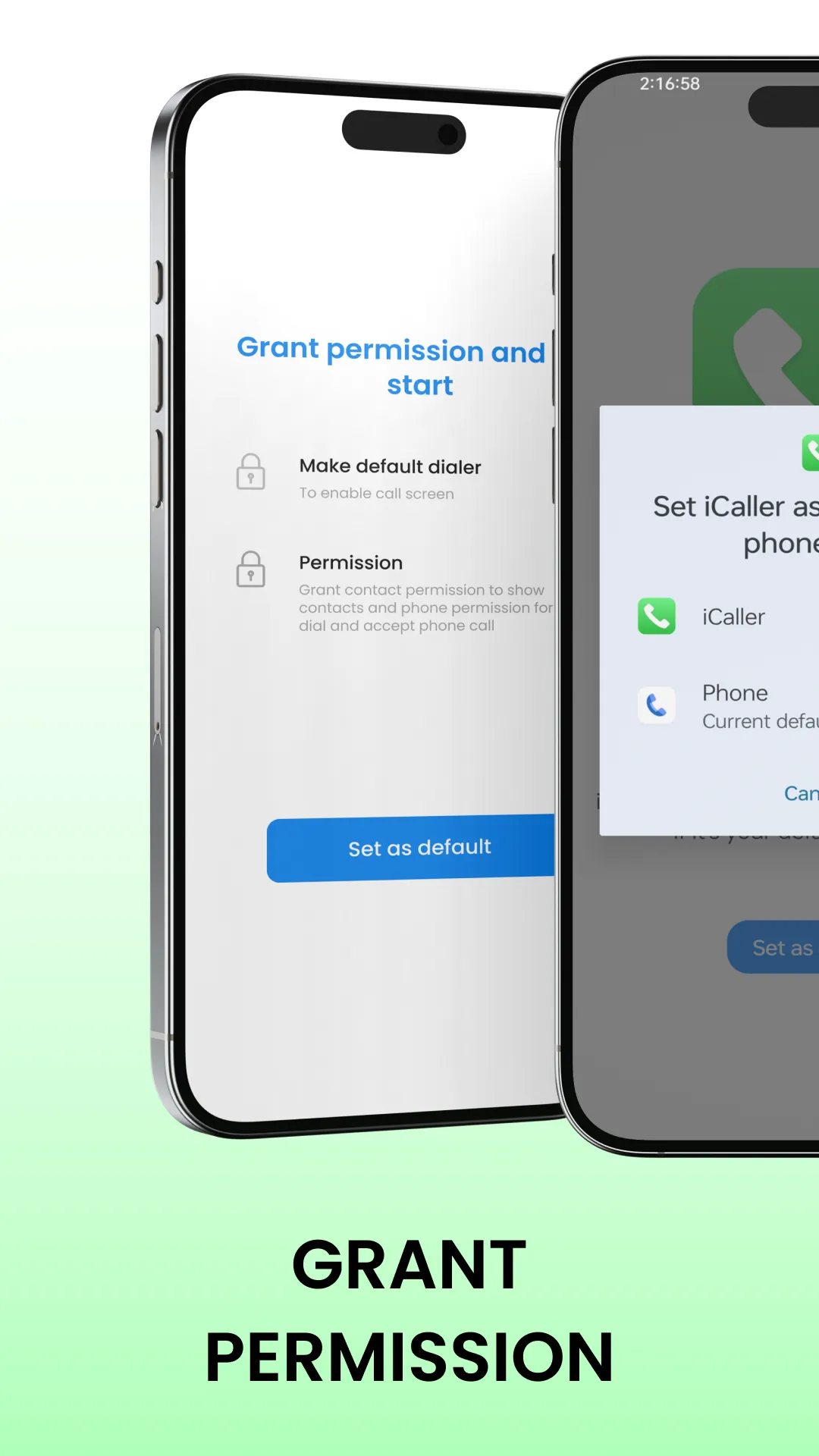
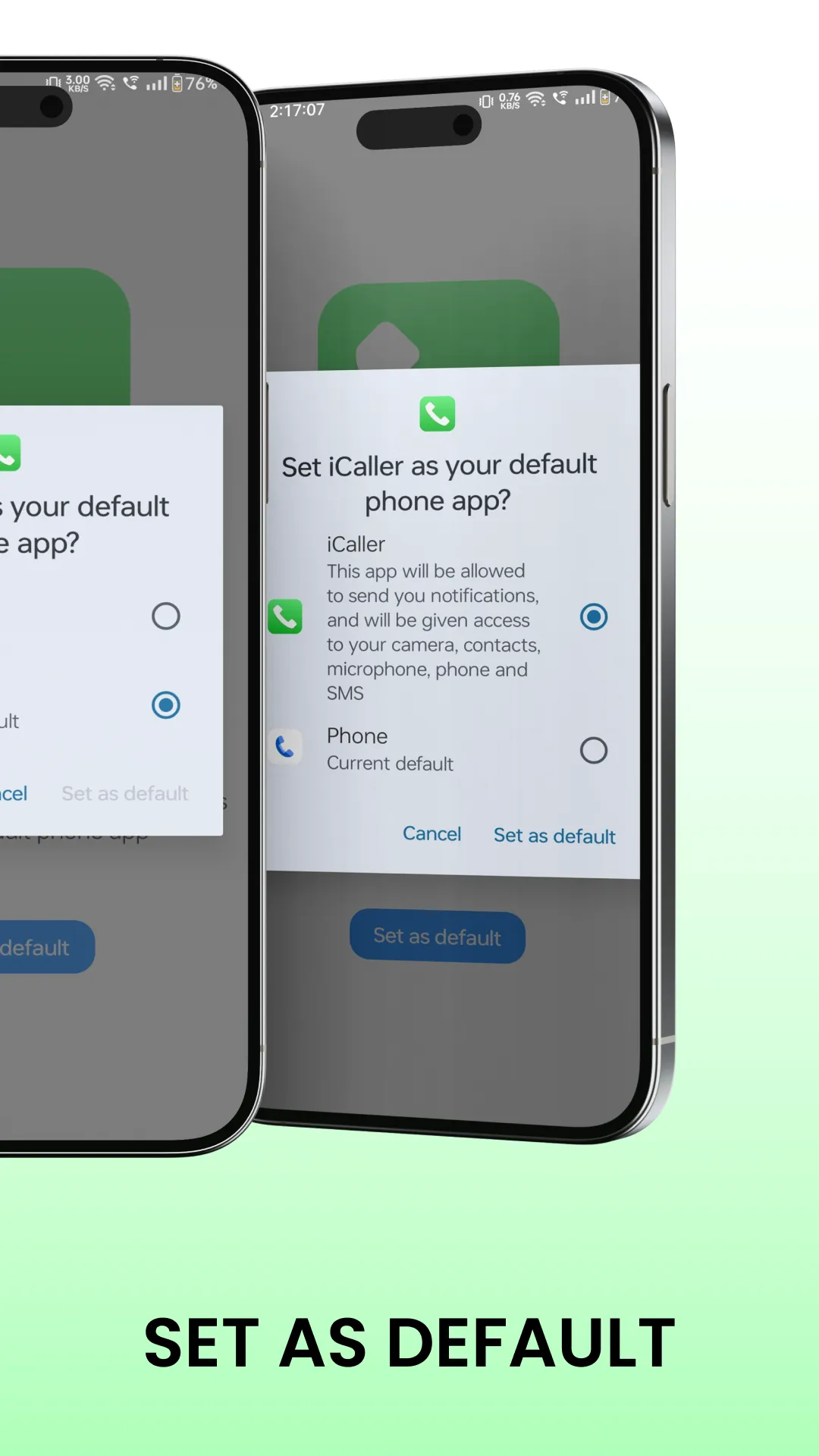
To unlock the full potential of iOS Phone Dialer - Call Screen, set it as your default dialer:
1. Open the App: Launch iOS Phone Dialer - Call Screen on your device.
2. Set as Default Dialer: Follow the easy on-screen instructions to make it your default dialer.
3. Enjoy Enhanced Calling: Experience seamless call management with the stylish and intuitive iOS interface.
Permissions we use in our app
Phone/Call Log Permission: It's essential for features such as displaying the call history within the app
Contacts/Address Book Permission: It's necessary for features such as auto-populating contact information when dialing a number, displaying contact details during a call, and managing contacts within the app
SMS/Text Messaging Permission: This permission allows the app to access the user's SMS inbox and send text messages on their behalf
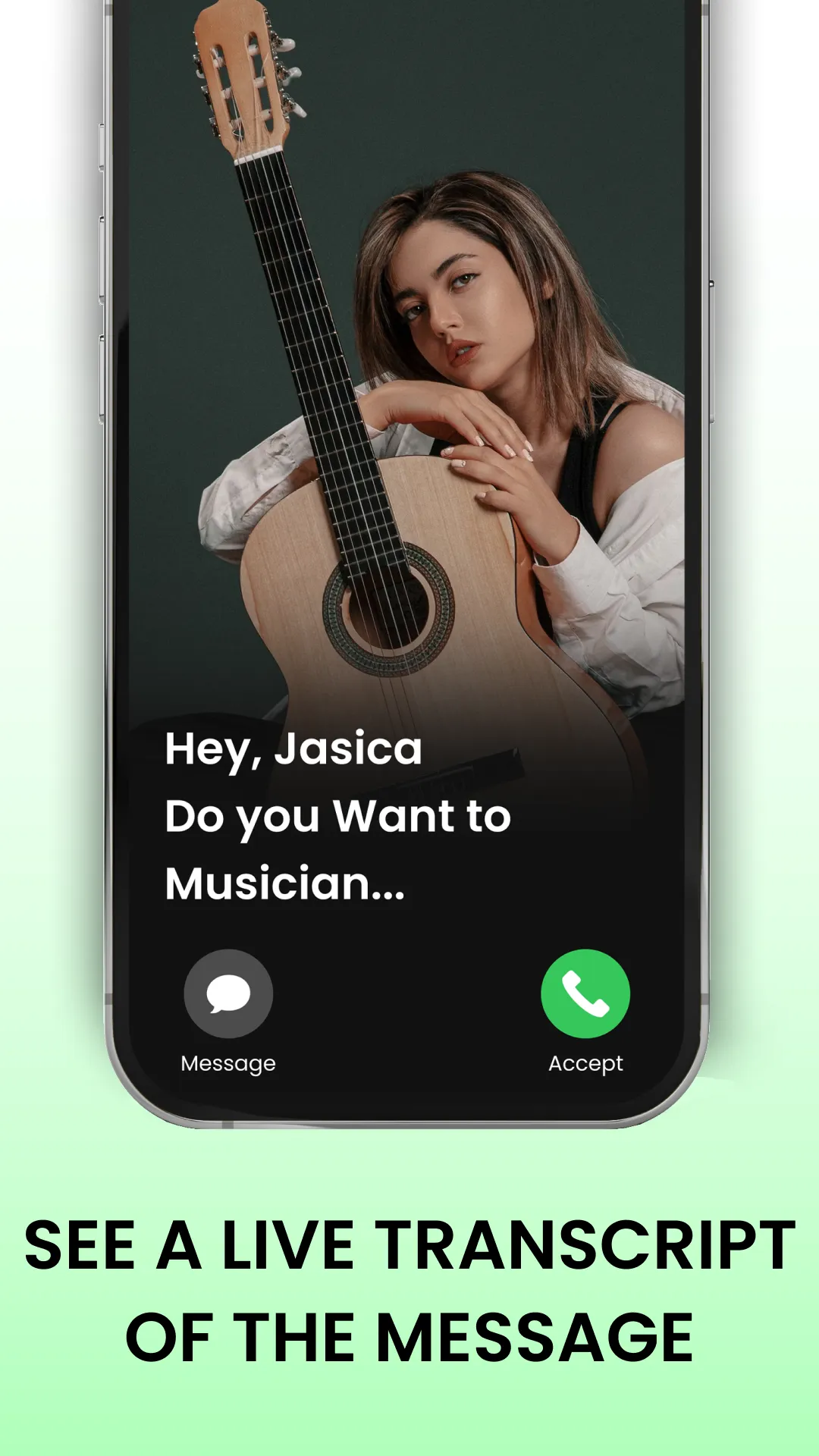
Microphone Permission: The microphone permission is necessary for accessing the device's microphone to record audio for transcription or voice commands
Storage Permission: This permission may be required if the app needs to store call recordings, voicemails, or other data on the device's storage
Overlay Permission: To display the call screen over other apps.
These permissions are essential for delivering a smooth and efficient call management experience.
Note: This app needs to be set as the default dialer to provide its full range of features. Clear instructions are provided within the app to help you through the setup process.
Important Notice:
This application is not official and is not affiliated with Apple. This app is designed to enhance your calling experience on Android.
Thanks a bunch for exploring and using the iOS Phone Dialer - Call Screen!
Essential Apps
Ratings
0
0 total ratings
5
73%
4
10%
3
4%
2
3%
1
10%
REVIEWS
No reviews yet. Be the first one to review this app
'%20fill-rule='evenodd'%20clip-rule='evenodd'%20d='M8.04878%200.118571C9.10796%20-0.198465%2010.2321%200.132893%2010.9526%200.961509L18.7058%209.9036H22.0709C23.0433%209.90386%2023.8429%2010.7032%2023.843%2011.6757V13.1309H23.8497C23.8497%2013.4983%2023.5476%2013.8014%2023.1803%2013.8015H19.9372V33.9548C19.9372%2034.423%2019.5703%2034.7975%2019.1021%2034.7977H17.142C15.91%2034.7977%2014.9156%2033.8036%2014.9154%2032.5644V28.0251C13.5538%2028.5582%2012.3722%2028.7169%2010.9963%2028.7169C6.45689%2028.7169%203.74677%2025.6897%203.74677%2020.6099V13.8015H1.77319C0.800641%2013.8015%200.000280942%2013.0091%200%2012.0294V10.573C0.000219737%2010.2057%200.303205%209.9036%200.670545%209.9036H13.5676L5.13039%201.85482C4.82078%201.55938%204.94365%201.04032%205.35428%200.917851L8.04878%200.118571ZM8.78425%2013.8082V20.611C8.78438%2023.1974%209.8151%2024.35%2012.1135%2024.35C12.9637%2024.3499%2014.1167%2024.1489%2014.902%2023.7959V13.8082H8.78425Z'%20fill='white'/%3e%3c/svg%3e)
Permissions
Contacts: access your contacts
Storage: access photos, media, and files on your device
Internet: use your internet connection
Phone: make and manage phone calls
Curated for YouSee all






Scan to download on PhonePe Appstore

