

Istituto Poligrafico e Zecca dello Stato S.p.A.
4.0
ratings10 MB
SizeVerified
SCREENSHOTS (7)
About the app
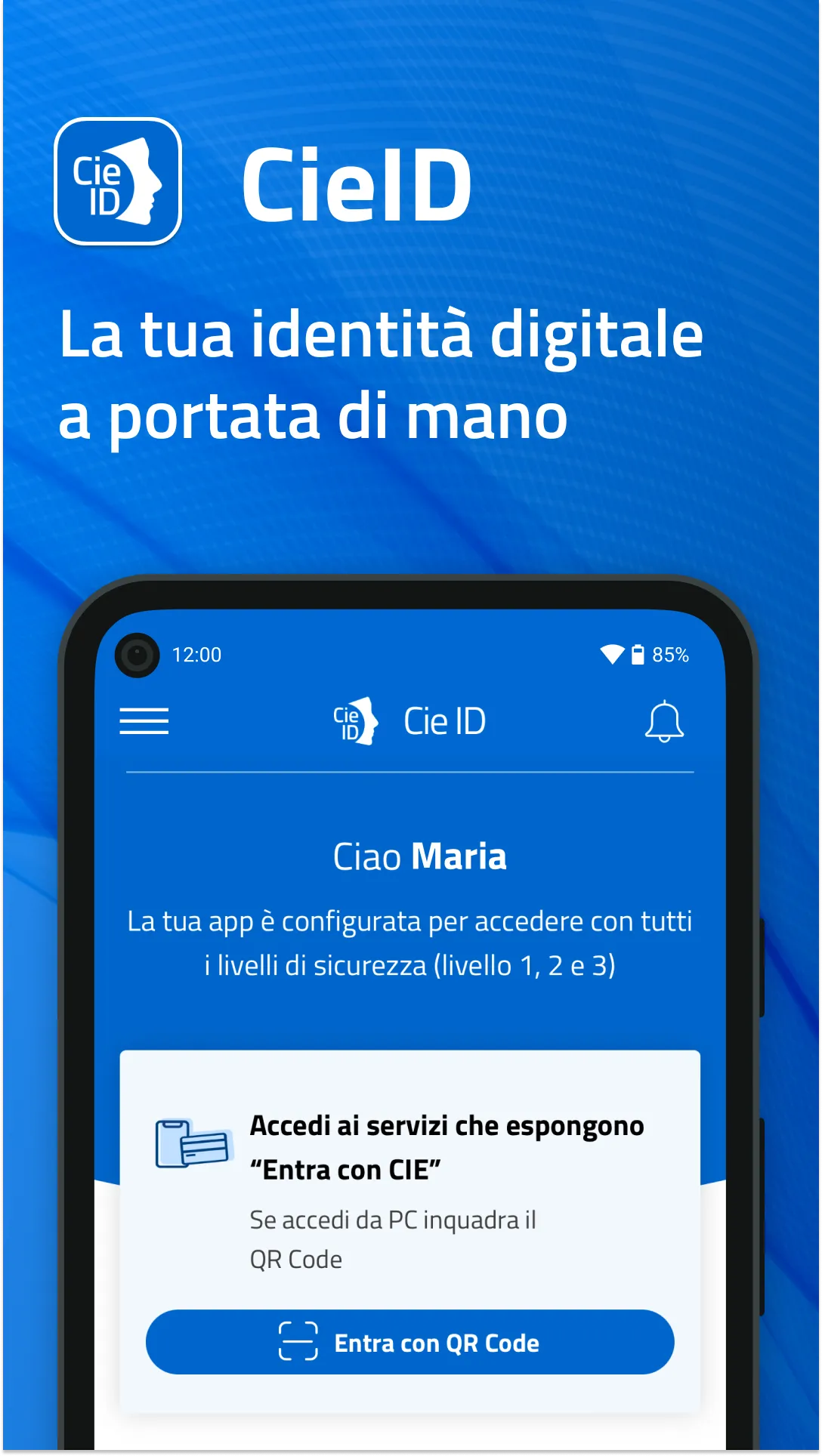
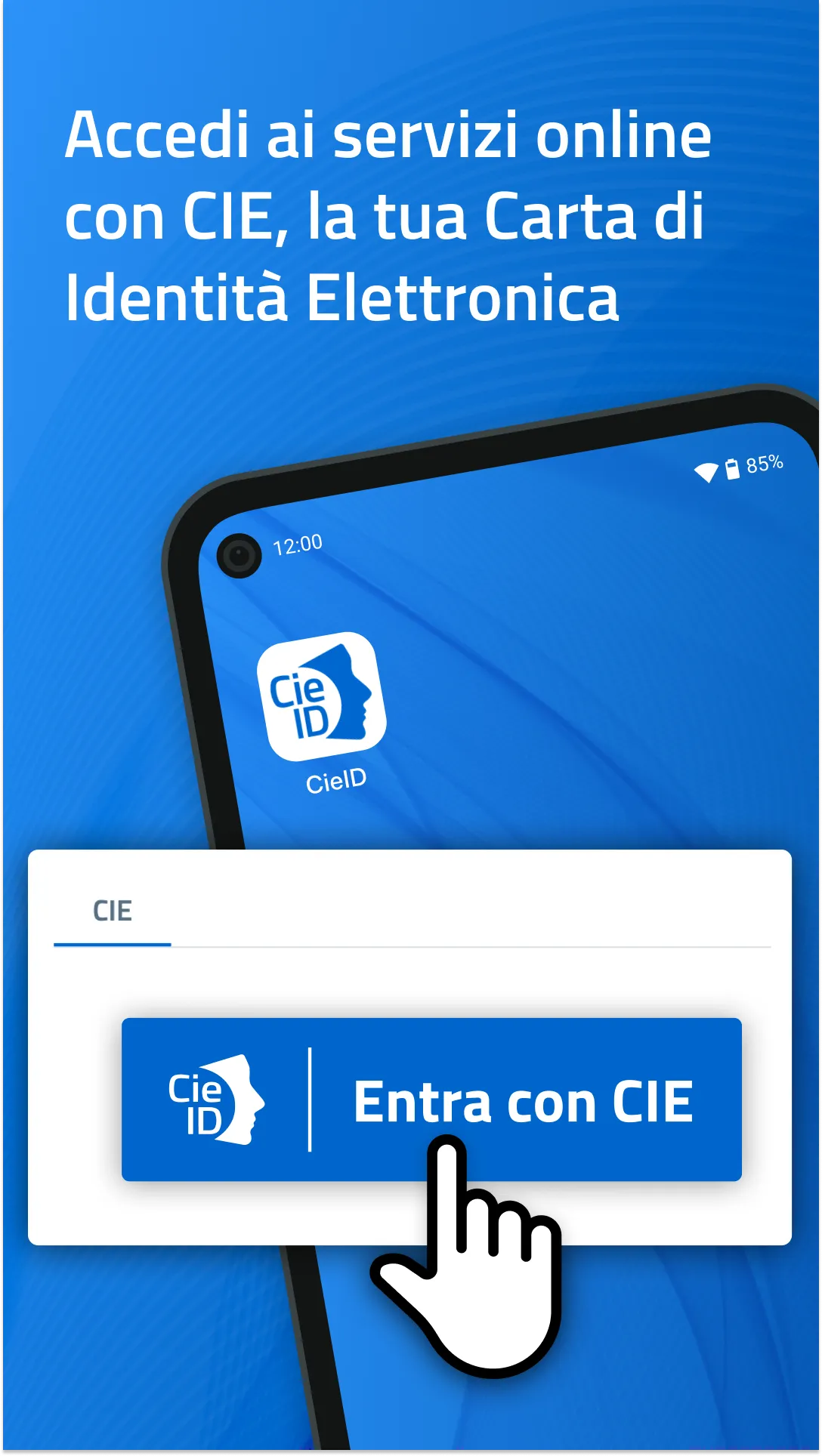
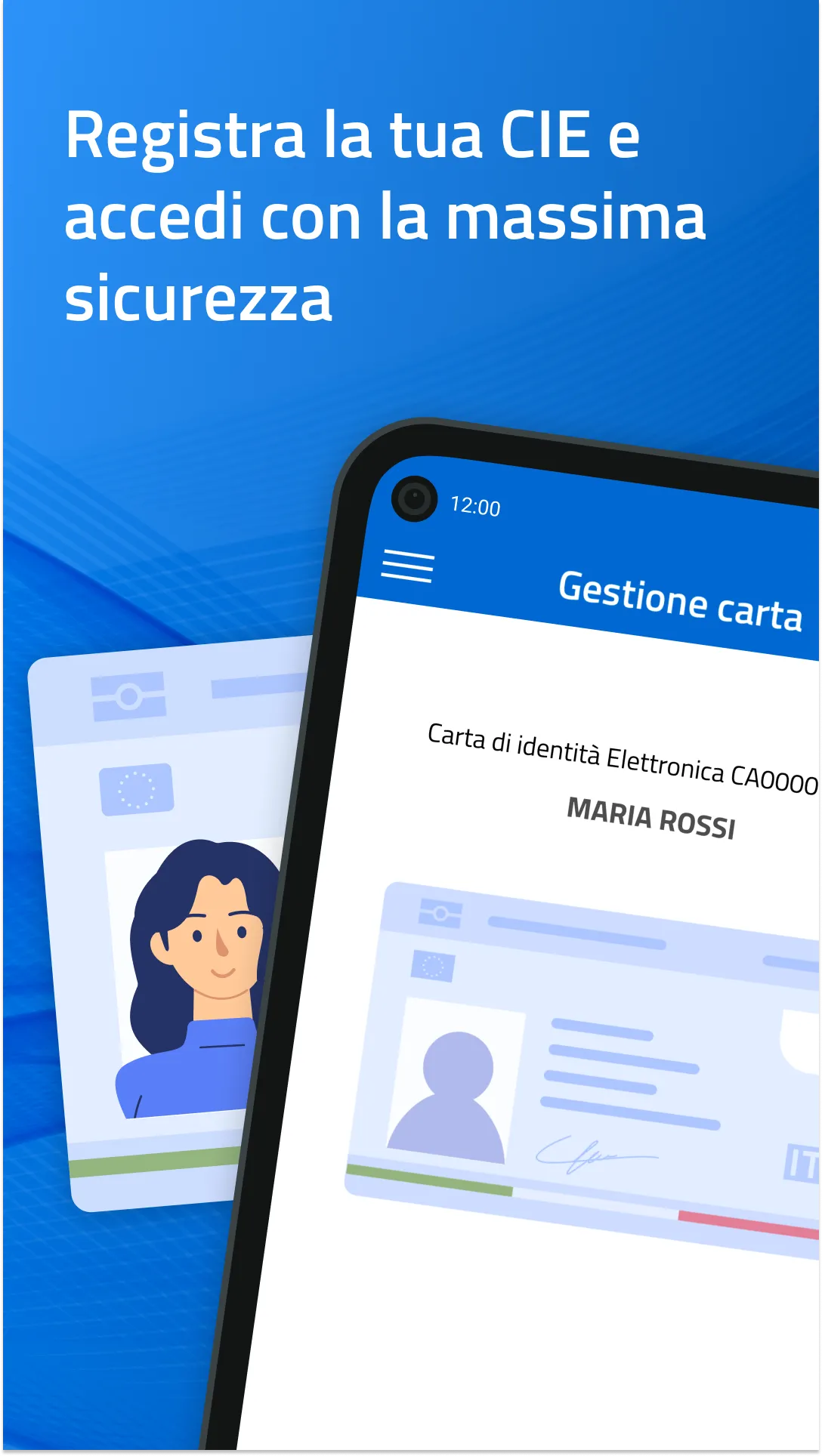
With the CieID app you can access the online services of the Public Administration and private individuals participating in "Enter with CIE".
Activate your CIE credentials (level 1 and 2) on www.cartaidentita.it, open the App and configure simplified access. You will be able to authorize your PC access simply:
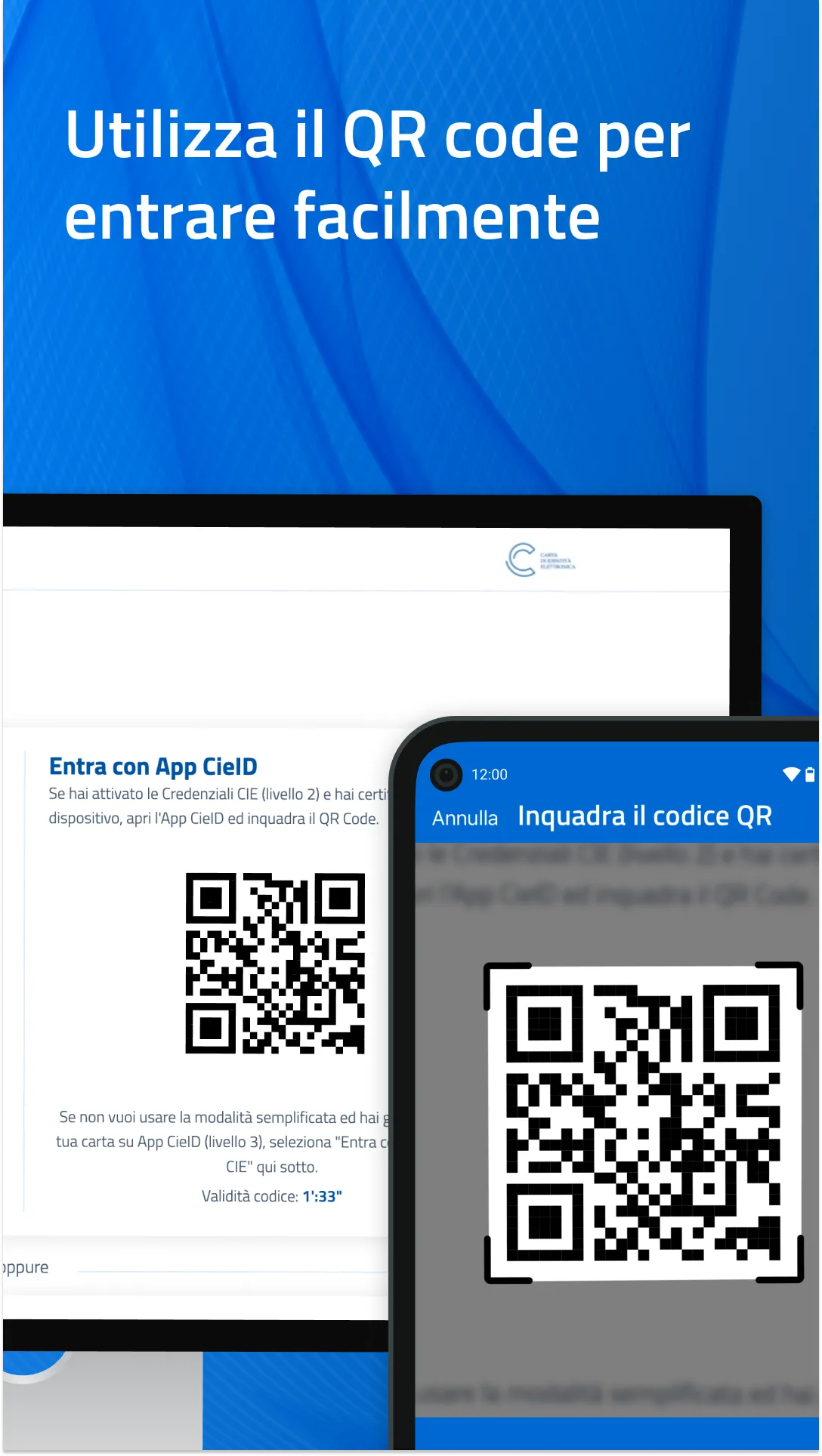
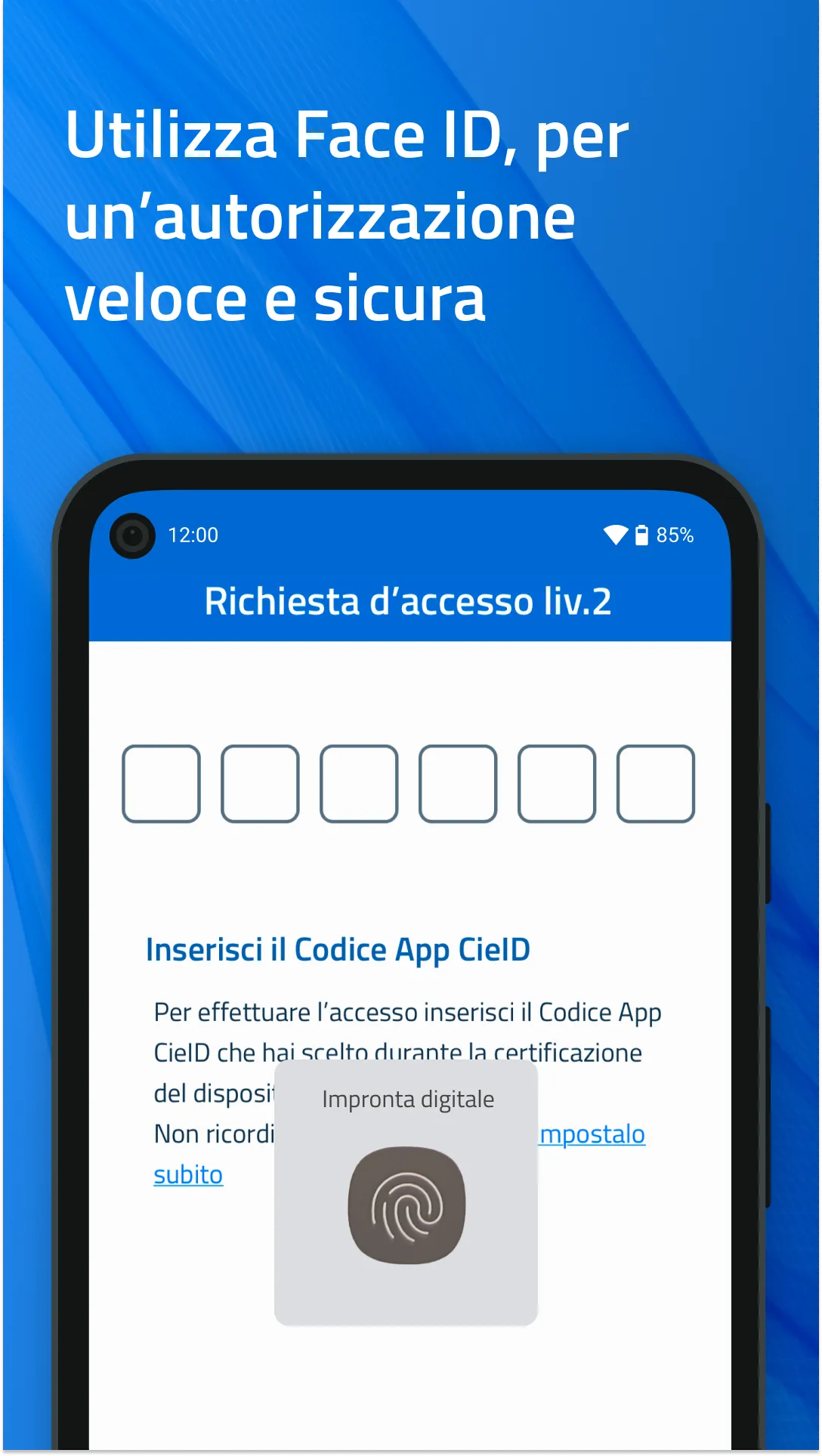
- by scanning the QR code from the App that you find on the access request page and entering the CieID app code that you created during device certification; if you have biometrics activated, access is even easier because you can replace it with the CieID app code
or
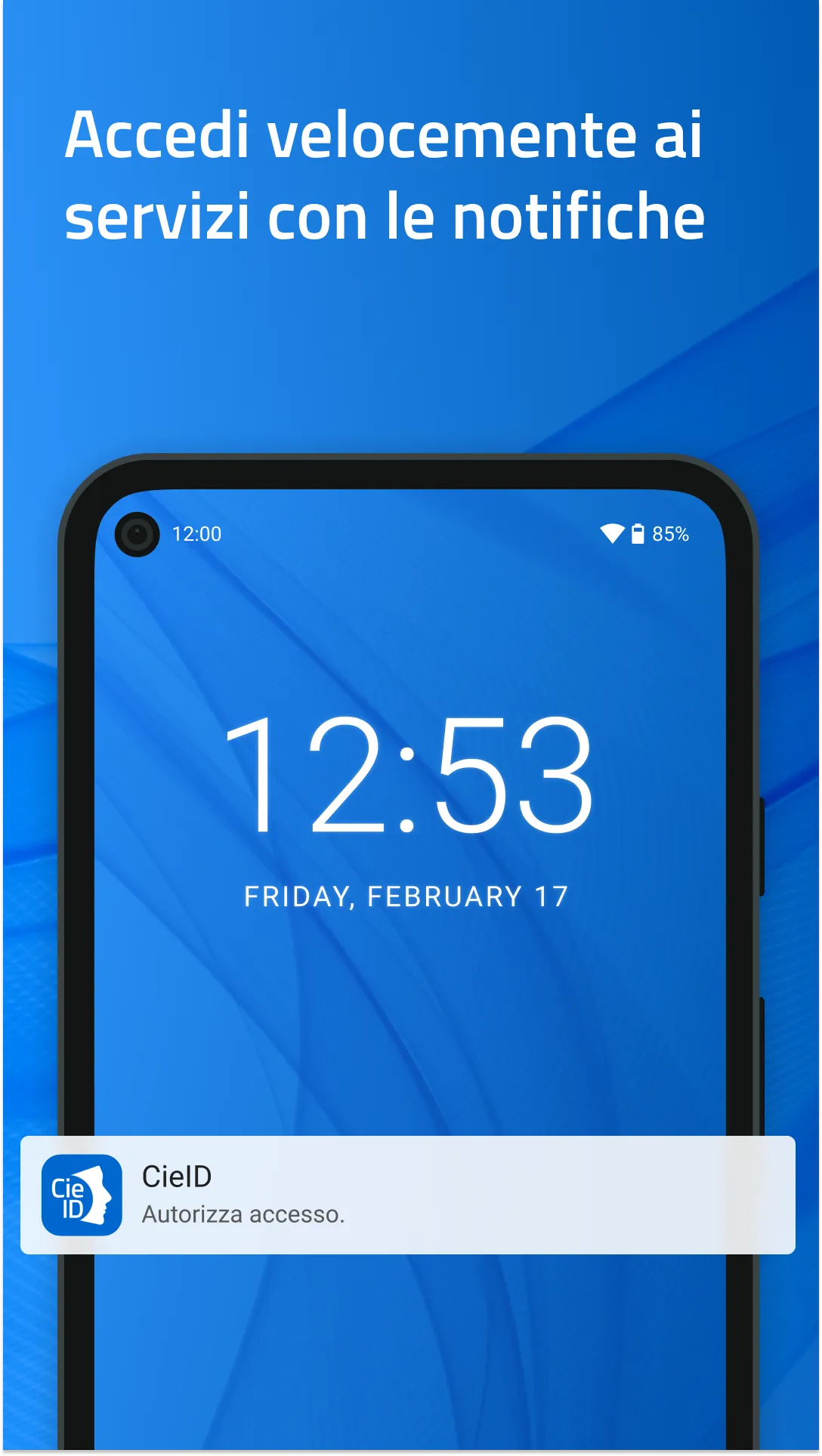
- by entering your CieID credentials (username and password) on the access request page, you will receive a push notification in the App which you will have to accept using the CieID app code or biometrics.
If you access the online service from a smartphone, authenticate with your CieID credentials or open the App and enter the CieID app code, use biometric recognition if active.
If you have a smartphone with Android 6.0 and later, equipped with NFC technology, you can choose to access with the highest level of security (level 3). After receiving your Electronic Identity Card, open the App and register your card by entering your eight-digit PIN and holding the Card close to the back of your Smartphone when prompted.
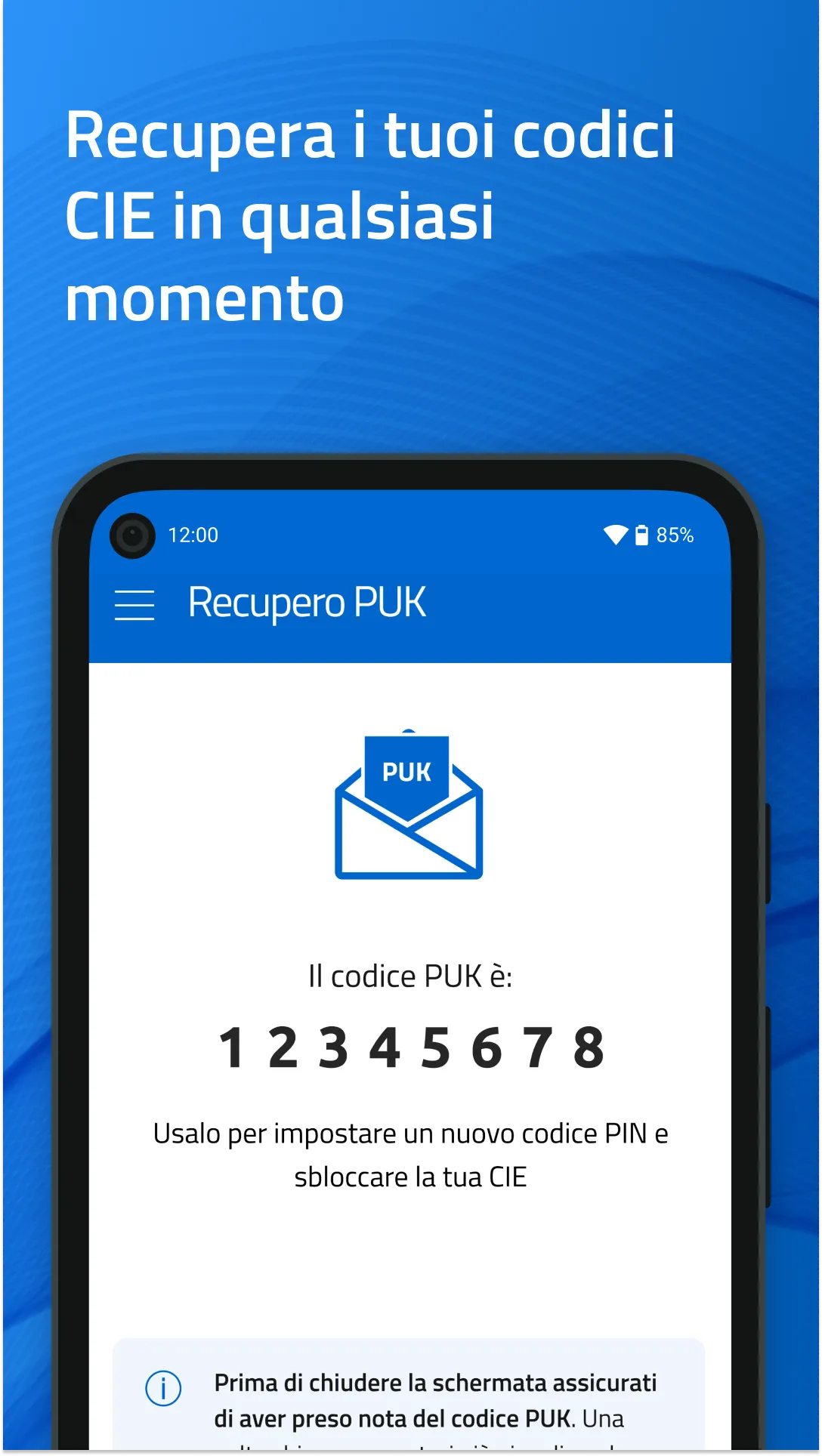
The PUK Recovery functionality is also available with the CieID App, for citizens in possession of an Electronic Identity Card who have associated an email address or mobile number with their digital identity.
Accessibility statement: https://form.agid.gov.it/view/e3d9ff97-1d09-48f5-9fb6-f2926bab7f28/
Essential Apps
Ratings
0
0 total ratings
5
73%
4
10%
3
4%
2
3%
1
10%
REVIEWS
No reviews yet. Be the first one to review this app
'%20fill-rule='evenodd'%20clip-rule='evenodd'%20d='M8.04878%200.118571C9.10796%20-0.198465%2010.2321%200.132893%2010.9526%200.961509L18.7058%209.9036H22.0709C23.0433%209.90386%2023.8429%2010.7032%2023.843%2011.6757V13.1309H23.8497C23.8497%2013.4983%2023.5476%2013.8014%2023.1803%2013.8015H19.9372V33.9548C19.9372%2034.423%2019.5703%2034.7975%2019.1021%2034.7977H17.142C15.91%2034.7977%2014.9156%2033.8036%2014.9154%2032.5644V28.0251C13.5538%2028.5582%2012.3722%2028.7169%2010.9963%2028.7169C6.45689%2028.7169%203.74677%2025.6897%203.74677%2020.6099V13.8015H1.77319C0.800641%2013.8015%200.000280942%2013.0091%200%2012.0294V10.573C0.000219737%2010.2057%200.303205%209.9036%200.670545%209.9036H13.5676L5.13039%201.85482C4.82078%201.55938%204.94365%201.04032%205.35428%200.917851L8.04878%200.118571ZM8.78425%2013.8082V20.611C8.78438%2023.1974%209.8151%2024.35%2012.1135%2024.35C12.9637%2024.3499%2014.1167%2024.1489%2014.902%2023.7959V13.8082H8.78425Z'%20fill='white'/%3e%3c/svg%3e)
Permissions
Biometric Information: access biometric data like fingerprint to unlock the app
Internet: use your internet connection
Phone: make and manage phone calls
Camera: take pictures and record video
Curated for YouSee all






Scan to download on PhonePe Appstore

