

Forest Monitoring Tools
4.0
ratings4 MB
SizeVerified
SCREENSHOTS (5)
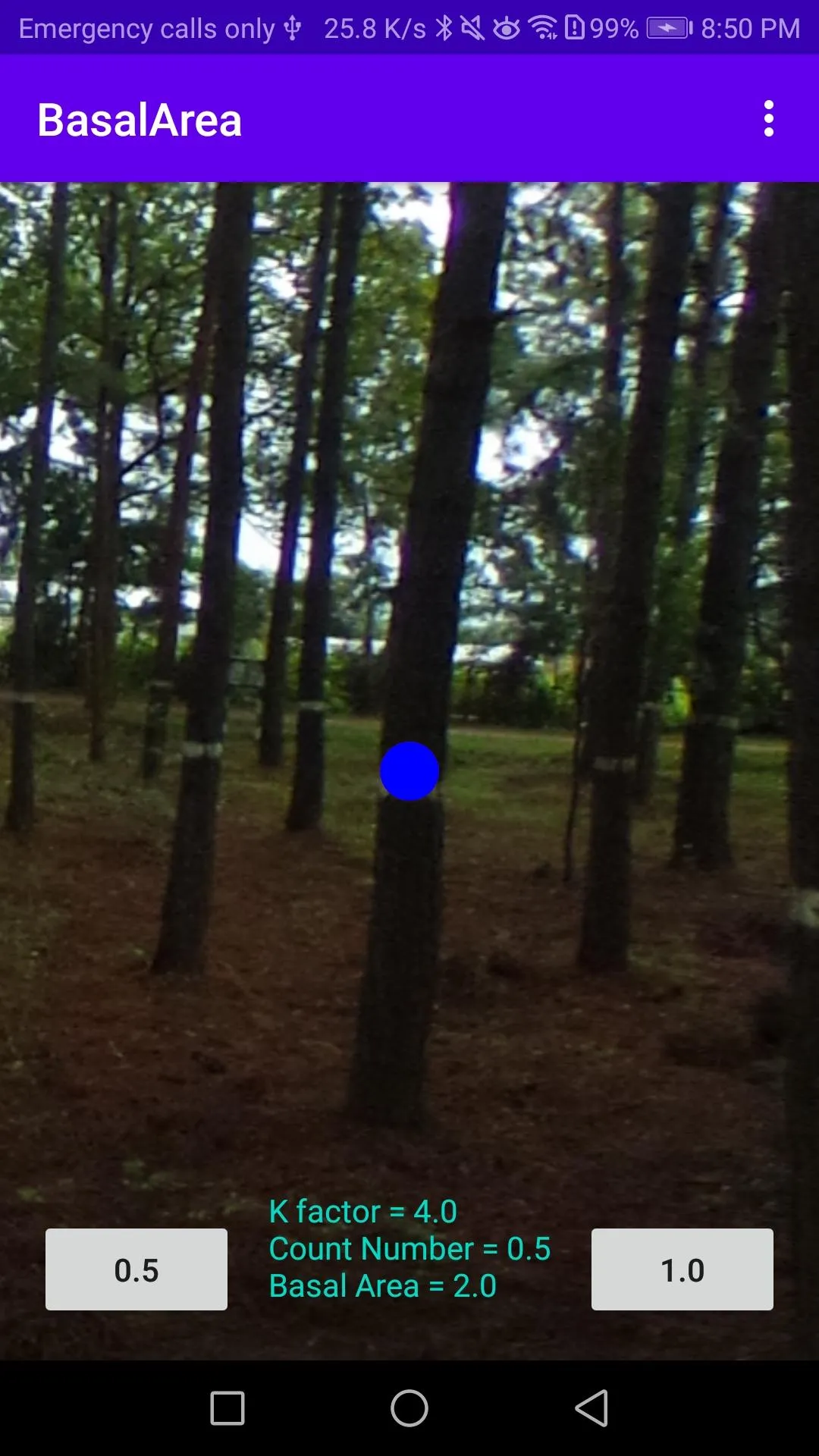
About the app
Basal Area application is designed for simple basal area calculation by using Bitterlich method like as Relascope survey.
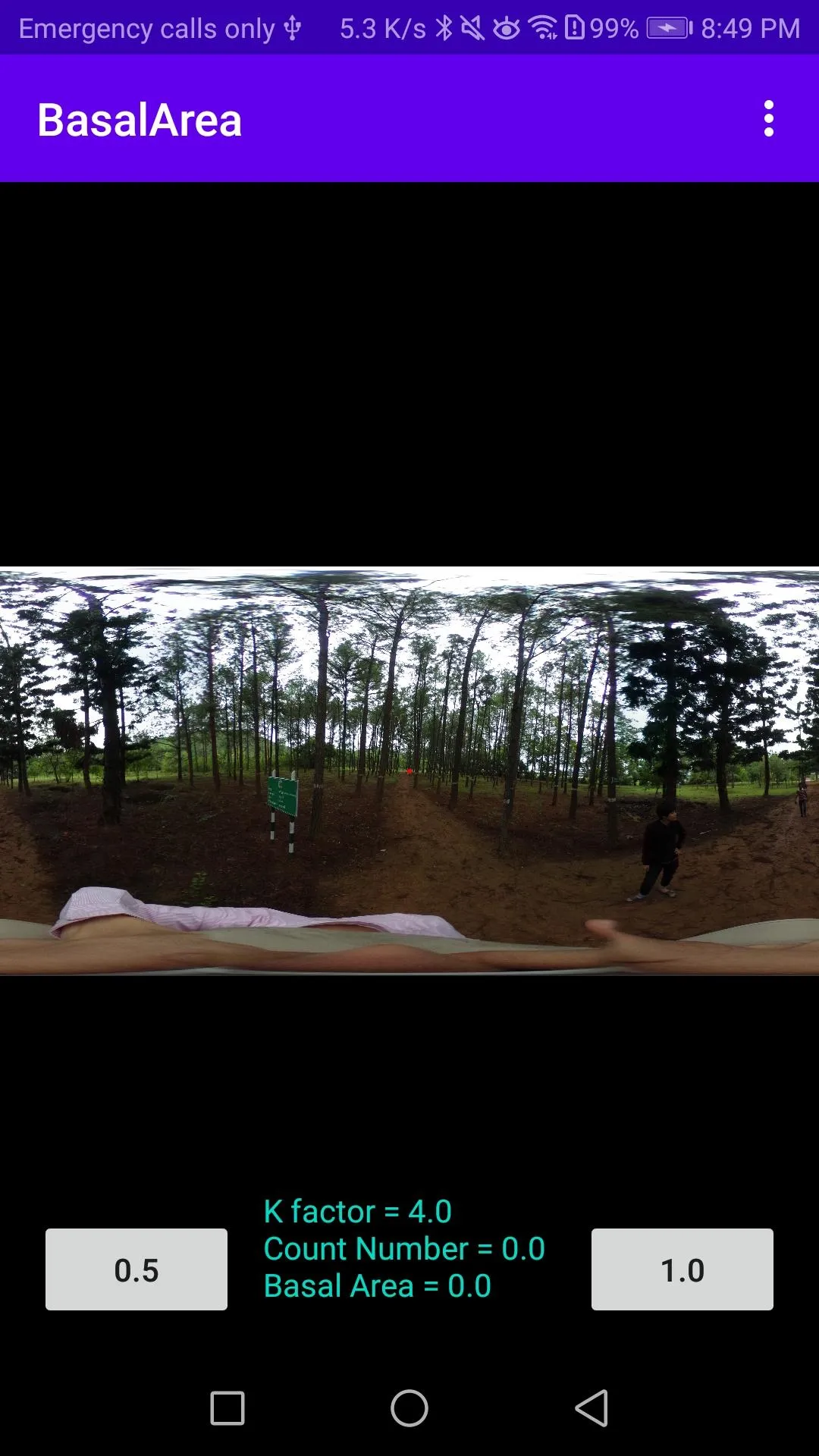
Step 1 Take forest photos by 360 degree camera, and saved by Equi-rectangular format.
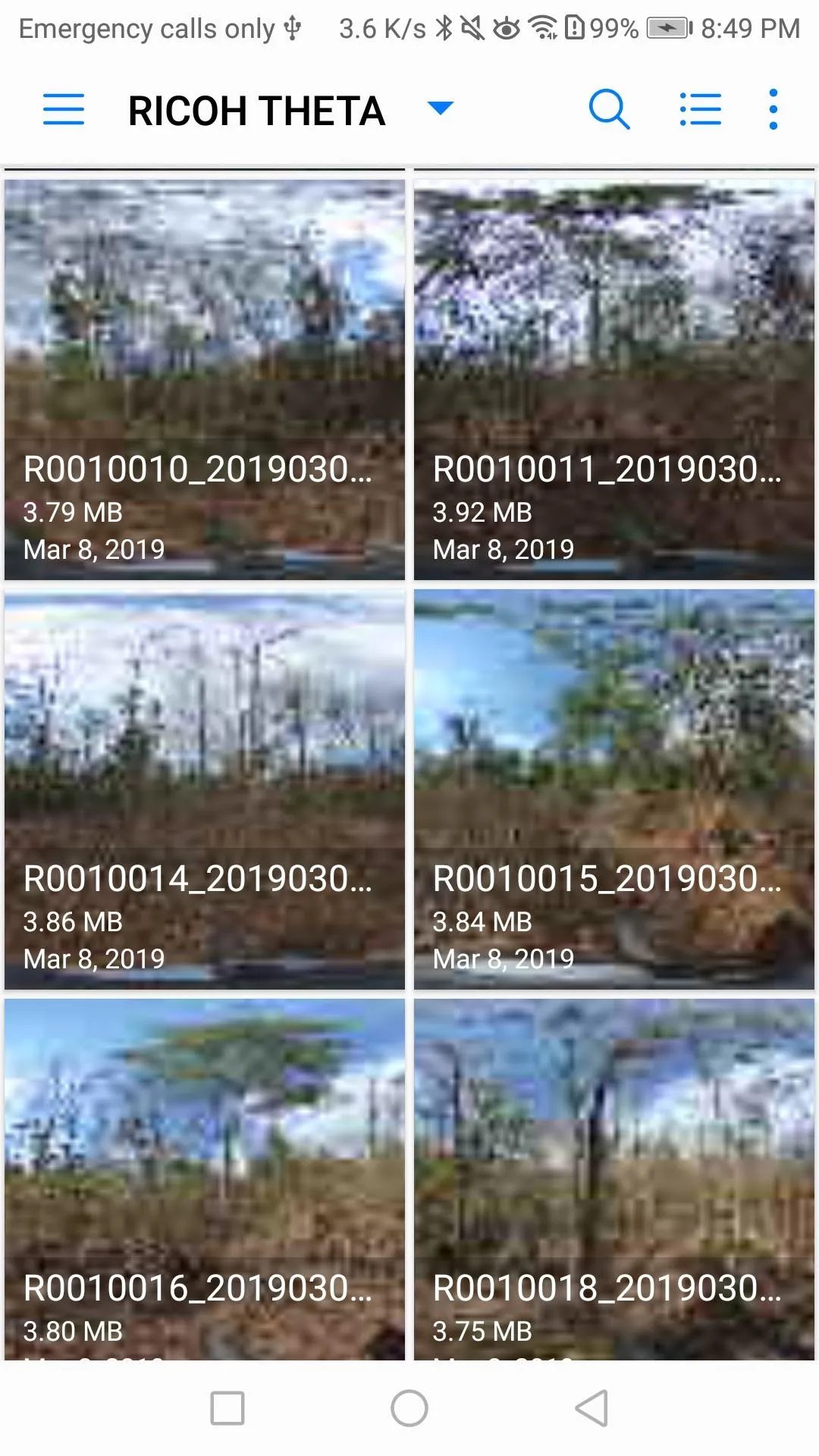
Step 2 Copy the photos to smartphone
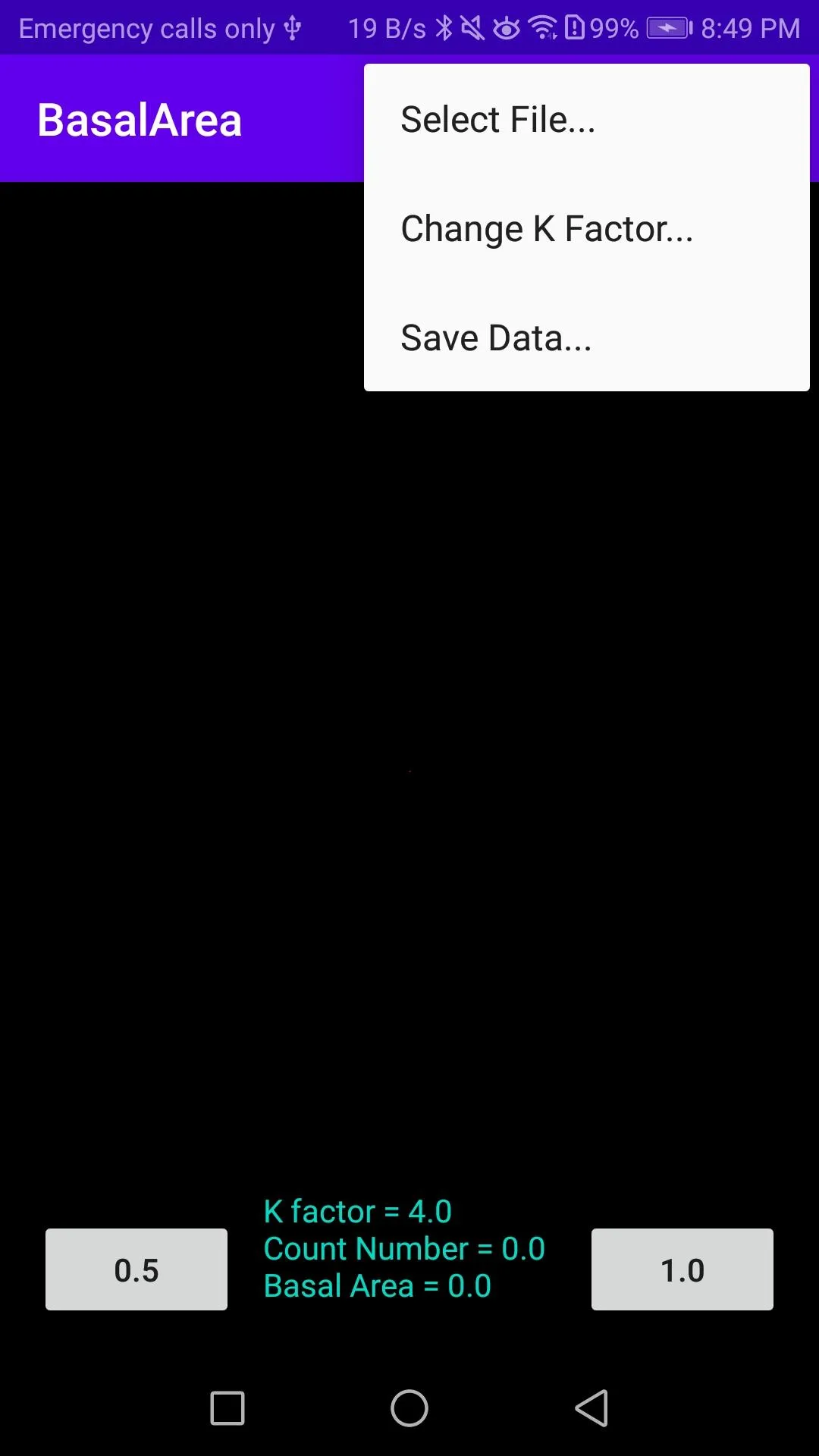
Step 3 Open the file from "Basal Area" application
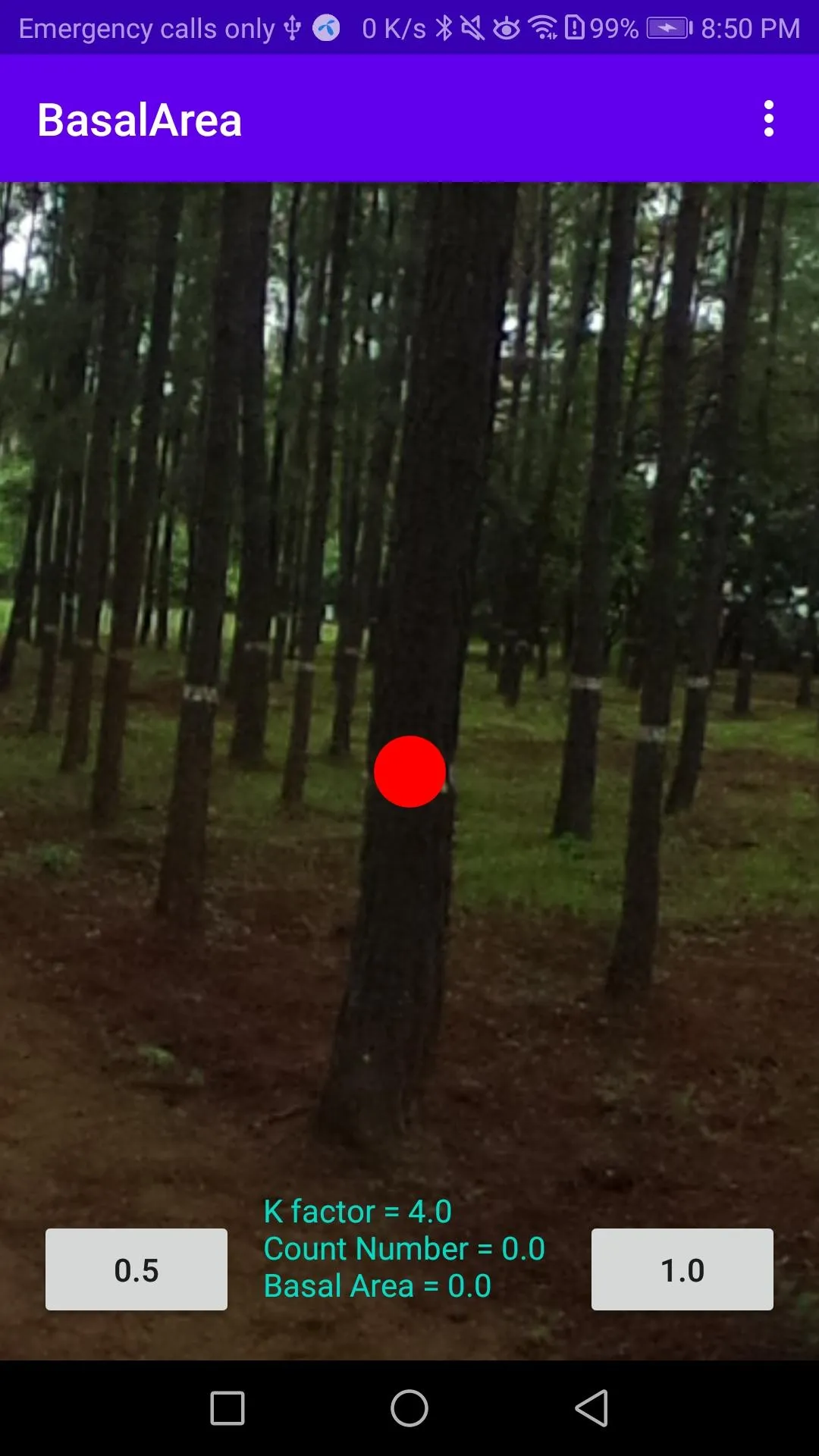
Step 4 Compare the trunk size (1.3m height) of trees with center red circle
Step 5 Tap "1.0" an case of the tree is bigger than red circle -> red mark
Tap "1.0" an case of the tree is bigger than red circle -> blue mark
Step 6 Read the basal area data at the bottom of screen
- Count mark is deletable by tapping.
- Count-marked image is savable for the evidence of survey result.
- K factor is changeable (default number is 4.0)
- Counting data is saved to \Android\data\com.forest.BasalArea\YYYY-MM-DD.csv file
Essential Apps
Ratings
0
0 total ratings
5
73%
4
10%
3
4%
2
3%
1
10%
REVIEWS
No reviews yet. Be the first one to review this app
'%20fill-rule='evenodd'%20clip-rule='evenodd'%20d='M8.04878%200.118571C9.10796%20-0.198465%2010.2321%200.132893%2010.9526%200.961509L18.7058%209.9036H22.0709C23.0433%209.90386%2023.8429%2010.7032%2023.843%2011.6757V13.1309H23.8497C23.8497%2013.4983%2023.5476%2013.8014%2023.1803%2013.8015H19.9372V33.9548C19.9372%2034.423%2019.5703%2034.7975%2019.1021%2034.7977H17.142C15.91%2034.7977%2014.9156%2033.8036%2014.9154%2032.5644V28.0251C13.5538%2028.5582%2012.3722%2028.7169%2010.9963%2028.7169C6.45689%2028.7169%203.74677%2025.6897%203.74677%2020.6099V13.8015H1.77319C0.800641%2013.8015%200.000280942%2013.0091%200%2012.0294V10.573C0.000219737%2010.2057%200.303205%209.9036%200.670545%209.9036H13.5676L5.13039%201.85482C4.82078%201.55938%204.94365%201.04032%205.35428%200.917851L8.04878%200.118571ZM8.78425%2013.8082V20.611C8.78438%2023.1974%209.8151%2024.35%2012.1135%2024.35C12.9637%2024.3499%2014.1167%2024.1489%2014.902%2023.7959V13.8082H8.78425Z'%20fill='white'/%3e%3c/svg%3e)
Permissions
Storage: access photos, media, and files on your device
Phone: make and manage phone calls
Curated for YouSee all






Scan to download on PhonePe Appstore

