
Shiv Apps Studio
4.0
ratings50 MB
SizeVerified
SCREENSHOTS (8)
About the app
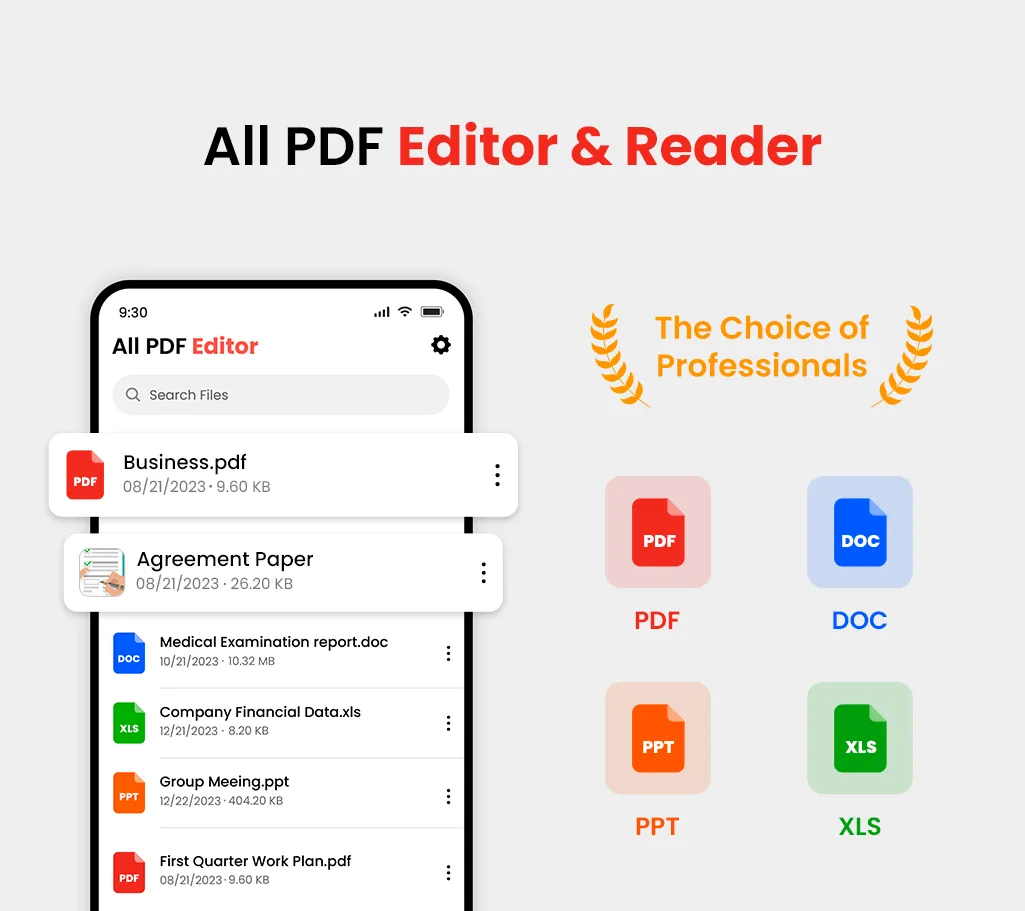
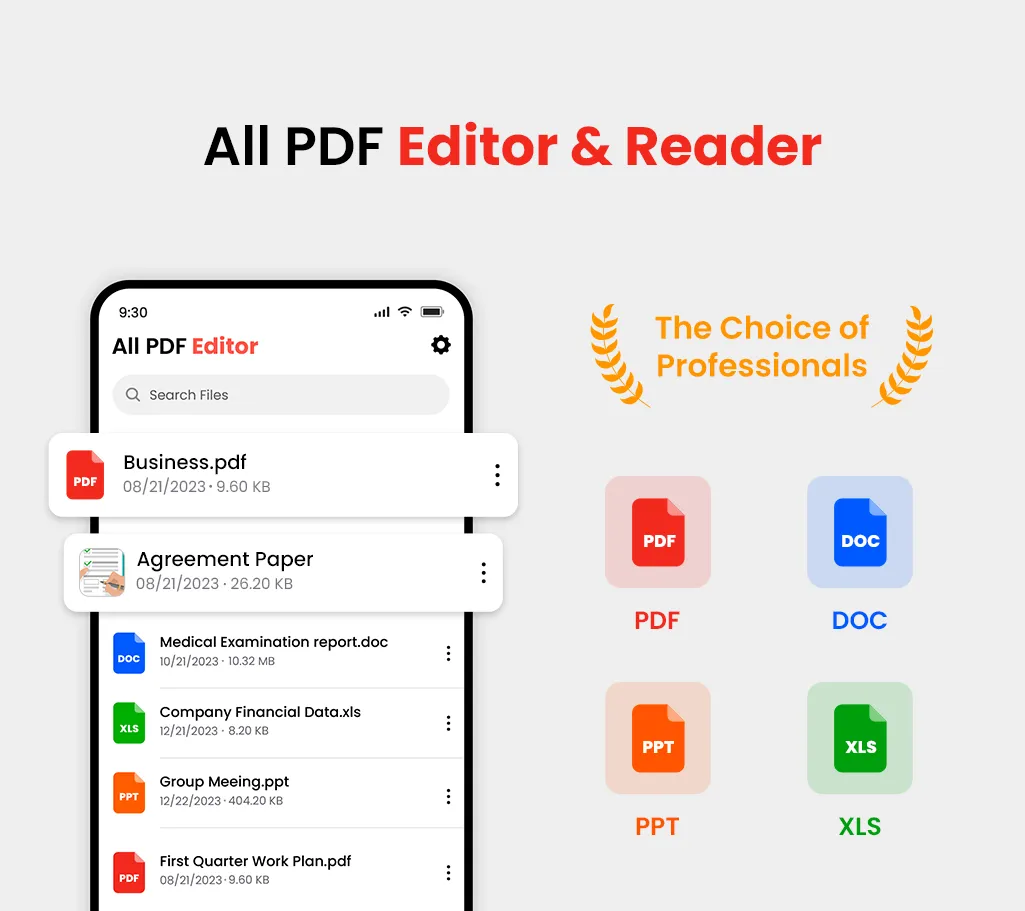
PDF Editor – Edit Everything! is an all-in-one PDF reader & editor, without downloading multiple Apps, you can get all your PDF works done perfectly in PDF Reader Pro, here comes your almighty PDF tool:
1. PDF Editor: Edit PDF text and images easily on the phone
2. PDF Converter: Magically convert PDF to editable Word files
3. PDF Scanner: Scan paper documents to PDF clearly & quickly
4. PDF Signature App: Sign and fill PDF documents, e-signature is legal & secure
5. PDF Formfiller: Fill in a PDF file directly on the phone without printing or faxing
6. Protect PDF privacy, set the password for your PDF documents
7. Read PDF more easily, Black Mode & Reading Mode for your choice
8. Sync with Cloud documents, all PDF files in one place
9. Add annotations, Merge PDF, Compress PDF, etc
All-in-one PDF tool, Maximizing PDF productivity, The most efficient choice for PDF users!
◆ PDF Editor meets all your PDF needs ◆
Edit, Sign and Fill PDF - PDF Editor
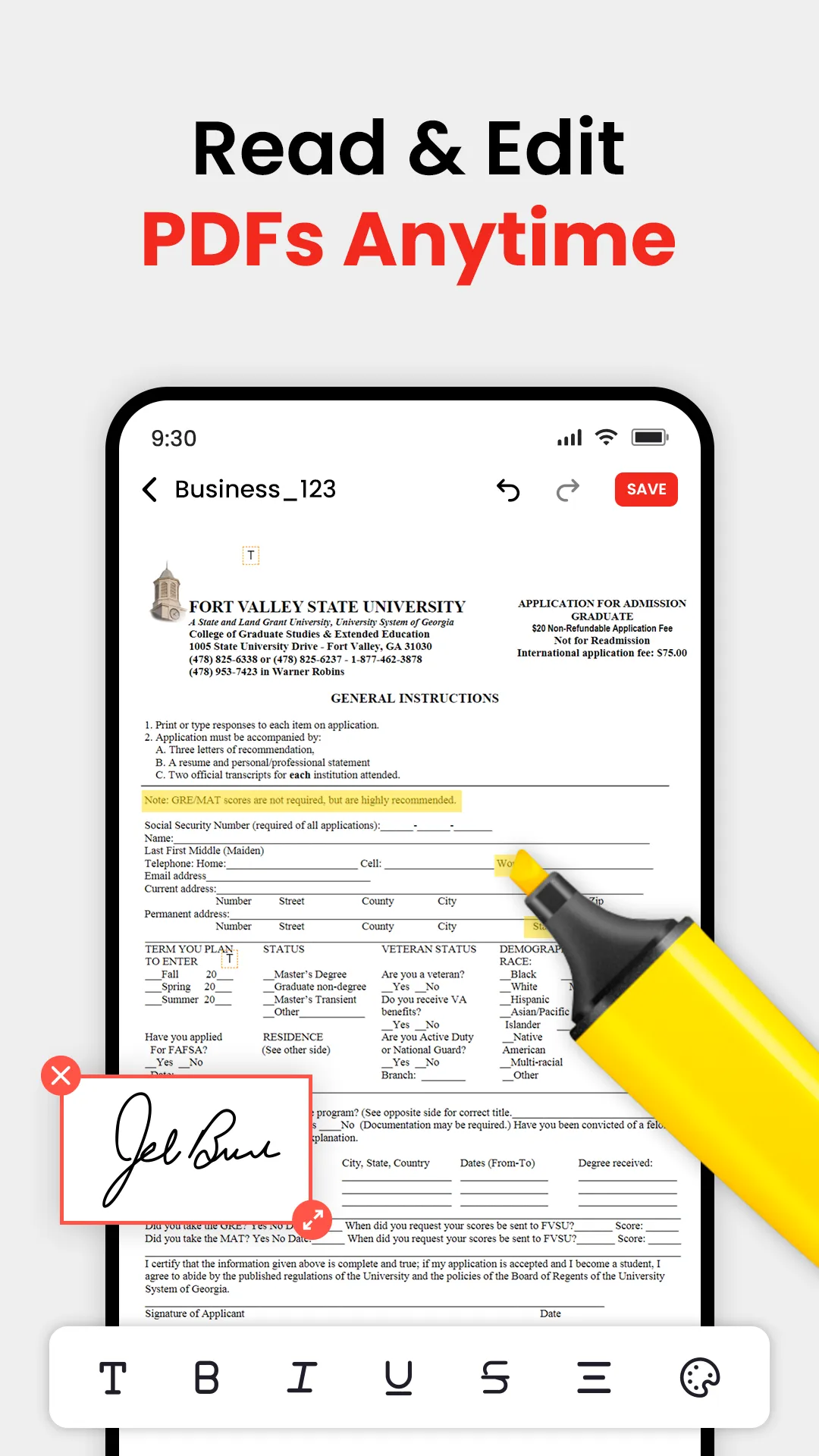
- Real text-editable PDF editor, more than annotating PDF, edit PDF text like Word
- Add, delete or rotate PDF images freely
- E-sign your PDF smoothly, safest & most secure e-signature
- Sign documents anywhere from any device
- Fill in a PDF file directly on the phone
Protect PDF documents security in PDF Editor
- Protect PDF documents by adding passwords
- Add watermark to PDF documents
- Safest electronic signature
All your PDF documents in one place only at PDF Editor
- Sync with Google Drive, Gmail, OneDrive, Dropbox, handle all pdf files in one place
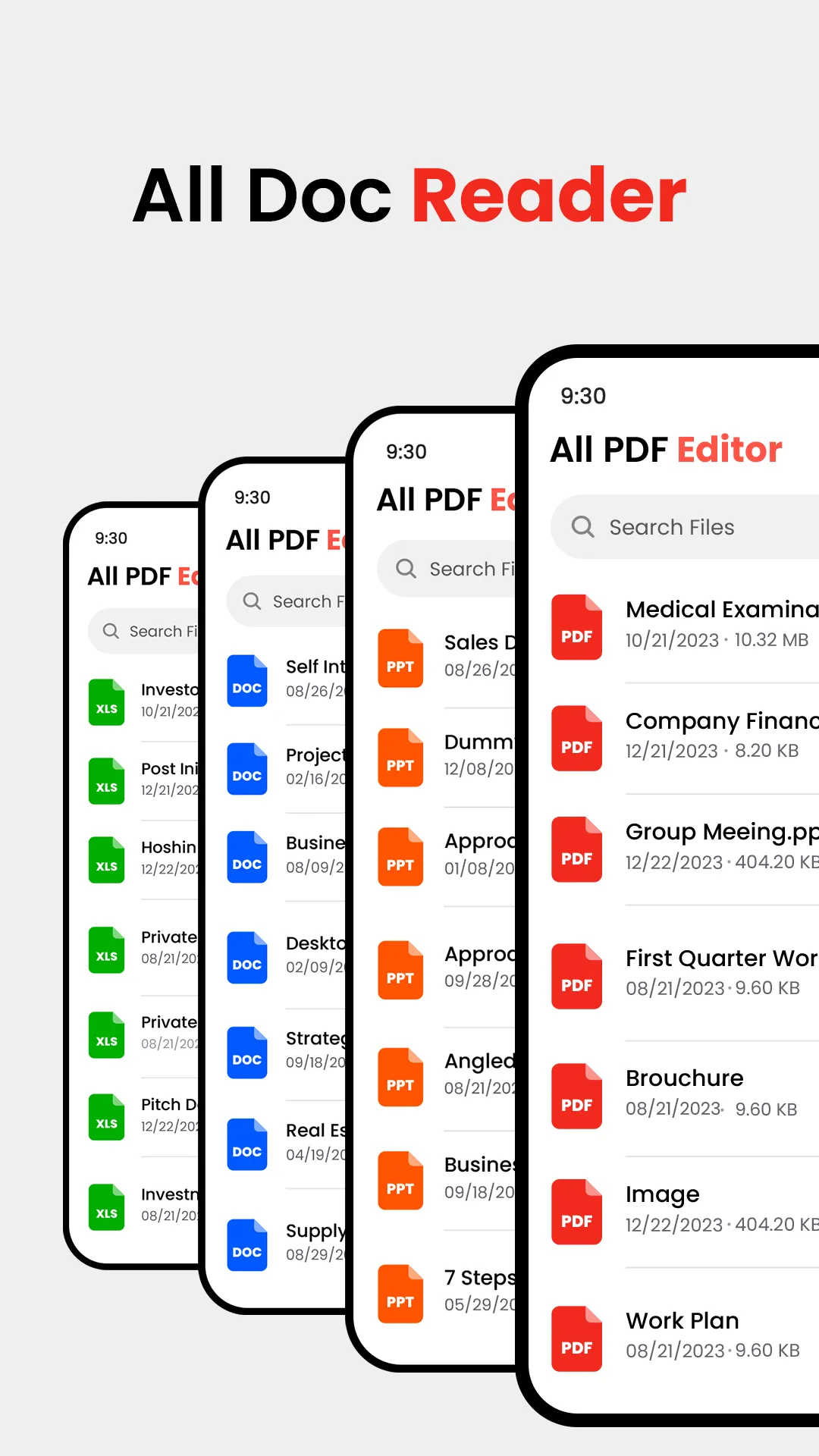
- Clearly categorized and well-organized PDF documents
Convert PDF to Word, Excel, PowerPoint, JPG to PDF Editor
- Convert PDF to Word
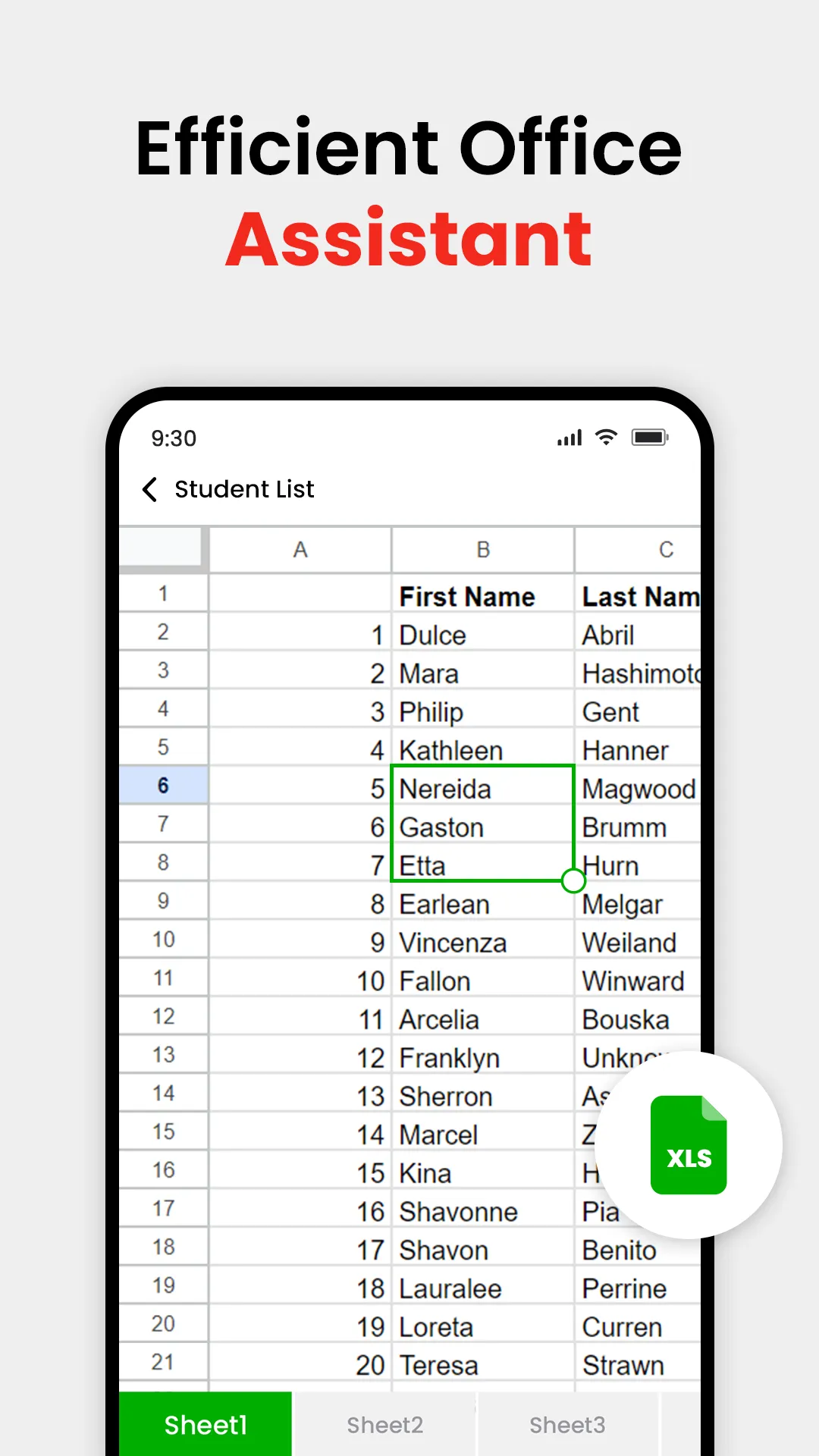
- Convert PDF to Excel
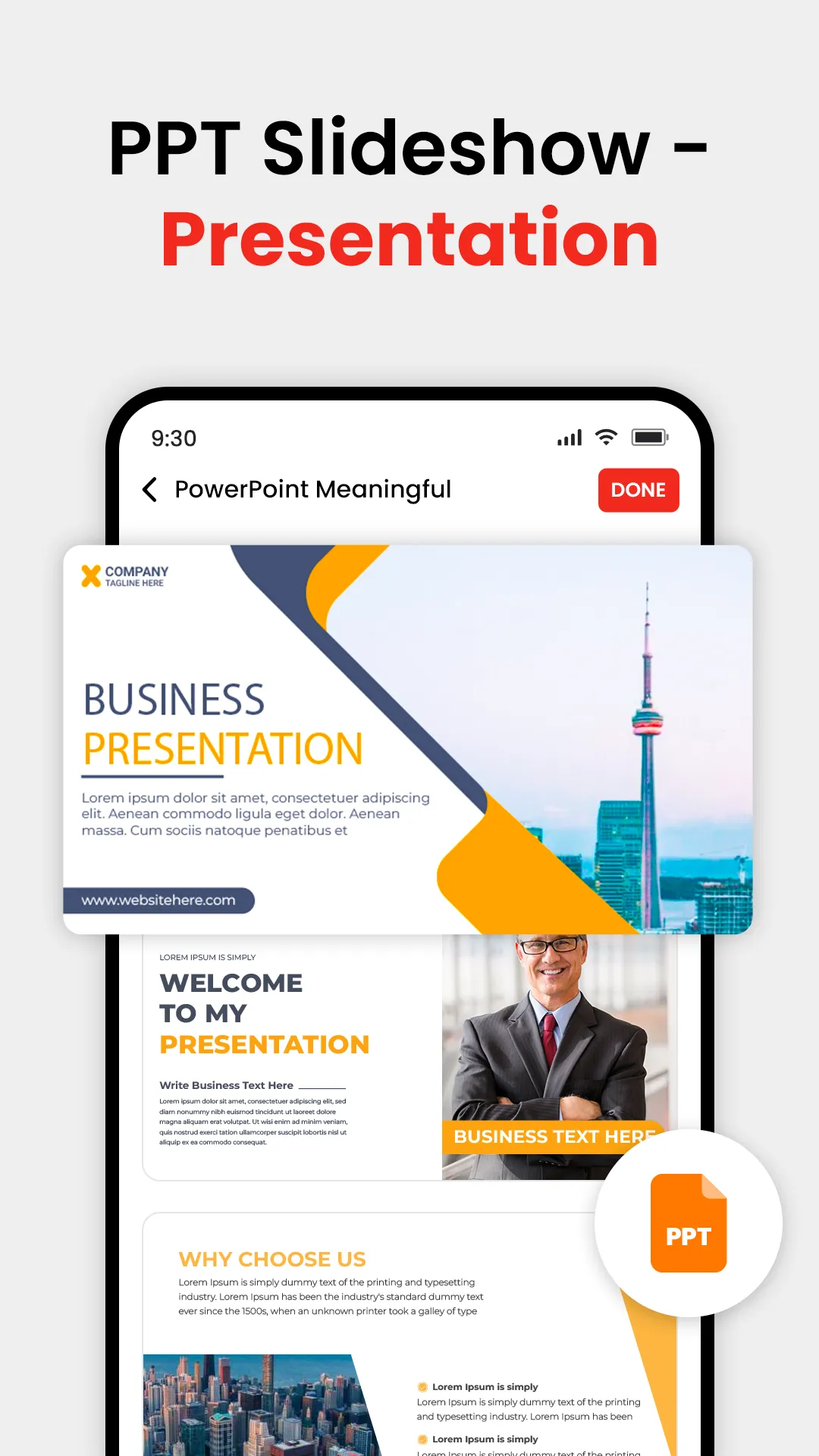
- Convert PDF to PowerPoint
- JPG to PDF, photo to PDF
- Convert Web Page to PDF
- Save Screenshot as PDF
Scan and store your documents in PDF Editor
- Scan paper contracts, e-sign and email PDF contracts with one click
- Scan printed text or handwritten meeting notes to edit and share later
- Scan business cards and save them to your contact list
- Scan all your notes, receipts, and documents, store them in the phone
More highlight features:
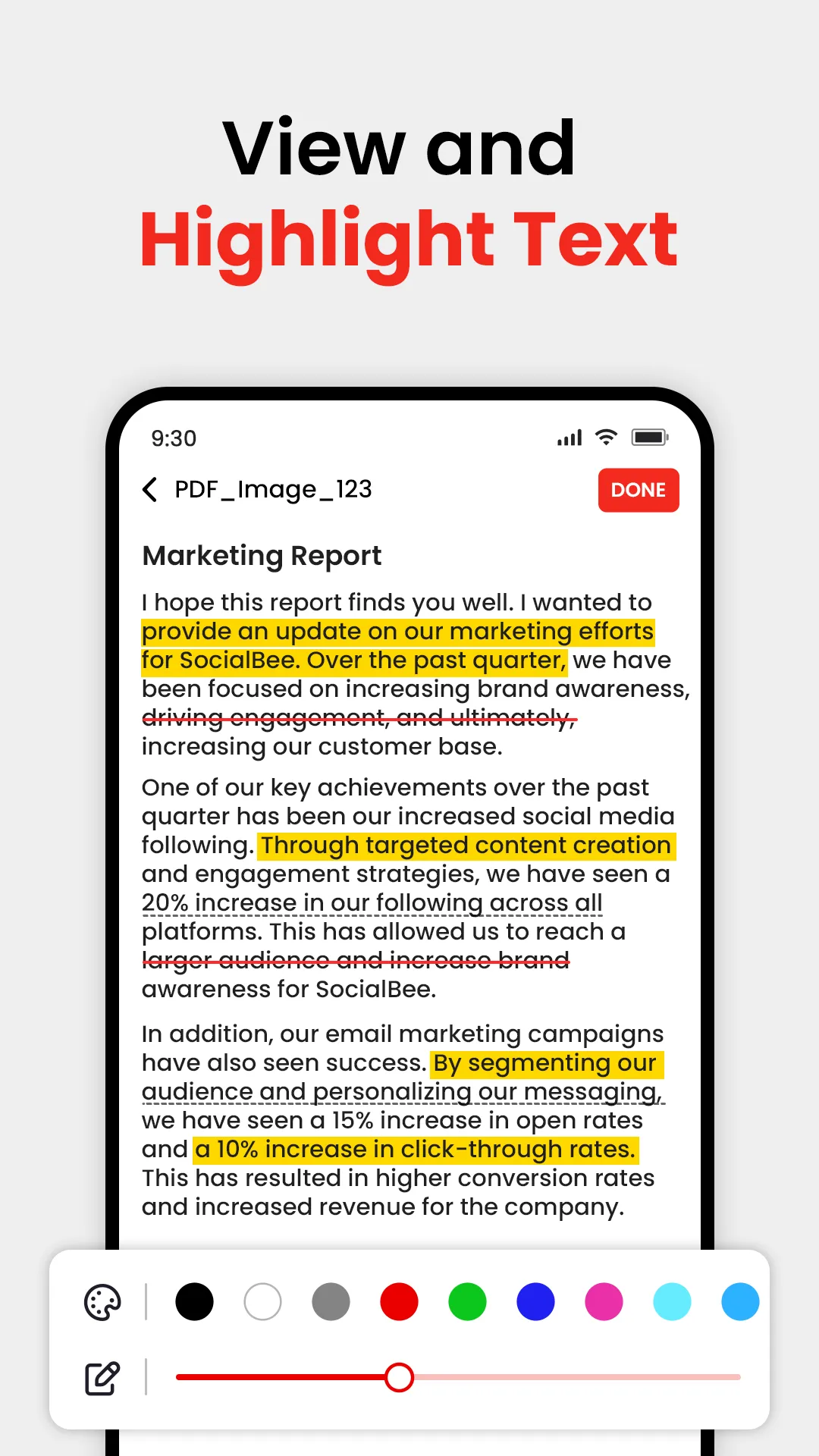
- Annotate, highlight, comment PDF
- Merge multiple PDF documents into one PDF
- Organize PDF pages freely
- Compress PDF files to reduce the file size
- Extract text from PDF and images.
Essential Apps
Ratings
0
0 total ratings
5
73%
4
10%
3
4%
2
3%
1
10%
REVIEWS
No reviews yet. Be the first one to review this app
'%20fill-rule='evenodd'%20clip-rule='evenodd'%20d='M8.04878%200.118571C9.10796%20-0.198465%2010.2321%200.132893%2010.9526%200.961509L18.7058%209.9036H22.0709C23.0433%209.90386%2023.8429%2010.7032%2023.843%2011.6757V13.1309H23.8497C23.8497%2013.4983%2023.5476%2013.8014%2023.1803%2013.8015H19.9372V33.9548C19.9372%2034.423%2019.5703%2034.7975%2019.1021%2034.7977H17.142C15.91%2034.7977%2014.9156%2033.8036%2014.9154%2032.5644V28.0251C13.5538%2028.5582%2012.3722%2028.7169%2010.9963%2028.7169C6.45689%2028.7169%203.74677%2025.6897%203.74677%2020.6099V13.8015H1.77319C0.800641%2013.8015%200.000280942%2013.0091%200%2012.0294V10.573C0.000219737%2010.2057%200.303205%209.9036%200.670545%209.9036H13.5676L5.13039%201.85482C4.82078%201.55938%204.94365%201.04032%205.35428%200.917851L8.04878%200.118571ZM8.78425%2013.8082V20.611C8.78438%2023.1974%209.8151%2024.35%2012.1135%2024.35C12.9637%2024.3499%2014.1167%2024.1489%2014.902%2023.7959V13.8082H8.78425Z'%20fill='white'/%3e%3c/svg%3e)
Permissions
Storage: access photos, media, and files on your device
Internet: use your internet connection
Phone: make and manage phone calls
Camera: take pictures and record video
Curated for YouSee all






Scan to download on PhonePe Appstore

