

SmartTV Software Studio
5.0
2 ratings10 MB
SizeVerified
SCREENSHOTS (6)
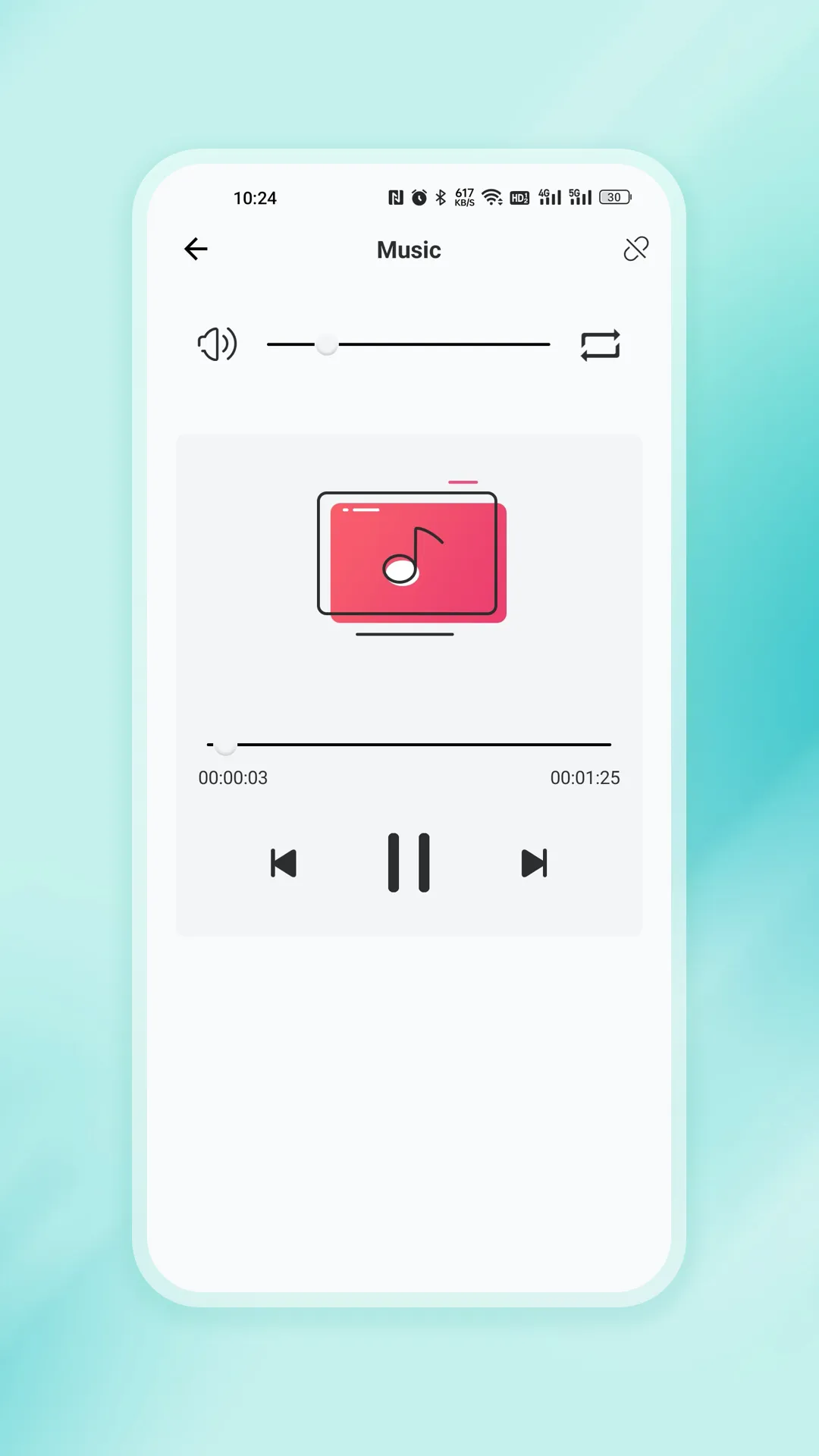
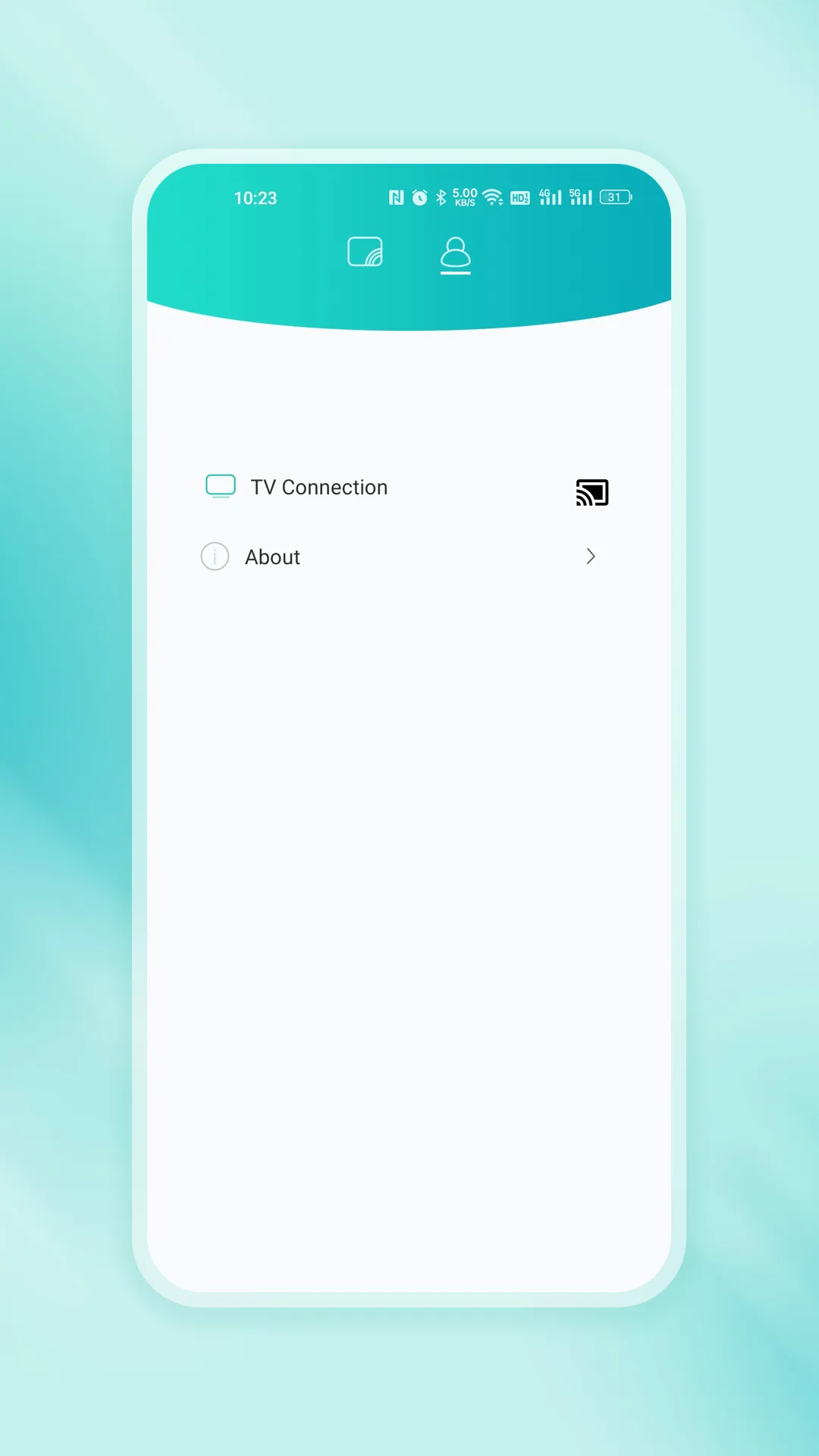
About the app
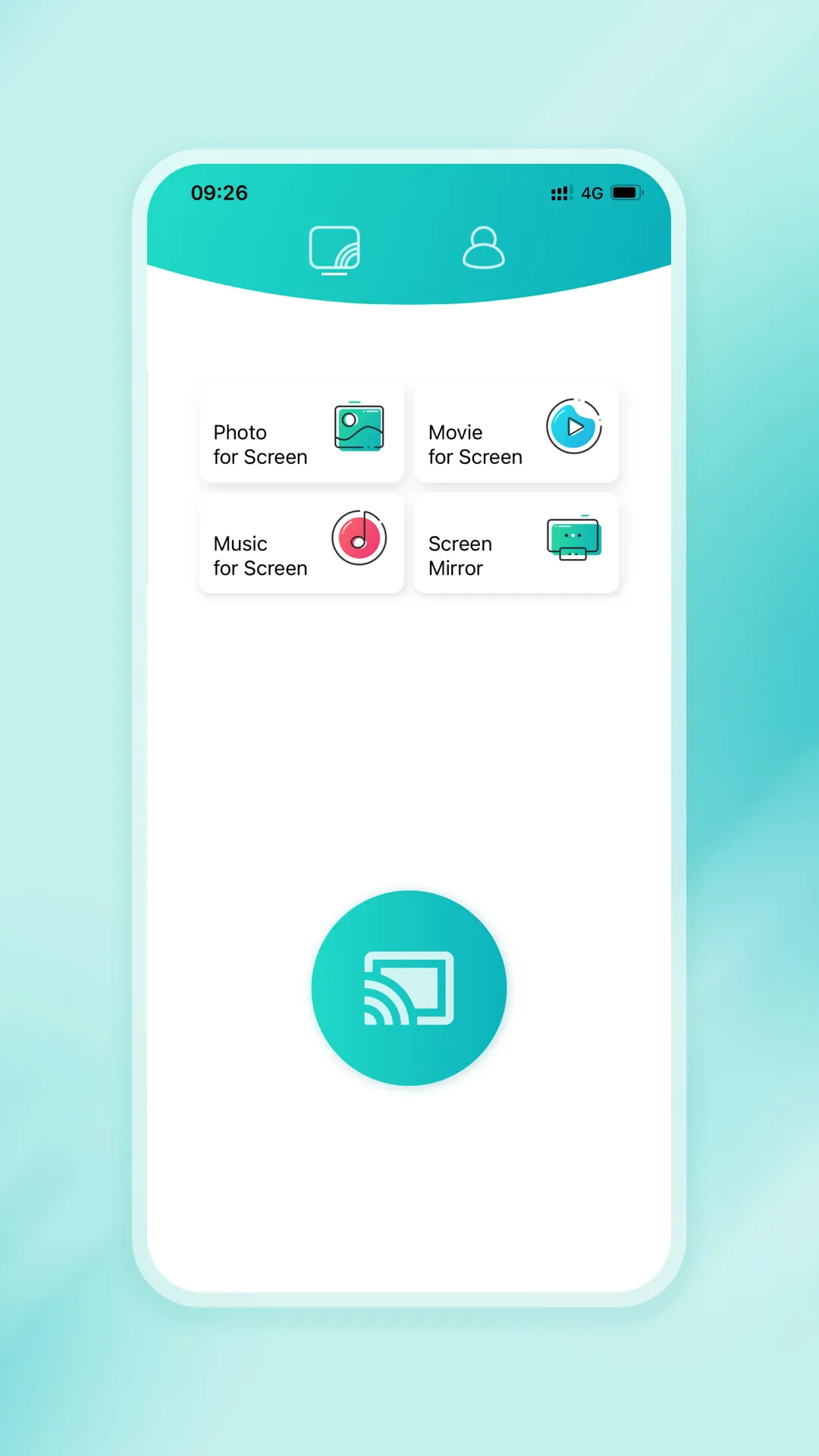
With the app "CastPlay" you can use your mobile phone to control your Smart TV over the local network. Make sure your mobile phone and Smart TV are connected to the same home network. It is better to set your router to 5G mode, and then connect your Smart TV to the wired network. If your router supports a privacy separator function, make sure it is disabled.
Support local media files projection, screen image, Smart TV and mobile phone will be more interactive.
[Main Features]
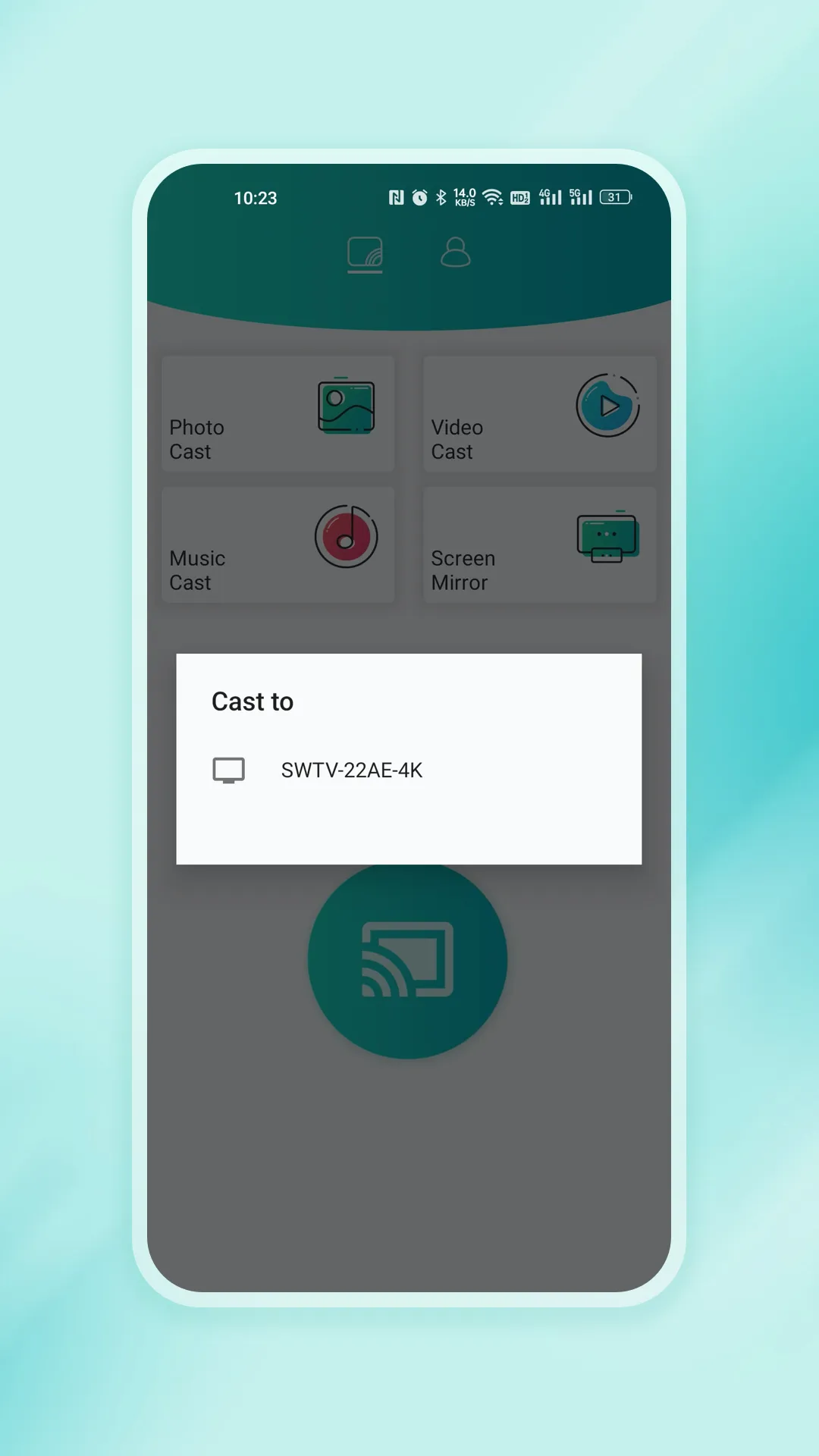
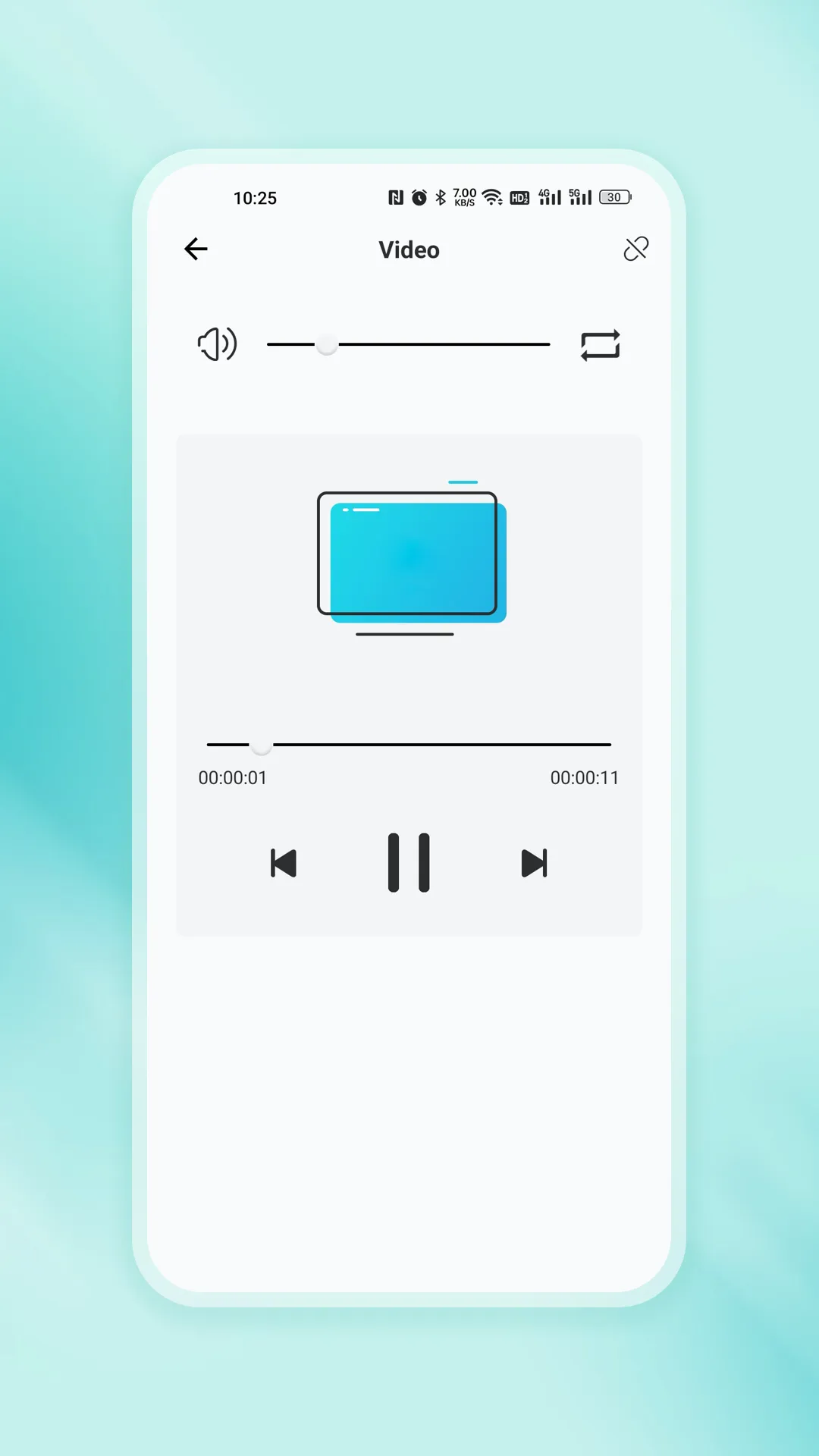
1. Share photos, videos, music to Smart TV from mobile phone.
2. Easily switch between controlled devices from mobile phone screen on the Smart TV. Gives you better sync experience.
3. Now supports NFC, you can easily cast the screen with a touch of the sticker.
Entertainment
Ratings
5
2 total ratings
5
100%
4
0%
3
0%
2
0%
1
0%
REVIEWS
Rajeev Kumar
28/12/2025
cast connect nahi ho raha tv se
'%20fill-rule='evenodd'%20clip-rule='evenodd'%20d='M8.04878%200.118571C9.10796%20-0.198465%2010.2321%200.132893%2010.9526%200.961509L18.7058%209.9036H22.0709C23.0433%209.90386%2023.8429%2010.7032%2023.843%2011.6757V13.1309H23.8497C23.8497%2013.4983%2023.5476%2013.8014%2023.1803%2013.8015H19.9372V33.9548C19.9372%2034.423%2019.5703%2034.7975%2019.1021%2034.7977H17.142C15.91%2034.7977%2014.9156%2033.8036%2014.9154%2032.5644V28.0251C13.5538%2028.5582%2012.3722%2028.7169%2010.9963%2028.7169C6.45689%2028.7169%203.74677%2025.6897%203.74677%2020.6099V13.8015H1.77319C0.800641%2013.8015%200.000280942%2013.0091%200%2012.0294V10.573C0.000219737%2010.2057%200.303205%209.9036%200.670545%209.9036H13.5676L5.13039%201.85482C4.82078%201.55938%204.94365%201.04032%205.35428%200.917851L8.04878%200.118571ZM8.78425%2013.8082V20.611C8.78438%2023.1974%209.8151%2024.35%2012.1135%2024.35C12.9637%2024.3499%2014.1167%2024.1489%2014.902%2023.7959V13.8082H8.78425Z'%20fill='white'/%3e%3c/svg%3e)
Permissions
Location: access this device"s location
Storage: access photos, media, and files on your device
Internet: use your internet connection
Phone: make and manage phone calls
Curated for YouSee all






Scan to download on PhonePe Appstore

