

Nongthonbam Tonthoi
4.0
ratings4 MB
SizeVerified
SCREENSHOTS (4)
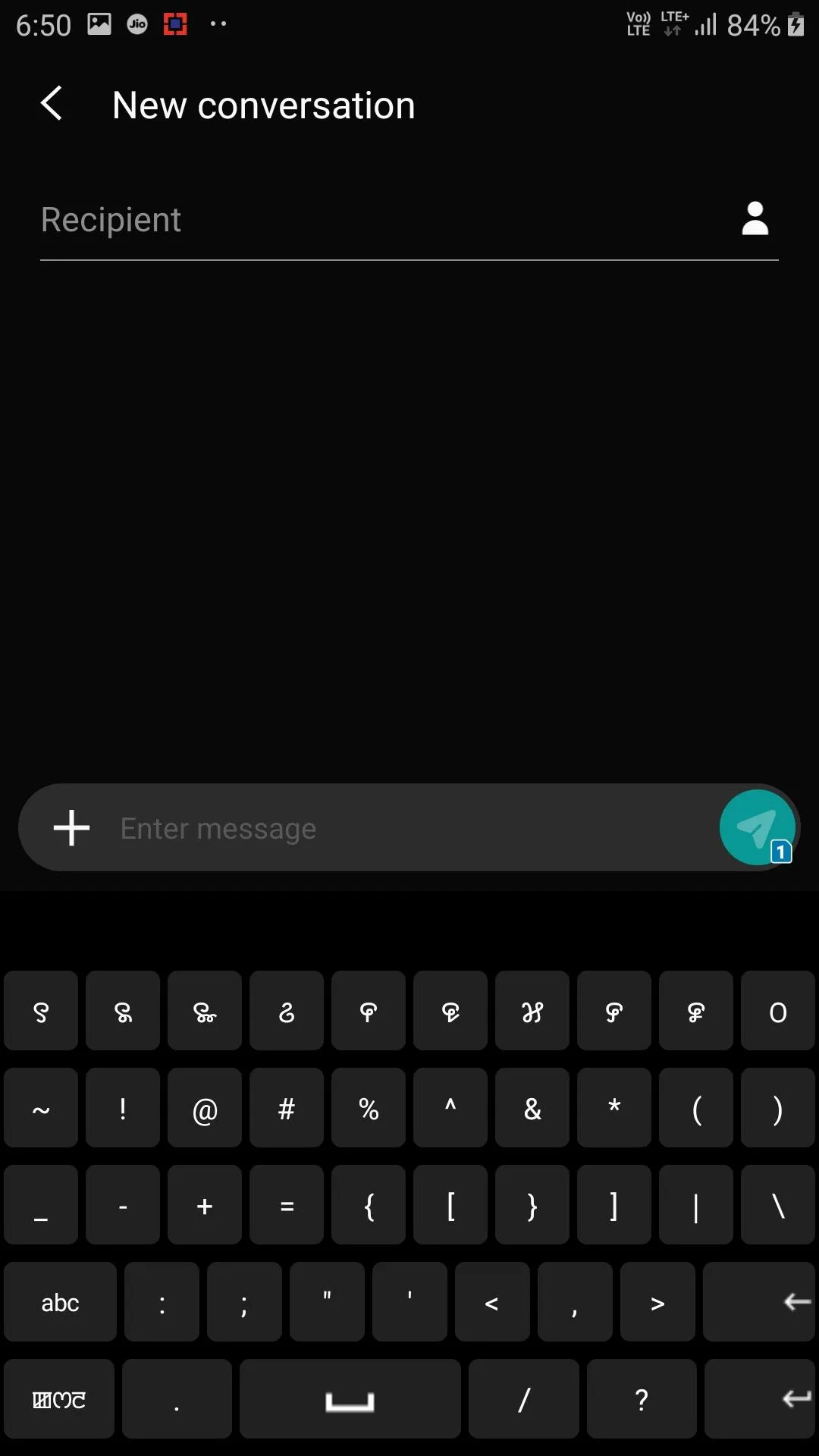
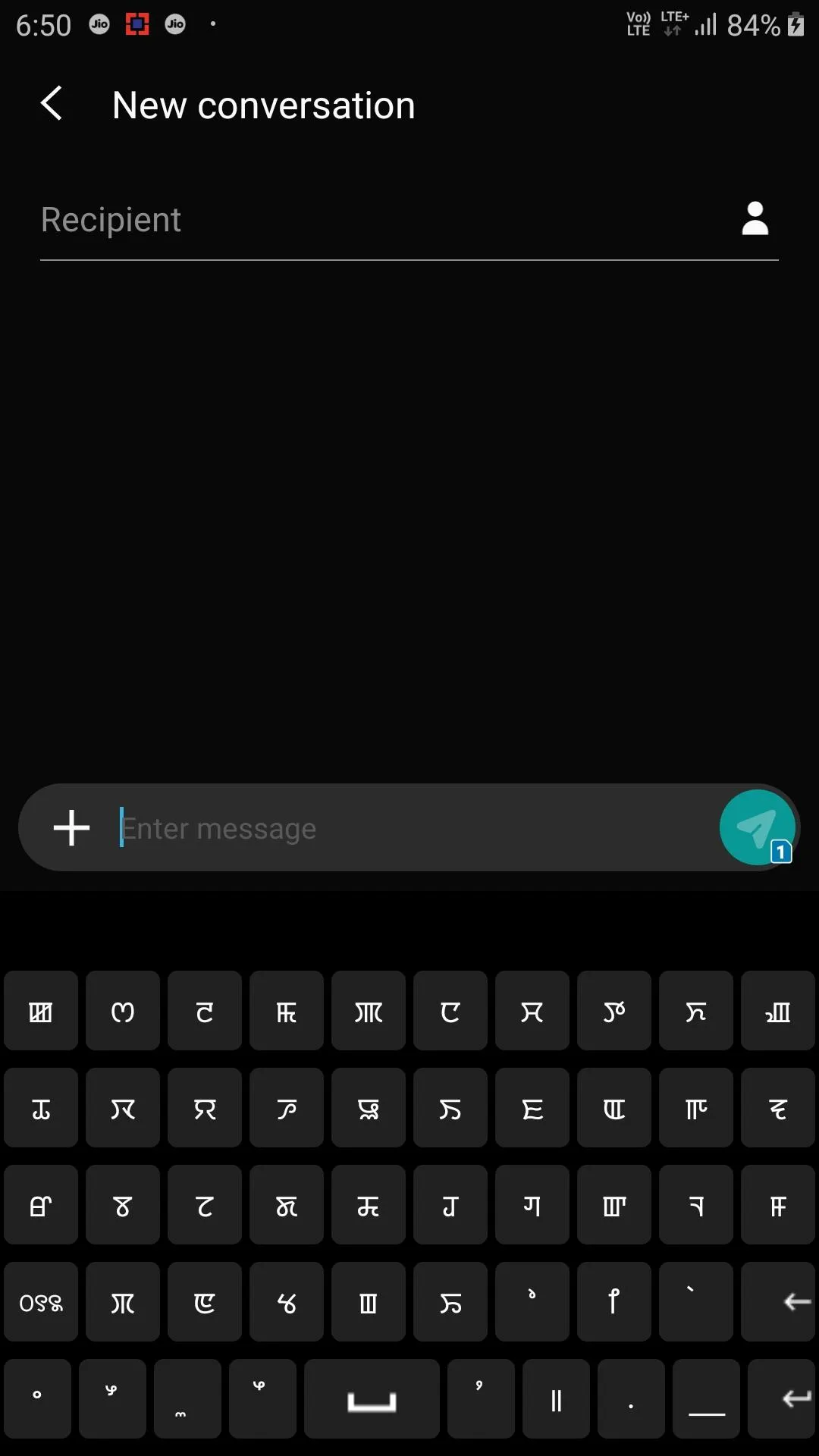
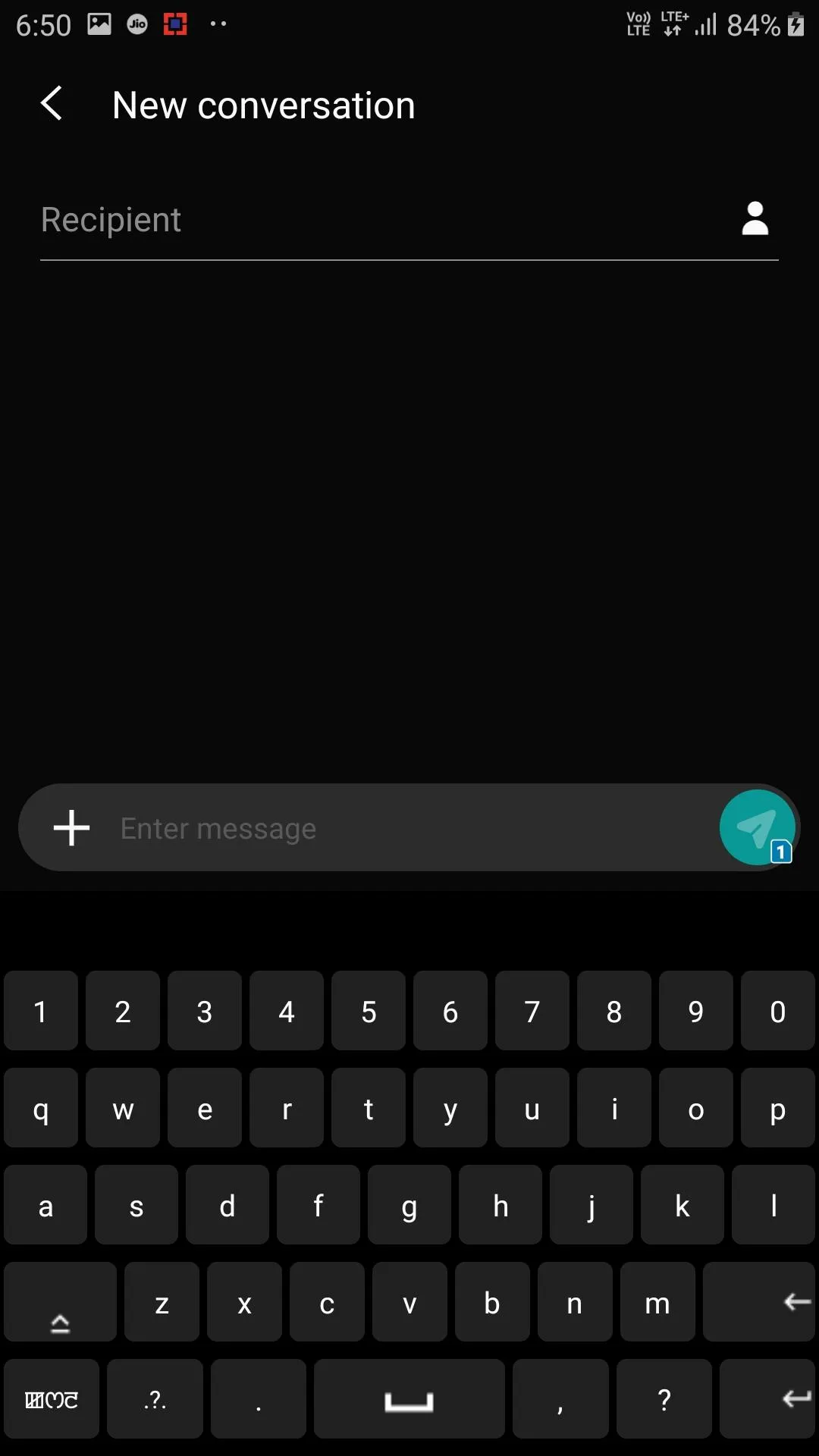
About the app
A Manipuri Keyboard or Meitei Mayek keyboard to type in Manipuri script or Meitei Mayek in the device, built with only the minimal features.
Go to your device Settings.
Go to Languages and input.
Now choose and select "Meitei Mayek Keyboard".
The steps might vary depending on your device, so follow the steps for your device and choose the appropriate options to change the keyboard.
For eg. for Samsung Galaxy J7 pro with Android 9:
Navigate to:
Settings -> General Management -> Language and input -> On-screen keyboard -> Manage keyboards
Then turn on the switch for "Meitei Mayek Keyboard", then navigate back to "Language and input" -> "Default keyboard"
Now select "Meitei Mayek Keyboard" from the pop-up menu.
Now you can start typing using this keyboard.
Education
Ratings
0
0 total ratings
5
73%
4
10%
3
4%
2
3%
1
10%
REVIEWS
No reviews yet. Be the first one to review this app
'%20fill-rule='evenodd'%20clip-rule='evenodd'%20d='M8.04878%200.118571C9.10796%20-0.198465%2010.2321%200.132893%2010.9526%200.961509L18.7058%209.9036H22.0709C23.0433%209.90386%2023.8429%2010.7032%2023.843%2011.6757V13.1309H23.8497C23.8497%2013.4983%2023.5476%2013.8014%2023.1803%2013.8015H19.9372V33.9548C19.9372%2034.423%2019.5703%2034.7975%2019.1021%2034.7977H17.142C15.91%2034.7977%2014.9156%2033.8036%2014.9154%2032.5644V28.0251C13.5538%2028.5582%2012.3722%2028.7169%2010.9963%2028.7169C6.45689%2028.7169%203.74677%2025.6897%203.74677%2020.6099V13.8015H1.77319C0.800641%2013.8015%200.000280942%2013.0091%200%2012.0294V10.573C0.000219737%2010.2057%200.303205%209.9036%200.670545%209.9036H13.5676L5.13039%201.85482C4.82078%201.55938%204.94365%201.04032%205.35428%200.917851L8.04878%200.118571ZM8.78425%2013.8082V20.611C8.78438%2023.1974%209.8151%2024.35%2012.1135%2024.35C12.9637%2024.3499%2014.1167%2024.1489%2014.902%2023.7959V13.8082H8.78425Z'%20fill='white'/%3e%3c/svg%3e)
Permissions
Internet: use your internet connection
Curated for YouSee all






Scan to download on PhonePe Appstore

