

Klwinkel.com
4.0
ratings8 MB
SizeVerified
SCREENSHOTS (8)
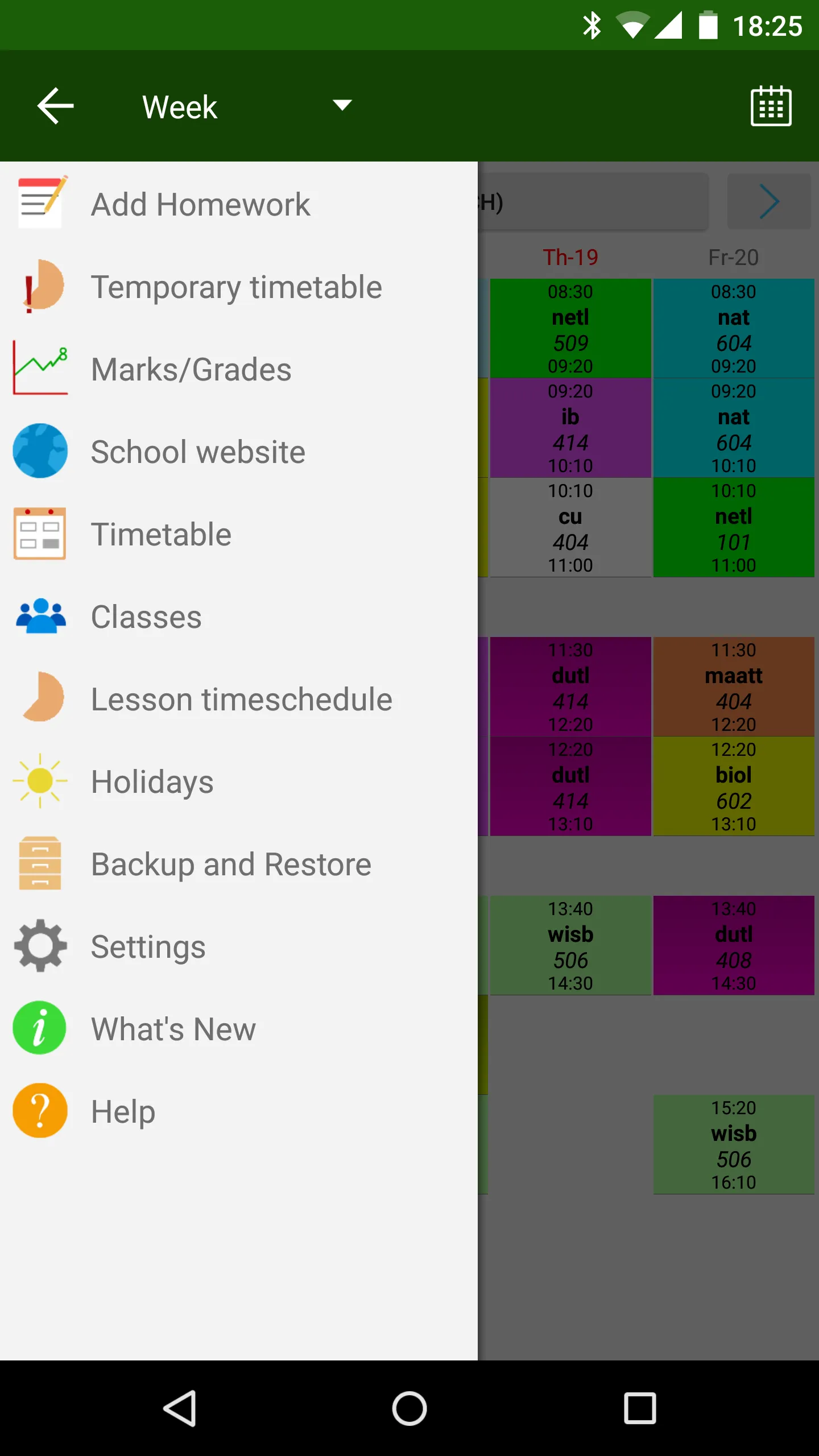
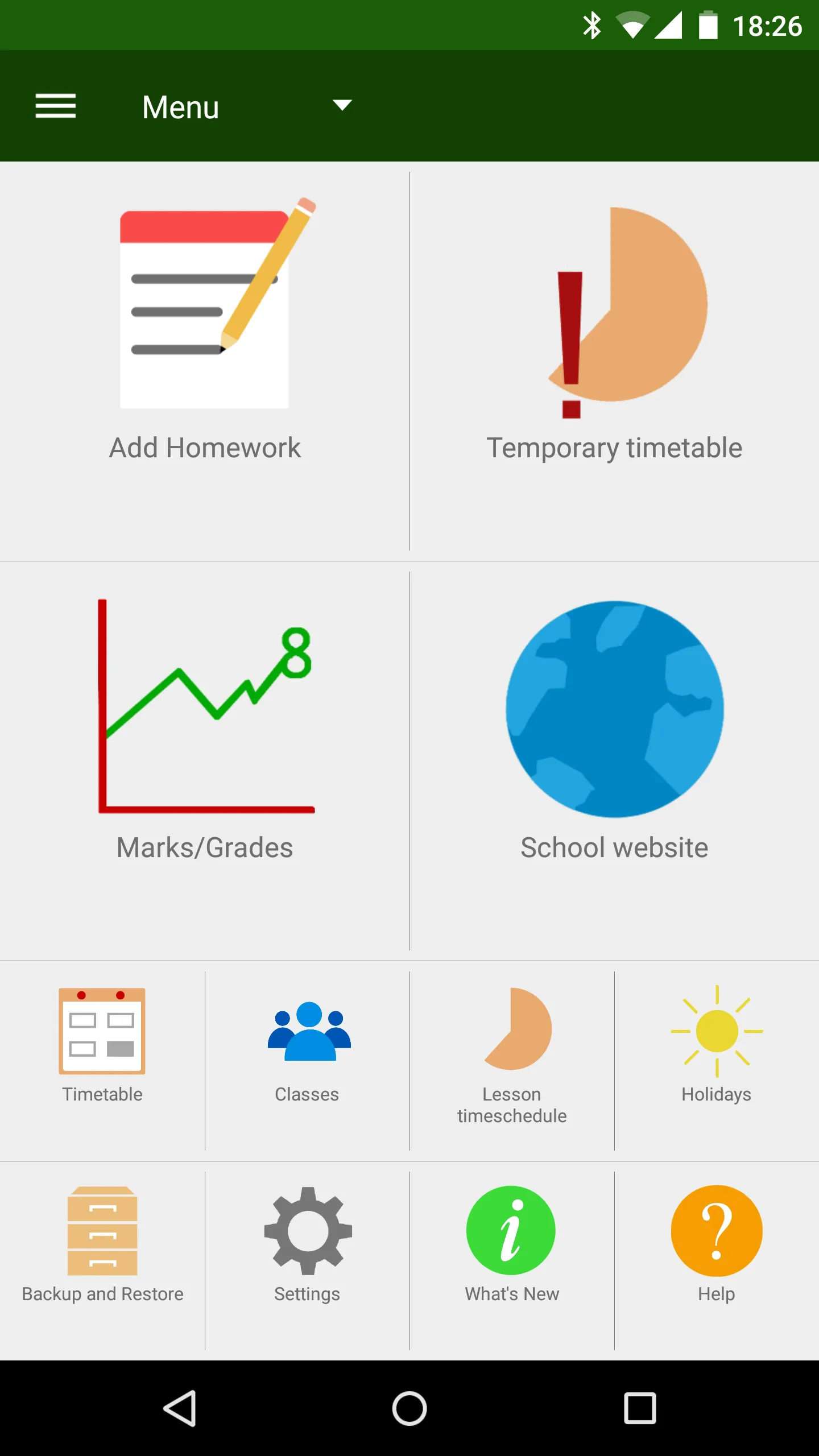
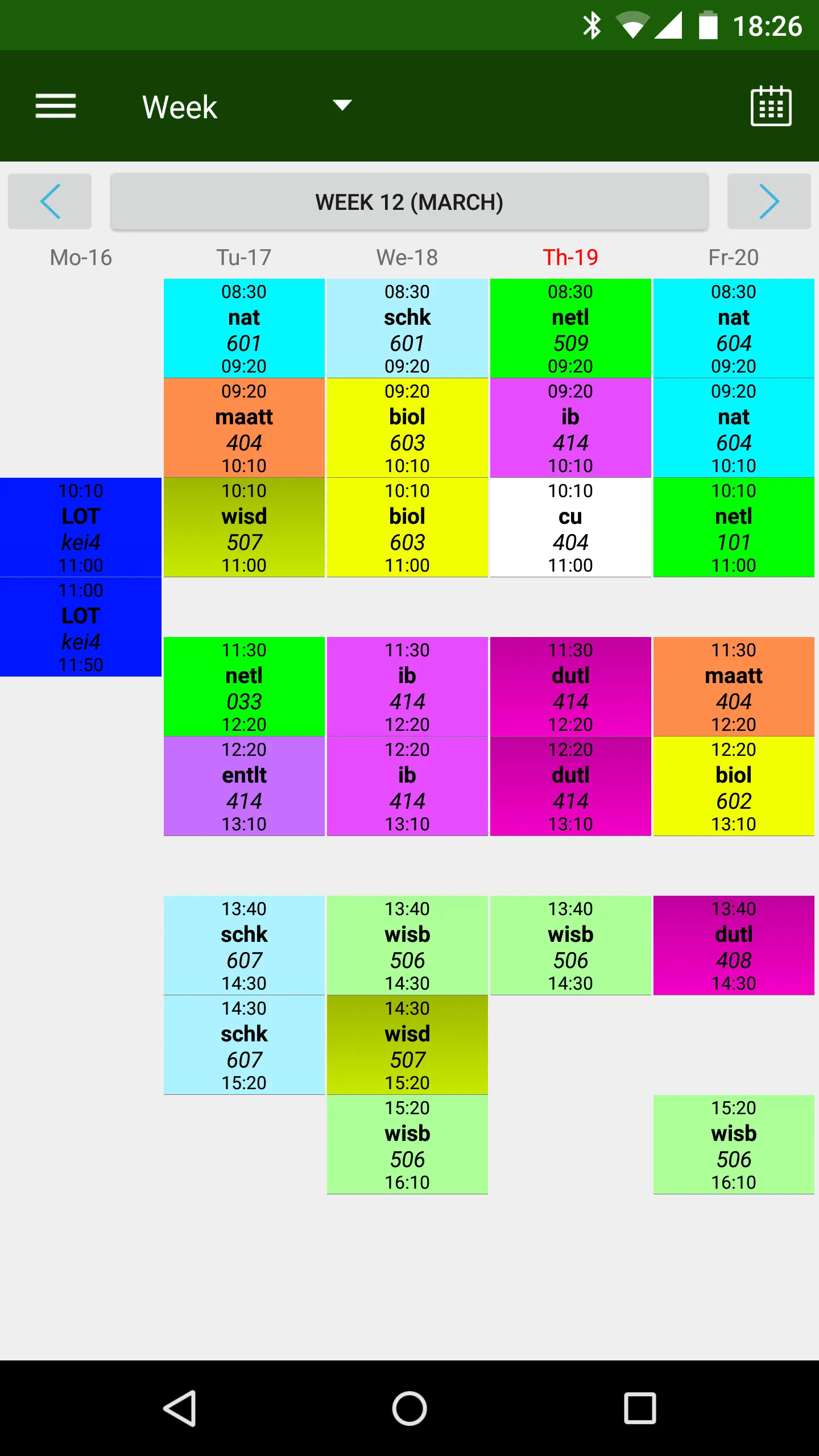
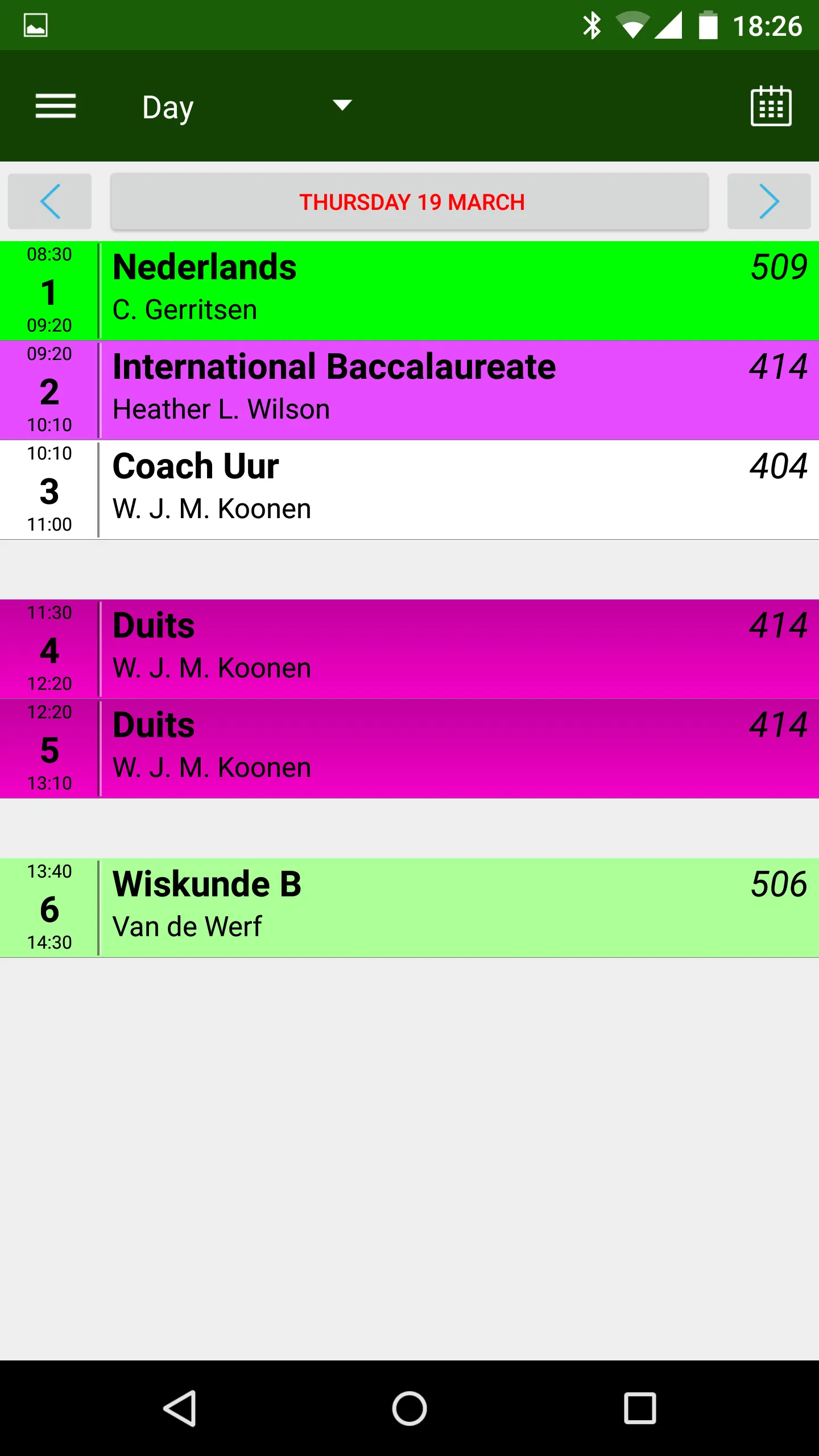
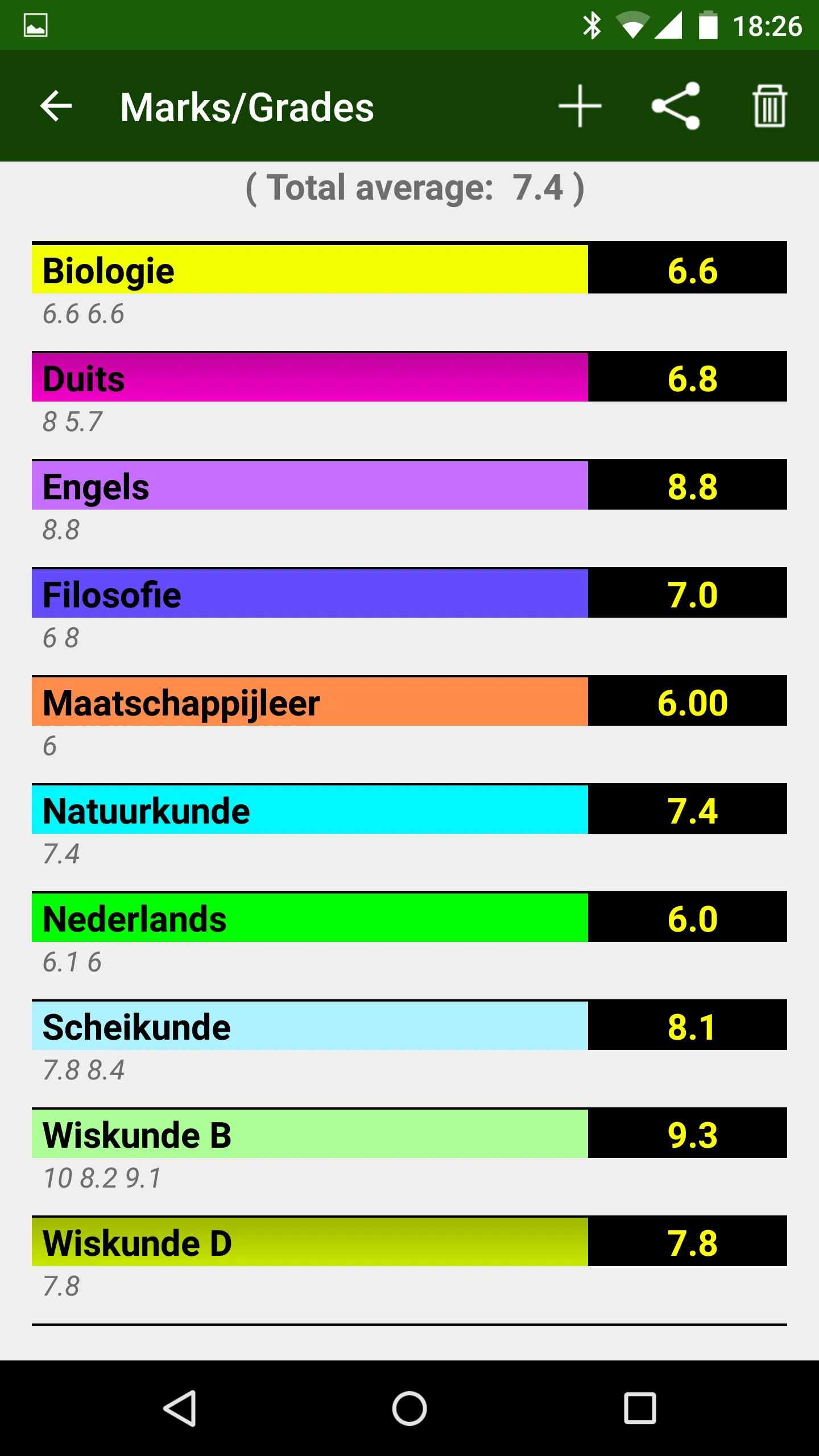
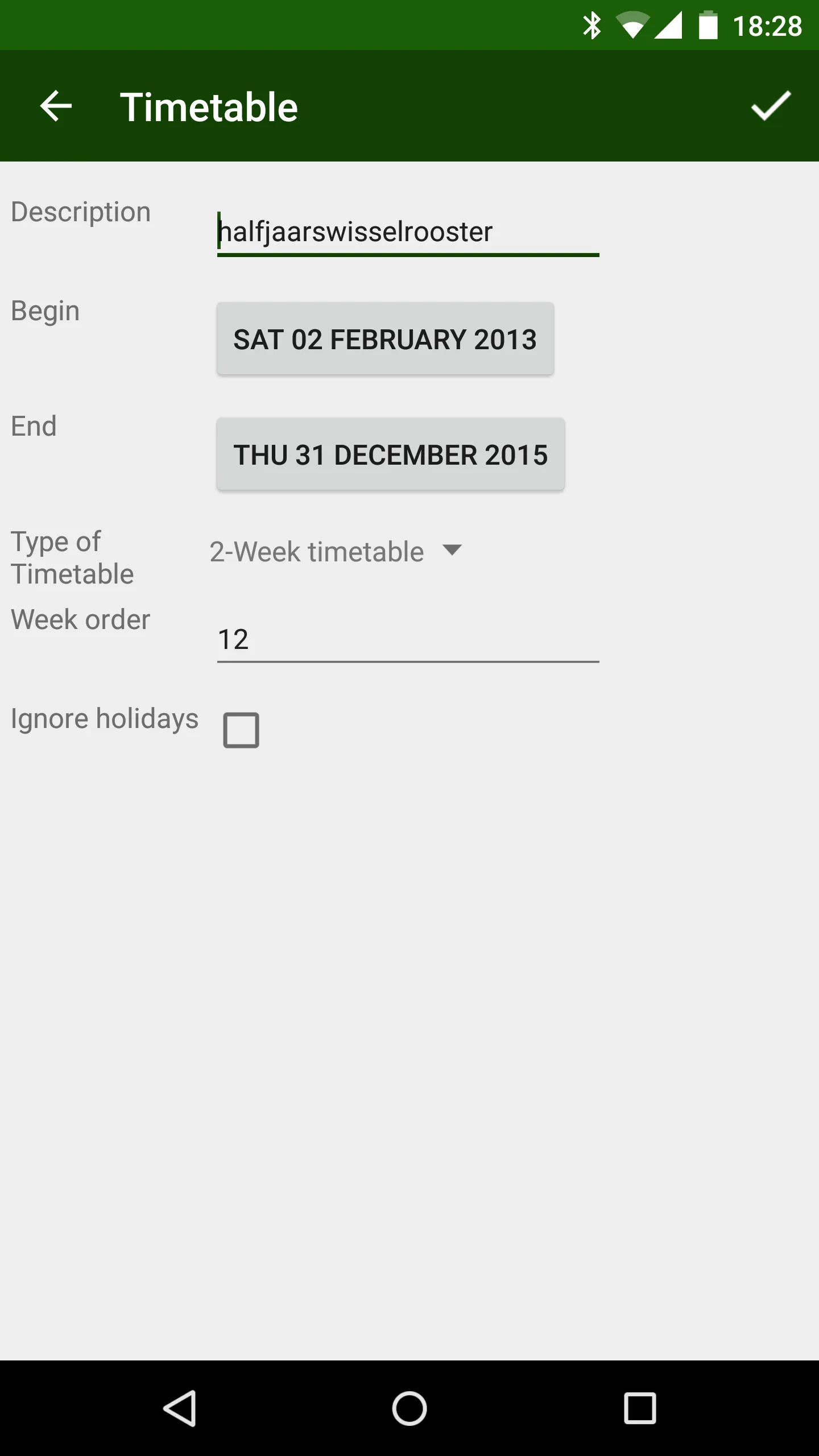
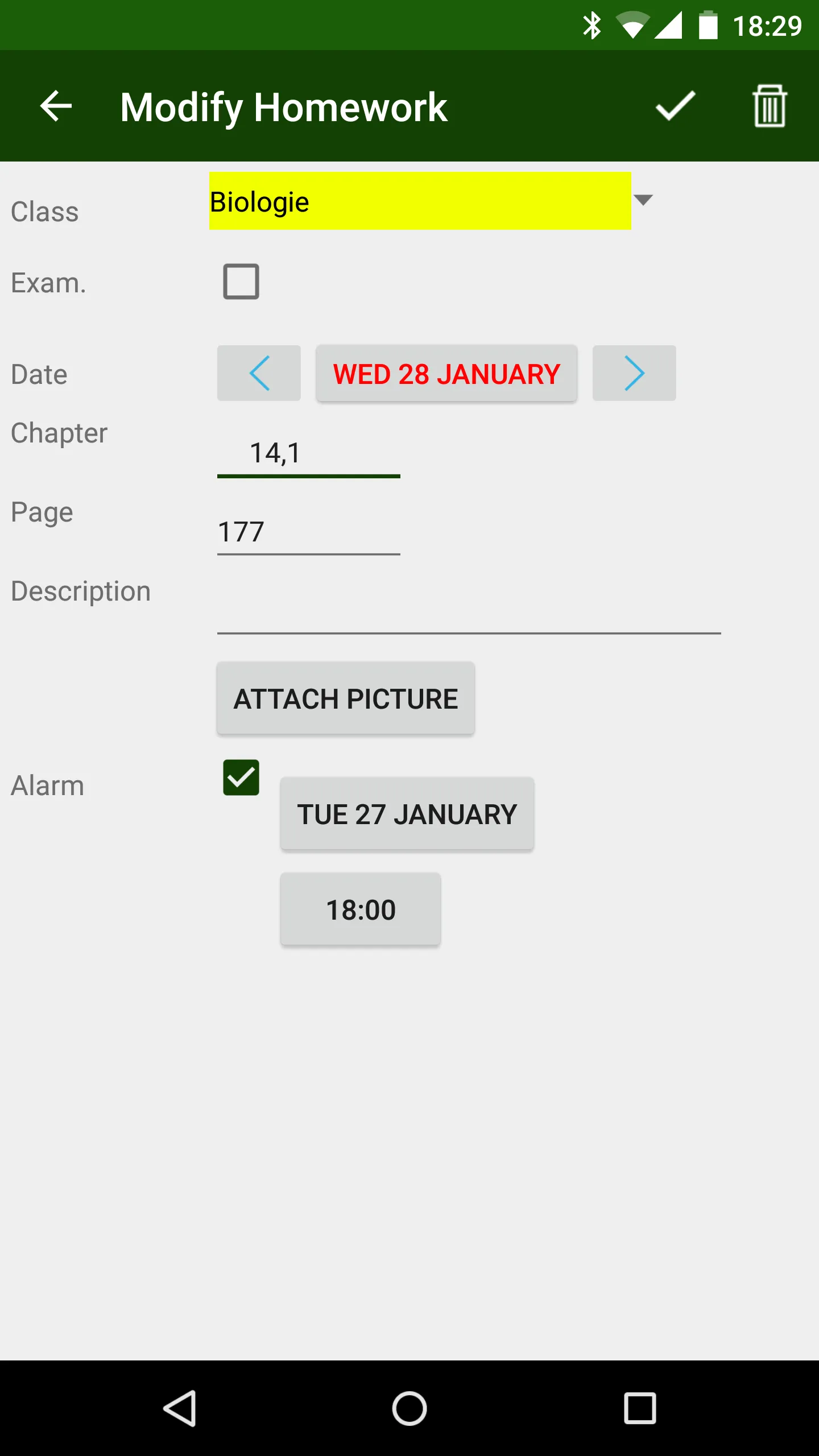
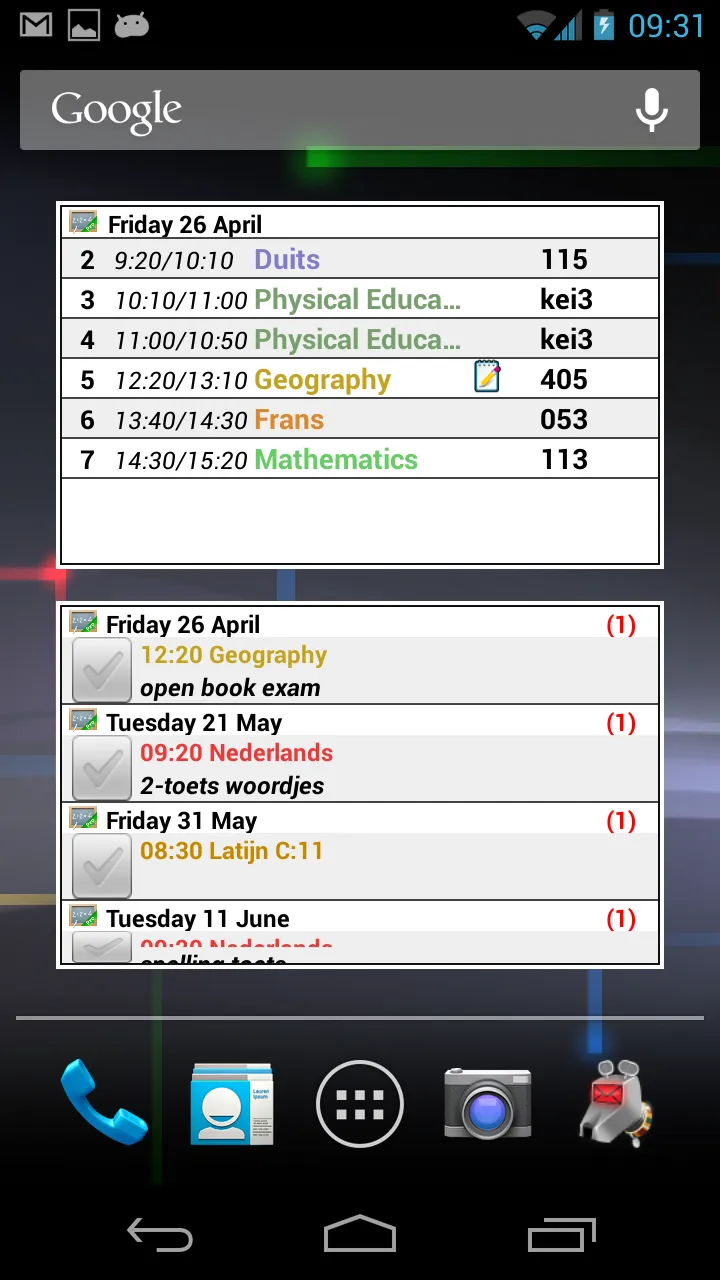
About the app
1. HomeWork app to keep track of your homework and Timetable.
2. You can define your own subjects/lessons.
You can define the start and end times of the lessons.
Upto 20 lessons per day.
You can define contact information for each subject.
3. Feature to make a temporary (one lesson, one day) timetable change.
4. ---> Possible to use a 2- 3- and 4-week timetable (enable it in the Settings!)
5. ---> Possible to use a rotating timetable (enable it in the Settings!)
6. By (short) Clicking on a lesson in the timetable screens, you can define homework for that lesson.
By (long) Clicking on a lesson in the timetable screens, you can define a one-time timetable change for that lesson.
7. In the Timetable screens, there are indications for unfinished homework and examinations for lessons.
8. By sweeping left or right on the timetable screen, you can go forward or backward in time.
Sweep down is back to current day/week
9. Multiple homescreen widgets available.
klwinkel.com
Tablet optimization was sponsored and designed by Digitally Different Srl
[Arabic translation by: Adel Al-Ghuzaili]
Education
Ratings
0
0 total ratings
5
73%
4
10%
3
4%
2
3%
1
10%
REVIEWS
No reviews yet. Be the first one to review this app
'%20fill-rule='evenodd'%20clip-rule='evenodd'%20d='M8.04878%200.118571C9.10796%20-0.198465%2010.2321%200.132893%2010.9526%200.961509L18.7058%209.9036H22.0709C23.0433%209.90386%2023.8429%2010.7032%2023.843%2011.6757V13.1309H23.8497C23.8497%2013.4983%2023.5476%2013.8014%2023.1803%2013.8015H19.9372V33.9548C19.9372%2034.423%2019.5703%2034.7975%2019.1021%2034.7977H17.142C15.91%2034.7977%2014.9156%2033.8036%2014.9154%2032.5644V28.0251C13.5538%2028.5582%2012.3722%2028.7169%2010.9963%2028.7169C6.45689%2028.7169%203.74677%2025.6897%203.74677%2020.6099V13.8015H1.77319C0.800641%2013.8015%200.000280942%2013.0091%200%2012.0294V10.573C0.000219737%2010.2057%200.303205%209.9036%200.670545%209.9036H13.5676L5.13039%201.85482C4.82078%201.55938%204.94365%201.04032%205.35428%200.917851L8.04878%200.118571ZM8.78425%2013.8082V20.611C8.78438%2023.1974%209.8151%2024.35%2012.1135%2024.35C12.9637%2024.3499%2014.1167%2024.1489%2014.902%2023.7959V13.8082H8.78425Z'%20fill='white'/%3e%3c/svg%3e)
Permissions
Contacts: access your contacts
Storage: access photos, media, and files on your device
Internet: use your internet connection
Calendar: access your calendar
Developer Info
Curated for YouSee all






Scan to download on PhonePe Appstore

