

EBS(한국교육방송공사)
4.0
ratings28 MB
SizeVerified
SCREENSHOTS (6)
About the app
Get closer to EBSe! More convenient EBSe!
EBSe, Korea’s representative English channel leading English education
Use EBSe more easily and conveniently anytime, anywhere.
[Main services]
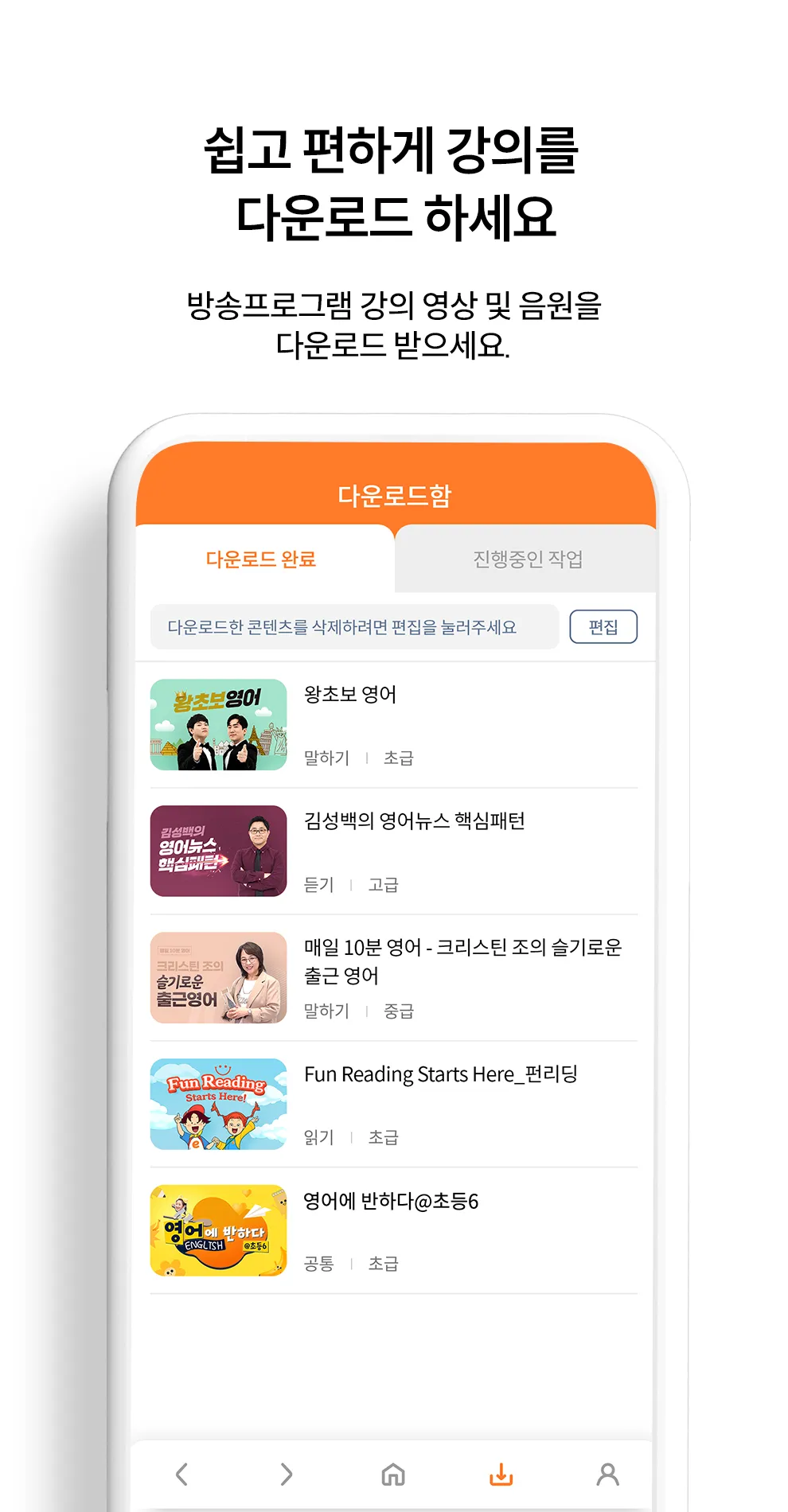
1. Download the lecture
Download your favorite broadcast program videos and audio!
You can play at any time even without a data network connection.
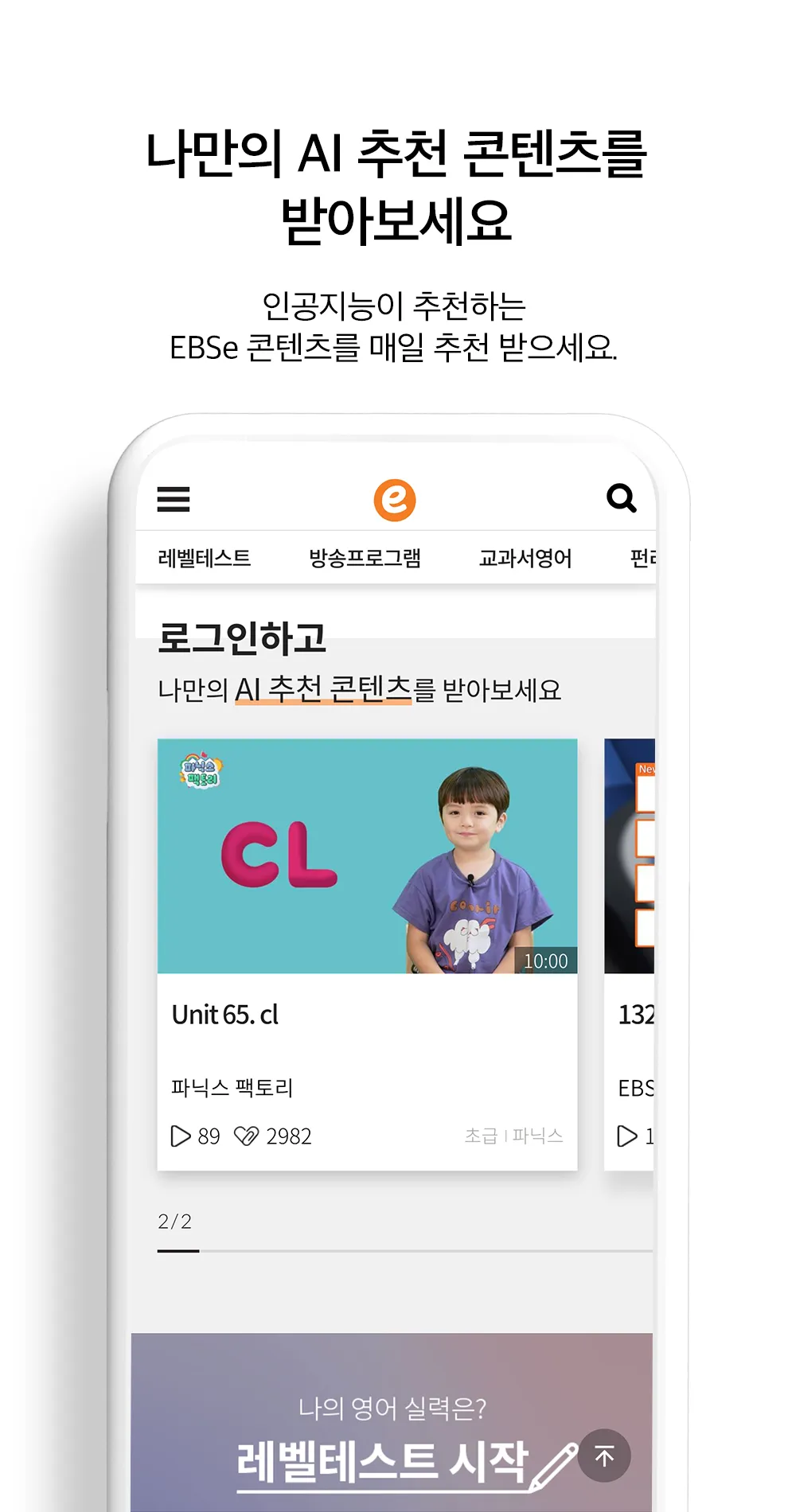
2. My own AI recommended content
We provide personalized lecture content recommended by smart artificial intelligence.
3. How about e-gun? Curation
We collect and recommend weekly themed lectures according to trends.
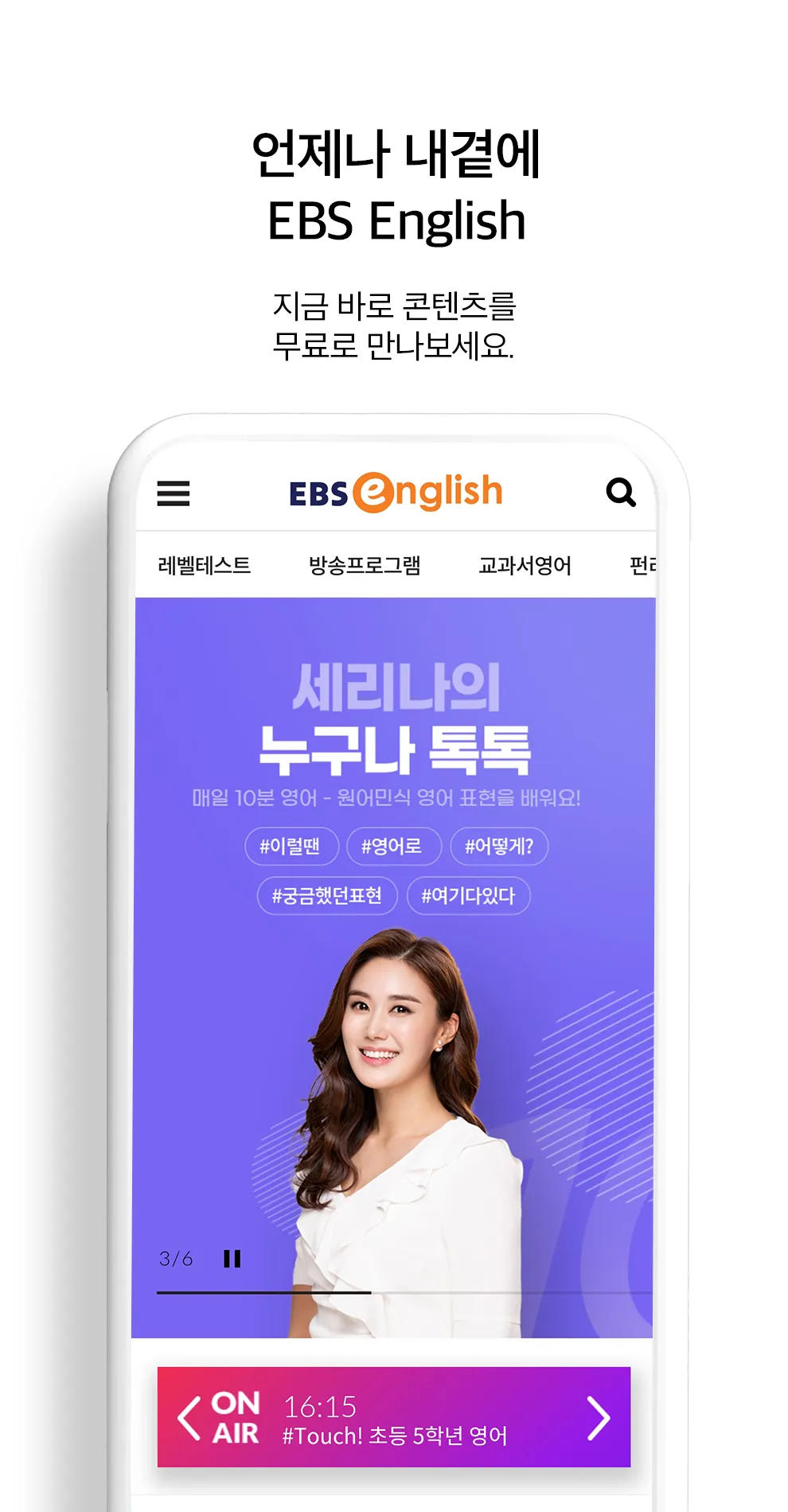
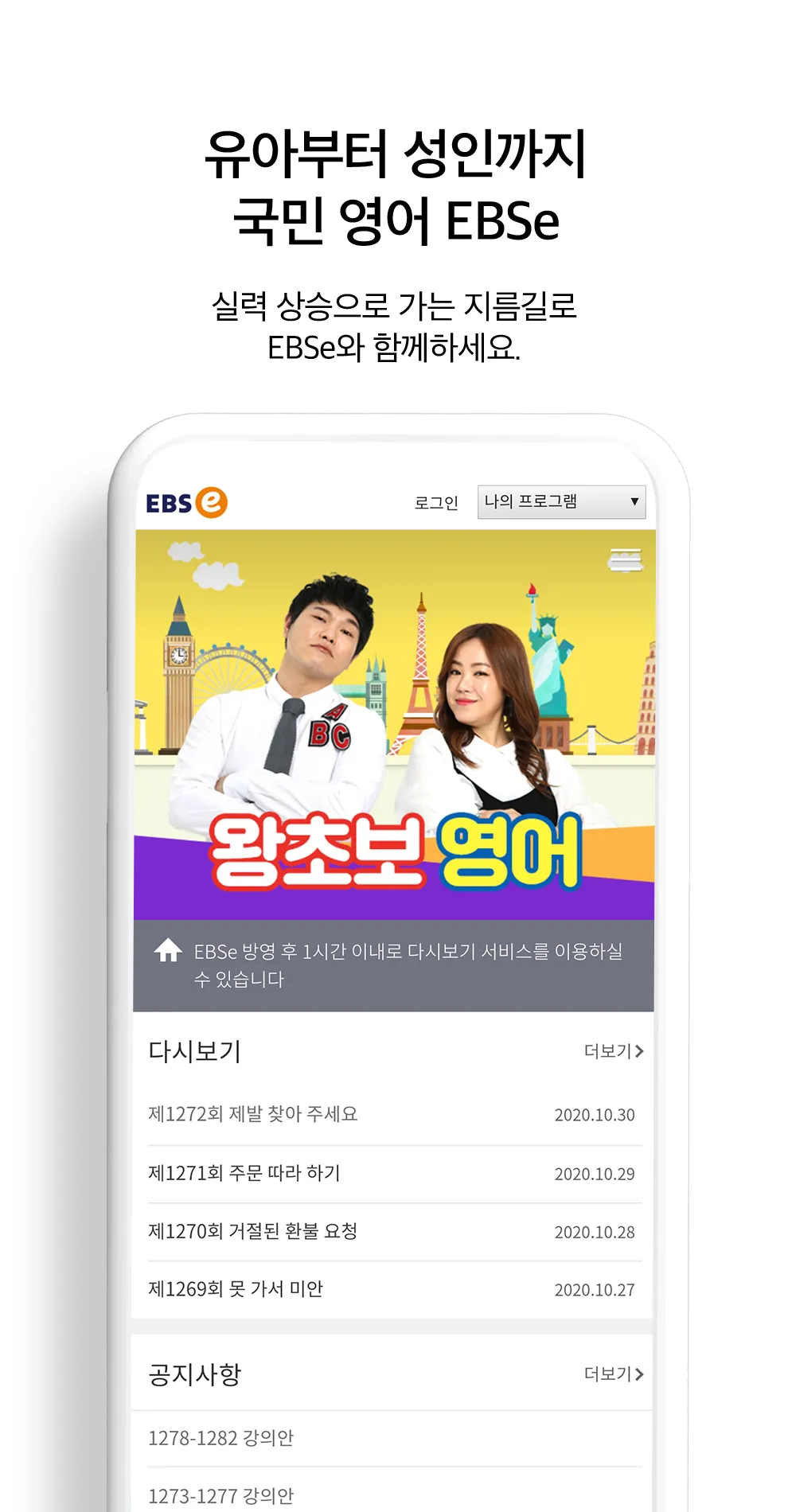
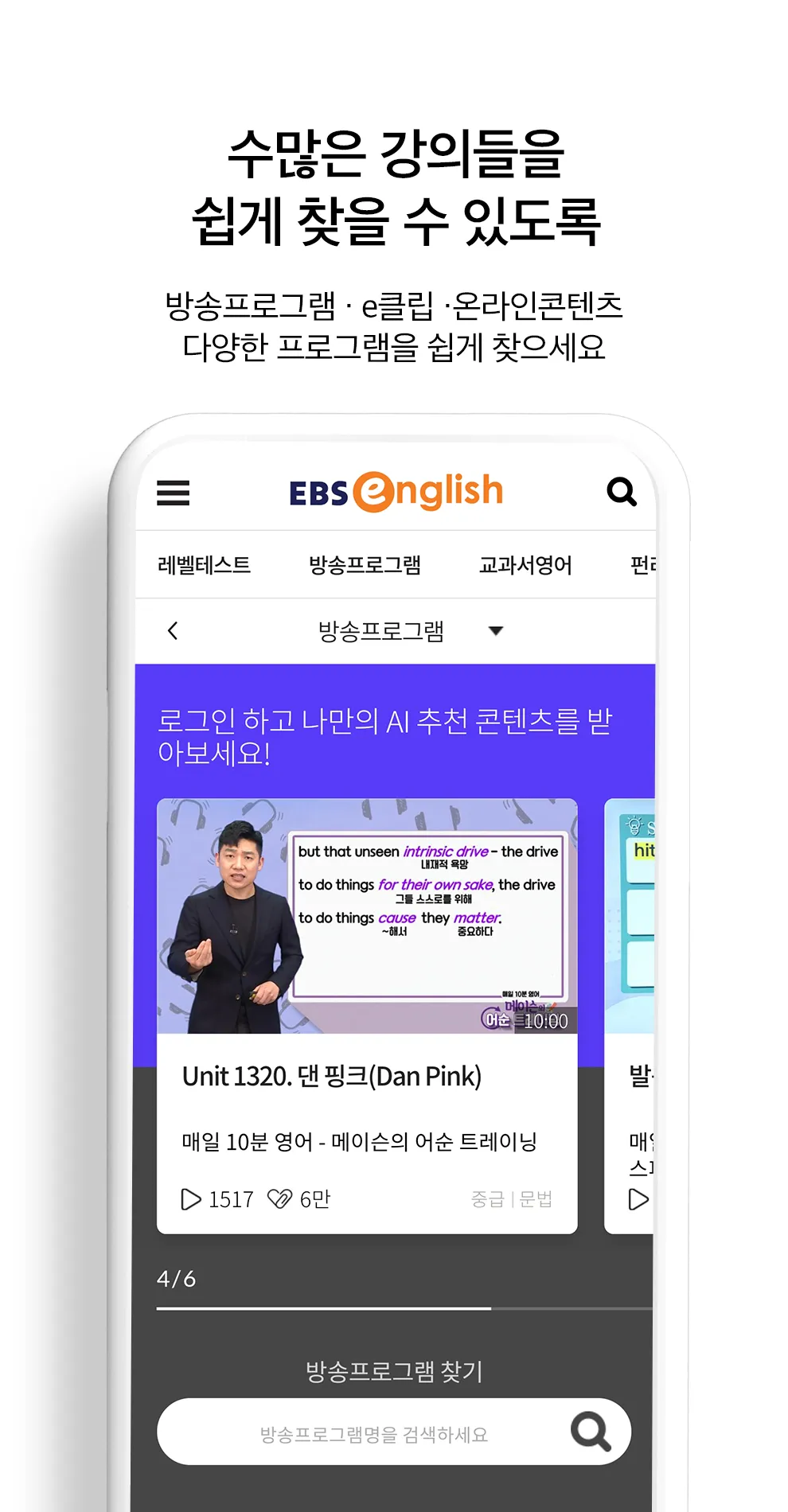
4. Broadcast programs, e-clips, online contents
Enjoy broadcast programs airing on EBSe TV for free on the EBSe app!
An e-clip that only covers the key points in 3 minutes,
Learn with a variety of online content such as fun games and word learning.
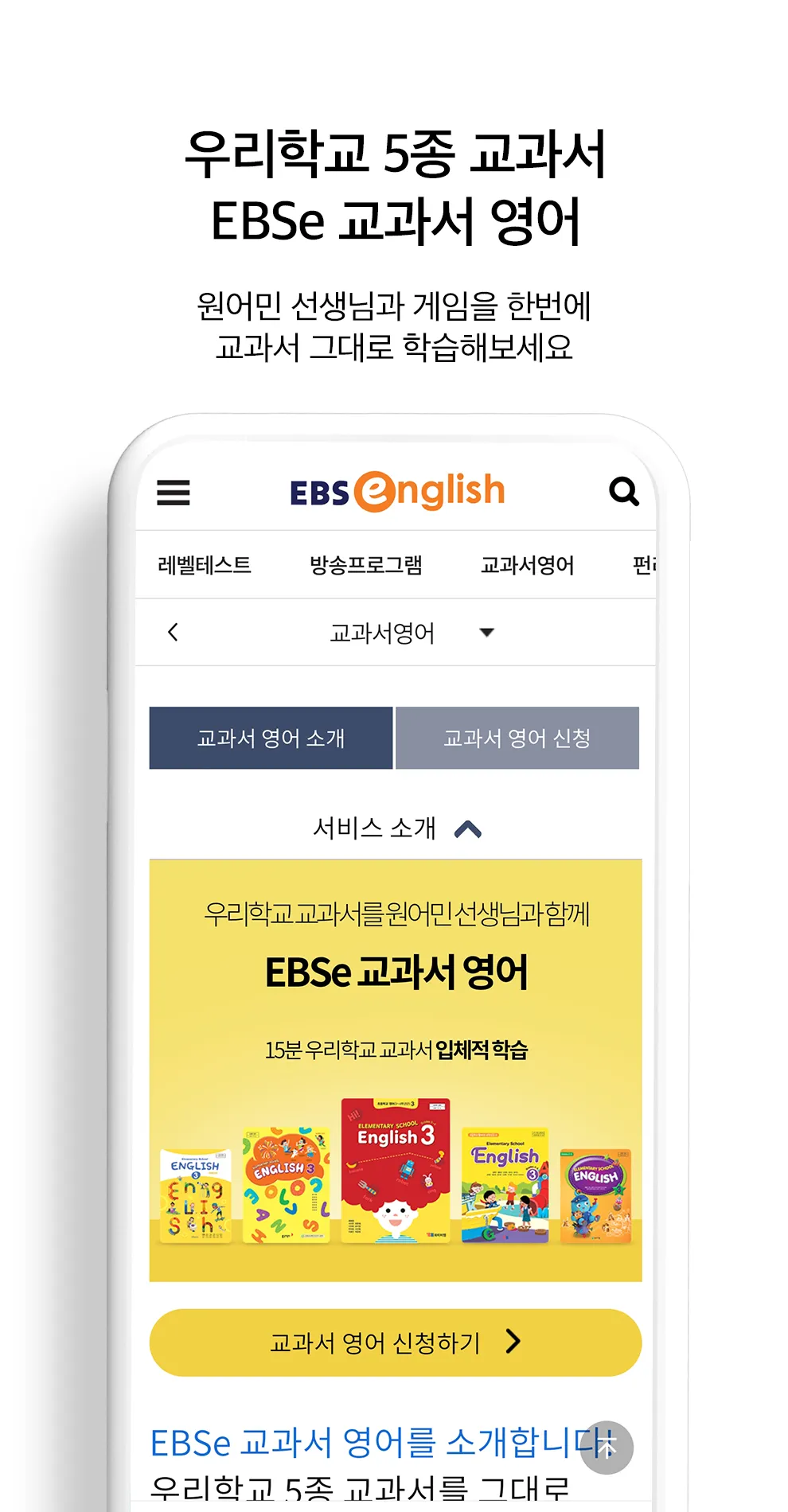
5. Textbook English / After-school English
You can learn our school's five textbooks with a native teacher and have fun using game content.
After-school English, which is linked to the regular curriculum, not only supports regular classes by providing learning materials and content, but is also a self-directed learning service.
[Service access rights information]
[Required access rights]
- Storage space: Permission to save (write) and play (read) downloaded media content
[Optional access rights]
- Notification: Permission to receive service announcements and event notifications (PUSH)
-Camera: Permission to take and upload photos directly when writing in learning Q&A or course reviews
** Optional access rights require permission when using the function, and even if permission is not granted, services other than the function can be used.
Please grant the above permissions to use the EBSe app.
[If the permission consent window does not appear]
- Go to Settings > Application Manager > Select app > Permissions and agree to obtain permissions.
[How to set and withdraw access rights]
- Operating system 6.0 or higher: Settings > Application Manager > Select app > Permissions > Access permissions can be set and revoked
- Operating system below 6.0: Access rights cannot be revoked, so they can be revoked by deleting the app.
Education
Ratings
0
0 total ratings
5
73%
4
10%
3
4%
2
3%
1
10%
REVIEWS
No reviews yet. Be the first one to review this app
'%20fill-rule='evenodd'%20clip-rule='evenodd'%20d='M8.04878%200.118571C9.10796%20-0.198465%2010.2321%200.132893%2010.9526%200.961509L18.7058%209.9036H22.0709C23.0433%209.90386%2023.8429%2010.7032%2023.843%2011.6757V13.1309H23.8497C23.8497%2013.4983%2023.5476%2013.8014%2023.1803%2013.8015H19.9372V33.9548C19.9372%2034.423%2019.5703%2034.7975%2019.1021%2034.7977H17.142C15.91%2034.7977%2014.9156%2033.8036%2014.9154%2032.5644V28.0251C13.5538%2028.5582%2012.3722%2028.7169%2010.9963%2028.7169C6.45689%2028.7169%203.74677%2025.6897%203.74677%2020.6099V13.8015H1.77319C0.800641%2013.8015%200.000280942%2013.0091%200%2012.0294V10.573C0.000219737%2010.2057%200.303205%209.9036%200.670545%209.9036H13.5676L5.13039%201.85482C4.82078%201.55938%204.94365%201.04032%205.35428%200.917851L8.04878%200.118571ZM8.78425%2013.8082V20.611C8.78438%2023.1974%209.8151%2024.35%2012.1135%2024.35C12.9637%2024.3499%2014.1167%2024.1489%2014.902%2023.7959V13.8082H8.78425Z'%20fill='white'/%3e%3c/svg%3e)
Permissions
Storage: access photos, media, and files on your device
Internet: use your internet connection
Camera: take pictures and record video
Microphone: record audio
Developer Info
Curated for YouSee all






Scan to download on PhonePe Appstore

