

Ethos Typos
4.0
ratings19 MB
SizeVerified
SCREENSHOTS (6)
About the app
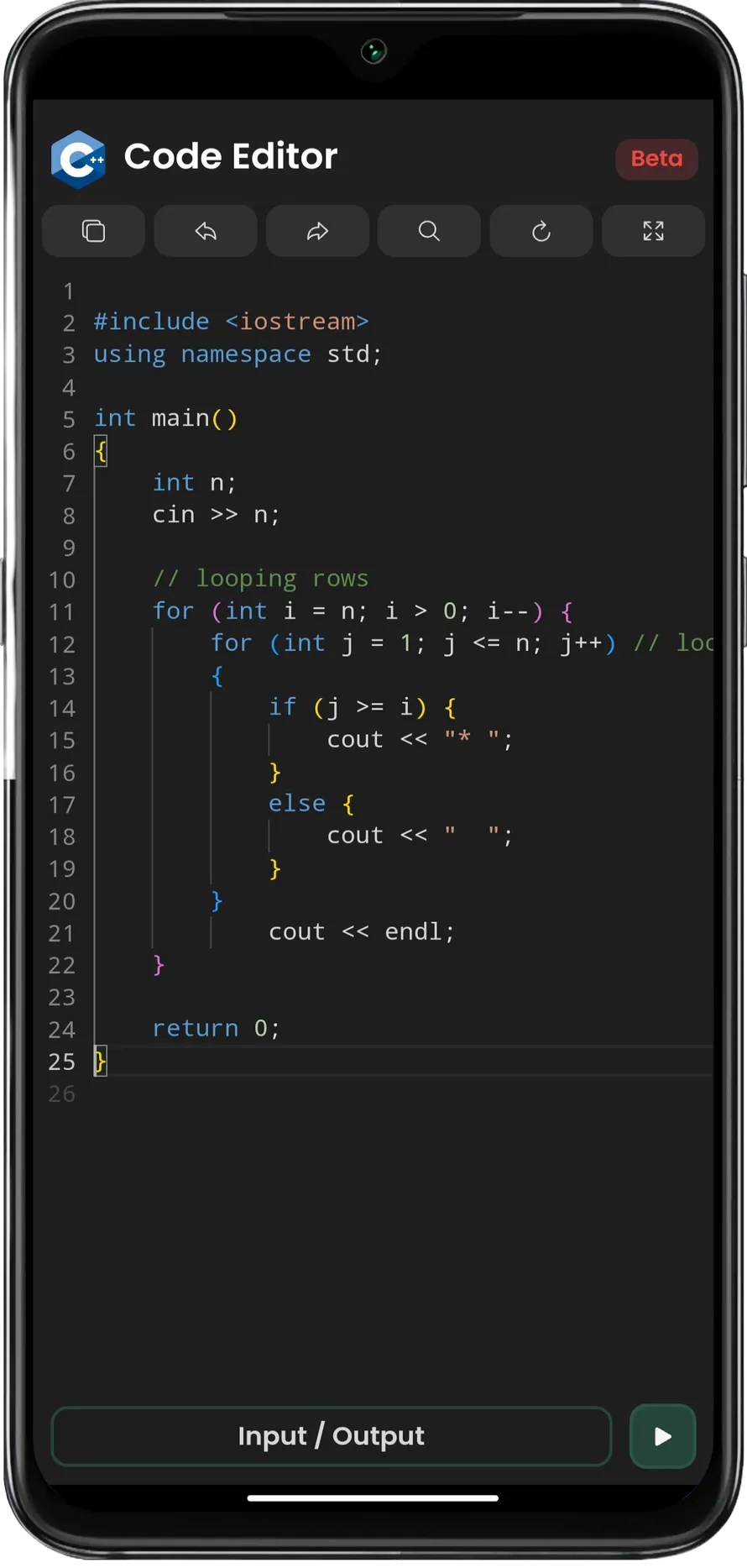
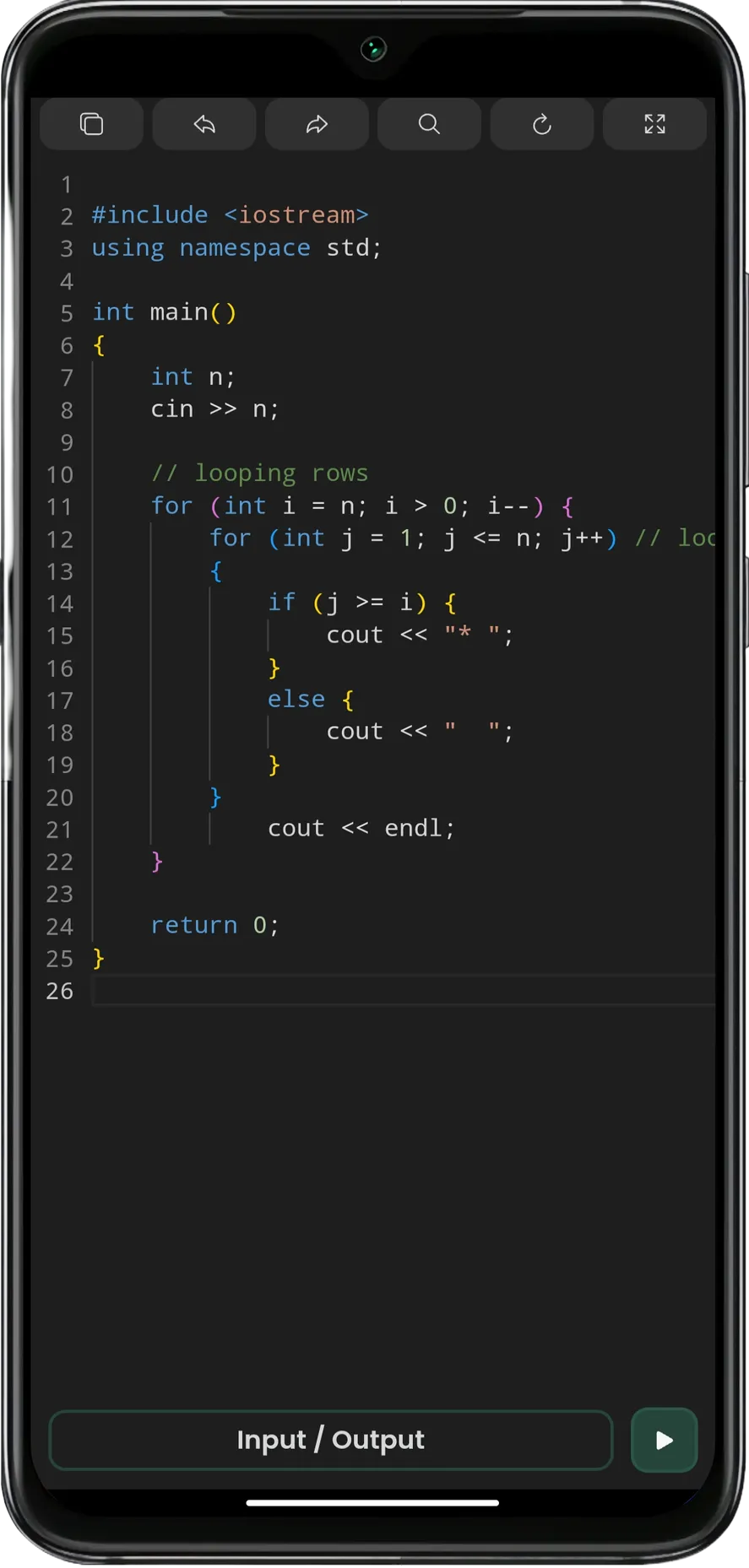
C++ Code Editor is a powerful yet easy-to-use code editor and compiler designed specifically for C++ programming. Whether you're a beginner learning to code or an experienced developer, this app provides a smooth coding experience with essential features that streamline your workflow.
Key Features:
- Run C++ Code Instantly: Compile and execute your C++ programs directly within the app. No need for external tools.
- Syntax Highlighting & Formatting: Write clean, readable code with automatic syntax highlighting that makes your code easier to read and understand.
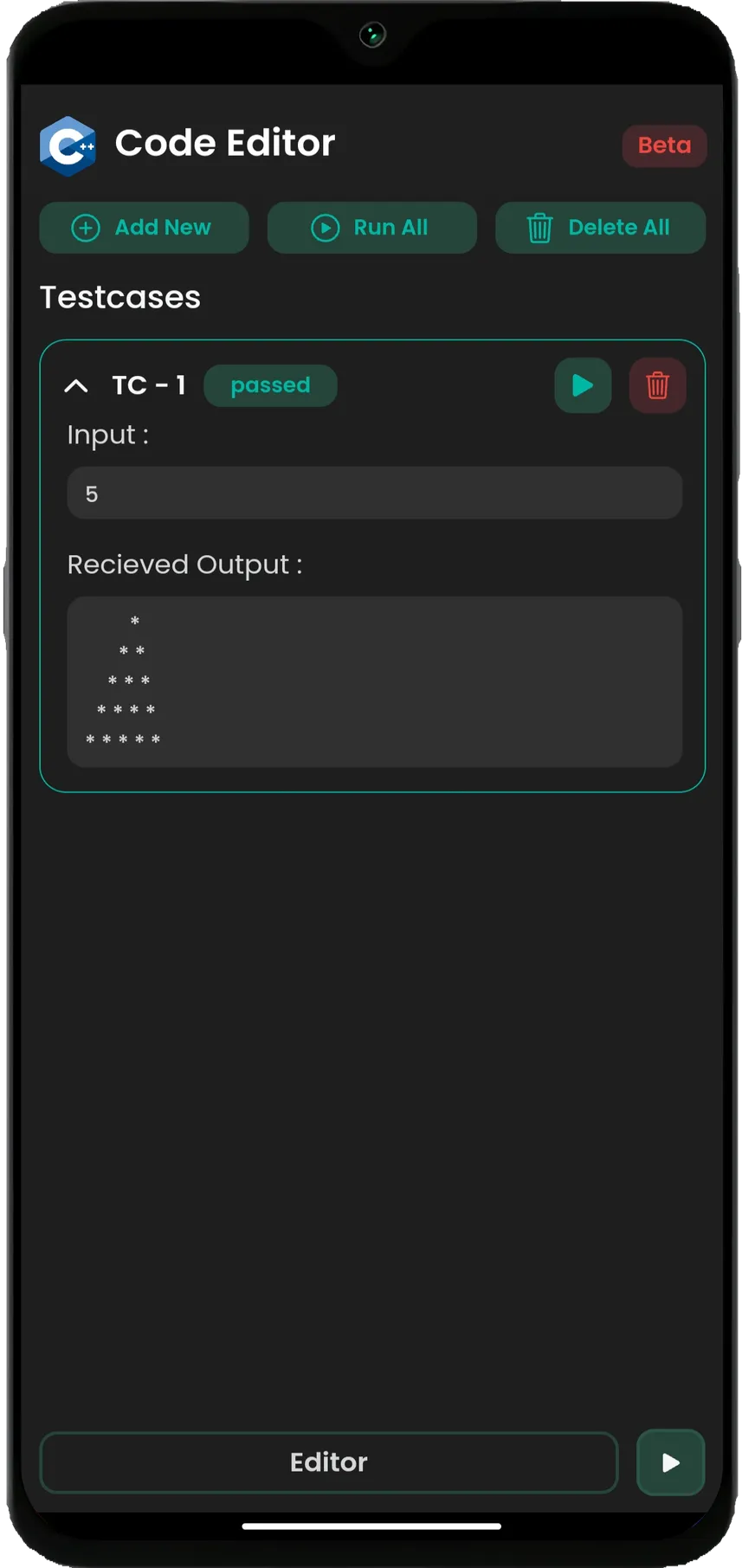
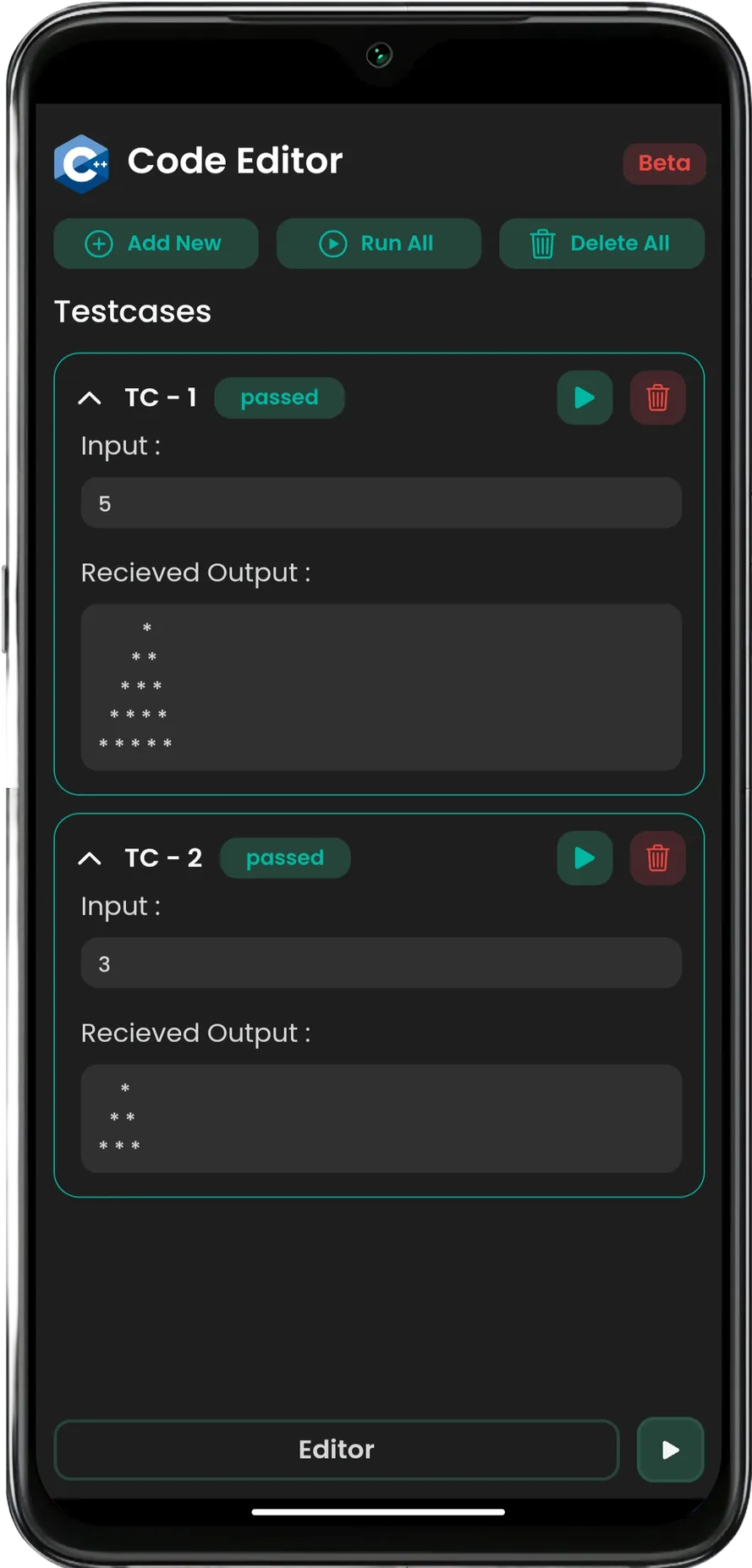
- Multiple Test Cases: Add custom test cases to thoroughly test your code. You can also run all test cases at once to ensure your program works perfectly under different scenarios.
- Undo & Redo: Never worry about mistakes! Easily undo or redo your changes with just a tap.
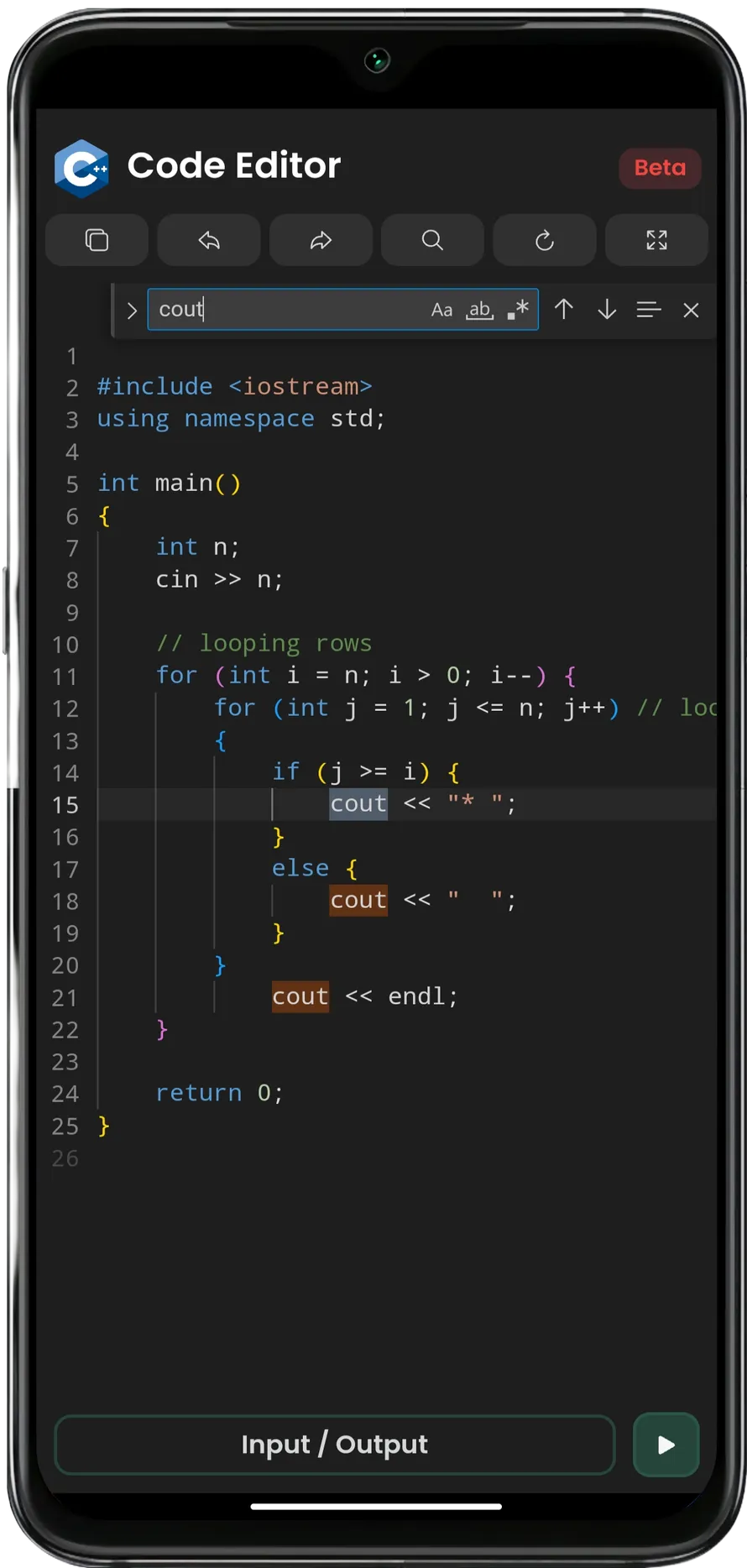
- Code Search & Replace: Efficiently find and replace code snippets within your project for fast edits.
- Reset Code: Quickly reset your code to its original state to start fresh at any point.
- Lightweight & Fast: The app is optimized for performance, ensuring fast compilation and smooth coding even on low-end devices.
Why Choose C++ Code Editor?
- User-Friendly Interface: Simple, intuitive interface that makes coding easy and enjoyable.
- Learn and Practice Anywhere: Perfect for students, hobbyists, or professionals who want to code on the go.
- No Ads, No Distractions: Focus entirely on coding without any interruptions.
Whether you're building small projects or working on complex algorithms, C++ Code Editor gives you all the essential tools to write, test, and debug your C++ code. Download now and start coding in C++ wherever you are!
Education
Ratings
0
0 total ratings
5
73%
4
10%
3
4%
2
3%
1
10%
REVIEWS
No reviews yet. Be the first one to review this app
'%20fill-rule='evenodd'%20clip-rule='evenodd'%20d='M8.04878%200.118571C9.10796%20-0.198465%2010.2321%200.132893%2010.9526%200.961509L18.7058%209.9036H22.0709C23.0433%209.90386%2023.8429%2010.7032%2023.843%2011.6757V13.1309H23.8497C23.8497%2013.4983%2023.5476%2013.8014%2023.1803%2013.8015H19.9372V33.9548C19.9372%2034.423%2019.5703%2034.7975%2019.1021%2034.7977H17.142C15.91%2034.7977%2014.9156%2033.8036%2014.9154%2032.5644V28.0251C13.5538%2028.5582%2012.3722%2028.7169%2010.9963%2028.7169C6.45689%2028.7169%203.74677%2025.6897%203.74677%2020.6099V13.8015H1.77319C0.800641%2013.8015%200.000280942%2013.0091%200%2012.0294V10.573C0.000219737%2010.2057%200.303205%209.9036%200.670545%209.9036H13.5676L5.13039%201.85482C4.82078%201.55938%204.94365%201.04032%205.35428%200.917851L8.04878%200.118571ZM8.78425%2013.8082V20.611C8.78438%2023.1974%209.8151%2024.35%2012.1135%2024.35C12.9637%2024.3499%2014.1167%2024.1489%2014.902%2023.7959V13.8082H8.78425Z'%20fill='white'/%3e%3c/svg%3e)
Permissions
Storage: access photos, media, and files on your device
Internet: use your internet connection
Phone: make and manage phone calls
Camera: take pictures and record video
Curated for YouSee all






Scan to download on PhonePe Appstore

