

VaibhavPrajapati
4.0
ratings15 MB
SizeVerified
SCREENSHOTS (8)
About the app
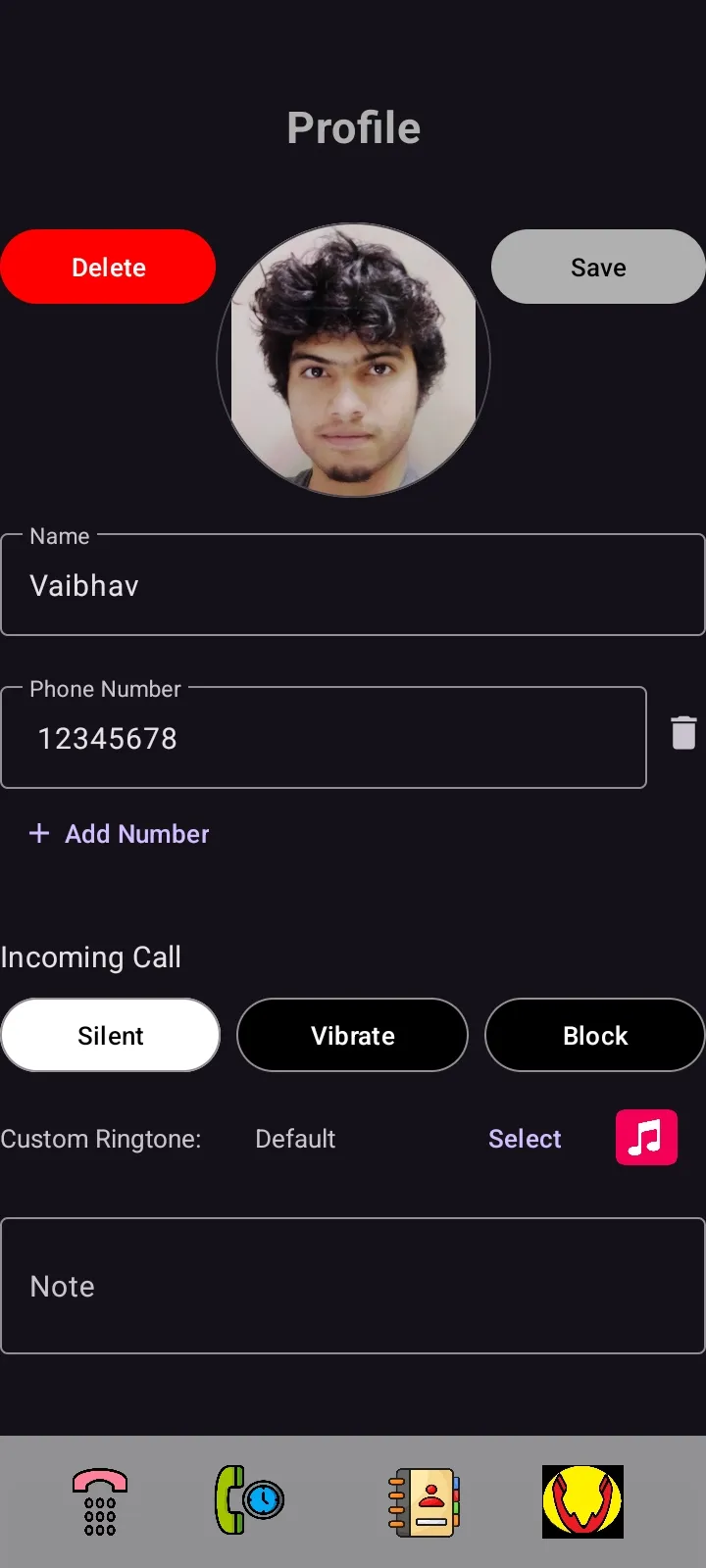
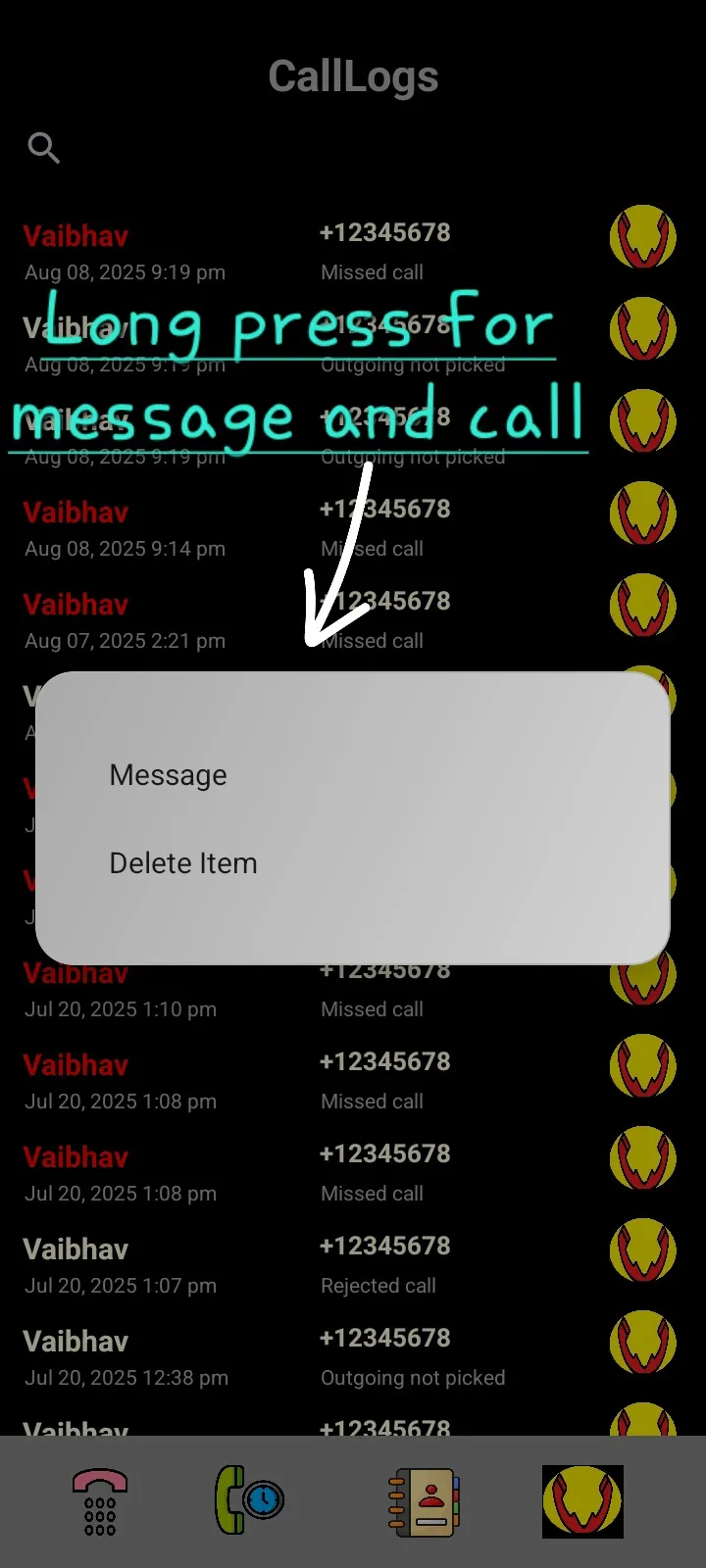
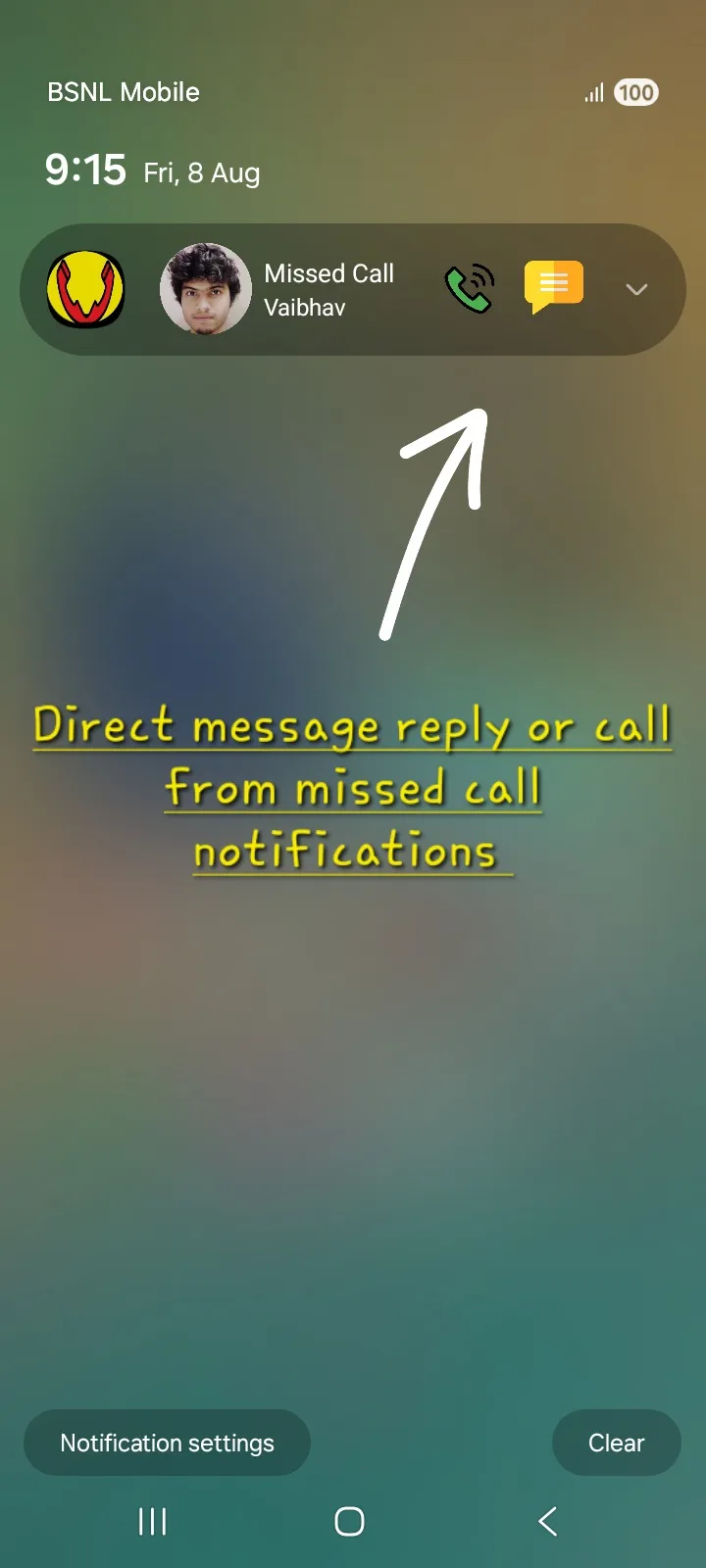
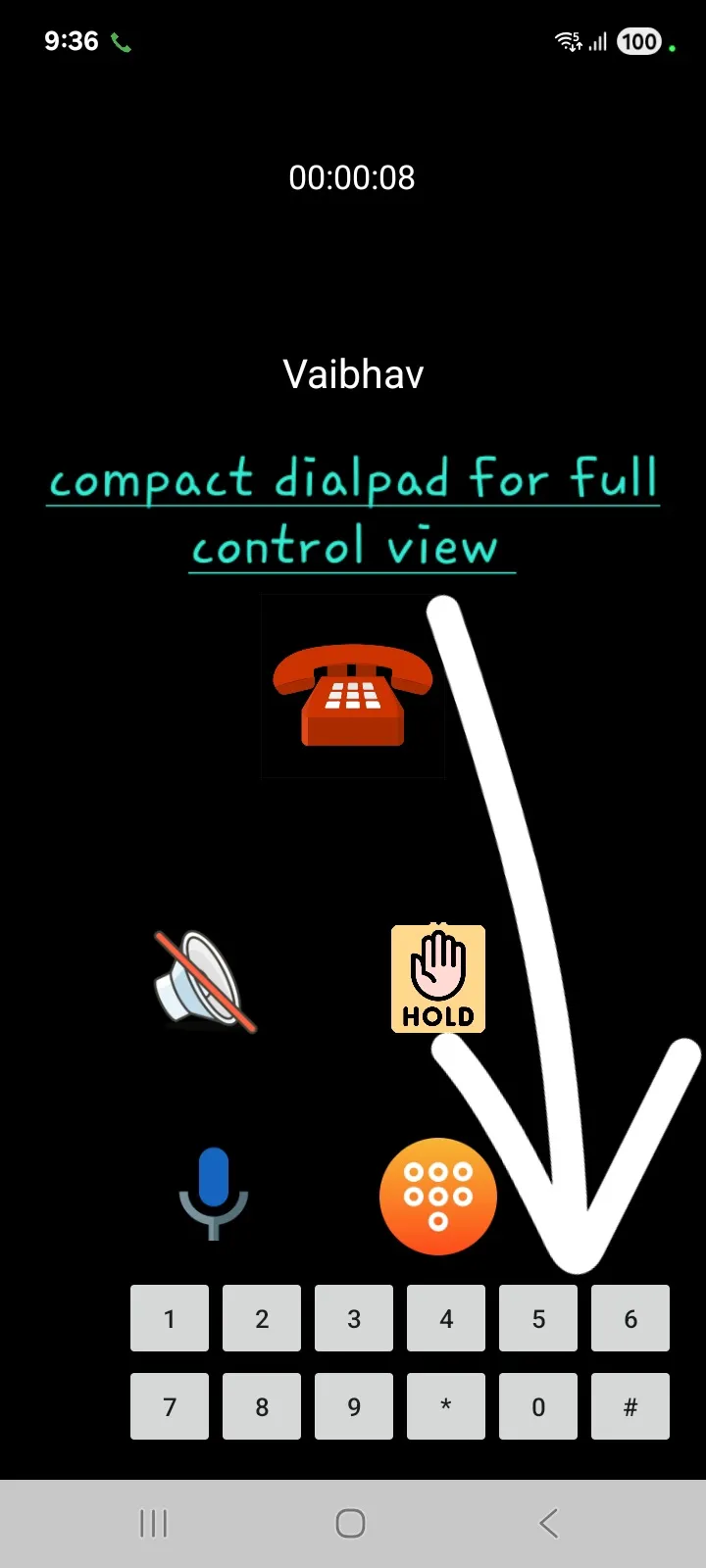
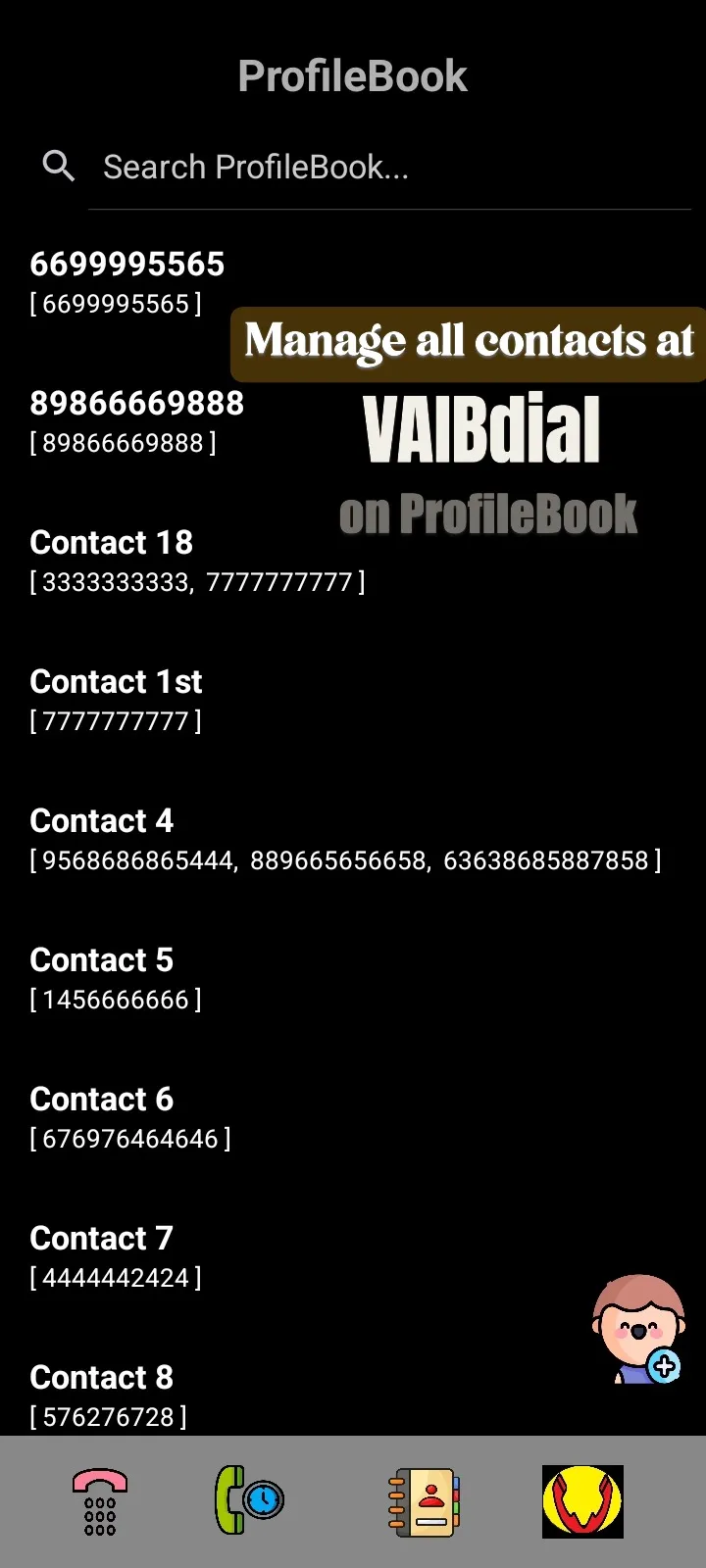
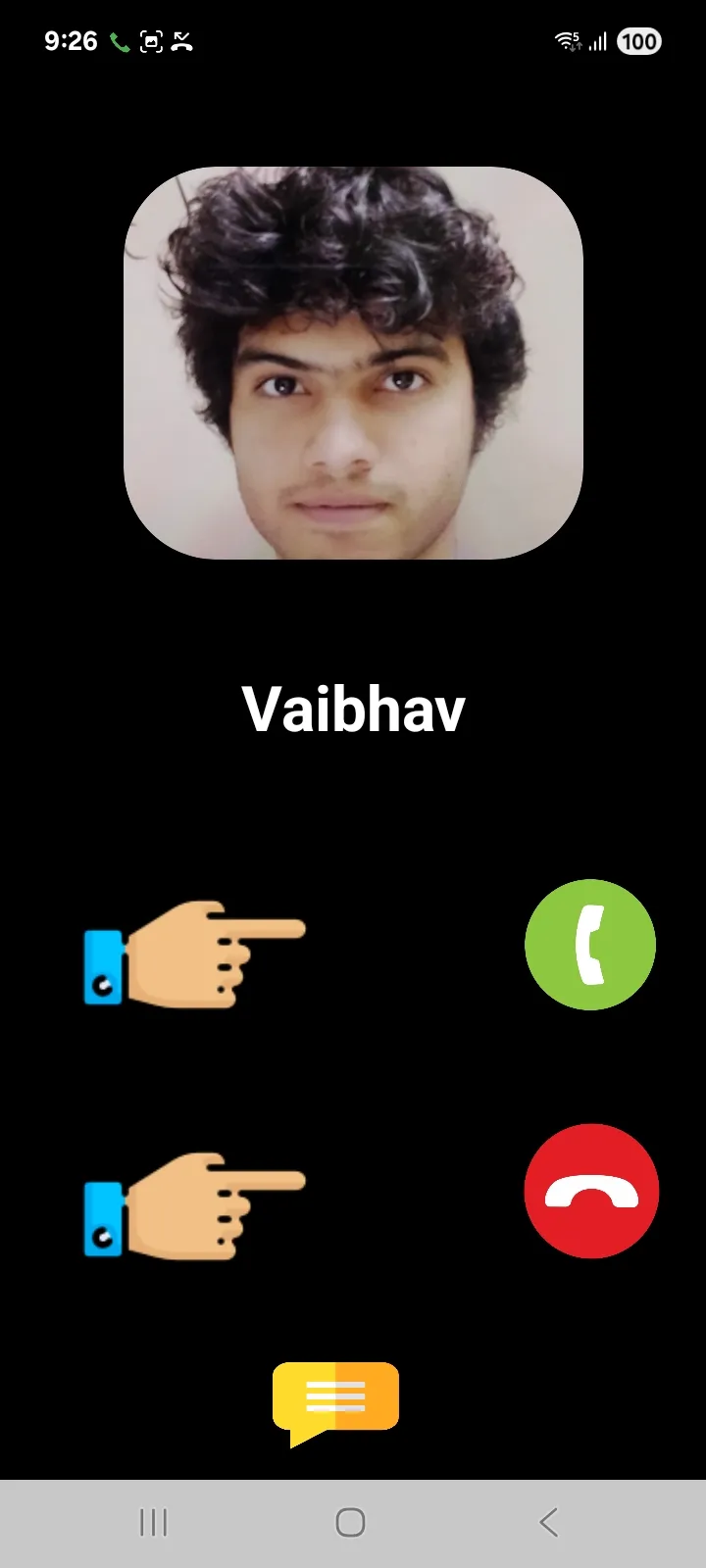
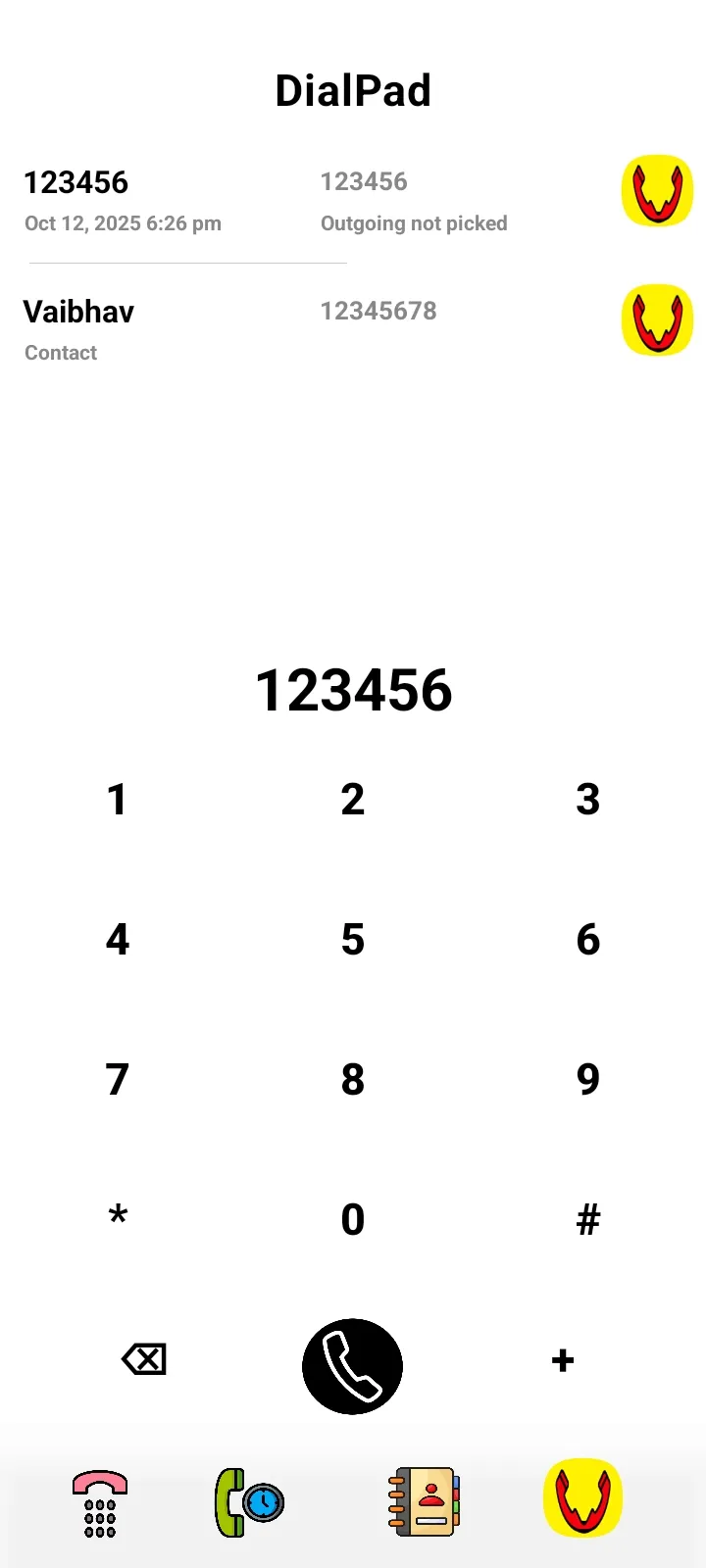
VAIBdial is a default phone dialer that replaces the preinstalled phone app that comes in the device. After installing VAIBdial on your device it completely replace the current default dialer app and Will manage all incoming, outgoing and ongoing calls on the device with its super powers.
⇒ Why VAIBdial Is Invented? This section will answer why VAIBdial is developed and really it is for you that fulfill your purposes. **
Managing incoming calls can be a hassle, especially when you're busy or trying to avoid unwanted spam. As a phone owner, you want complete control over who can reach you and how. The goal is to differentiate important calls that need immediate attention from those that can wait or are simply unwanted. Imagine you're in the middle of a bath – you wouldn't want to miss an urgent call from a loved one, but you'd happily ignore a telemarketer.
⇒ VAIBdial offers a solution to these challenges. It allows you to:
⚫ Silence all numbers except of chosen one with DnD skip Function. You can silent all numbers except of chosen one to get be alerted by only those. see https://youtube.com/shorts/YEEsR6kLmnU
Same thing can also be done by setting phone on silent mode and setting custom ringtone on the chosen number but DnD Skip is more fast approach as it can be done quickly by just turning on DnD mode on the phone and enabling DnD Skip on the chosen number's Profile on The VAIBdial
⚫ Block numbers from known spam ranges.
Set custom ringing tones for your closest contacts and important individuals, making it easy to identify crucial calls without even looking at your phone.
Crucially, VAIBdial seamlessly import your existing call logs and contacts automatically. Any changes made to call logs or contacts within VAIBdial are synced with your native dialer. This means your contact information and call history will remain on your phone even if you decide to remove VAIBdial later.
⚫ Your privacy and data is hundred percent secured with VAIBdial and only are viewed, edited, deleted by you and never be shared with any third entity. All data between you and VAIBdial
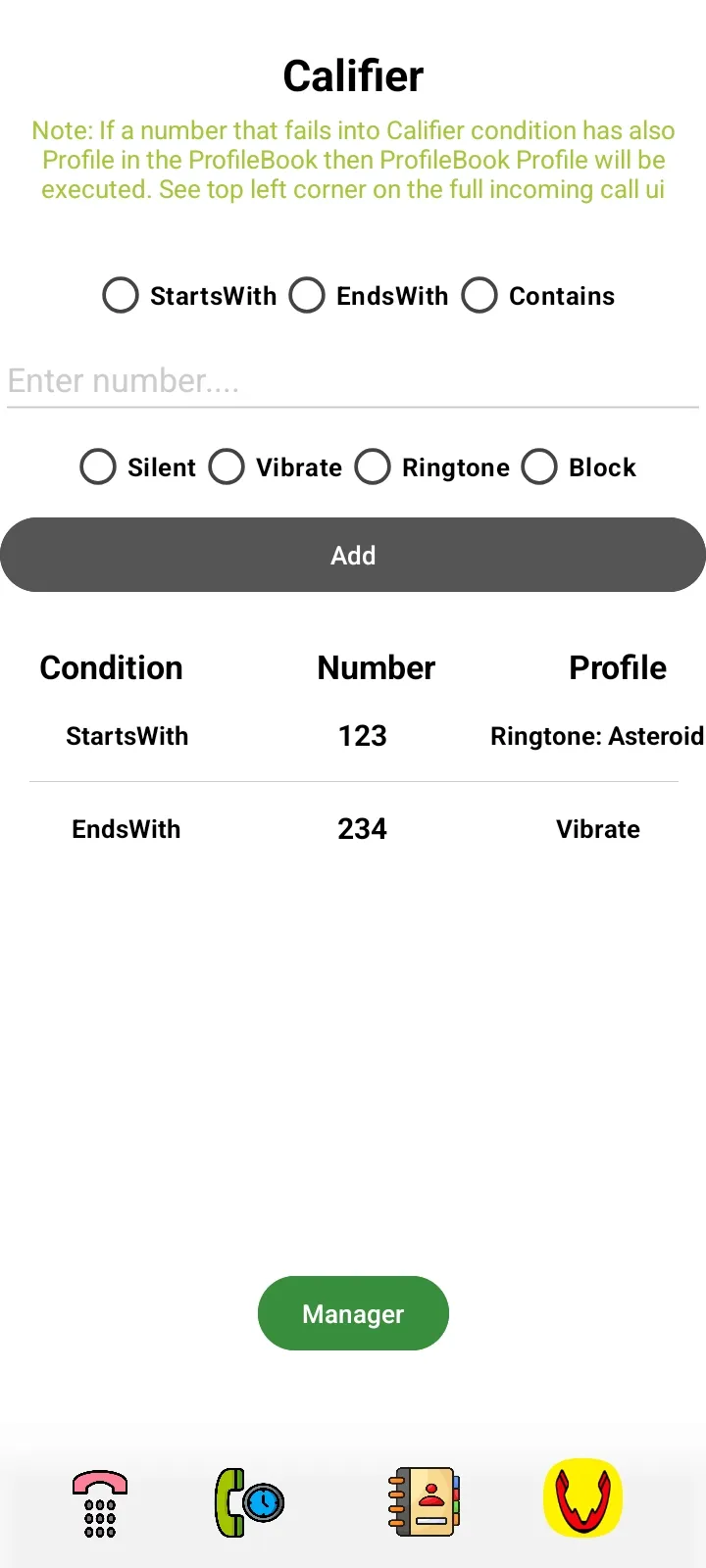
⚫ Silence, Block, Or even set ringtone for all unknown numbers with califier at one tape
The best example of VAIBdial usage is - You are in work mode and put the phone on silent but want to receive call from a specific number. Using VAIBdial you can set the ring mode on for that number and your phone will only ring and sound for that number on incoming call on your phone and all other calls will still be on the silent mode same as DnD skip mode mentioned above.
These 8 resources are mandatory to use the VAIBdial on the device
1. Call Logs - To manage call logs
2. Contacts - To manage contacts
3. Mic - To do voice calls
4. Phone - To make calls
5. Notifications - To send calls notifications
6. Music and audio - to control ringtones
7. DnD - to set phone mode silent, normal
8. Background Run - Battery optimization control to send missed call notification when app is closed
Without any one of these VAIBdial will misbehave
If have any question or feedback use support email mentioned below.
Communication
Ratings
0
0 total ratings
5
73%
4
10%
3
4%
2
3%
1
10%
REVIEWS
No reviews yet. Be the first one to review this app
'%20fill-rule='evenodd'%20clip-rule='evenodd'%20d='M8.04878%200.118571C9.10796%20-0.198465%2010.2321%200.132893%2010.9526%200.961509L18.7058%209.9036H22.0709C23.0433%209.90386%2023.8429%2010.7032%2023.843%2011.6757V13.1309H23.8497C23.8497%2013.4983%2023.5476%2013.8014%2023.1803%2013.8015H19.9372V33.9548C19.9372%2034.423%2019.5703%2034.7975%2019.1021%2034.7977H17.142C15.91%2034.7977%2014.9156%2033.8036%2014.9154%2032.5644V28.0251C13.5538%2028.5582%2012.3722%2028.7169%2010.9963%2028.7169C6.45689%2028.7169%203.74677%2025.6897%203.74677%2020.6099V13.8015H1.77319C0.800641%2013.8015%200.000280942%2013.0091%200%2012.0294V10.573C0.000219737%2010.2057%200.303205%209.9036%200.670545%209.9036H13.5676L5.13039%201.85482C4.82078%201.55938%204.94365%201.04032%205.35428%200.917851L8.04878%200.118571ZM8.78425%2013.8082V20.611C8.78438%2023.1974%209.8151%2024.35%2012.1135%2024.35C12.9637%2024.3499%2014.1167%2024.1489%2014.902%2023.7959V13.8082H8.78425Z'%20fill='white'/%3e%3c/svg%3e)
Permissions
Contacts: access your contacts
Storage: access photos, media, and files on your device
Biometric Information: access biometric data like fingerprint to unlock the app
Internet: use your internet connection
Curated for YouSee all






Scan to download on PhonePe Appstore

