
edodm85
4.0
ratings6 MB
SizeVerified
SCREENSHOTS (8)
About the app
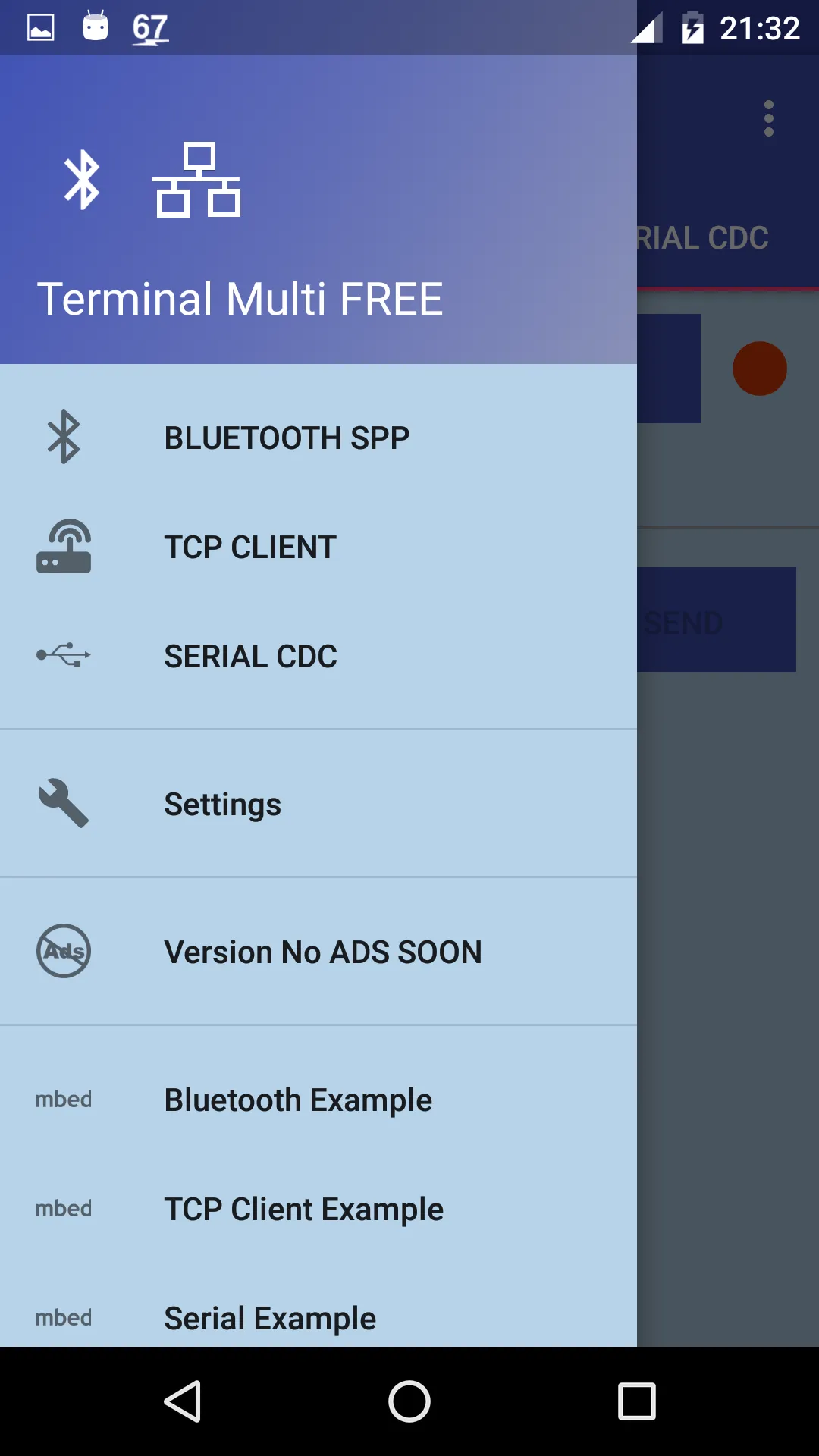
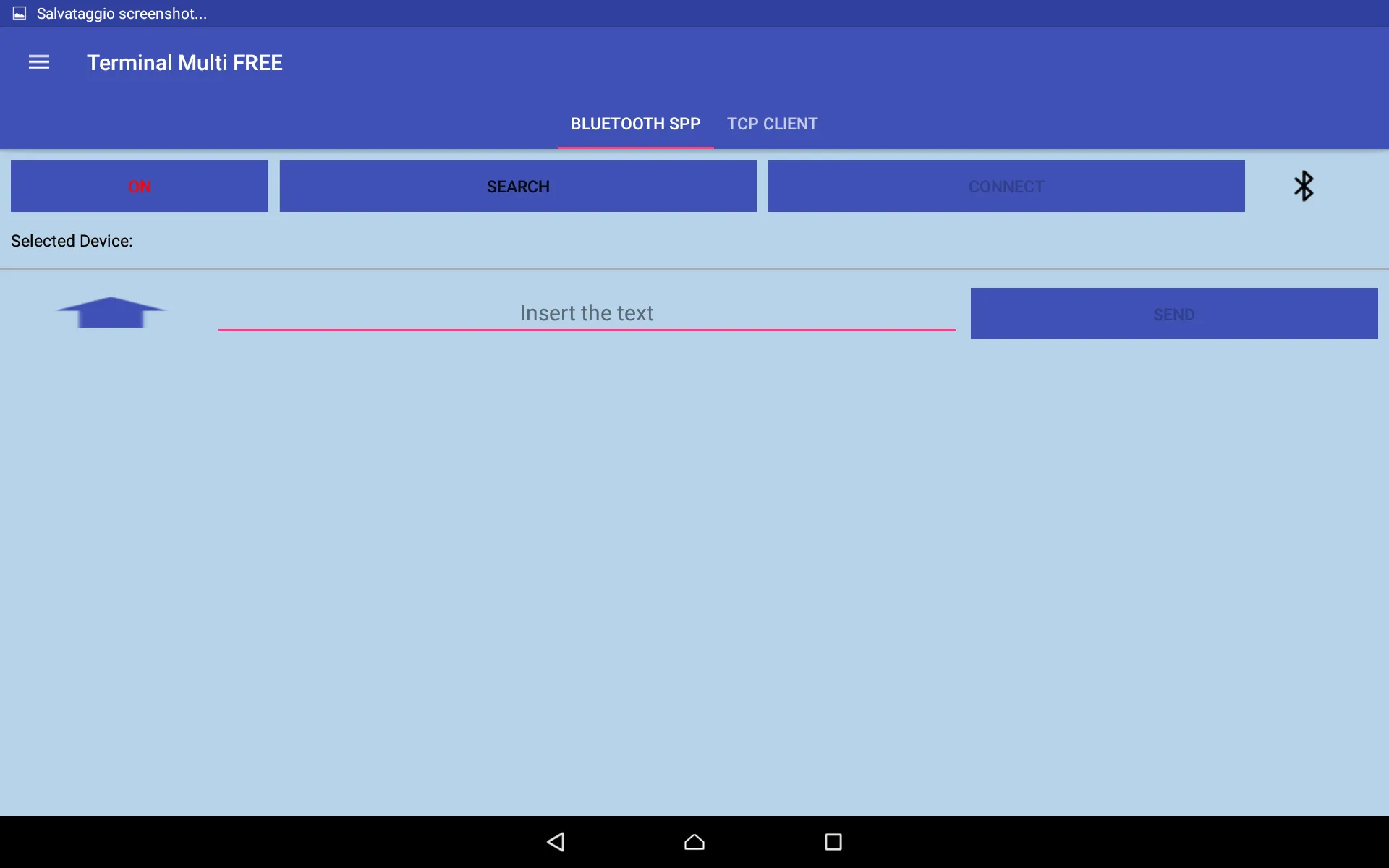
Terminal Multi FREE is a terminal app which provides three different communication types:
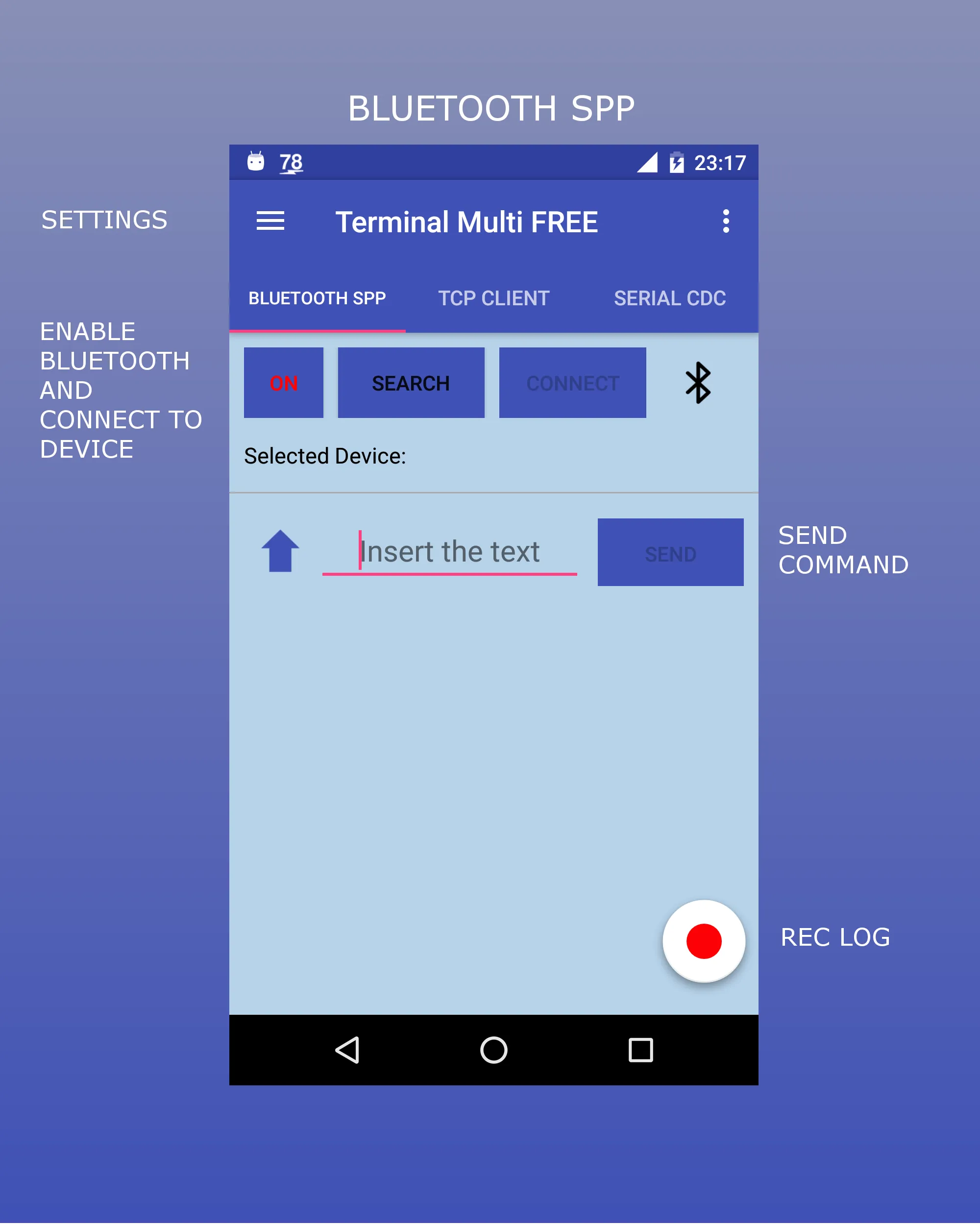
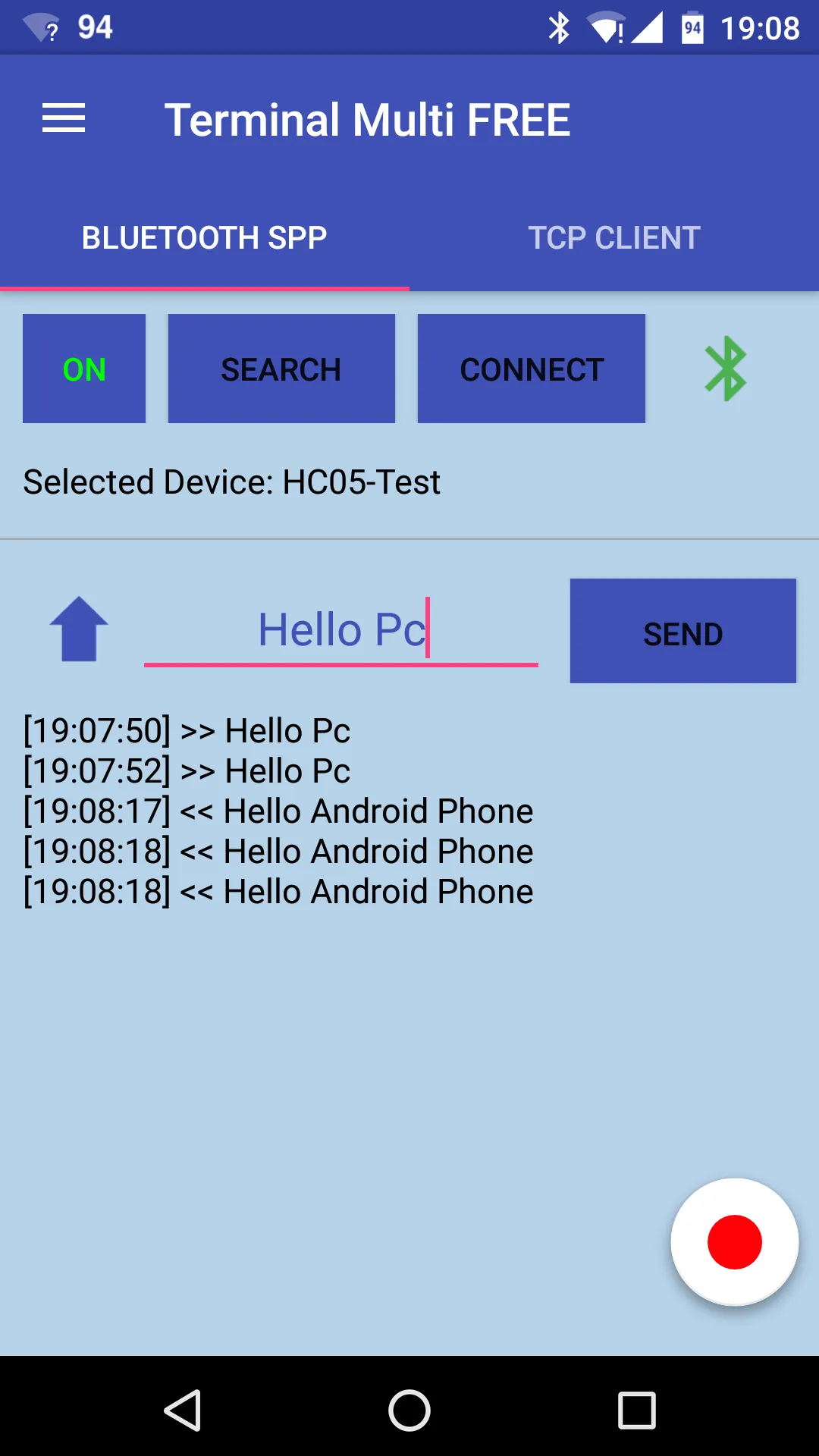
1) BLUETOOTH SPP: data are transmited/received between the phone and a bluetooth paired device via Serial Port Protocol (SPP)
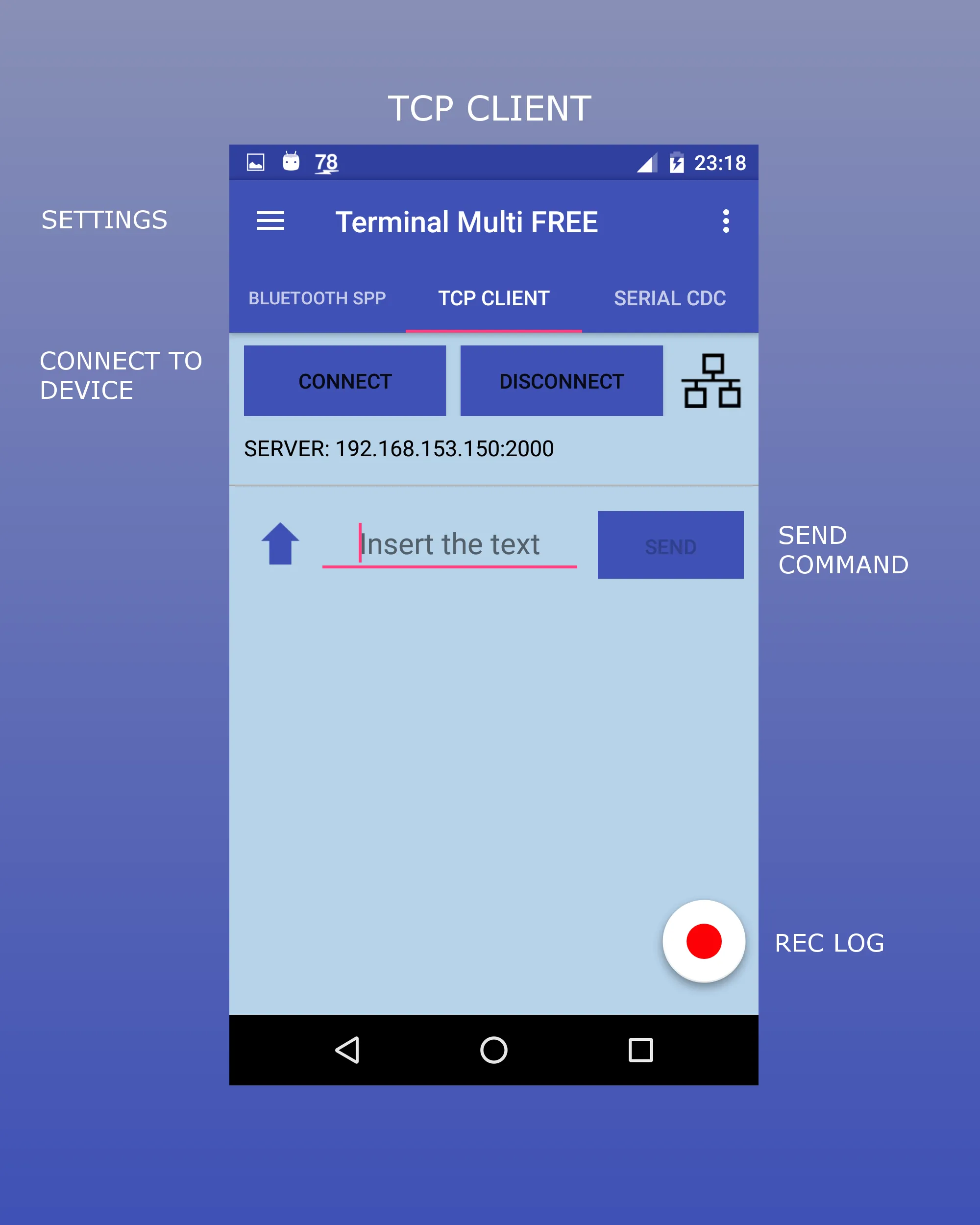
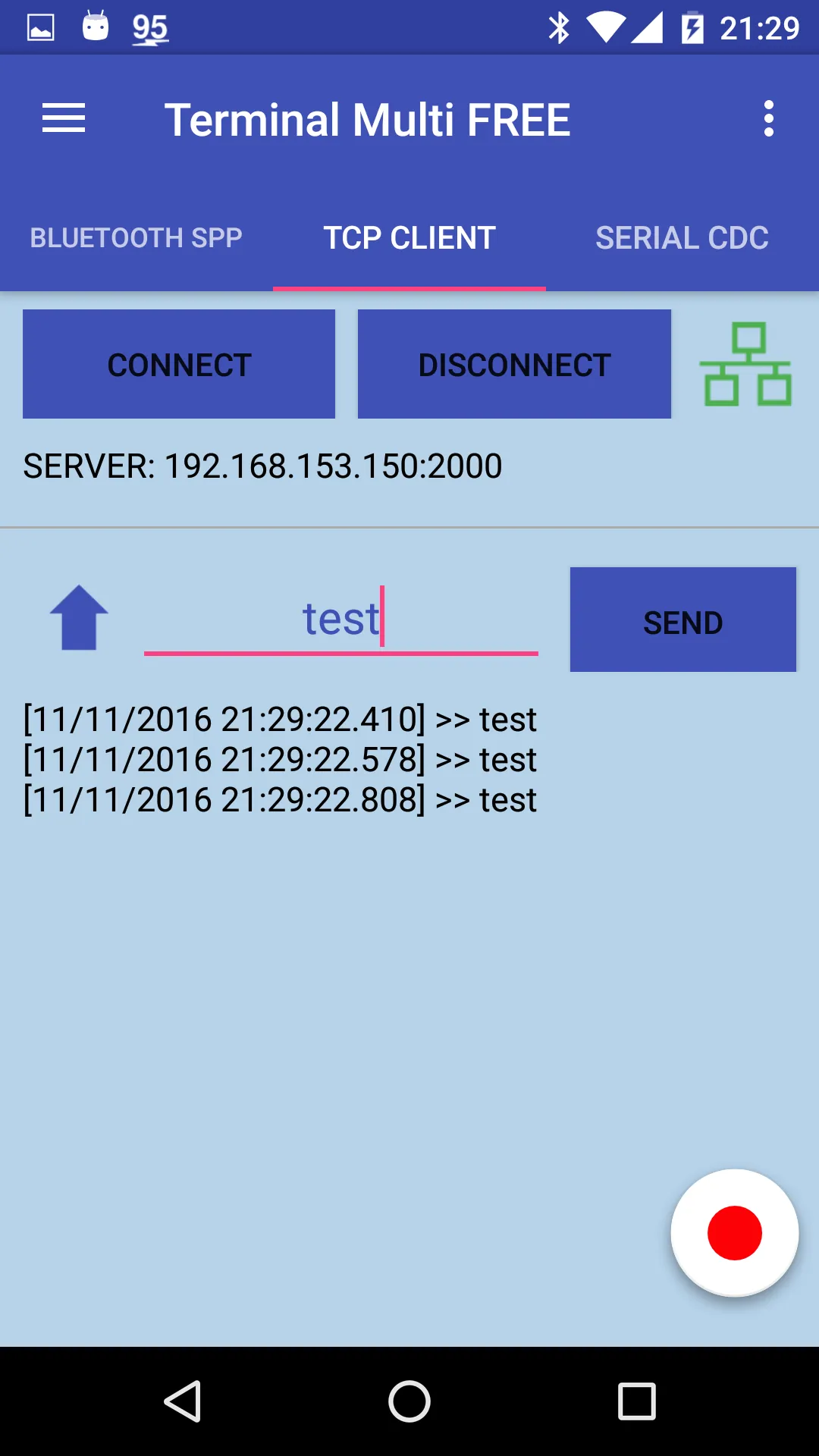
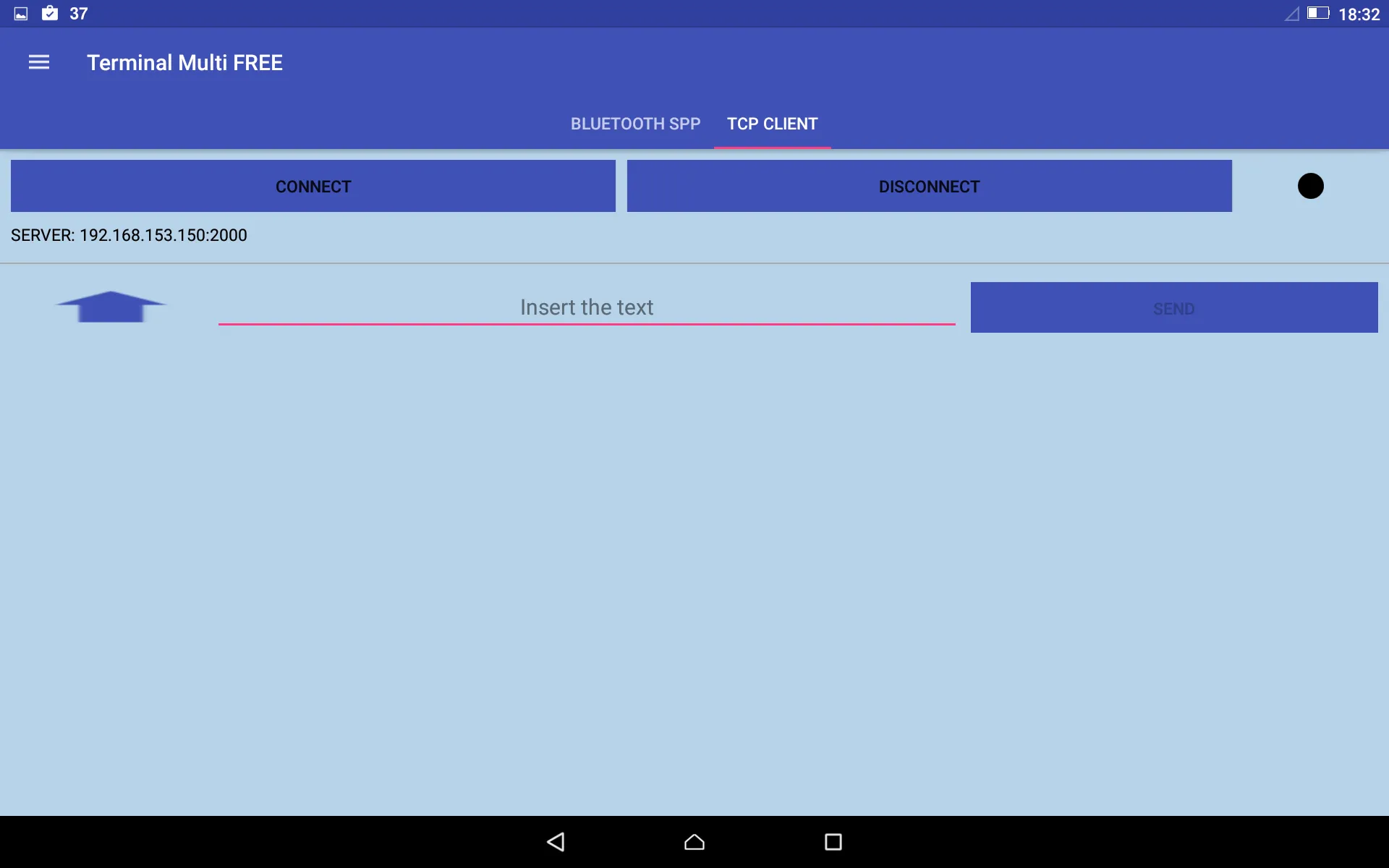
2) TCP CLIENT: data are transmited/received between the phone and a compatible device via the tcp/ip protocol (the phone is a client)
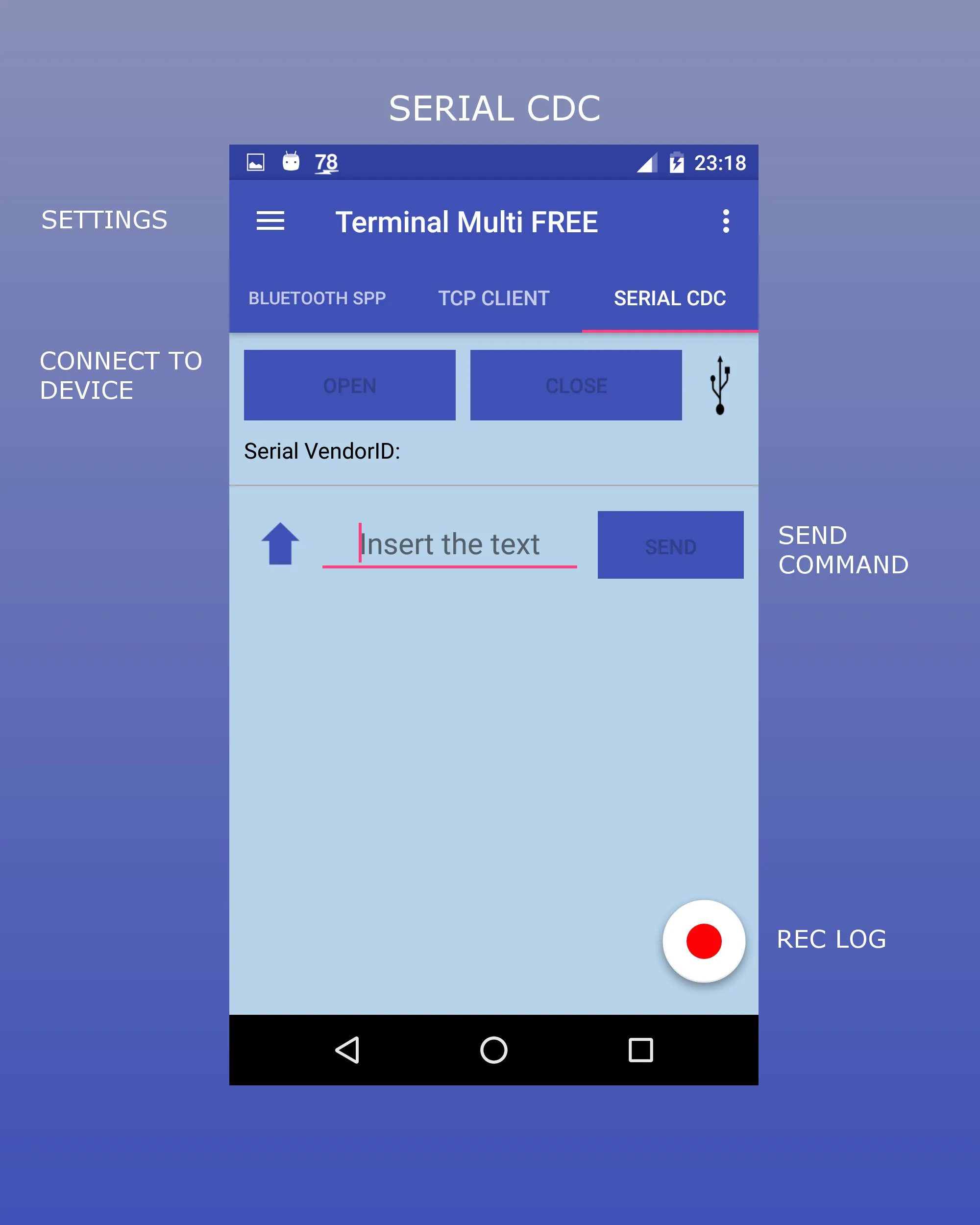
3) SERIAL CDC: data are transmited/received between the phone and a compatible device via serial protocol (ONLY for supported phones)
NB: With the v1.2.1 or v1.0.9 is enabled the possibility of save the log sessions to file.
The bluetooth communication was tested with HC-05 bluetooth module (but you can use other bluetooth devices) connected to mbed LPC1768 board.
The example is available at: https://developer.mbed.org/users/edodm85/notebook/HC-05-bluetooth/
The tcp/ip communication was tested with the mbed LPC1768 board (but you can use other boards, for example arduino, rasberry, etc).
The example is available at: https://developer.mbed.org/users/edodm85/notebook/tcpip-communication-between-mbed-and-android-phone/
The serial communication was tested with the mbed LPC1768 board.
The example is available at: https://developer.mbed.org/users/edodm85/notebook/test-usb-connection-between-mbed-and-android/
Instructions for BLUETOOTH SPP:
1) first you need a compatible bluetooth device (ex: HC-05 bluetooth)
2) paired your phone with the target device (Bluetooth settings of the phone)
3) insert the correct line break on BLUETOOTH SPP Settings
4) open the app and select the device in the search button
5) press the "CONNECT" button and send the message
Instructions for TCP CLIENT:
1) connect the board (ex: mbed LPC1768) to the same local network of the phone via ethernet
2) insert the ip and port of the remote board in the TCP CLIENT settings
3) press the "CONNECT" button and send the message
Instructions for SERIAL CDC:
1) connect the board (ex: mbed LPC1768) to phone via usb (micro USB adapter)
2) insert the corect baud in the SERIAL CDC settings
3) press the "OPEN" button and send the message
NB: For custom App contact me.
Please rate and review so I can make it better!
Communication
Ratings
0
0 total ratings
5
73%
4
10%
3
4%
2
3%
1
10%
REVIEWS
No reviews yet. Be the first one to review this app
'%20fill-rule='evenodd'%20clip-rule='evenodd'%20d='M8.04878%200.118571C9.10796%20-0.198465%2010.2321%200.132893%2010.9526%200.961509L18.7058%209.9036H22.0709C23.0433%209.90386%2023.8429%2010.7032%2023.843%2011.6757V13.1309H23.8497C23.8497%2013.4983%2023.5476%2013.8014%2023.1803%2013.8015H19.9372V33.9548C19.9372%2034.423%2019.5703%2034.7975%2019.1021%2034.7977H17.142C15.91%2034.7977%2014.9156%2033.8036%2014.9154%2032.5644V28.0251C13.5538%2028.5582%2012.3722%2028.7169%2010.9963%2028.7169C6.45689%2028.7169%203.74677%2025.6897%203.74677%2020.6099V13.8015H1.77319C0.800641%2013.8015%200.000280942%2013.0091%200%2012.0294V10.573C0.000219737%2010.2057%200.303205%209.9036%200.670545%209.9036H13.5676L5.13039%201.85482C4.82078%201.55938%204.94365%201.04032%205.35428%200.917851L8.04878%200.118571ZM8.78425%2013.8082V20.611C8.78438%2023.1974%209.8151%2024.35%2012.1135%2024.35C12.9637%2024.3499%2014.1167%2024.1489%2014.902%2023.7959V13.8082H8.78425Z'%20fill='white'/%3e%3c/svg%3e)
Permissions
Storage: access photos, media, and files on your device
Biometric Information: access biometric data like fingerprint to unlock the app
Internet: use your internet connection
Phone: make and manage phone calls
Curated for YouSee all






Scan to download on PhonePe Appstore

