

Xiamen Worldscan Information Technology Co., Ltd.
4.0
ratings65 MB
SizeVerified
SCREENSHOTS (5)
About the app
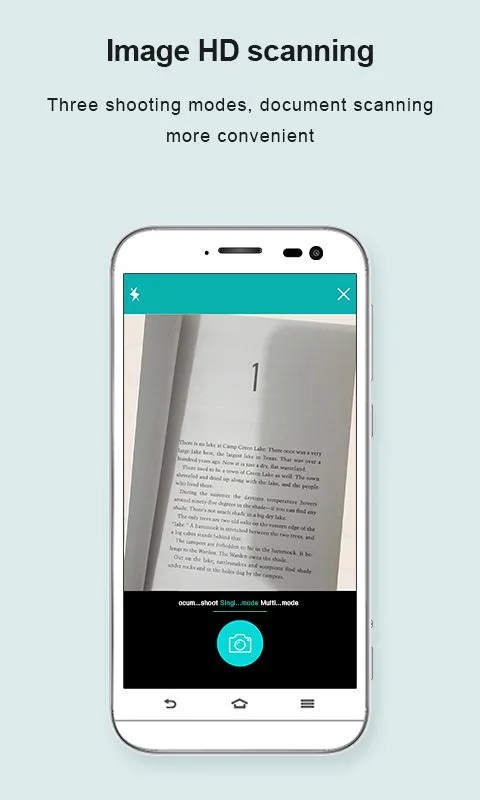
Scanner App Scan ererything into clear & sharp image/PDF.
With Scanner app, you can rapidly scan documents, and convert them into PDF format, as well as save them or send them by email, Print and save to cloud.
* Scan documents, photos, receipts, or just about anything.
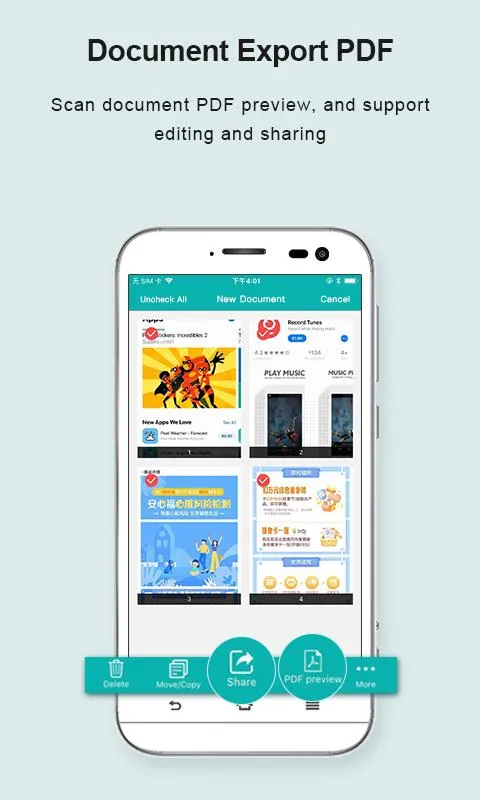
* Batch mode combines multiple scans into a single PDF.
*Adopting advanced and fast algorithm, Scanner App use Advanced color processing algorithms remove shadows, correct perspective and distortion, making your scans as readable as possible.
*With powerful and easily operated interface, Scanner app can fast and simply adjust brightness, rotation and color through one click on one page.
Scanner app features:
1. Mobile Scanner ----scan and manage your document that may include multipage.
2. Fast scan in batch----scan continuously in batch without process waiting, which is fast and convenient.
3. Automatic side cut----utilize professional image processing algorithm to automatically help you cut the images.
4. Image enhancement----ensure document is clear and readable.
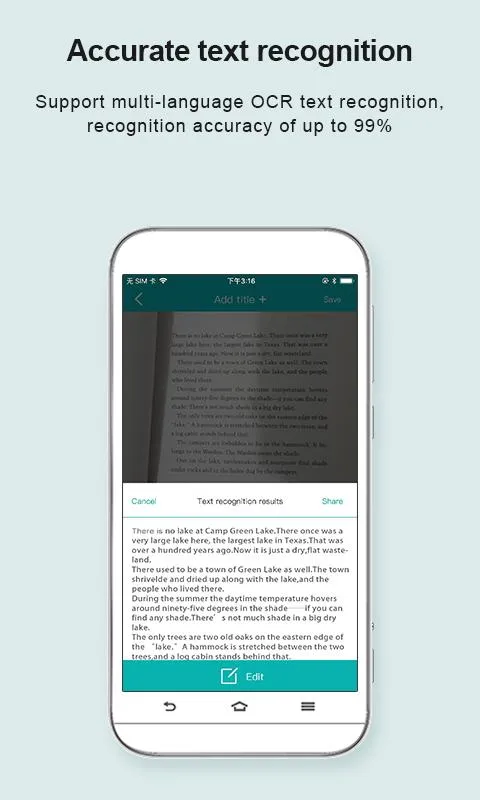
5. Text Recognition (OCR) ---- OCR (optical character recognition) feature extracts texts from single page for further editing or sharing.
6. Multi-sized PDFs----more than 10 PDF sizes are available (Letter,A4,B5, etc).You can customize the size or use self-adaption mode.
7. Save image to image library----conveniently process images so as to save them to image library.
8. Email----send your documents (PDF) or processed images by email.
9. Add Header----seach page of document may add headers, which can be searched.
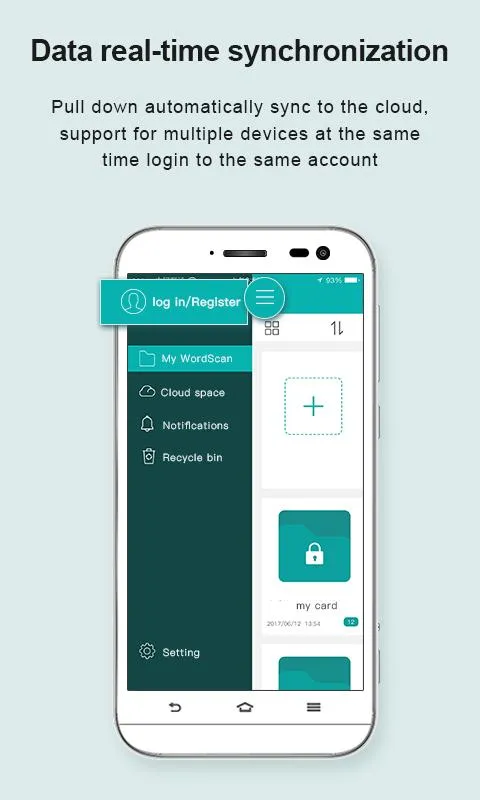
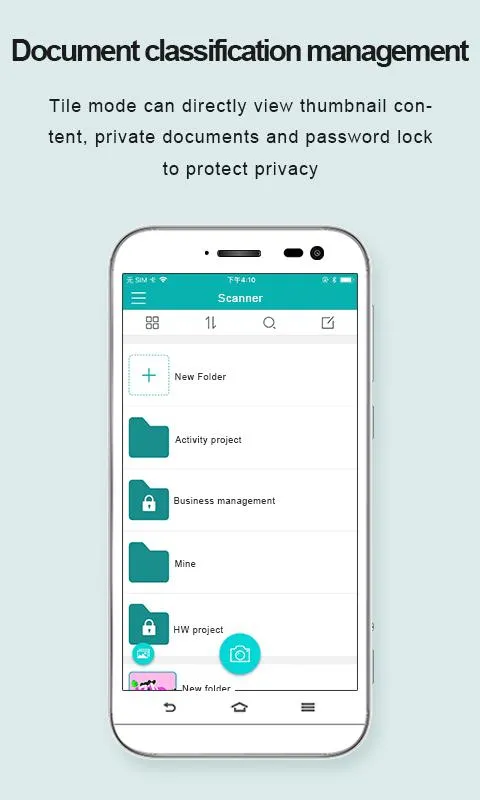
10. Custom category----set custom category for your document to achieve convenient management and search.
11. Multiple browse modes----support browse modes, such as list and document-categorization.
12. Copy----support function of document copy to achieve convenient document management.
13. Search----Fast locate documents by searching document headers, page headers, etc.
Scanning tip: Make sure your document is smooth and sensitive to light.
Note: A flat background color may help achieve the best detection results of document edge.
Business
Ratings
0
0 total ratings
5
73%
4
10%
3
4%
2
3%
1
10%
REVIEWS
No reviews yet. Be the first one to review this app
'%20fill-rule='evenodd'%20clip-rule='evenodd'%20d='M8.04878%200.118571C9.10796%20-0.198465%2010.2321%200.132893%2010.9526%200.961509L18.7058%209.9036H22.0709C23.0433%209.90386%2023.8429%2010.7032%2023.843%2011.6757V13.1309H23.8497C23.8497%2013.4983%2023.5476%2013.8014%2023.1803%2013.8015H19.9372V33.9548C19.9372%2034.423%2019.5703%2034.7975%2019.1021%2034.7977H17.142C15.91%2034.7977%2014.9156%2033.8036%2014.9154%2032.5644V28.0251C13.5538%2028.5582%2012.3722%2028.7169%2010.9963%2028.7169C6.45689%2028.7169%203.74677%2025.6897%203.74677%2020.6099V13.8015H1.77319C0.800641%2013.8015%200.000280942%2013.0091%200%2012.0294V10.573C0.000219737%2010.2057%200.303205%209.9036%200.670545%209.9036H13.5676L5.13039%201.85482C4.82078%201.55938%204.94365%201.04032%205.35428%200.917851L8.04878%200.118571ZM8.78425%2013.8082V20.611C8.78438%2023.1974%209.8151%2024.35%2012.1135%2024.35C12.9637%2024.3499%2014.1167%2024.1489%2014.902%2023.7959V13.8082H8.78425Z'%20fill='white'/%3e%3c/svg%3e)
Permissions
Storage: access photos, media, and files on your device
Biometric Information: access biometric data like fingerprint to unlock the app
Internet: use your internet connection
Phone: make and manage phone calls
Developer Info
Curated for YouSee all






Scan to download on PhonePe Appstore

