

BeyondTrust Corporation
4.0
ratings2 MB
SizeVerified
SCREENSHOTS (5)
About the app
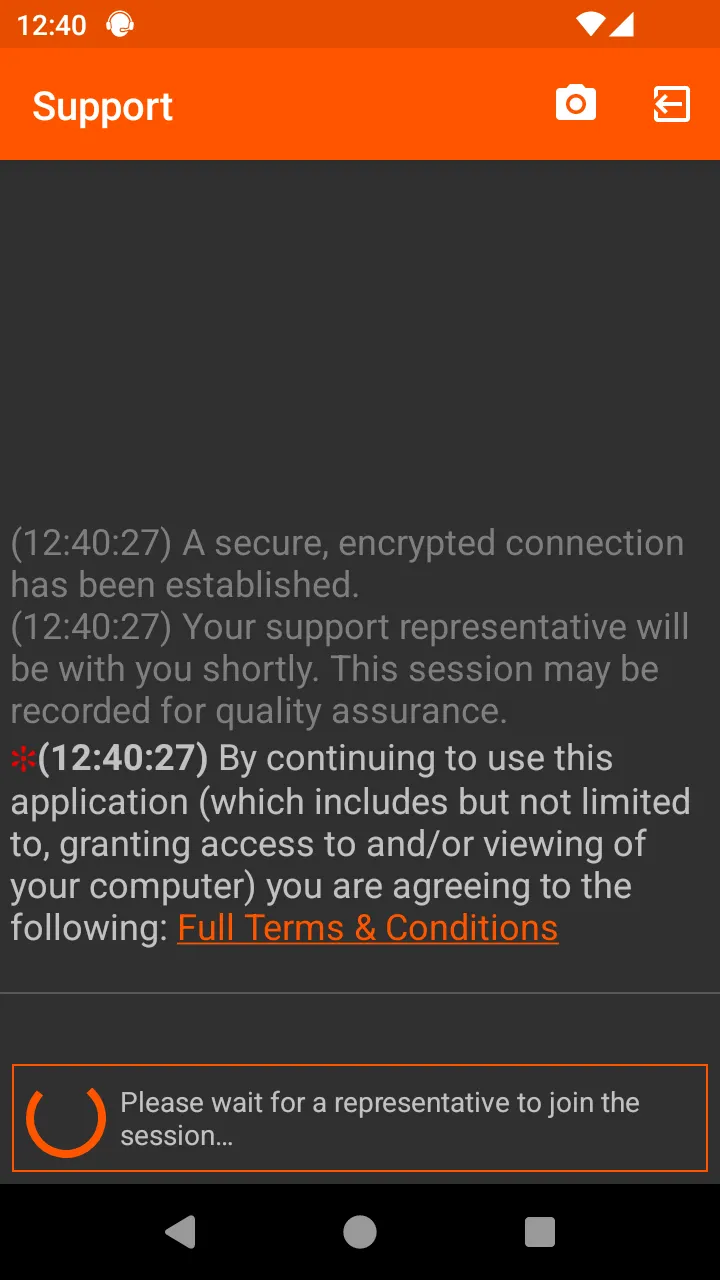
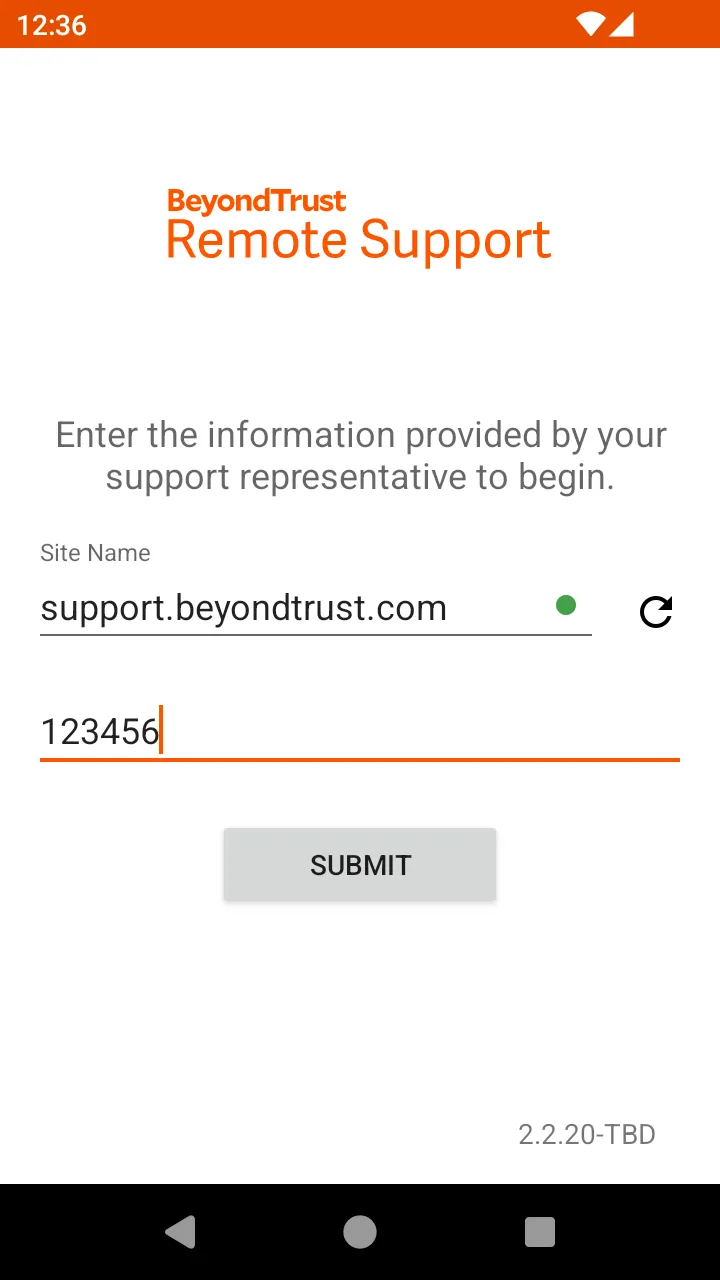
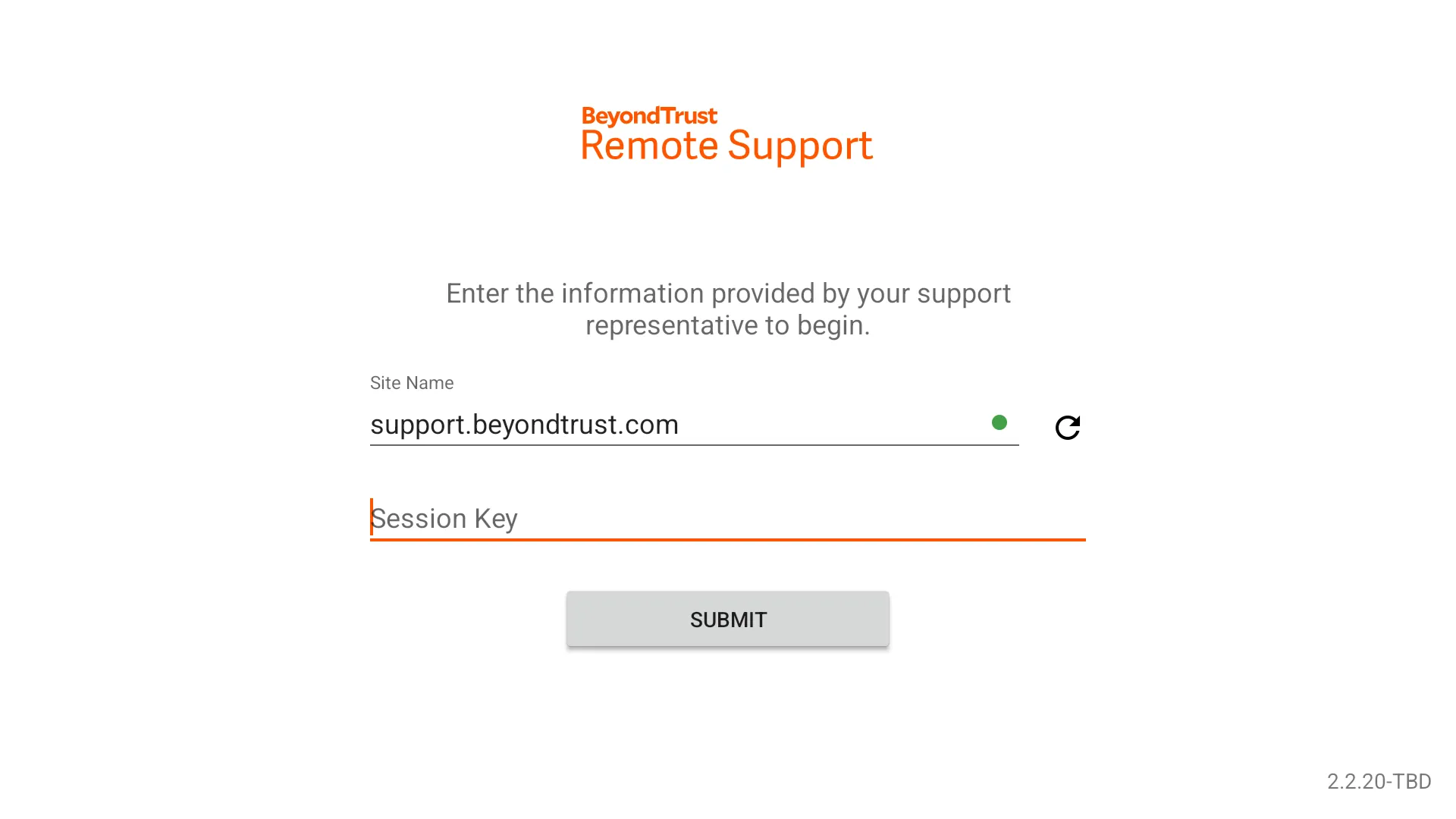
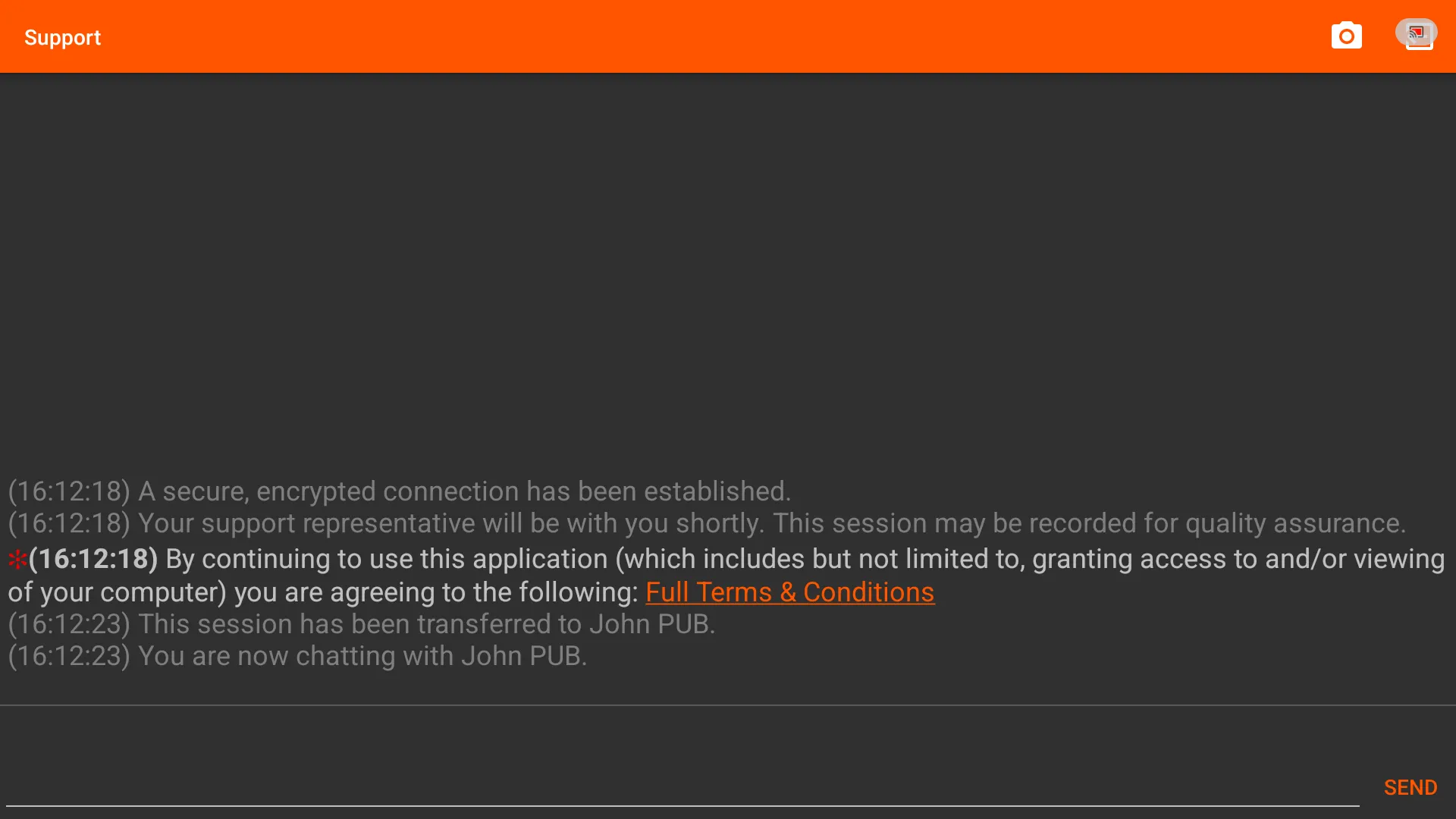
You can dramatically broaden service desk reach with the new BeyondTrust Android Customer Client. Employees and end users with popular Android-powered mobile devices can get the fullest support they need to be more productive while mobile. Once connected to a Remote Support Representative, you can securely chat and receive support from the Representative by allowing them to view your screen, view your mobile devices system information, and share your live camera feed.
Feature Overview:
Screen Sharing – Share your device’s screen in real-time.
BeyondTrust InSight – Extend your representative’s vision by streaming live video.
Chat – Chat back and forth with your representative.
Note: The BeyondTrust Android Customer Client works with existing BeyondTrust installations with version 19.1 or greater and support sites with trusted CA-signed certificates.
If encountering problems attempting to uninstall, ensure the app is deactivated in the Device admin apps settings menu.
The File Transfer feature has been removed from this app due to Google Play Store app approval restrictions. If you require the File Transfer feature to support your users, please contact BeyondTrust Support for other options.
BeyondTrust Support users can optionally approve the use of an Accessibility Service to allow a Representative to further support and manage their device. When starting a Support Session, the app may request that the Support Accessibility Service be enabled in order to grant the connected Remote Support Representative key and gesture input capabilities while they view the display through Screen Sharing. No personal information is collected by this Accessibility Service.
Business
Ratings
0
0 total ratings
5
73%
4
10%
3
4%
2
3%
1
10%
REVIEWS
No reviews yet. Be the first one to review this app
'%20fill-rule='evenodd'%20clip-rule='evenodd'%20d='M8.04878%200.118571C9.10796%20-0.198465%2010.2321%200.132893%2010.9526%200.961509L18.7058%209.9036H22.0709C23.0433%209.90386%2023.8429%2010.7032%2023.843%2011.6757V13.1309H23.8497C23.8497%2013.4983%2023.5476%2013.8014%2023.1803%2013.8015H19.9372V33.9548C19.9372%2034.423%2019.5703%2034.7975%2019.1021%2034.7977H17.142C15.91%2034.7977%2014.9156%2033.8036%2014.9154%2032.5644V28.0251C13.5538%2028.5582%2012.3722%2028.7169%2010.9963%2028.7169C6.45689%2028.7169%203.74677%2025.6897%203.74677%2020.6099V13.8015H1.77319C0.800641%2013.8015%200.000280942%2013.0091%200%2012.0294V10.573C0.000219737%2010.2057%200.303205%209.9036%200.670545%209.9036H13.5676L5.13039%201.85482C4.82078%201.55938%204.94365%201.04032%205.35428%200.917851L8.04878%200.118571ZM8.78425%2013.8082V20.611C8.78438%2023.1974%209.8151%2024.35%2012.1135%2024.35C12.9637%2024.3499%2014.1167%2024.1489%2014.902%2023.7959V13.8082H8.78425Z'%20fill='white'/%3e%3c/svg%3e)
Permissions
Contacts: access your contacts
Internet: use your internet connection
Phone: make and manage phone calls
Camera: take pictures and record video
Curated for YouSee all






Scan to download on PhonePe Appstore

