

Tech Nine Limited
4.0
ratings34 MB
SizeVerified
SCREENSHOTS (6)
About the app
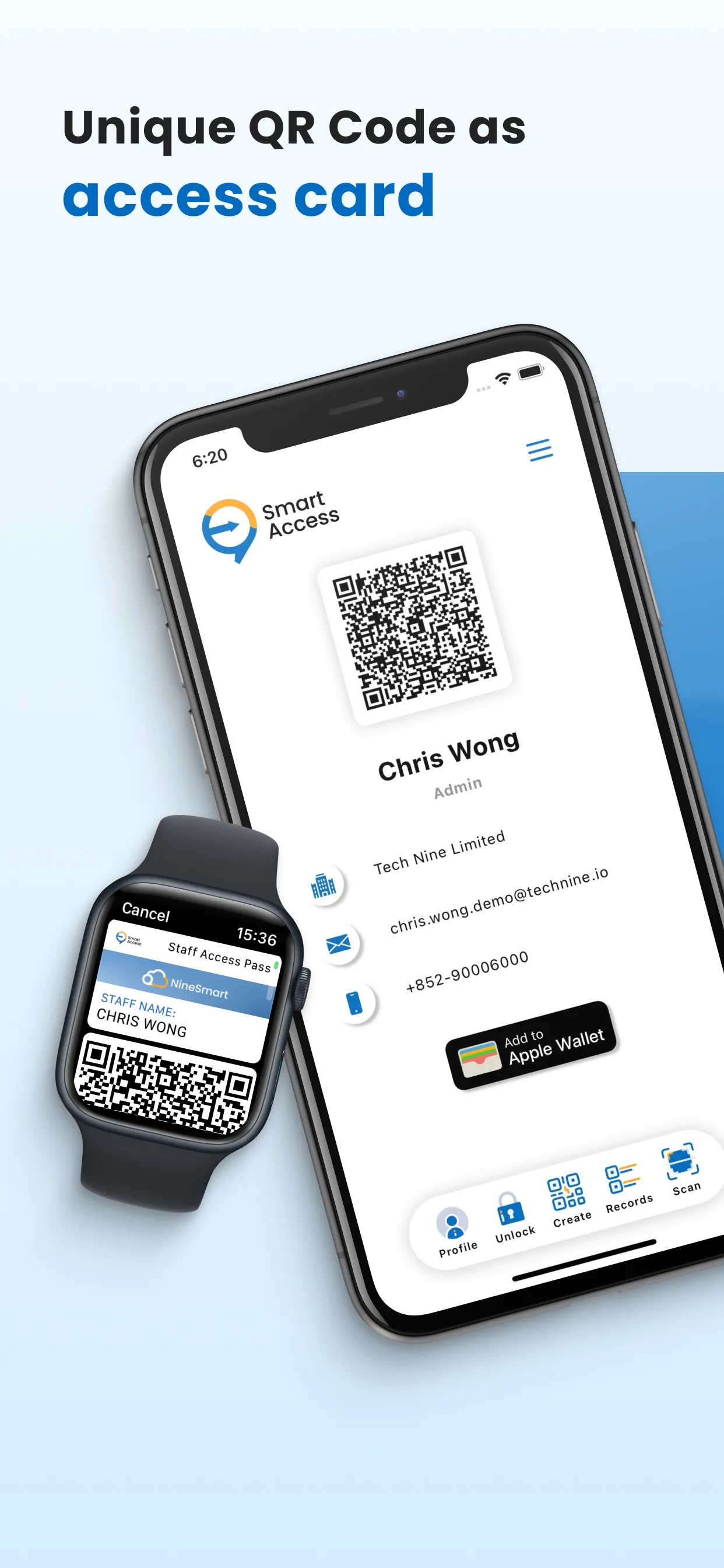
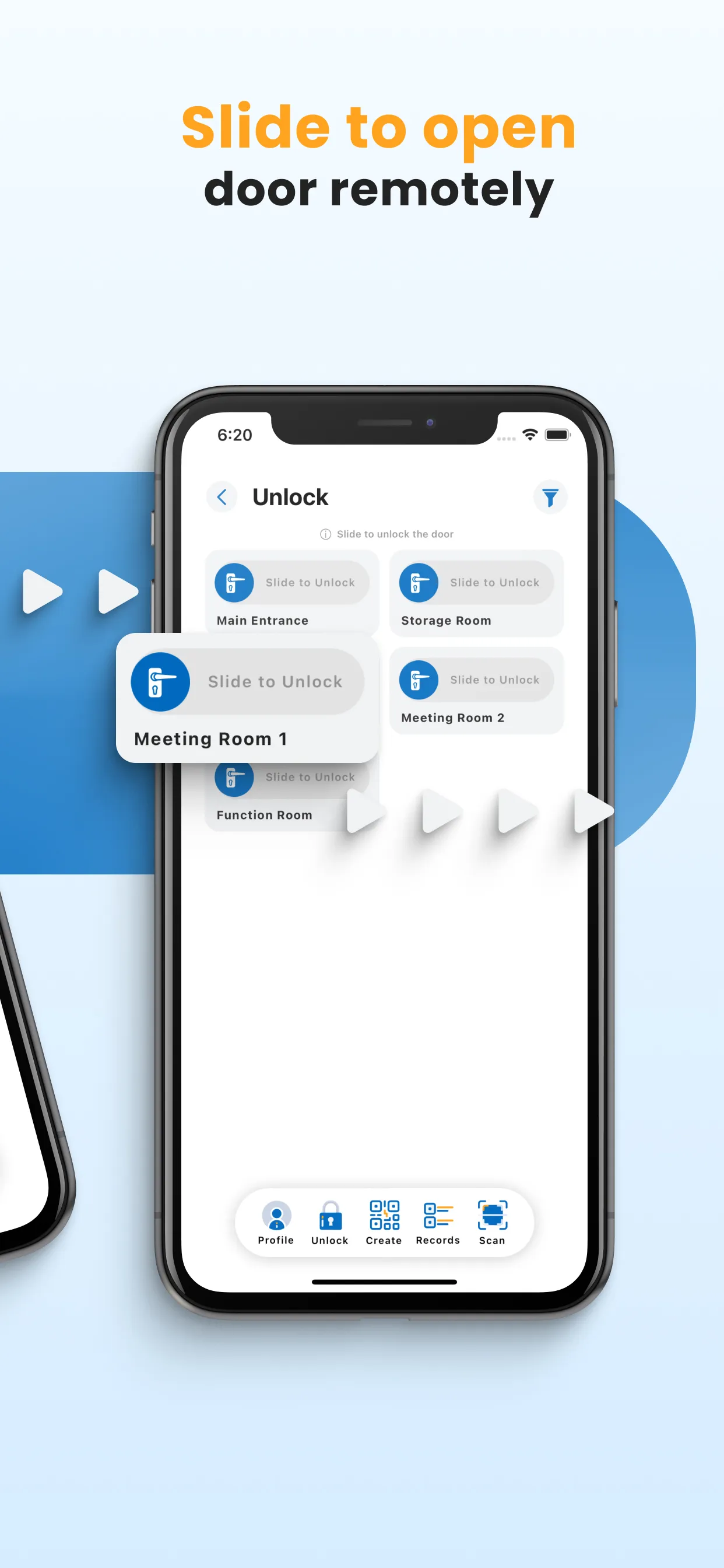
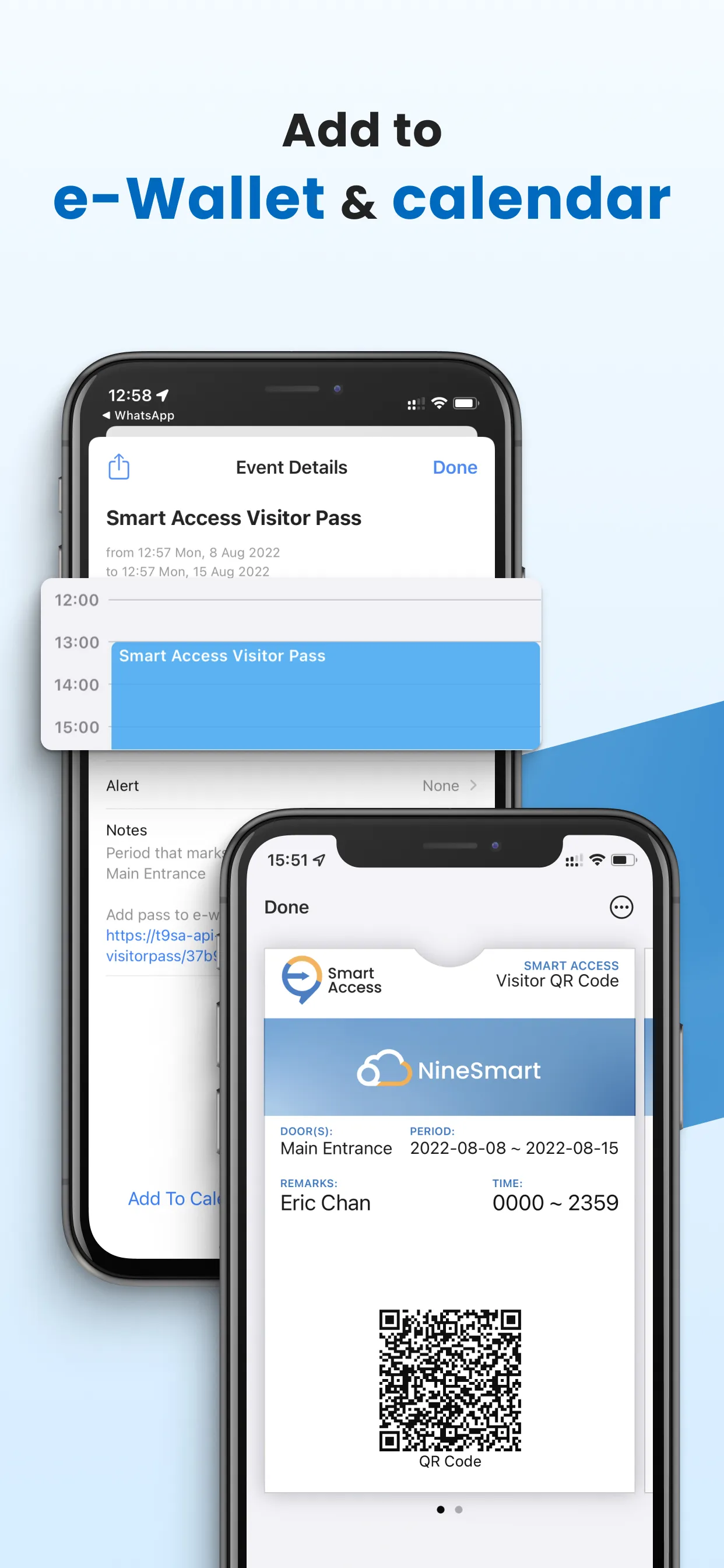
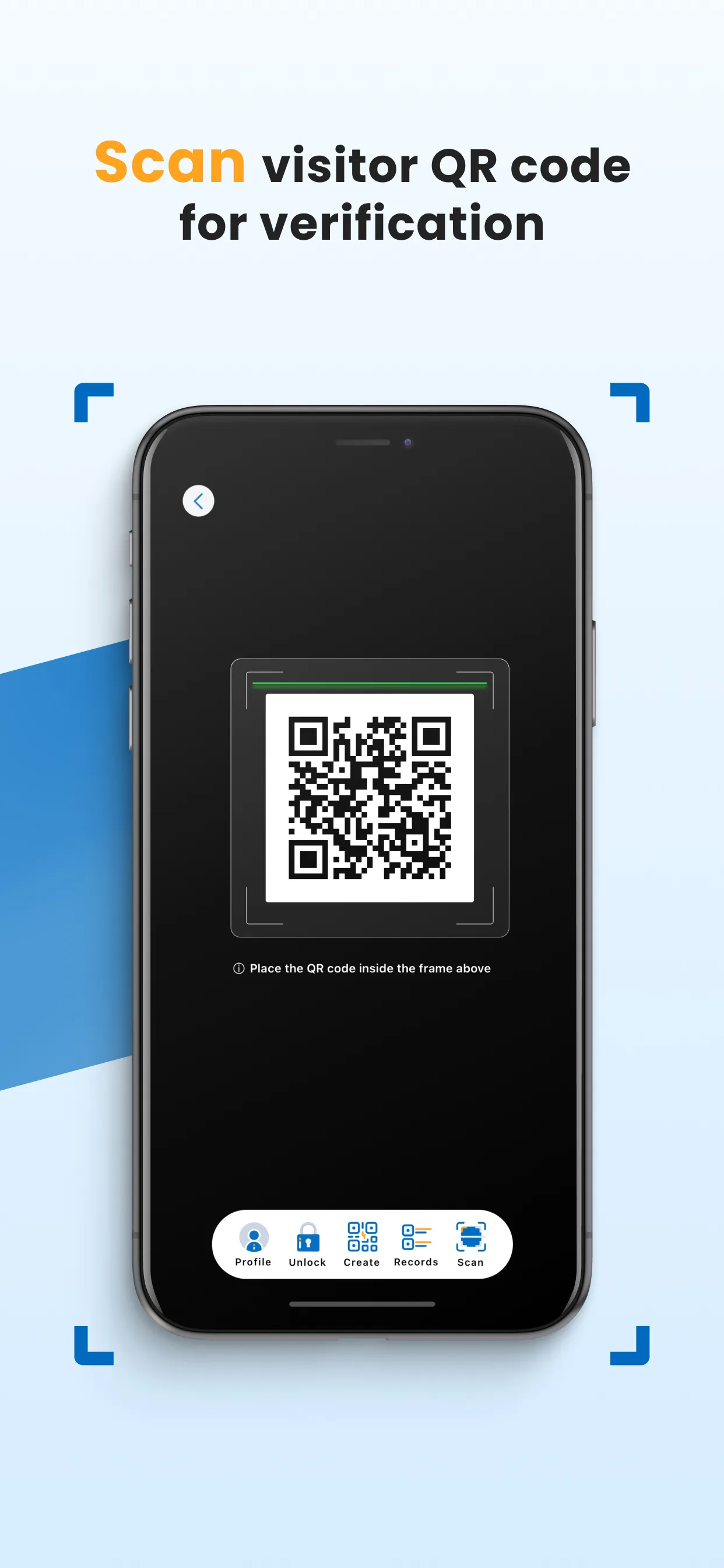
With technine IoT Controller connected to door locks and Smart Access mobile app, it enables personnel access specific areas/ premises by scanning QR code.
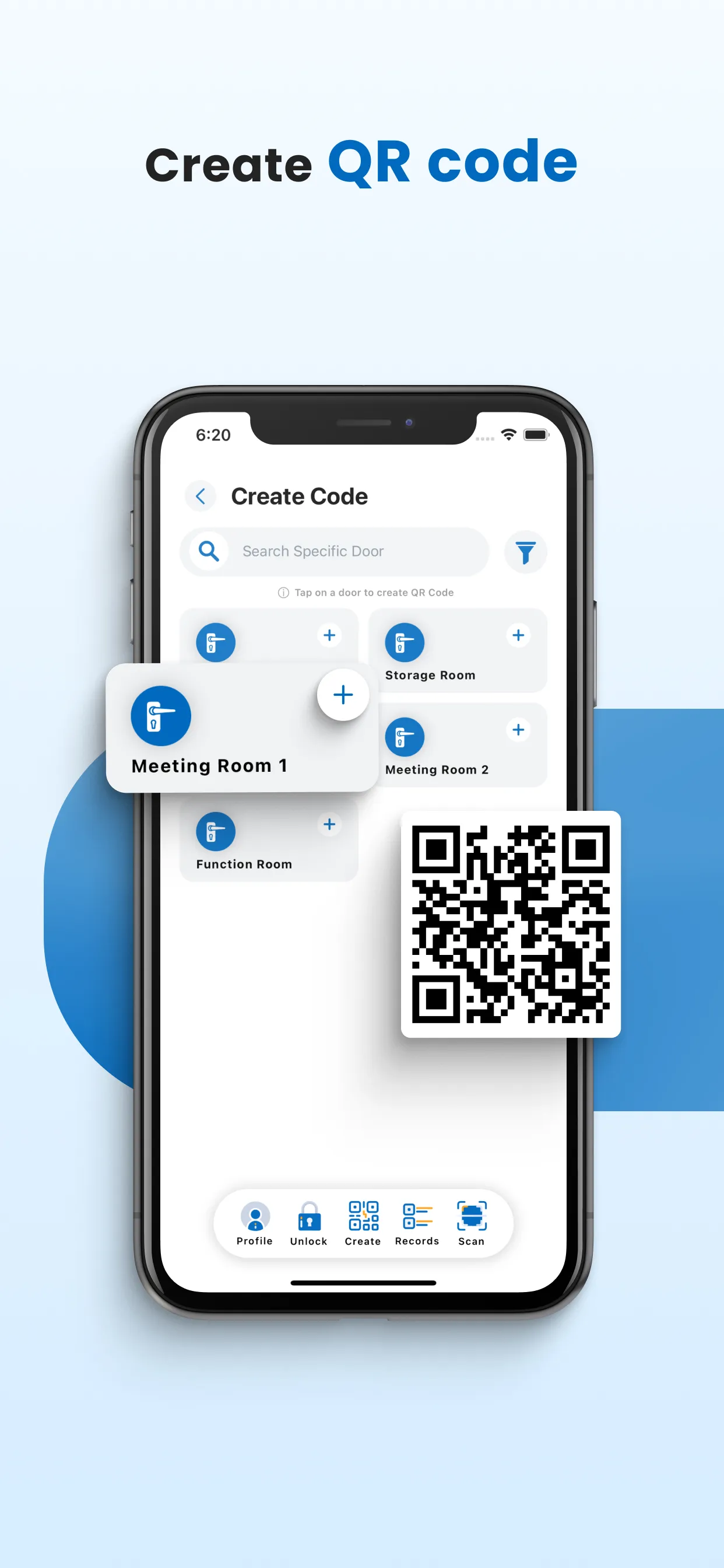
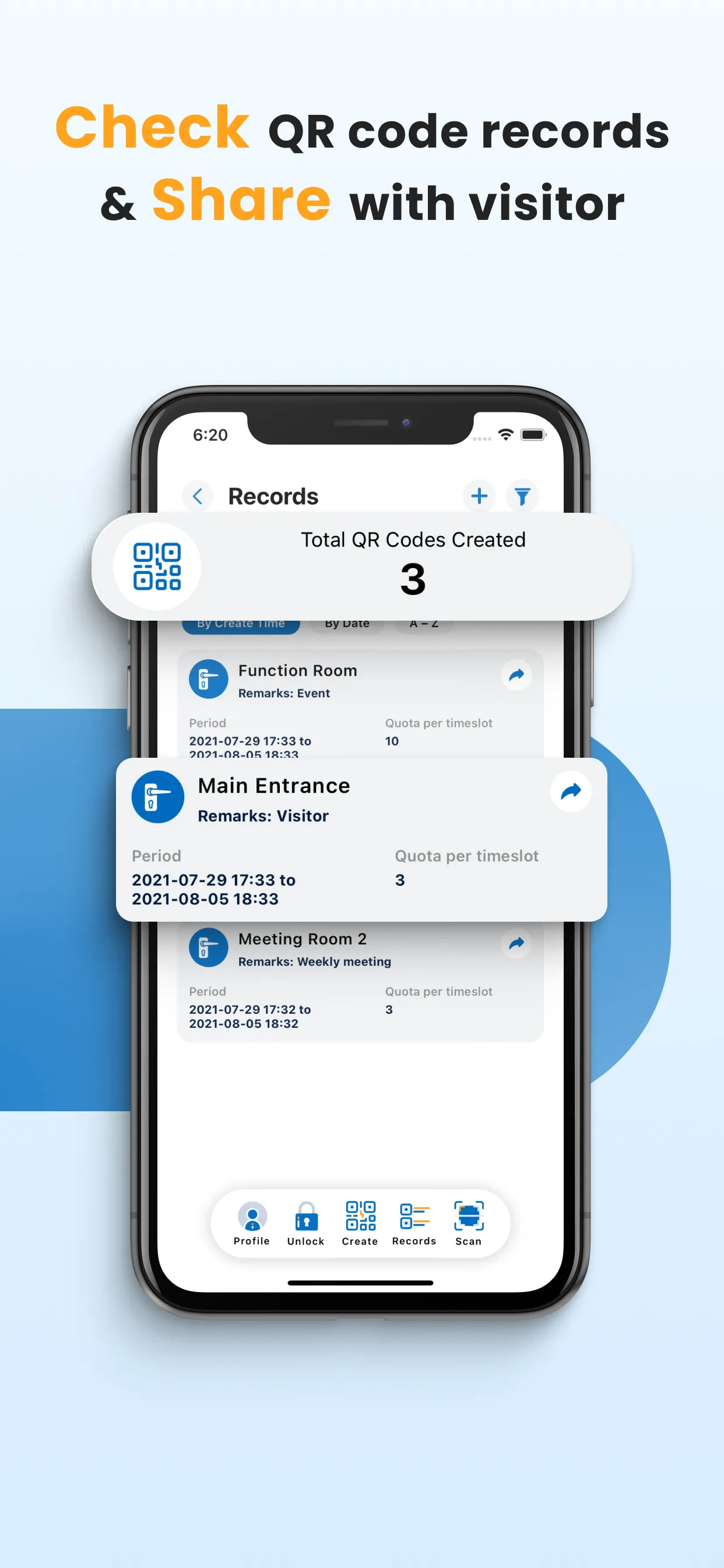
Staff can clock in and generate QR code with time setting for visitors by using the mobile app. By granting permitted QR code, visitors can access specific entrances without support from onsite guards, which can save time for onsite registrations.
Apart from mobile app, staff admin is allowed to access the web-based admin panel to generate QR code with time limits, manage access and attendance records, as well as exporting reports.
technine Smart Access allows integration with existing systems, databases and hardware such as NFC card readers, which is suitable for various office environments and business operating modes.
【System Features】
Data Encryption/ Automatic Deletion
Data will be encrypted and set to be deleted automatically if a mobile device cannot be detected or lost so as to prevent possible data leakage.
Fixed/ Mobile Scanner
QR code scanner can be either installed on a wall or a portable device based on actual requirements.
Highlight Abnormal Records
Automatic detection of abnormal access records helps monitor the situation and protect safety of staff and assets.
Self-service Access
Regardless of whether there is a security guard on duty, visitors can enjoy free access to specific areas with permitted QR codes.
Temporary Entry Permit
Temporary staff or visitors can use the limited time QR Code to enter without installing a mobile app.
Business
Ratings
0
0 total ratings
5
73%
4
10%
3
4%
2
3%
1
10%
REVIEWS
No reviews yet. Be the first one to review this app
'%20fill-rule='evenodd'%20clip-rule='evenodd'%20d='M8.04878%200.118571C9.10796%20-0.198465%2010.2321%200.132893%2010.9526%200.961509L18.7058%209.9036H22.0709C23.0433%209.90386%2023.8429%2010.7032%2023.843%2011.6757V13.1309H23.8497C23.8497%2013.4983%2023.5476%2013.8014%2023.1803%2013.8015H19.9372V33.9548C19.9372%2034.423%2019.5703%2034.7975%2019.1021%2034.7977H17.142C15.91%2034.7977%2014.9156%2033.8036%2014.9154%2032.5644V28.0251C13.5538%2028.5582%2012.3722%2028.7169%2010.9963%2028.7169C6.45689%2028.7169%203.74677%2025.6897%203.74677%2020.6099V13.8015H1.77319C0.800641%2013.8015%200.000280942%2013.0091%200%2012.0294V10.573C0.000219737%2010.2057%200.303205%209.9036%200.670545%209.9036H13.5676L5.13039%201.85482C4.82078%201.55938%204.94365%201.04032%205.35428%200.917851L8.04878%200.118571ZM8.78425%2013.8082V20.611C8.78438%2023.1974%209.8151%2024.35%2012.1135%2024.35C12.9637%2024.3499%2014.1167%2024.1489%2014.902%2023.7959V13.8082H8.78425Z'%20fill='white'/%3e%3c/svg%3e)
Permissions
Storage: access photos, media, and files on your device
Internet: use your internet connection
Phone: make and manage phone calls
Camera: take pictures and record video
Developer Info
Curated for YouSee all






Scan to download on PhonePe Appstore

