

One Identity LLC
4.0
ratings6 MB
SizeVerified
SCREENSHOTS (5)
About the app
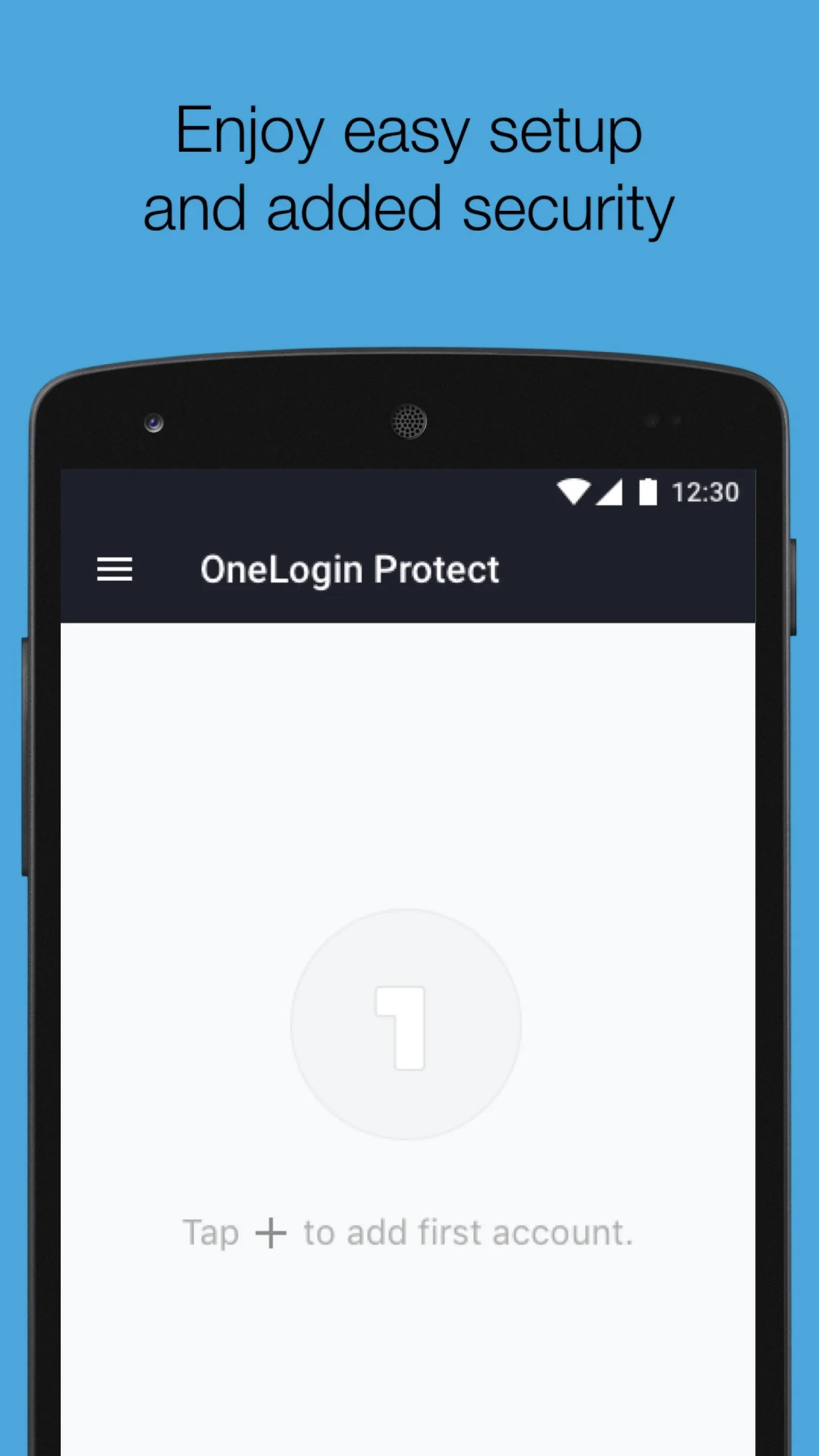
OneLogin Protect asks you to confirm login attempts on your phone or watch, to better secure your organization’s apps.
How it works
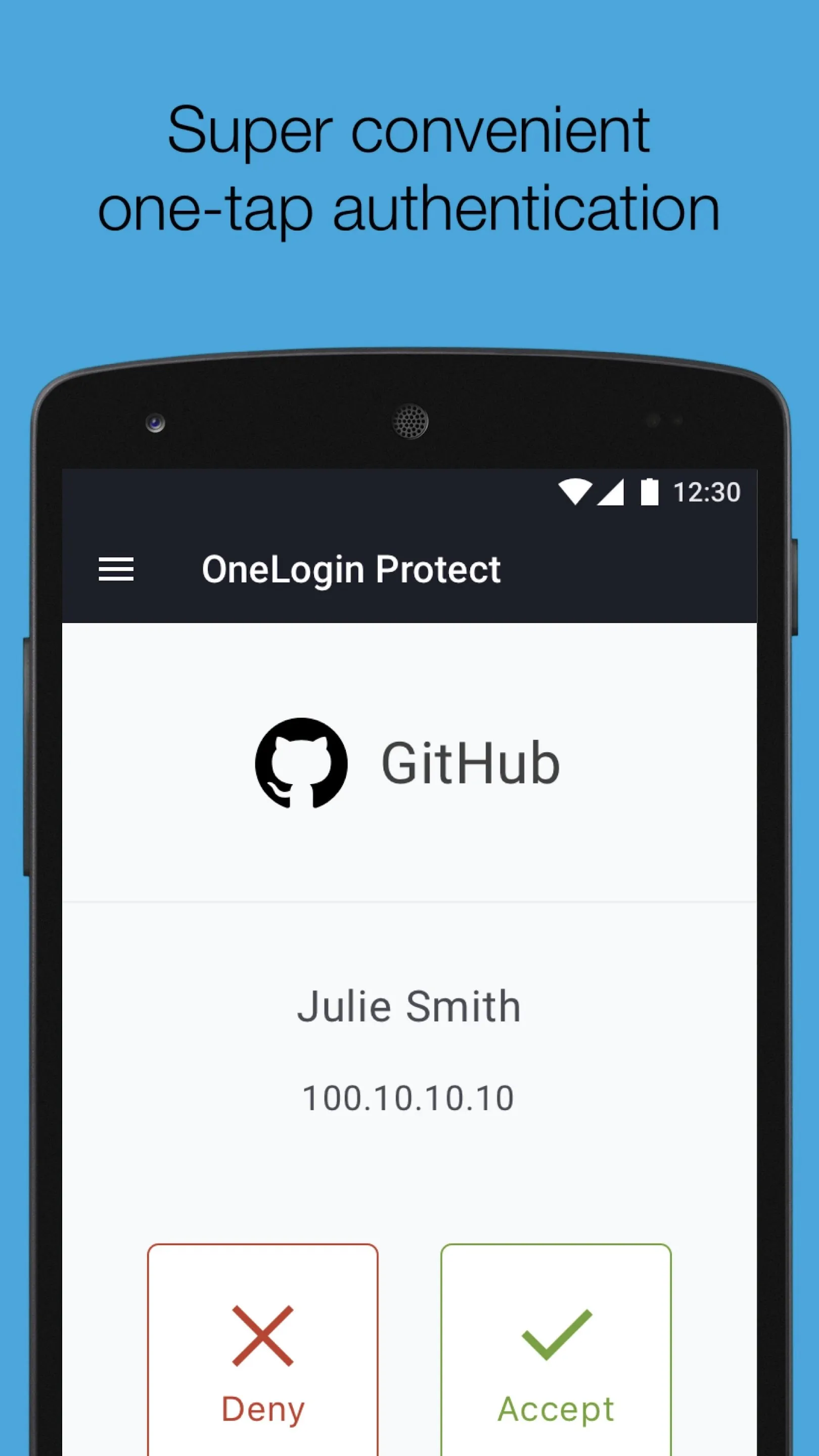
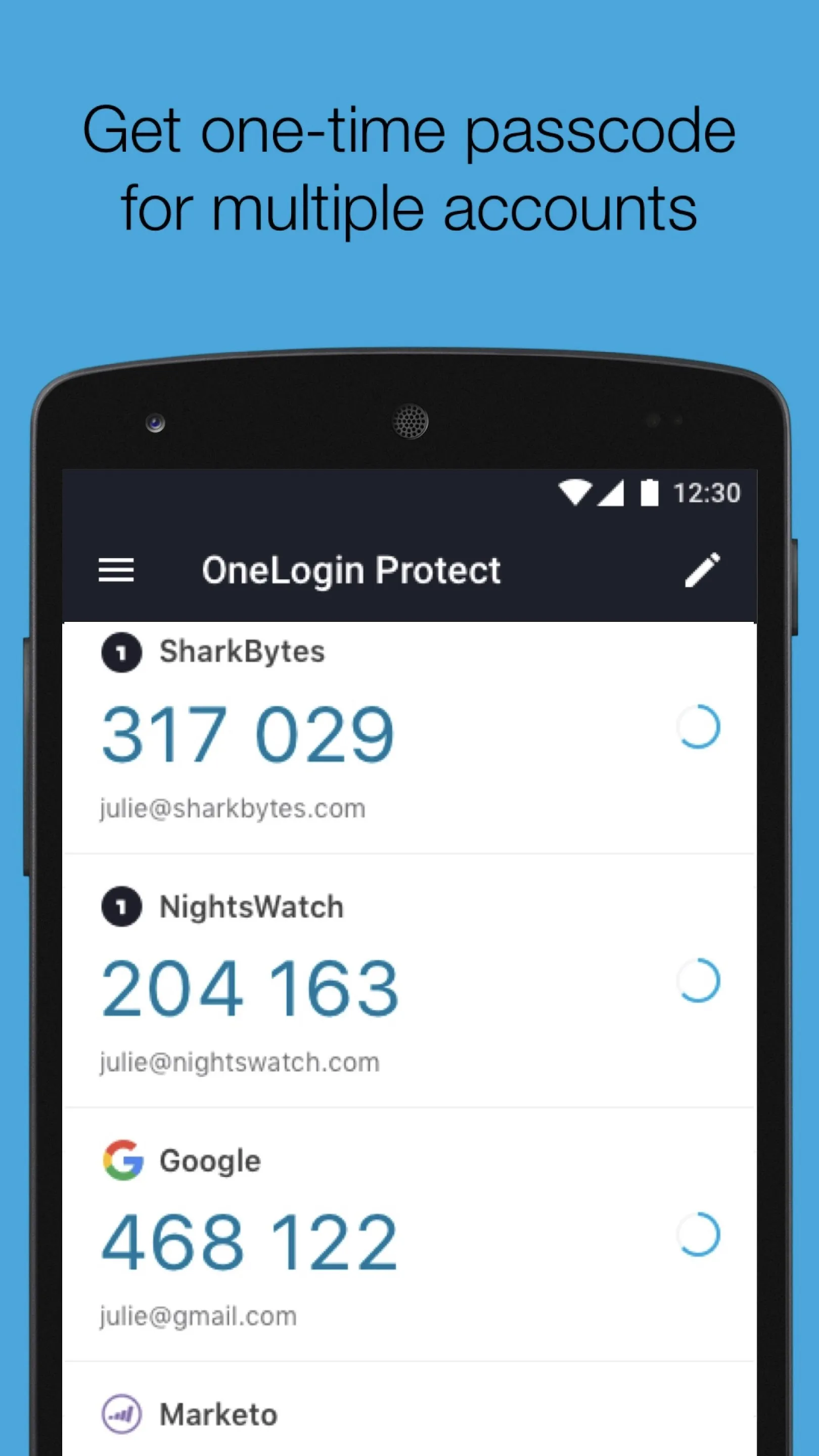
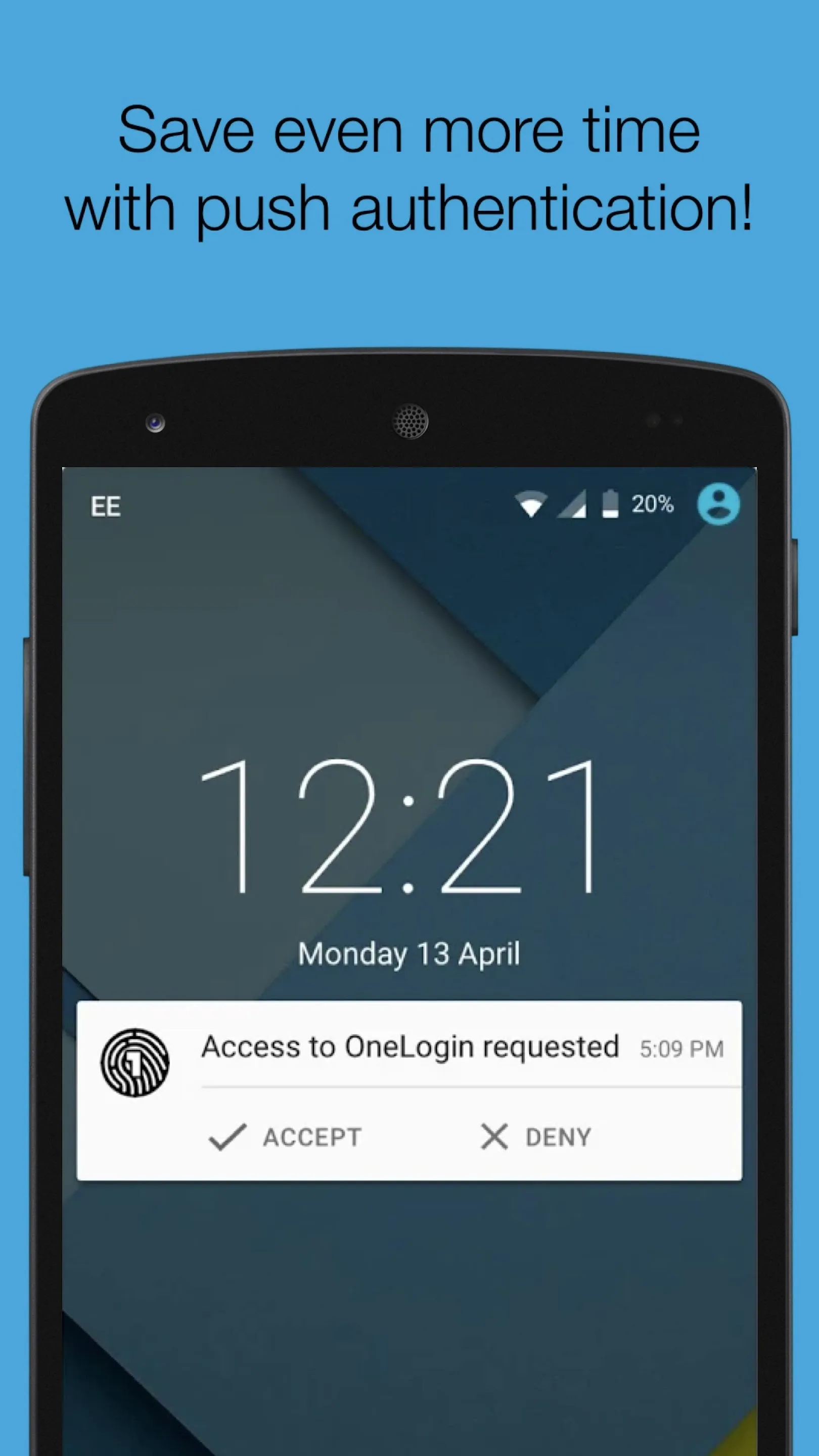
After you type your username and password into OneLogin web portal (https://yourcompany.onelogin.com), OneLogin Protect asks you to confirm the login on your phone. Click Accept, and you’re signed into OneLogin. Alternatively, you can also tab SEND OTP to push the OTP (one-time password).
On the other hand, if someone tries to log in as you, you click Deny, they’re shut out of OneLogin, and OneLogin notifies your IT department so they can follow up.
Why consider
OneLogin Protect is a rethink of multifactor authentication, sometimes called MFA, two-factor authentication, or 2FA. Whatever you call it, MFA has been too annoying for too long, interrupting people when they’re trying to get work done.
So, we designed OneLogin Protect to reduce interruptions to your workday by:
* Displaying push notifications when there’s a new login attempt, so you don’t have to go hunting for the OneLogin Protect app among the dozens of apps you probably have on your phone.
* Eliminating the frustration of manually entering a one-time password in a short time period.
* Sending notifications to your watch, so you can Accept or Deny login attempts without pulling out your phone.
Requirements
To use the OneLogin Protect app, you must have an active OneLogin account. This may already have been provided to you by your organization. Contact your IT department if you are unsure or need information about your account.
Setup Instructions
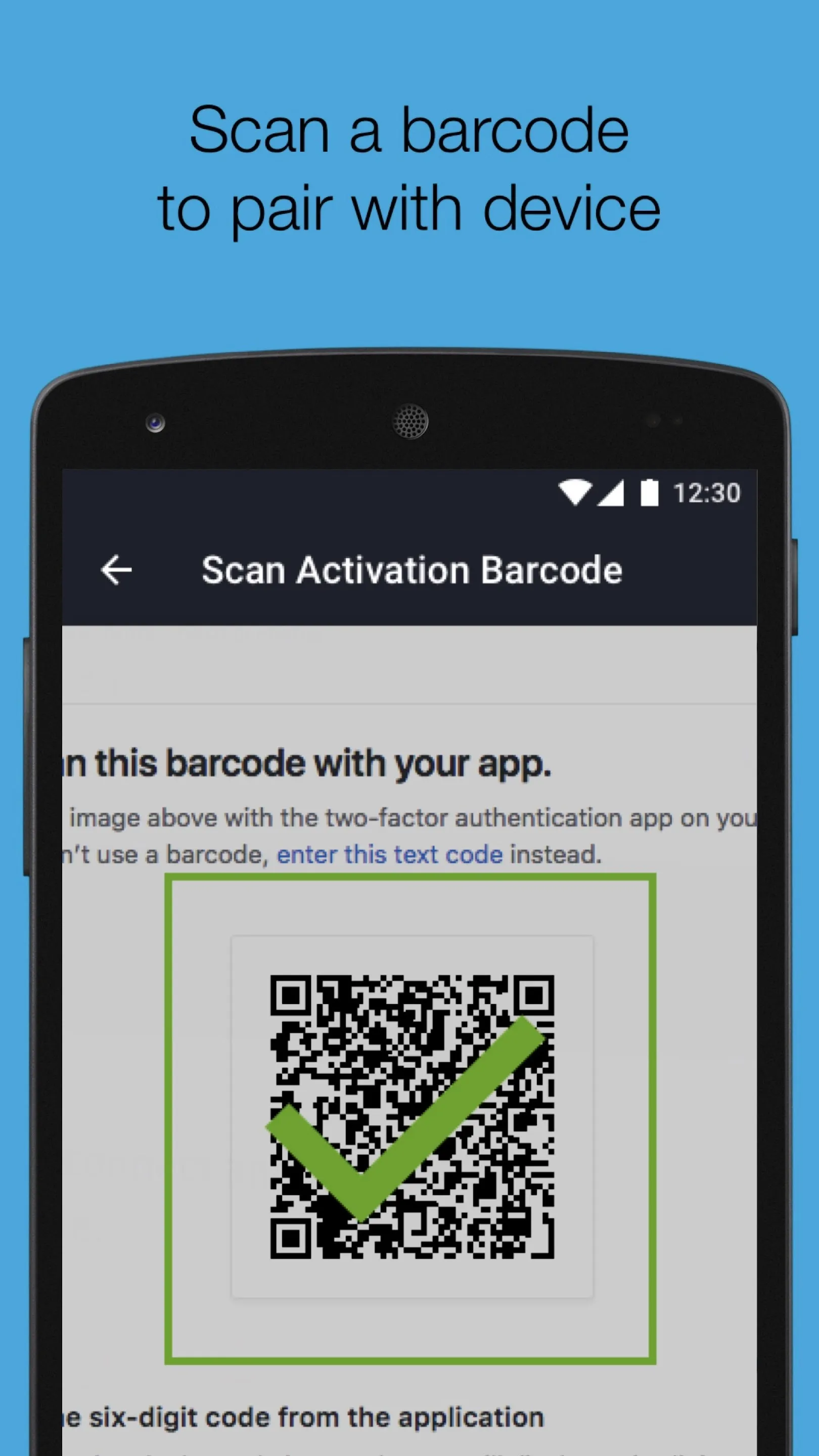
https://support.onelogin.com/hc/en-us/articles/202361220
Business
Ratings
0
0 total ratings
5
73%
4
10%
3
4%
2
3%
1
10%
REVIEWS
No reviews yet. Be the first one to review this app
'%20fill-rule='evenodd'%20clip-rule='evenodd'%20d='M8.04878%200.118571C9.10796%20-0.198465%2010.2321%200.132893%2010.9526%200.961509L18.7058%209.9036H22.0709C23.0433%209.90386%2023.8429%2010.7032%2023.843%2011.6757V13.1309H23.8497C23.8497%2013.4983%2023.5476%2013.8014%2023.1803%2013.8015H19.9372V33.9548C19.9372%2034.423%2019.5703%2034.7975%2019.1021%2034.7977H17.142C15.91%2034.7977%2014.9156%2033.8036%2014.9154%2032.5644V28.0251C13.5538%2028.5582%2012.3722%2028.7169%2010.9963%2028.7169C6.45689%2028.7169%203.74677%2025.6897%203.74677%2020.6099V13.8015H1.77319C0.800641%2013.8015%200.000280942%2013.0091%200%2012.0294V10.573C0.000219737%2010.2057%200.303205%209.9036%200.670545%209.9036H13.5676L5.13039%201.85482C4.82078%201.55938%204.94365%201.04032%205.35428%200.917851L8.04878%200.118571ZM8.78425%2013.8082V20.611C8.78438%2023.1974%209.8151%2024.35%2012.1135%2024.35C12.9637%2024.3499%2014.1167%2024.1489%2014.902%2023.7959V13.8082H8.78425Z'%20fill='white'/%3e%3c/svg%3e)
Permissions
Contacts: access your contacts
Biometric Information: access biometric data like fingerprint to unlock the app
Internet: use your internet connection
Camera: take pictures and record video
Developer Info
Curated for YouSee all






Scan to download on PhonePe Appstore

