

Nozbe.com
4.0
ratings23 MB
SizeVerified
SCREENSHOTS (8)
About the app
👉🏼 WHY YOU NEED NOZBE IN YOUR COMPANY?
Because you can work better, faster and with less stress. With Nozbe, you’ll be able to share projects, delegate tasks, communicate in comments, and achieve your goals together. No matter where you are and what device you’re using.
✅ Nozbe - The fastest way to DONE in a team
Communicate effectively, manage & achieve your business goals with our to-do app. Have everything in one place: your team projects, discussions, files & deadlines.
✔︎ Nozbe is a collaboration and task & project management app for small and medium-sized companies, as well as single users.
⚒ KEY FEATURES
👉🏼 Easy to implement & use - All your team members will quickly get the hang of it.
👉🏼 Free - Up to 3 active projects and 3 people.
👉🏼 Available on any device - Nozbe comes as a web app that you can use on any computer + app for Android smartphones and tablets + iPhones & iPads.
👉🏼 Works offline - And then seamlessly syncs on all devices when you’re back online.
👉🏼 Projects → Tasks → Comments → DONE! - Simple structure of shared projects, shared tasks, and comments.
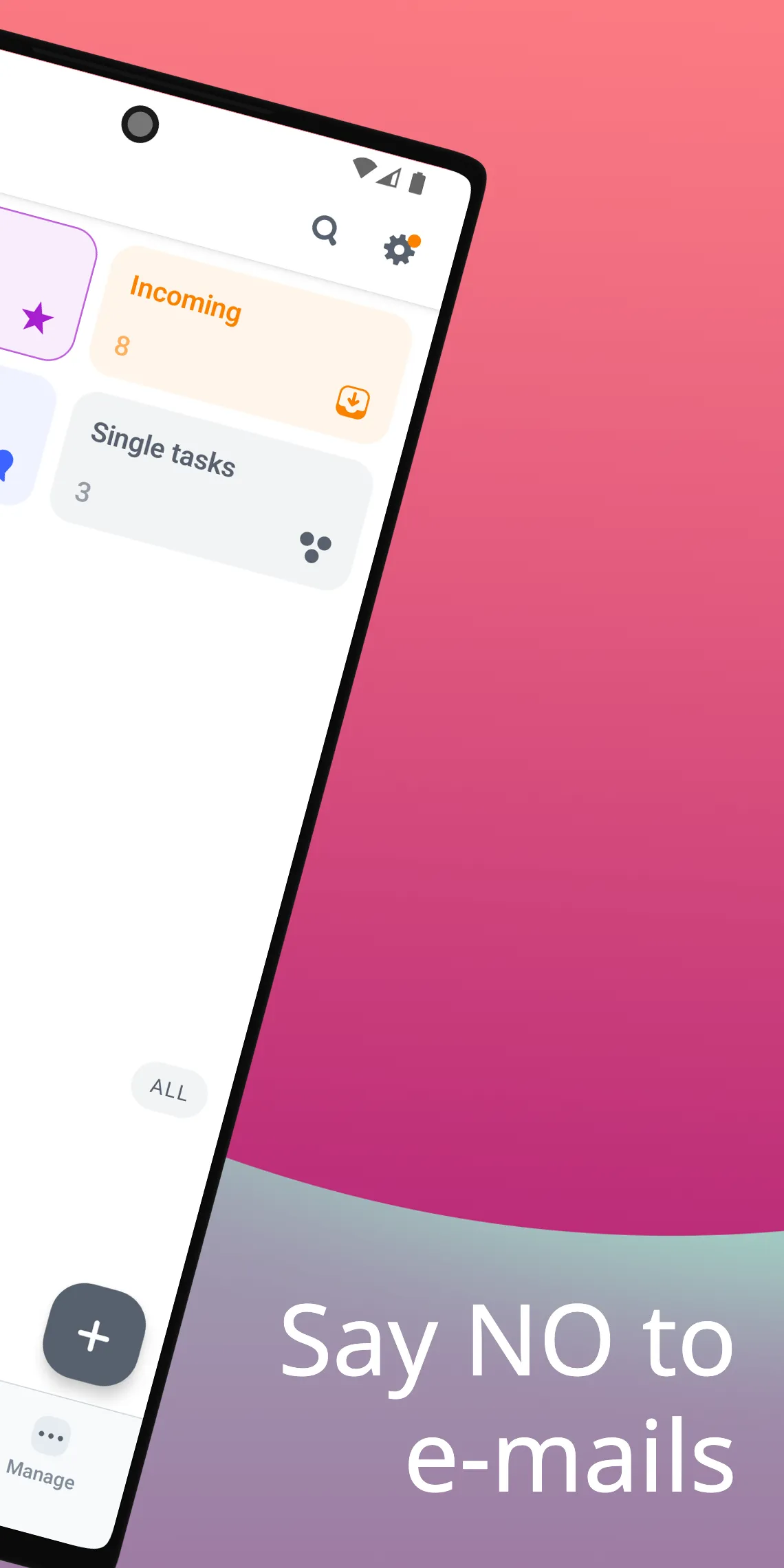
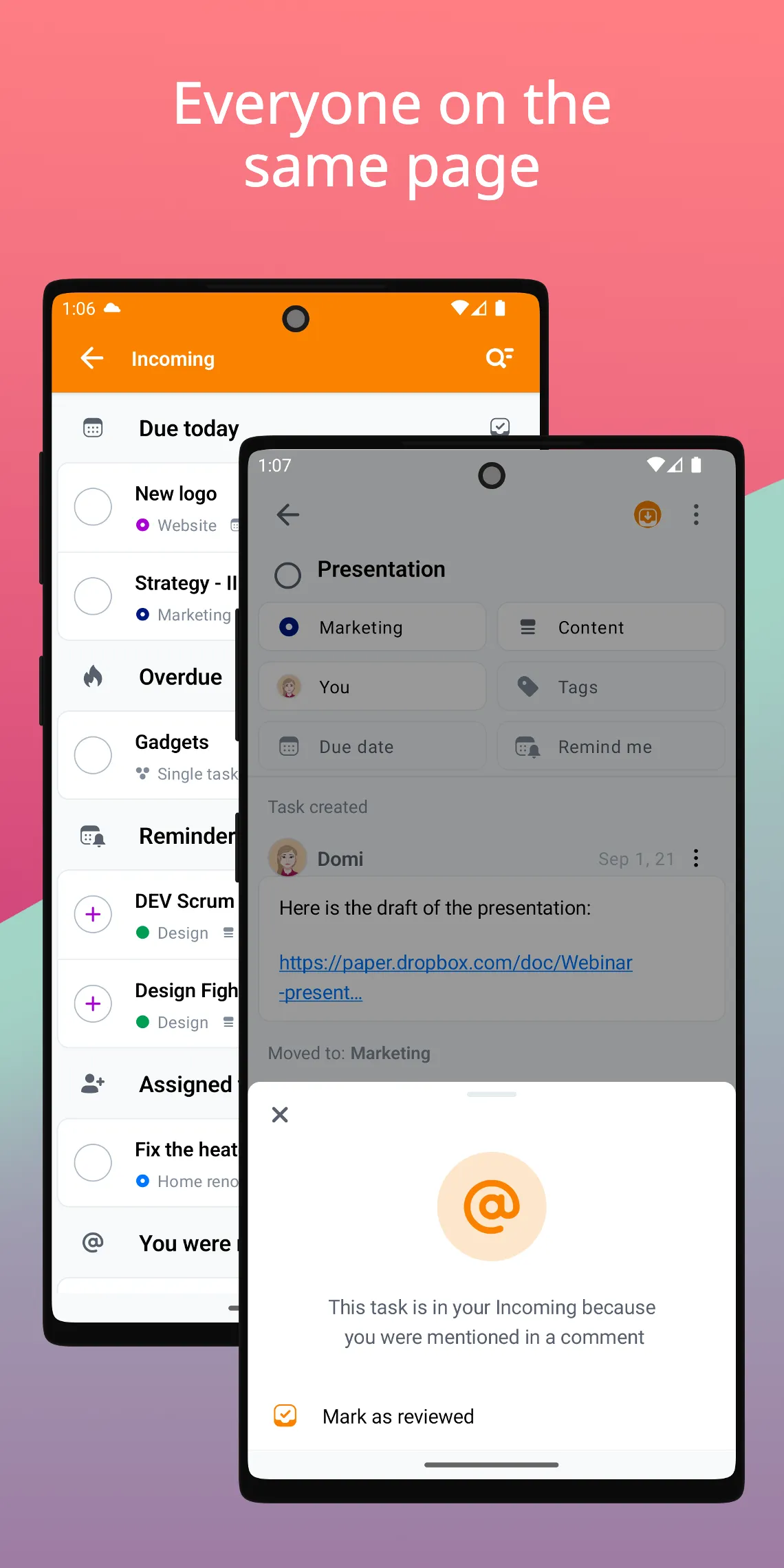
👉🏼 Incoming view - Where you receive tasks from others, control your deadlines and see where you’re needed.
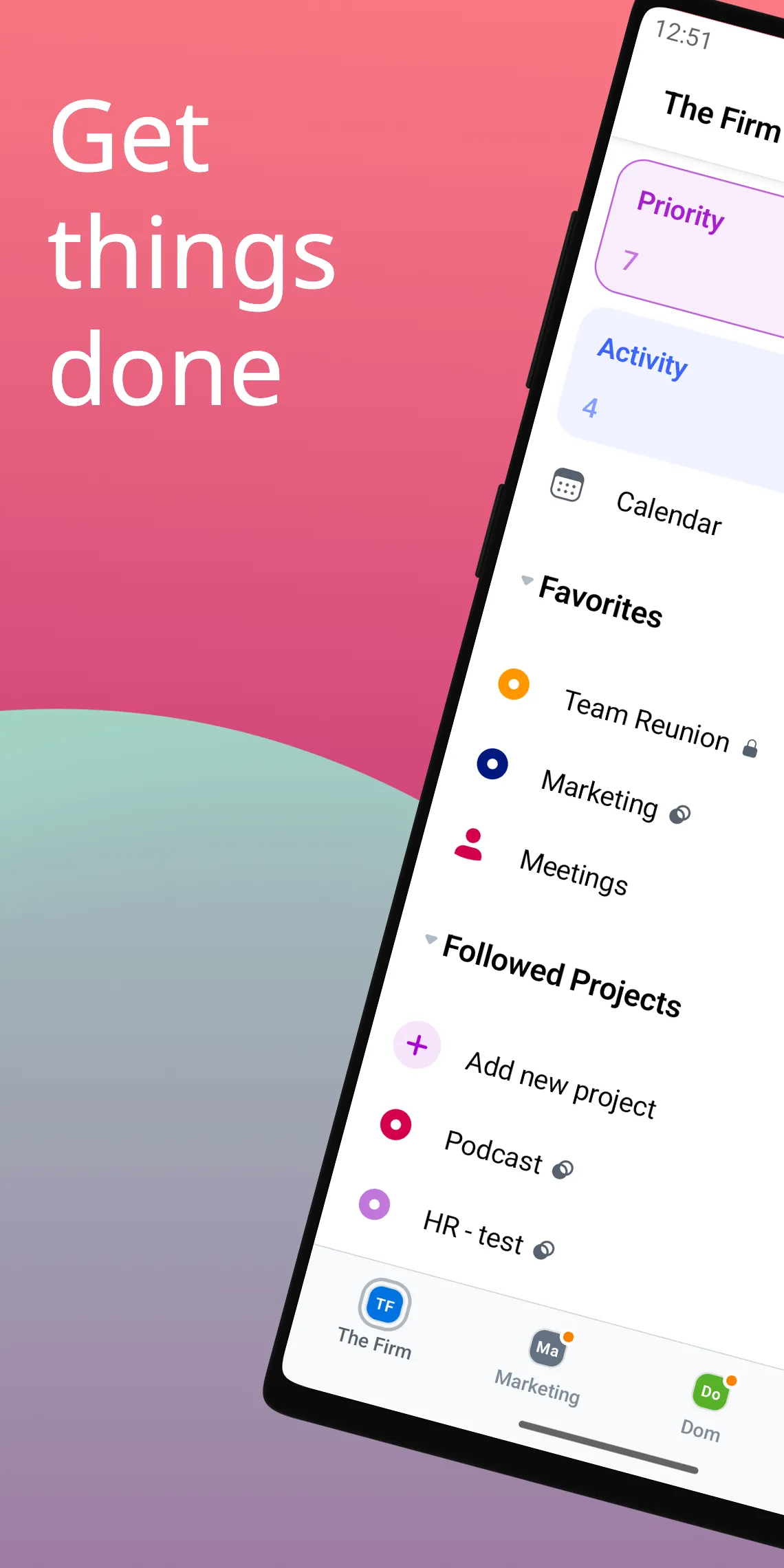
👉🏼 Priority view - Where you keep the key and most urgent tasks to work on them.
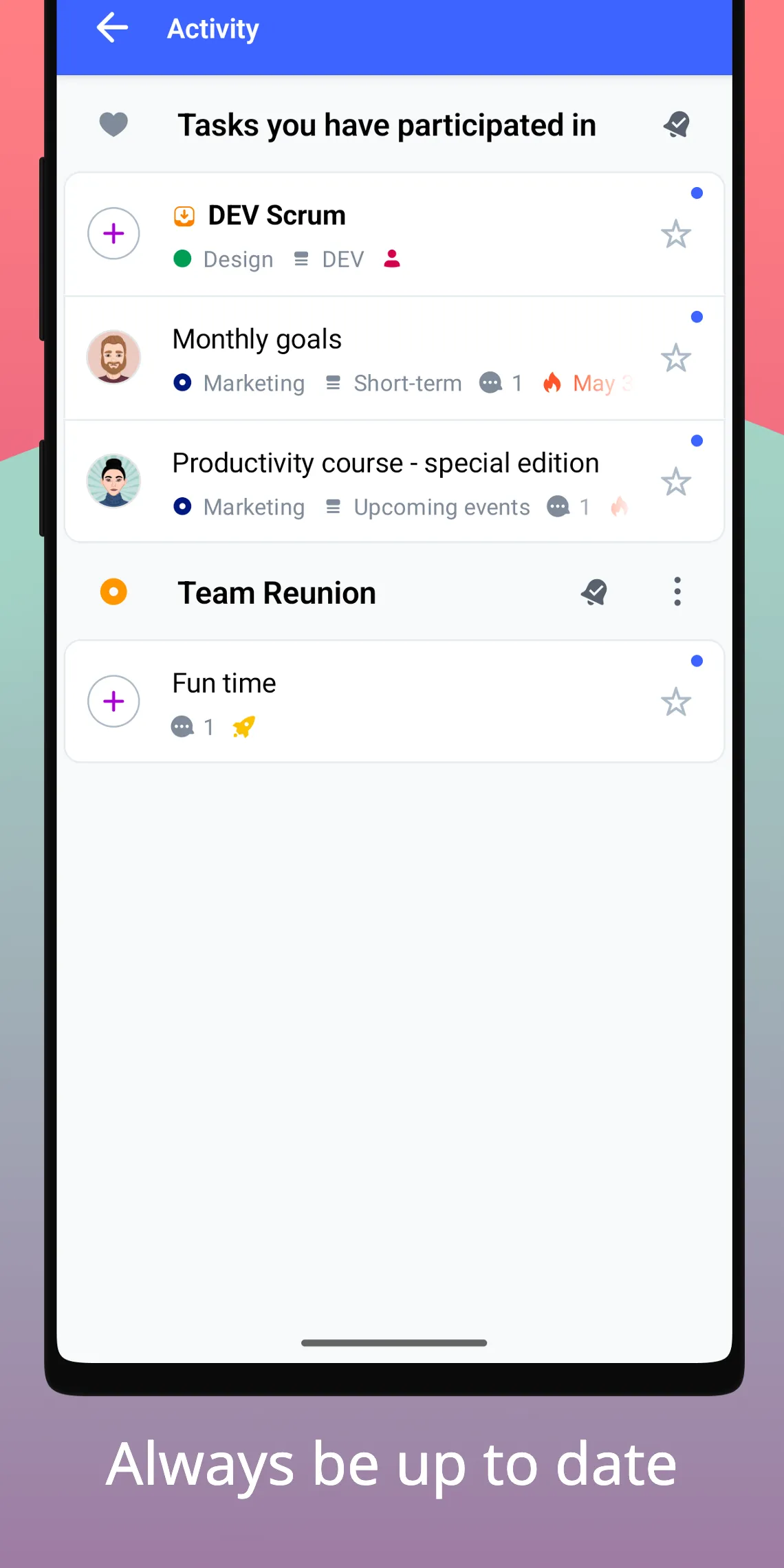
👉🏼 Activity - To track what’s going on in the projects you want or need to observe.
👉🏼 Single tasks - For ideas and stuff that still needs shaping up.
👉🏼 Reminders - To never miss a thing or deadline.
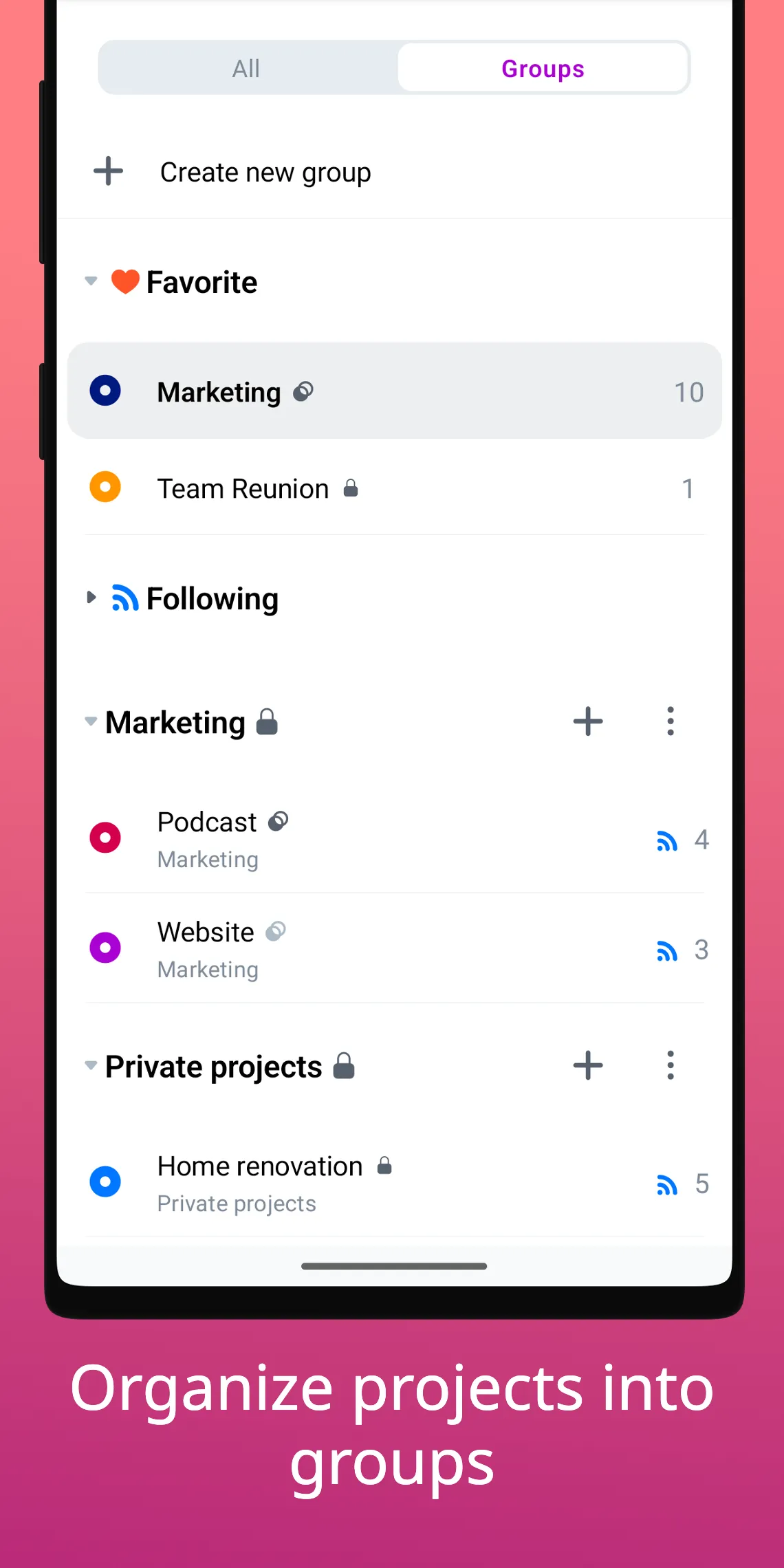
👉🏼 Tags, project sections & colors and groups - To manage your tasks and projects and save time for actual work.
👉🏼 Suitable for teams of 1️⃣0️⃣0️⃣, 5️⃣0️⃣, 5️⃣, and 1️⃣ - You can use it with your team or as a solopreneur or a freelancer.
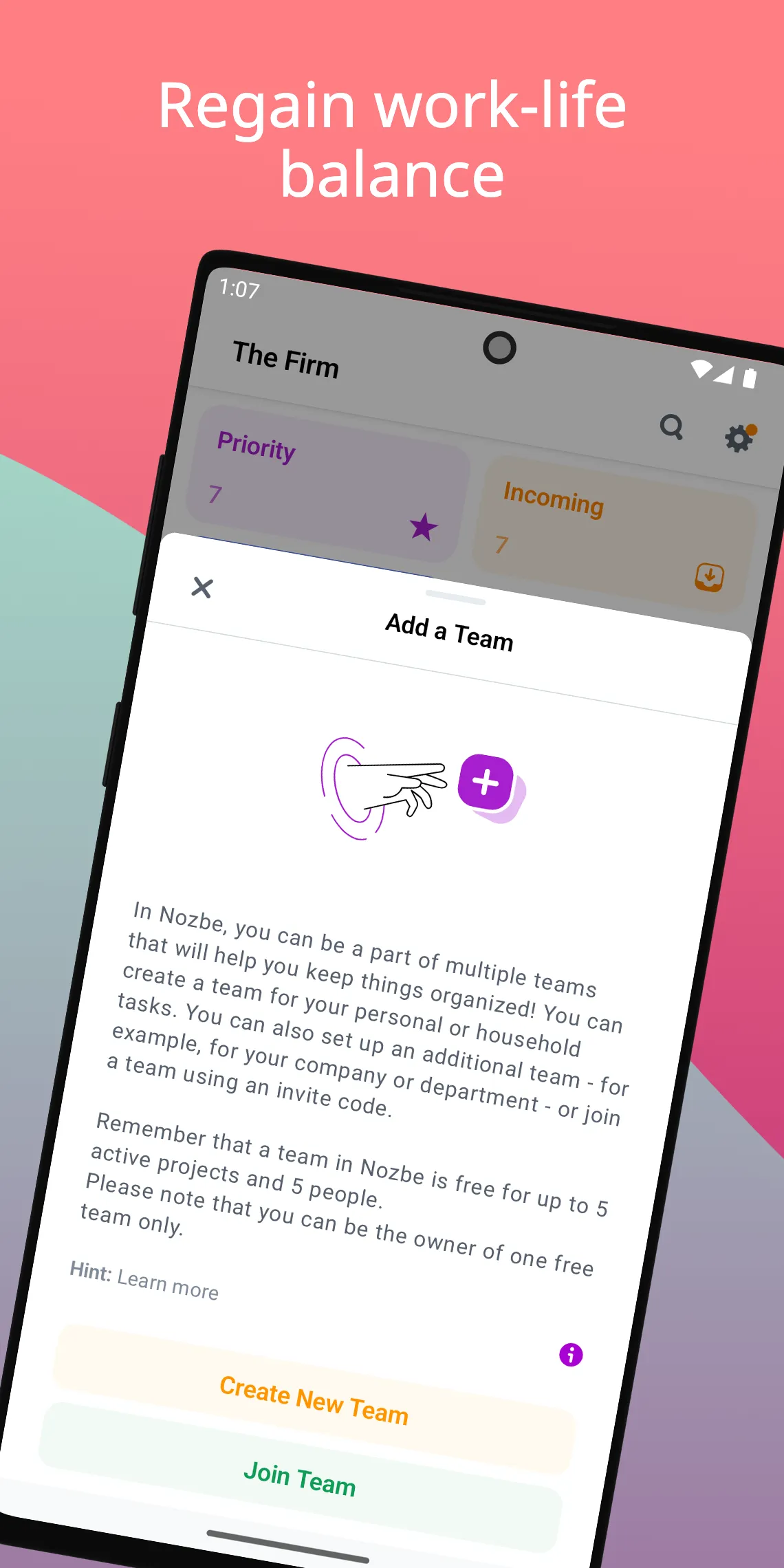
👉🏼 Multiple teams - To own or be a part of more than just one team, even a team of 1.
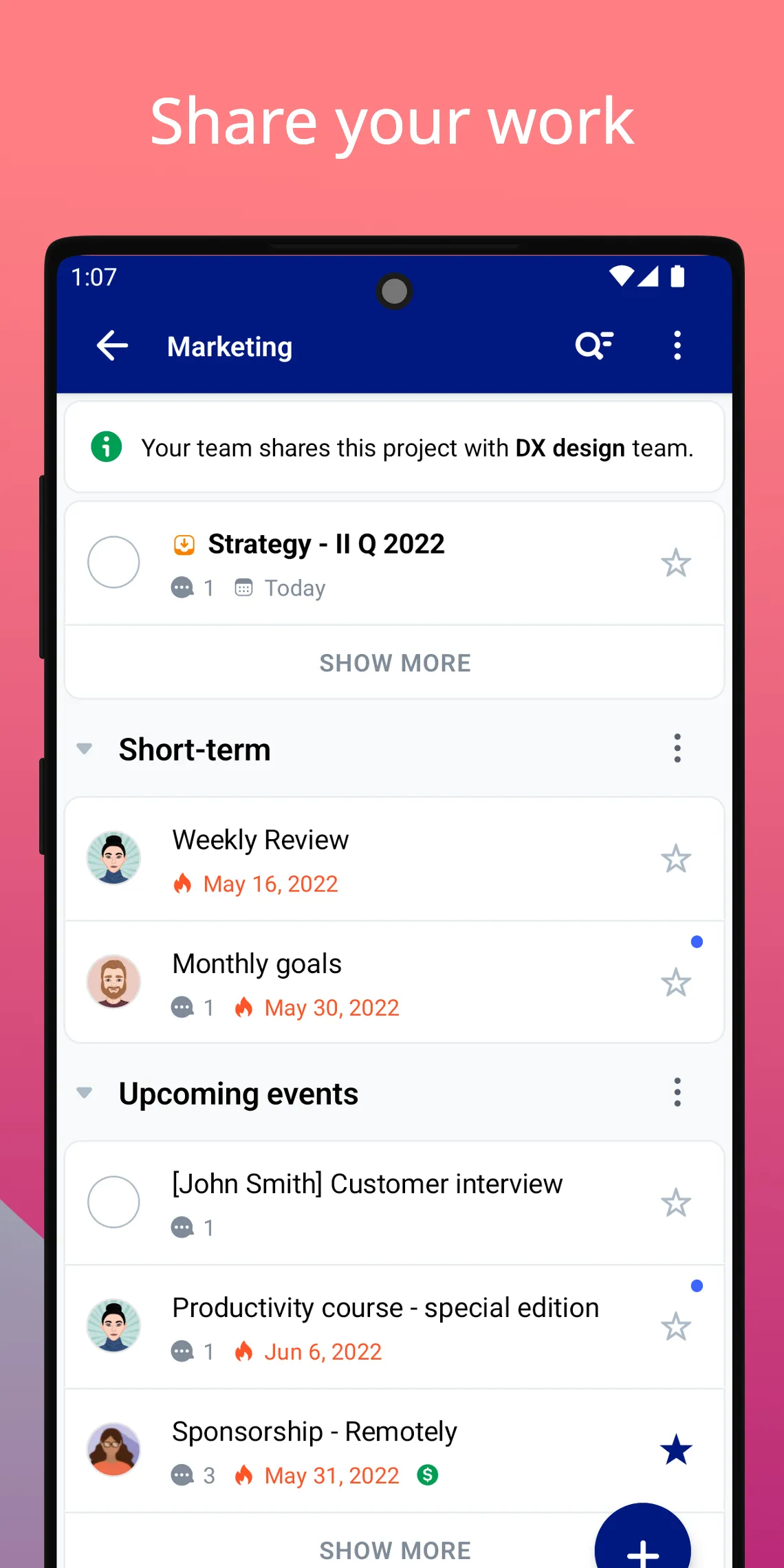
👉🏼 Joint Projects - To be able to work with people from the outside on a specific project.
👉🏼 GCal integration - So that you can see your scheduled tasks in your Google Calendar.
👉🏼 Task Me - To assign single tasks to other people.
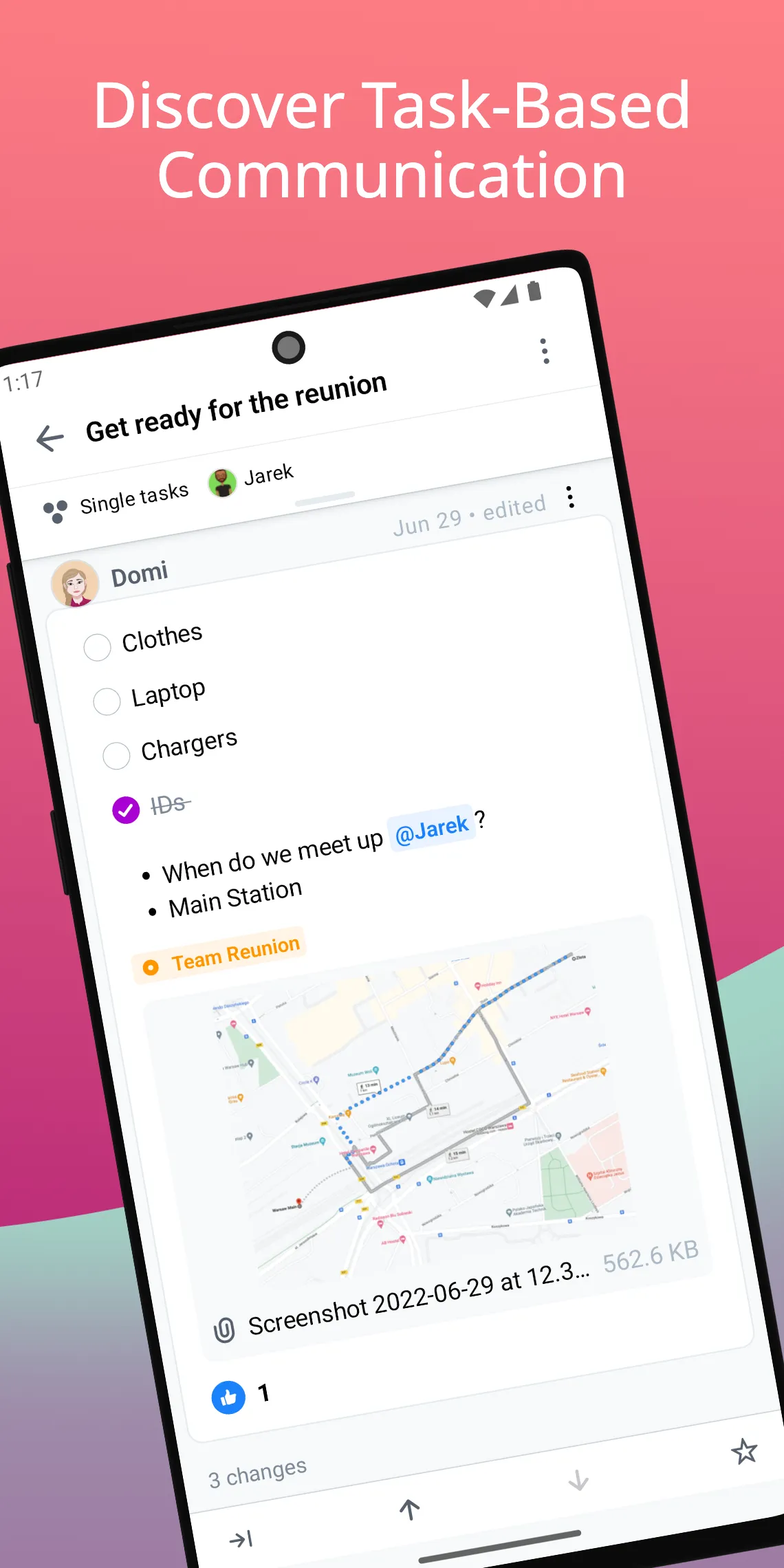
👉🏼 File attachments to comments - To have all the materials related to a given task under one roof and easily accessible.
👉🏼 Linked tasks - To create chains of tasks and quickly find related tasks.
👉🏼 Quick Add - So that you can contribute to your projects and add tasks in seconds.
👉🏼 Share to Nozbe - That keeps all your tools and communication channels connected.
🎯 WHAT YOU GET
✔︎ Collaborate with your team to get your work done – create projects and complete them together
✔︎ Communicate through tasks and ditch chaotic emails and chat – use task comments to exchange information & make sure everyone is up to date
✔︎ Stick to deadlines – assign tasks, set up due dates & reminders, and never miss a thing
✔︎ Track progress - track your team’s activity and make sure everyone is following the plan
✔︎ Access your team projects from anywhere – use Nozbe on your desktop and mobile devices & get your work done in the office or on the go
✔︎ Make sure your data is safe – all Nozbe connections are secure and encrypted
💳 NOZBE PLANS:
• Nozbe is FREE – We offer you the full version of the app with up to 3 active projects and 3 members for free.
• NOZBE PREMIUM – For growing businesses and solopreneurs: unlimited projects and extra project sharing options.
🏡 From a team that’s been working from home since 2007
Nozbe is a 25-person team that has no central office. Since 2007, we’ve been working from our homes, yet we’ve successfully built Nozbe trusted by more than 500,000 people.
Learn more about Nozbe at nozbe.com
Business
Ratings
0
0 total ratings
5
73%
4
10%
3
4%
2
3%
1
10%
REVIEWS
No reviews yet. Be the first one to review this app
'%20fill-rule='evenodd'%20clip-rule='evenodd'%20d='M8.04878%200.118571C9.10796%20-0.198465%2010.2321%200.132893%2010.9526%200.961509L18.7058%209.9036H22.0709C23.0433%209.90386%2023.8429%2010.7032%2023.843%2011.6757V13.1309H23.8497C23.8497%2013.4983%2023.5476%2013.8014%2023.1803%2013.8015H19.9372V33.9548C19.9372%2034.423%2019.5703%2034.7975%2019.1021%2034.7977H17.142C15.91%2034.7977%2014.9156%2033.8036%2014.9154%2032.5644V28.0251C13.5538%2028.5582%2012.3722%2028.7169%2010.9963%2028.7169C6.45689%2028.7169%203.74677%2025.6897%203.74677%2020.6099V13.8015H1.77319C0.800641%2013.8015%200.000280942%2013.0091%200%2012.0294V10.573C0.000219737%2010.2057%200.303205%209.9036%200.670545%209.9036H13.5676L5.13039%201.85482C4.82078%201.55938%204.94365%201.04032%205.35428%200.917851L8.04878%200.118571ZM8.78425%2013.8082V20.611C8.78438%2023.1974%209.8151%2024.35%2012.1135%2024.35C12.9637%2024.3499%2014.1167%2024.1489%2014.902%2023.7959V13.8082H8.78425Z'%20fill='white'/%3e%3c/svg%3e)
Permissions
Storage: access photos, media, and files on your device
Biometric Information: access biometric data like fingerprint to unlock the app
Internet: use your internet connection
Developer Info
Curated for YouSee all






Scan to download on PhonePe Appstore

