
MyQuickCloud
4.0
ratings6 MB
SizeVerified
SCREENSHOTS (7)
About the app
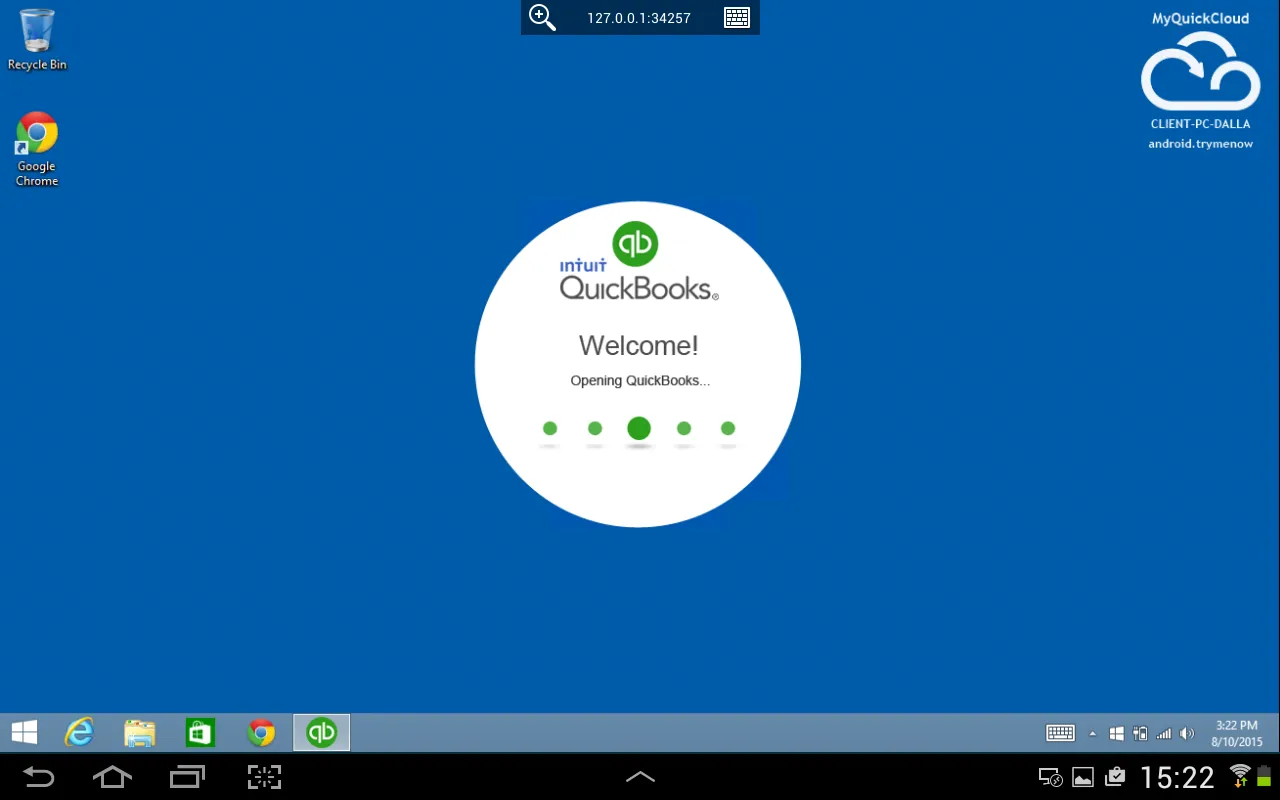
Collaborate with clients or users by inviting them to use and share data and softwares. Forget about sending files back and forth to a client or rushing to their office just for a simple data input. You can now directly open their application and data in a giffy
Enable people to work better and faster on desktops, laptops, iPhones, iPads and Android devices. We know that your business never really shuts down. So we made sure that when you are connected, your applications are available from the tip of your fingers
Maximize your investment by expanding current setup. Keep your data in your office, not in the cloud. Don't worry about managing your IT infrastructure anymore. MyQuickCloud adapts perfectly to your current setup allowing your business to focus on its core activities.
Get started with our free trial now !
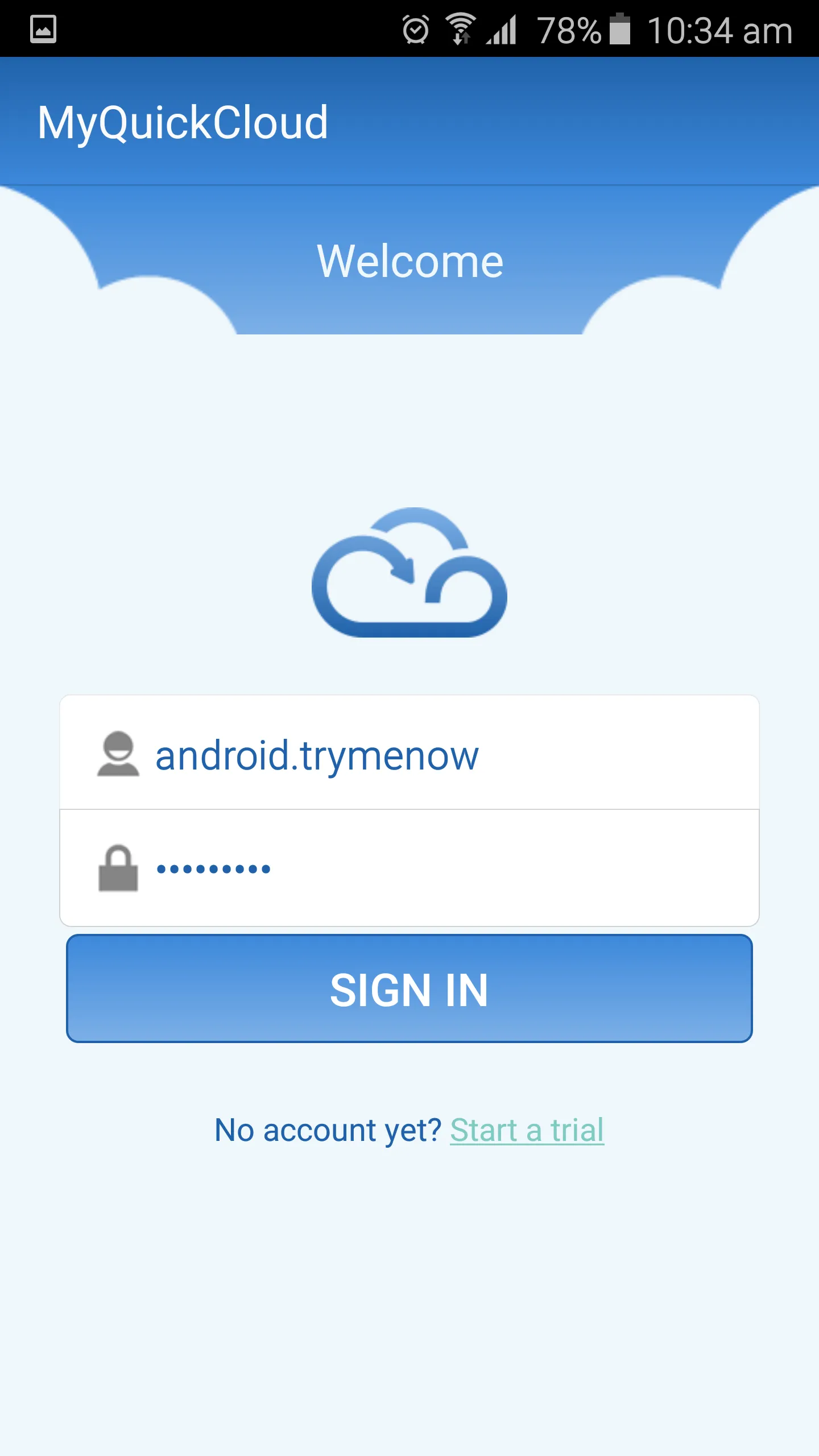
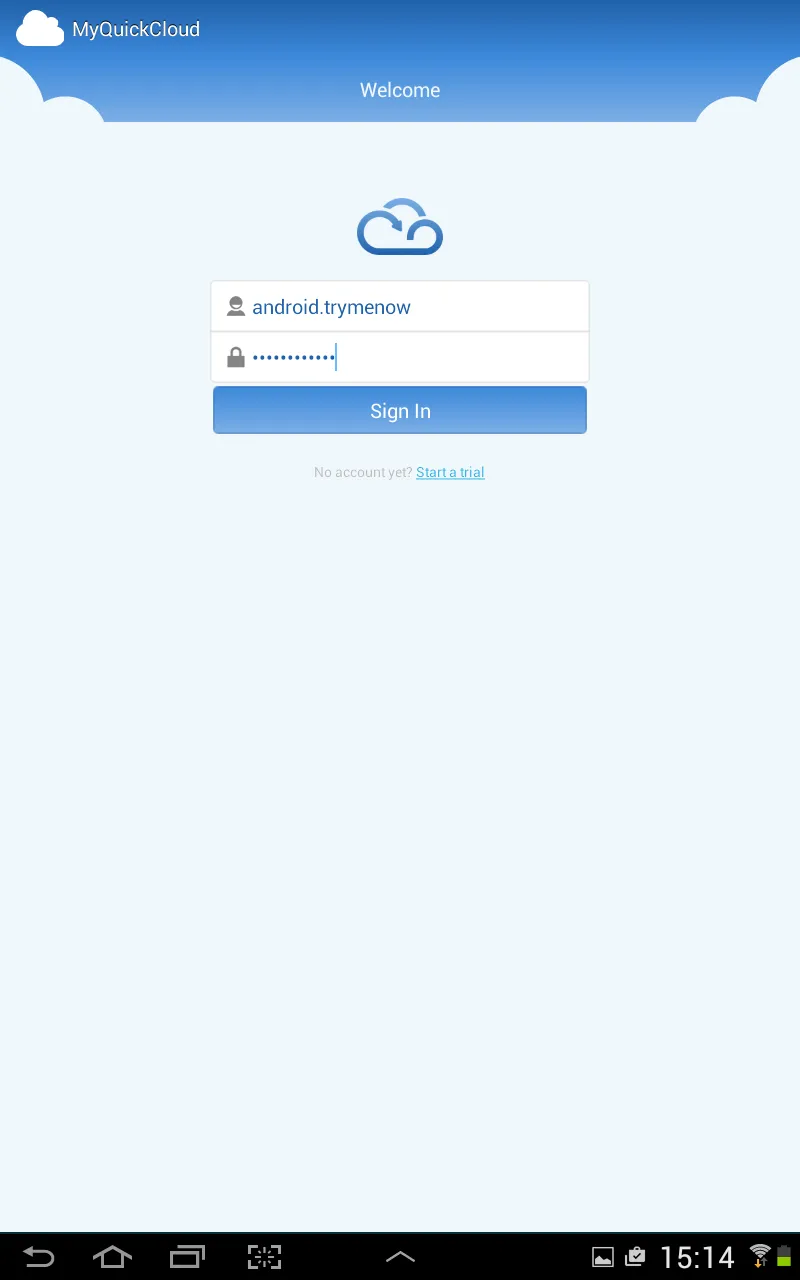
- Register and activate your account in less than 2 minutes on www.myquickcloud.com
- Follow our Getting Started guidelines
- Add as many users and applications as you like
- Get your team to download this free app to their Android devices and enjoy the benefits of working with MyQuickCloud!
MyQuickCloud is also available on Windows, MacOSX, Android & iOS.
FEATURES
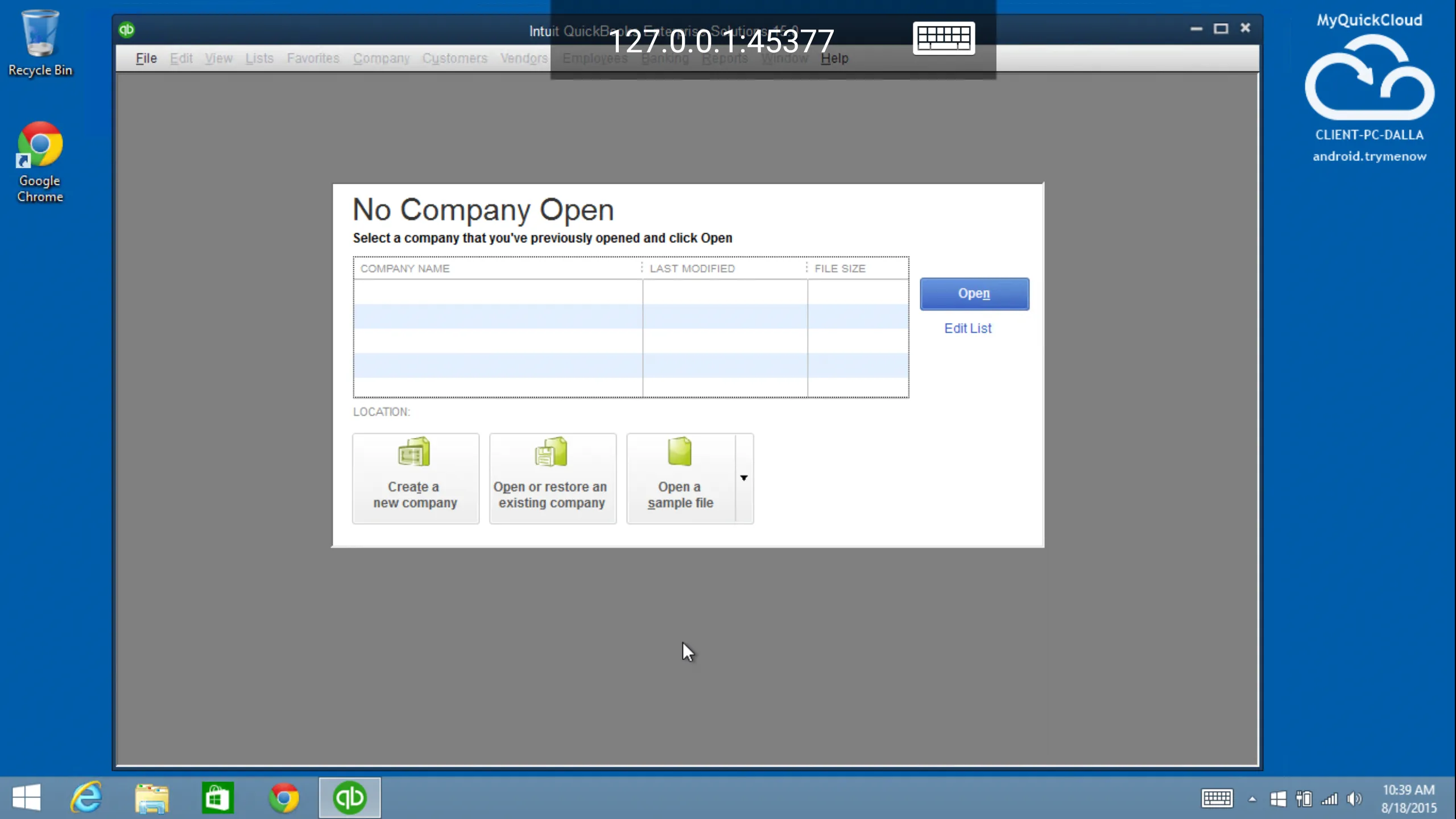
- Application streaming : Work on your applications in real time without installing them locally
- Multi-user : Collaborate with co-workers and clients on your business applications and files
- Remote access : Access your desktop, applications and files. Each remote user will have her own private environment to work with
- Multi-location : Access your business applications on the move and manage your host from anywhere
- Centralize files : Store all your files in one place for easy access and management
- Remote printing : Print directly from your remote computer or on printers in the office
- Quick setup : Quick and easy to setup. You can now stream your existing desktop applications in a giffy
- Secure & private : We provide high internal privacy settings. Powerful data encryption technology protects the data
FEATURES
- Easy to install - Download the software and it will immediately launch, install and configure
- Quick to create - Create your own 'cloud' in 5 logical steps
- Simple to Use - Users can typically access MyQuickCloud in 2 clicks without need to go through a web browser
- Multi-platform solution - PC, Mac, Tablet and Smart phone* - Work on your virtual desktop or applications from any of these devices
- Remote printing - Print files from your virtual desktop on a local printer
- Multi user remote apps access - Multiple users can remotely and simultaneously access apps.
- Creates collaborative working environment - Teams can share files and applications both between them and with external partners
- Customisable Cloud capability - Choose the cloud configuration best suited to your needs e.g. internal, external or combine into a hybrid structure
- Cost effective for SMEs - Brings remote desktop access and multi user application sharing technology within reach of SME
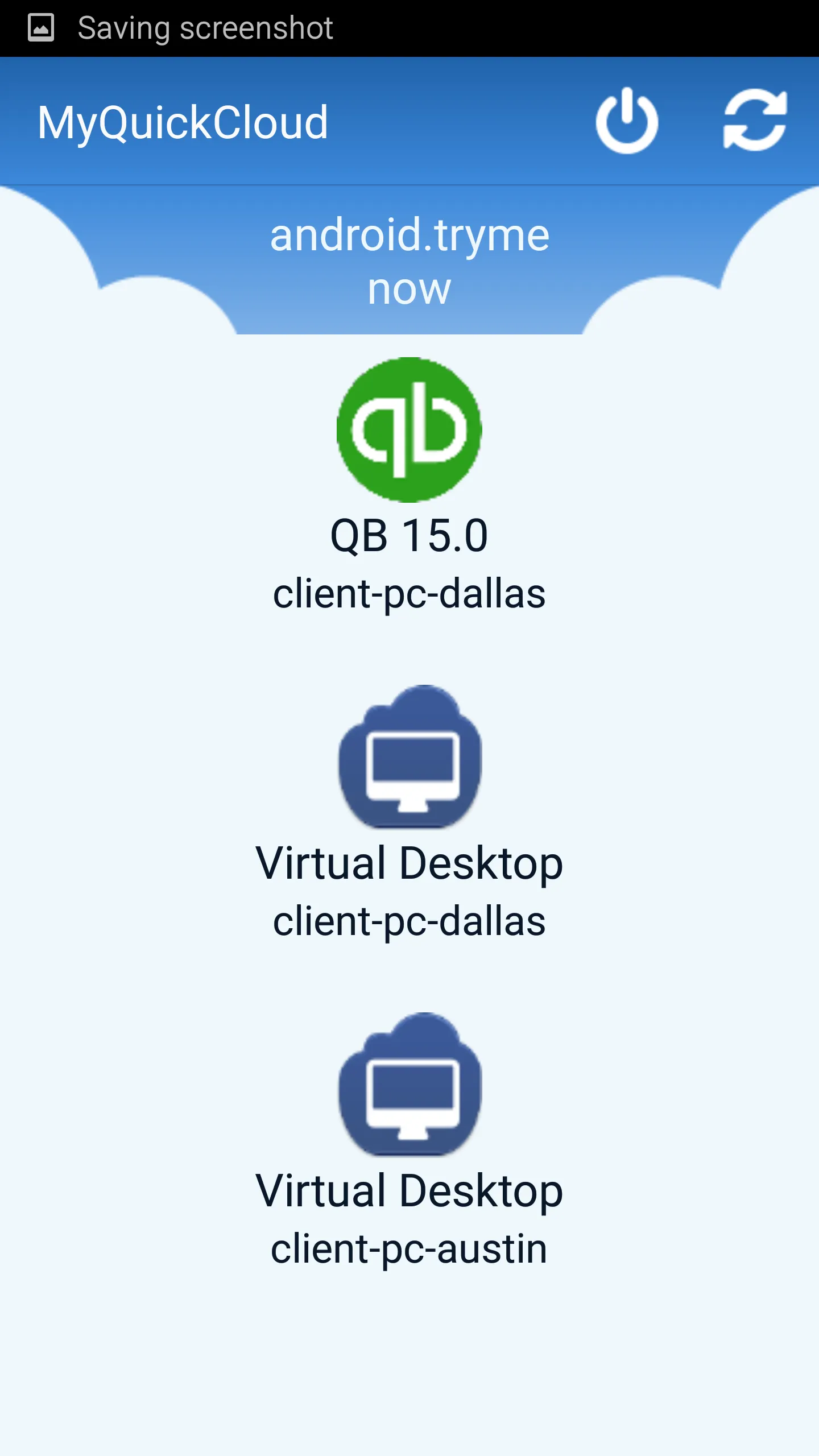
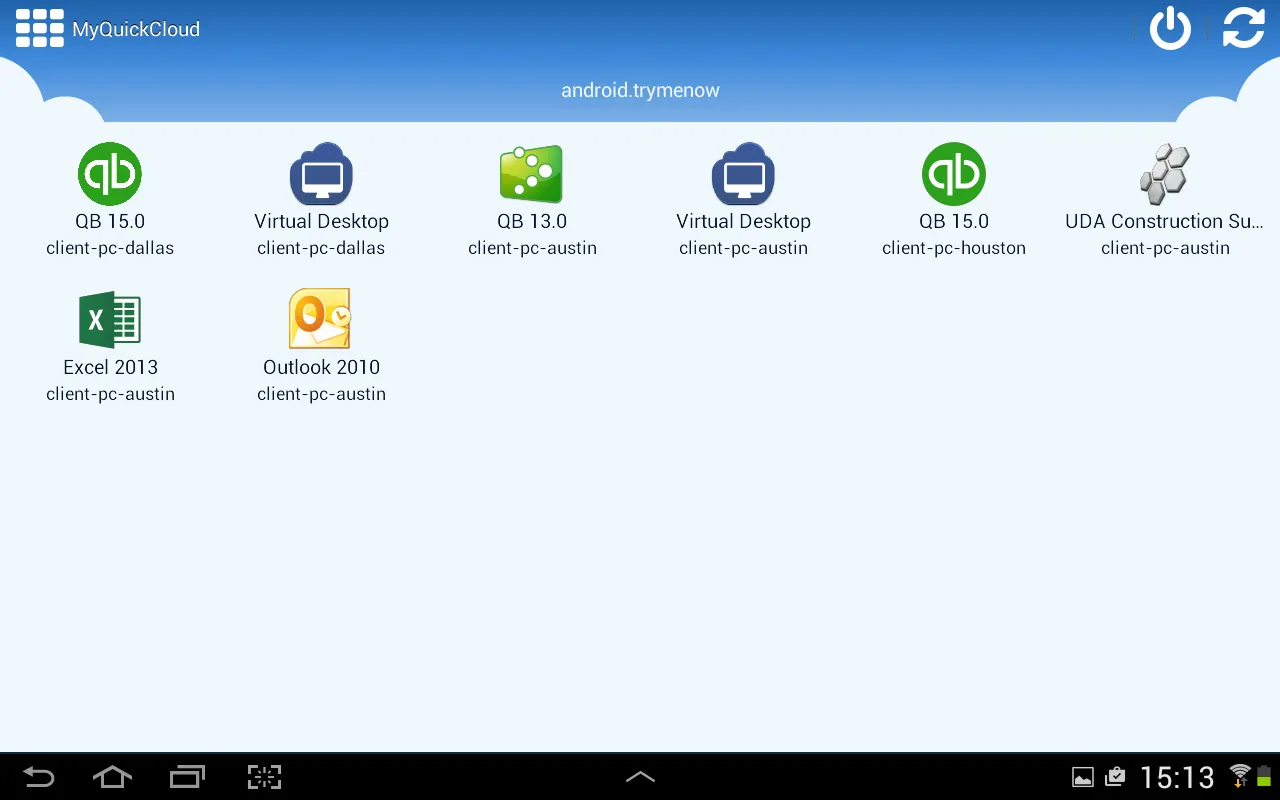
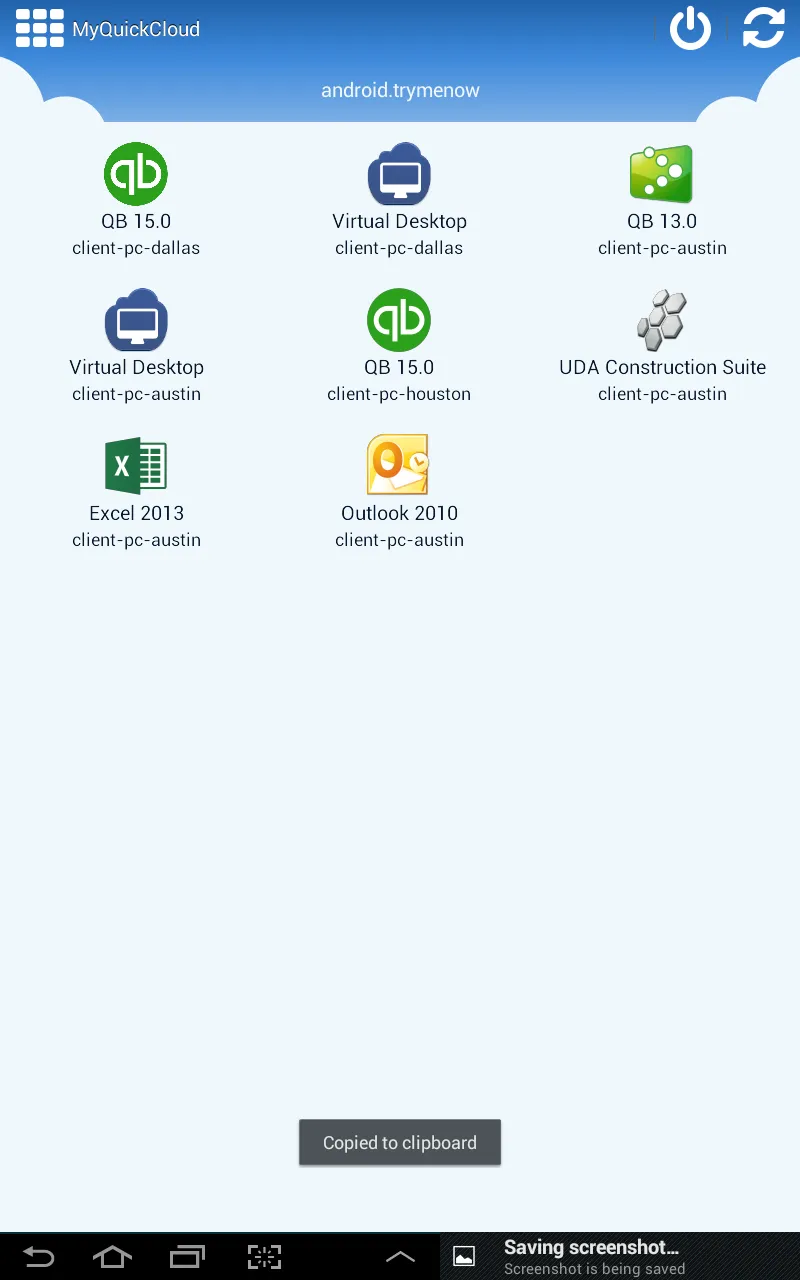
- Personalized dashboard for every user - The administrator can create a customized dashboard for every user showing applications and virtual desktops available to them
- Breadth of pricing options - Scalable and flexible to accommodate your changing needs
- Enhanced security-Includes a strong encryption mechanism (SSL: Secure Socket Layer) for all data transmitted, password protection, Windows authentication and a Lock Screen feature.
Business
Ratings
0
0 total ratings
5
73%
4
10%
3
4%
2
3%
1
10%
REVIEWS
No reviews yet. Be the first one to review this app
'%20fill-rule='evenodd'%20clip-rule='evenodd'%20d='M8.04878%200.118571C9.10796%20-0.198465%2010.2321%200.132893%2010.9526%200.961509L18.7058%209.9036H22.0709C23.0433%209.90386%2023.8429%2010.7032%2023.843%2011.6757V13.1309H23.8497C23.8497%2013.4983%2023.5476%2013.8014%2023.1803%2013.8015H19.9372V33.9548C19.9372%2034.423%2019.5703%2034.7975%2019.1021%2034.7977H17.142C15.91%2034.7977%2014.9156%2033.8036%2014.9154%2032.5644V28.0251C13.5538%2028.5582%2012.3722%2028.7169%2010.9963%2028.7169C6.45689%2028.7169%203.74677%2025.6897%203.74677%2020.6099V13.8015H1.77319C0.800641%2013.8015%200.000280942%2013.0091%200%2012.0294V10.573C0.000219737%2010.2057%200.303205%209.9036%200.670545%209.9036H13.5676L5.13039%201.85482C4.82078%201.55938%204.94365%201.04032%205.35428%200.917851L8.04878%200.118571ZM8.78425%2013.8082V20.611C8.78438%2023.1974%209.8151%2024.35%2012.1135%2024.35C12.9637%2024.3499%2014.1167%2024.1489%2014.902%2023.7959V13.8082H8.78425Z'%20fill='white'/%3e%3c/svg%3e)
Permissions
Storage: access photos, media, and files on your device
Biometric Information: access biometric data like fingerprint to unlock the app
Internet: use your internet connection
Phone: make and manage phone calls
Developer Info
Curated for YouSee all






Scan to download on PhonePe Appstore

