

Miraj Group
4.0
ratings23 MB
SizeVerified
SCREENSHOTS (7)
About the app
The PVC Pipes Loyalty App is designed to reward loyal customers in the plumbing and construction industry. Whether you're a plumber, contractor, builder, or DIY enthusiast, our app offers a seamless way to track your purchases and enjoy exclusive perks.
Features:
✅ Rewards Program: Earn points with every purchase of PVC pipes and accessories.
✅ Exclusive Deals: Get access to special offers and discounts available only to app users.
✅ Purchase History: Easily track your transactions and redeem rewards.
✅ Notifications: Stay updated with the latest product launches, promotions, and events.
✅ User-Friendly Interface: Simple and intuitive design for easy navigation.
App Details:
Our app is available in two languages:
• English
• Hindi
But the default language of our app is English.
Menus
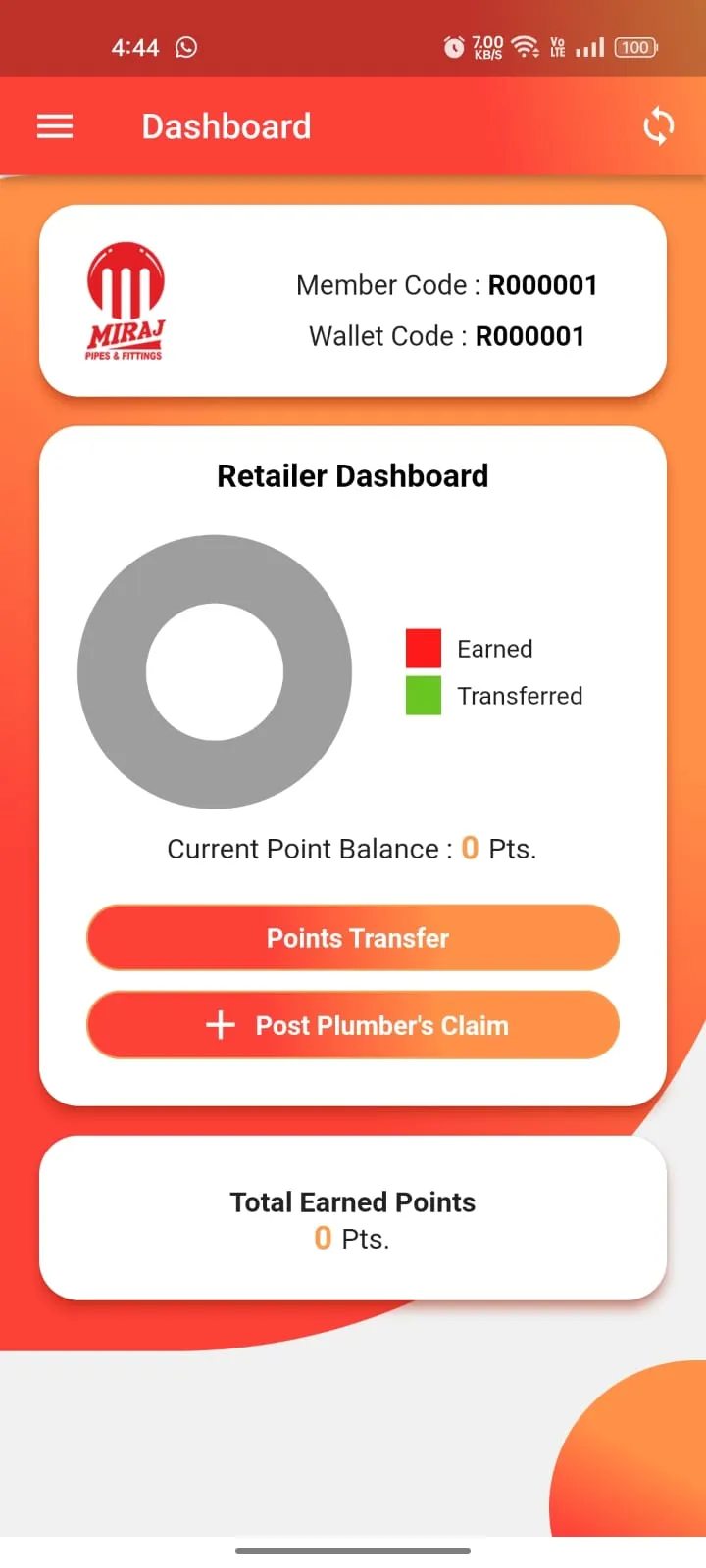
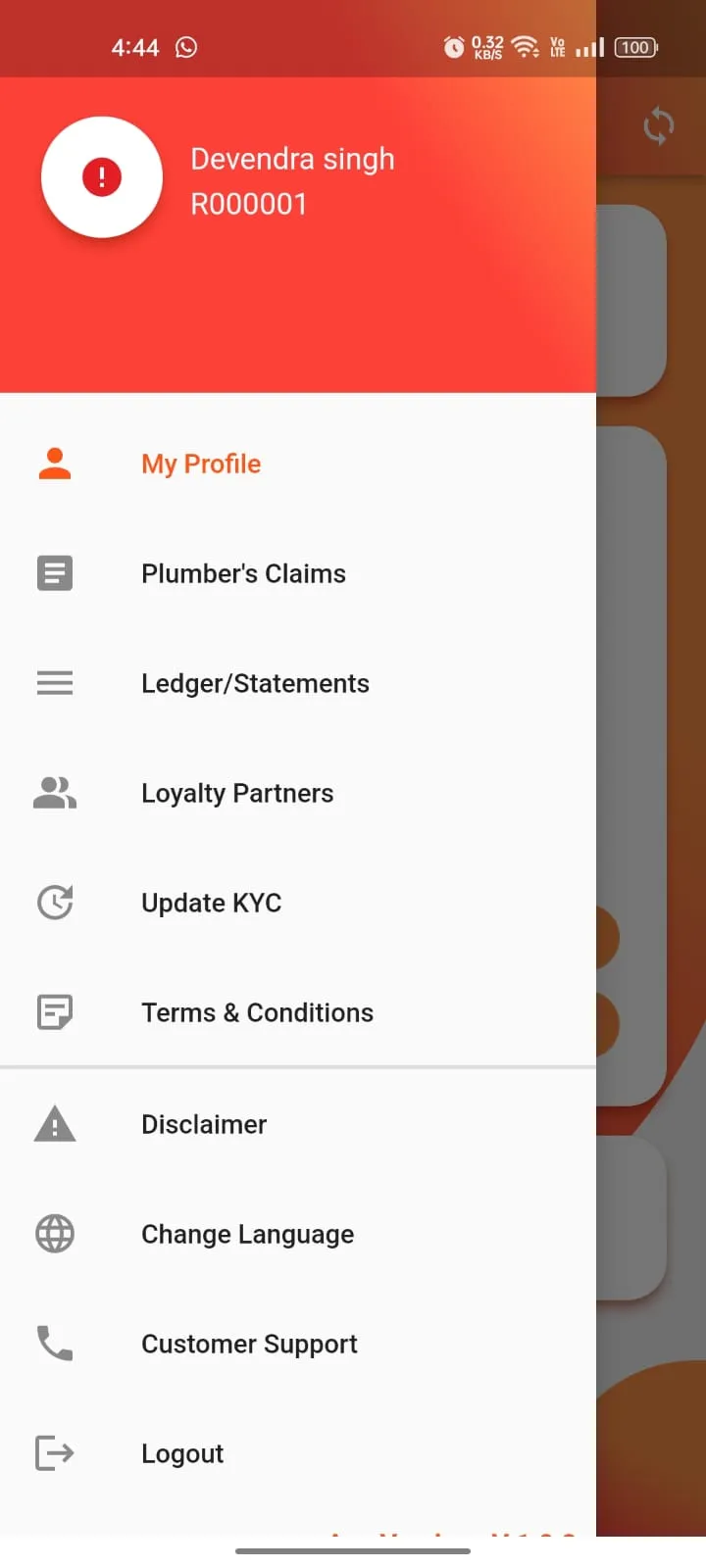
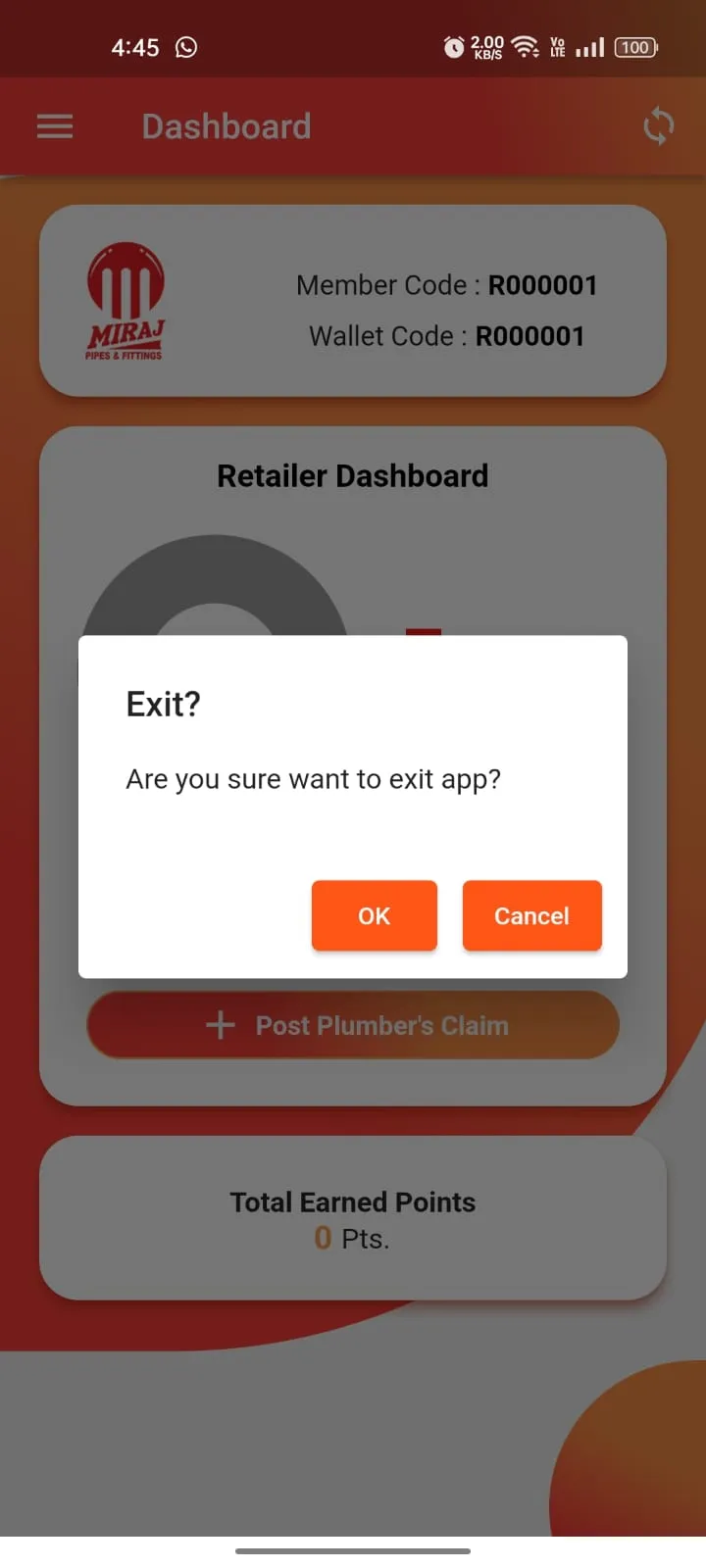
1. Dashboard: In the Dashboard, users can see their member code and wallet code in the top section. In the middle section, users can view a pie chart. The pie chart displays the point values, including Total Earned Points and Total Transferred Points.
The middle section has two buttons:
i) Points Transfer: Users can transfer points by clicking this button. It provides two options:
• Choose Wallet: Users can select their mapped partner’s wallet code and proceed with the point transfer.
• Scan QR Code: Users can scan their partner’s QR code and then proceed with the point transfer.
ii) Post Plumber’s Claim: Initially, a dialog box appears showing a message about the Required TAX/GST Invoice. This is an information for user to alert that only TAX/GST invoice will be entertain for the approval of the claim as per the taxation laws of Government of India. After clicking "Continue," users can proceed.
Inside the form, users can:
a.) Select a plumber from the dropdown.
b.) Fill in the relevant form details.
c.) Click the Upload Invoice button, which opens a page to select multiple images from the gallery.
d.) After selecting images, click the Tick button in the topmost corner to create a PDF from the selected images.
e.) Once the PDF is created, users can post the claim.
At the bottom section, the Total Earned Points value is displayed.
2. Plumber’s Claim: Users can view their mapped plumber’s claims by selecting a "From Date" and "To Date." + Add option is available in the top most corner, allowing users to add a plumber’s claim.
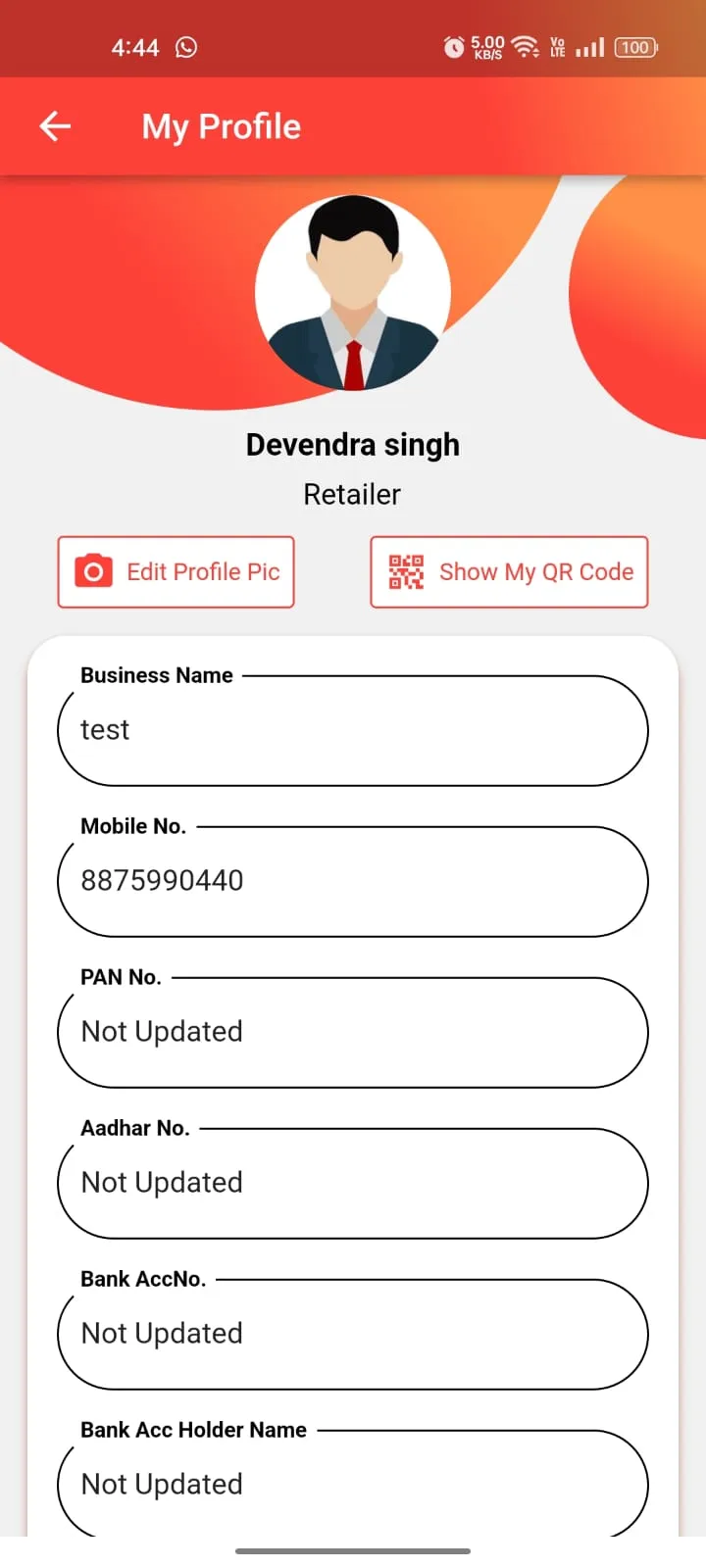
3. My Profile: In this section, user can see their profile details and also update our profile picture by clicking on Edit Profile Pic button and user can share our QR code by clicking on Share QR Code button.
4. Ledger/Statements: Here user can see our all transactions by selecting from date or to date.
5. Loyalty Partners: User can see our loyalty business partner list. We can also add loyalty partner by clicking on + add button at top corner. We can also add partners by entering partner code and scan partner’s QR code.
6. Update KYC: Users can update their KYC information from this menu. This section has two buttons:
• Update PAN Card Details
• Update Bank Details
Both details are required to redeem points.
7. Terms and Conditions: This is multilanguage option (as mentioned at top), user can select our required language an proceed to see terms and conditions.
8. Disclaimer: User can see our disclaimer details here.
9. Change Language: User can change app language at any time by clicking on this menu option.
10. Customer Support: Our app is also providing customer support for users. It has 2 contact number and 1 email. Our app also provides user to call or email options by direct clicking on call or email buttons in customer support page.
11. Logout: By clicking on this, user can do logout at any time from our app.
Business
Ratings
0
0 total ratings
5
73%
4
10%
3
4%
2
3%
1
10%
REVIEWS
No reviews yet. Be the first one to review this app
'%20fill-rule='evenodd'%20clip-rule='evenodd'%20d='M8.04878%200.118571C9.10796%20-0.198465%2010.2321%200.132893%2010.9526%200.961509L18.7058%209.9036H22.0709C23.0433%209.90386%2023.8429%2010.7032%2023.843%2011.6757V13.1309H23.8497C23.8497%2013.4983%2023.5476%2013.8014%2023.1803%2013.8015H19.9372V33.9548C19.9372%2034.423%2019.5703%2034.7975%2019.1021%2034.7977H17.142C15.91%2034.7977%2014.9156%2033.8036%2014.9154%2032.5644V28.0251C13.5538%2028.5582%2012.3722%2028.7169%2010.9963%2028.7169C6.45689%2028.7169%203.74677%2025.6897%203.74677%2020.6099V13.8015H1.77319C0.800641%2013.8015%200.000280942%2013.0091%200%2012.0294V10.573C0.000219737%2010.2057%200.303205%209.9036%200.670545%209.9036H13.5676L5.13039%201.85482C4.82078%201.55938%204.94365%201.04032%205.35428%200.917851L8.04878%200.118571ZM8.78425%2013.8082V20.611C8.78438%2023.1974%209.8151%2024.35%2012.1135%2024.35C12.9637%2024.3499%2014.1167%2024.1489%2014.902%2023.7959V13.8082H8.78425Z'%20fill='white'/%3e%3c/svg%3e)
Permissions
Storage: access photos, media, and files on your device
Internet: use your internet connection
Phone: make and manage phone calls
Camera: take pictures and record video
Curated for YouSee all






Scan to download on PhonePe Appstore

