
So Smart Apps
4.0
ratings14 MB
SizeVerified
SCREENSHOTS (8)
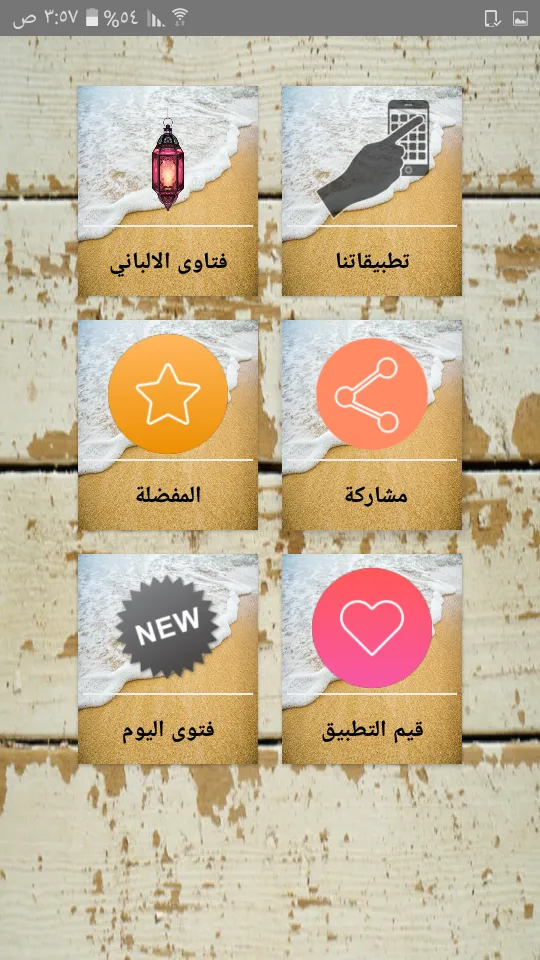
About the app
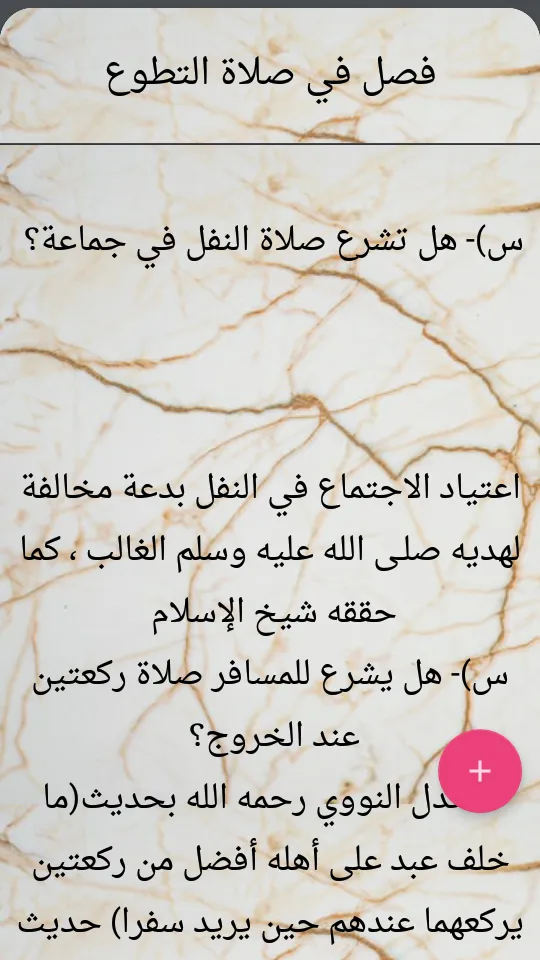
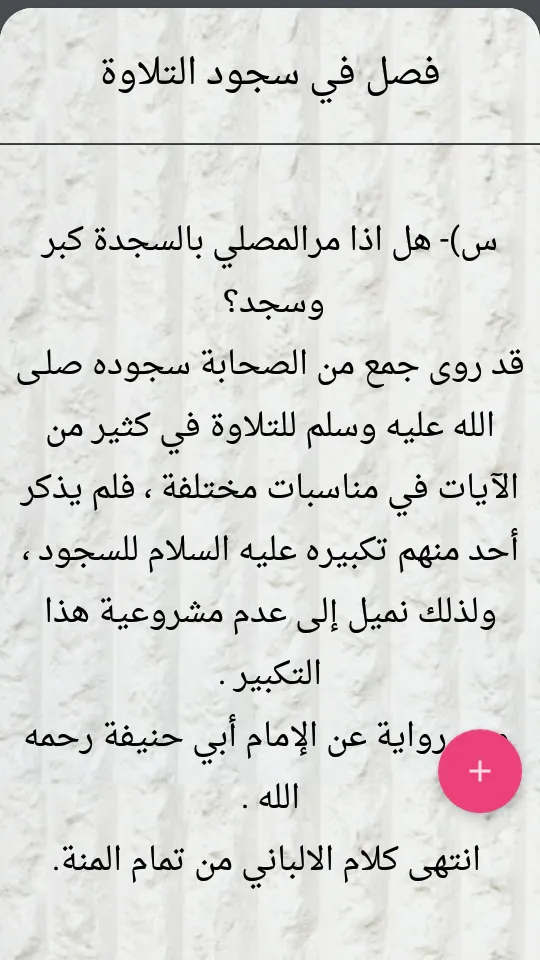
Collection and arrangement of scientific material Abu Sanad Fathallah
{how to collect book material}
I have divided (Collections of Fatwas of Allama Al-Albani) into several books and each book into several chapters, and each chapter into many chapters, then after this division I put each article in the chapter that suits it, and for this article I put a question from me that is appropriate to that article, Then I answered this question from the words of the sheikh, either from the books of the sheikh or his tapes.
{it was my job}
1- I put up a question of my own that corresponds to the material taken from the words of the sheikh, may God have mercy on him, and I made this question as if it was being asked to the sheikh, may God have mercy on him, so that the sheikh’s answer was completely proportional to the question.
2- This article has been placed in the appropriate section.
3- I mentioned at the end of the article its source.
4- I did not make any additions to the material taken from the words of the sheikh, may God have mercy on him, except for adding some words - one or two words only - at the beginning of the article in order to link the answer to the question, and this addition was in some very few, so most of the material I put it as it is without any addition.
5- I deleted the hadith topics, and I did not write the transcripts of the hadiths, and I also deleted some words that contain a response to some authors, such as the response to Sayyid Sabiq, for example, in the book Tammam al-Manna.
◉◉◉◉◉◉◉◉ ◉◉◉◉◉◉◉◉
The most important features of the program:
search :
◉ Comprehensive research in the book.
◉ Searchable section within each subsection separately.
◉ A section to search within a specified number of sections according to what the user wants.
◉ A section for internal search for the chapters of each book.
◉ Section to search within each section independently.
lines :
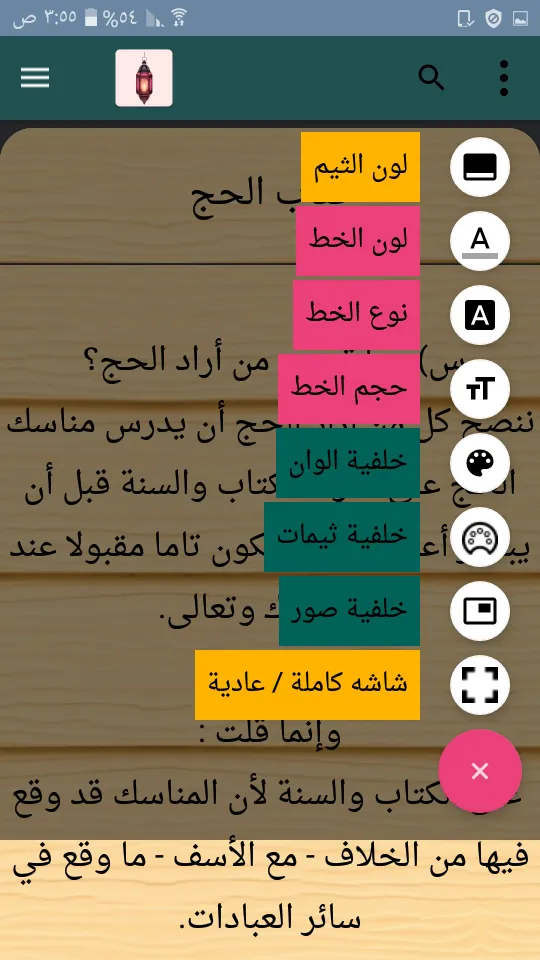
◉ The ability to change the font size.
◉ The ability to change the font color.
◉ The ability to change the font shape within 8 Arabic fonts.
Colors and backgrounds:
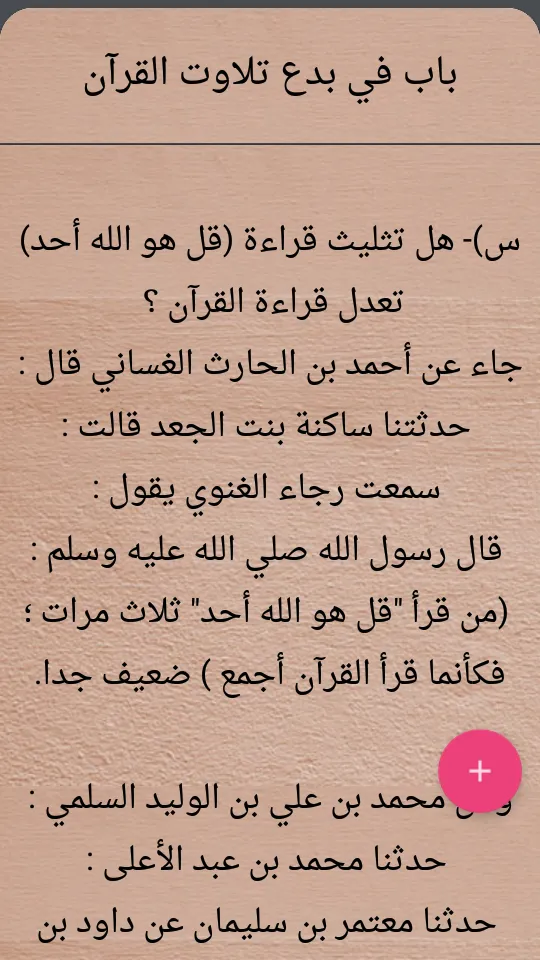
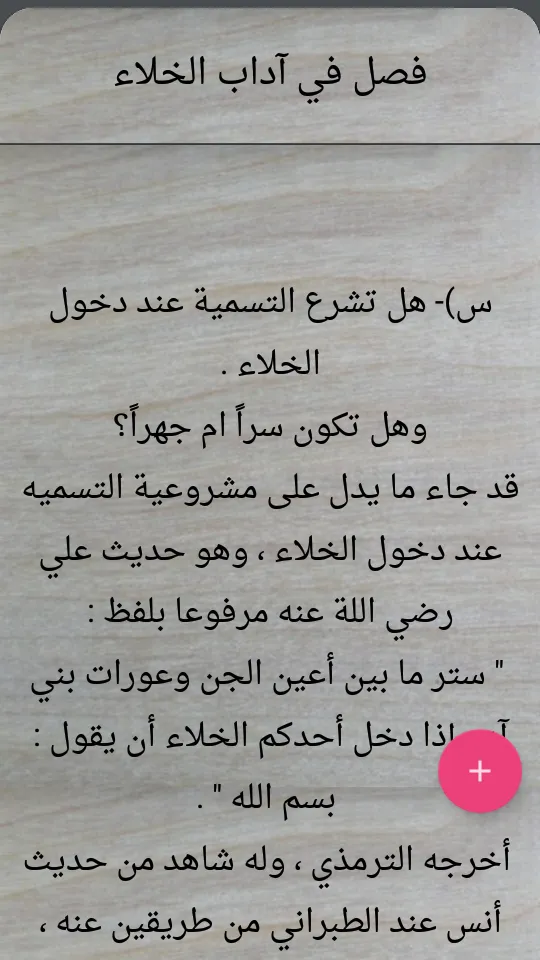
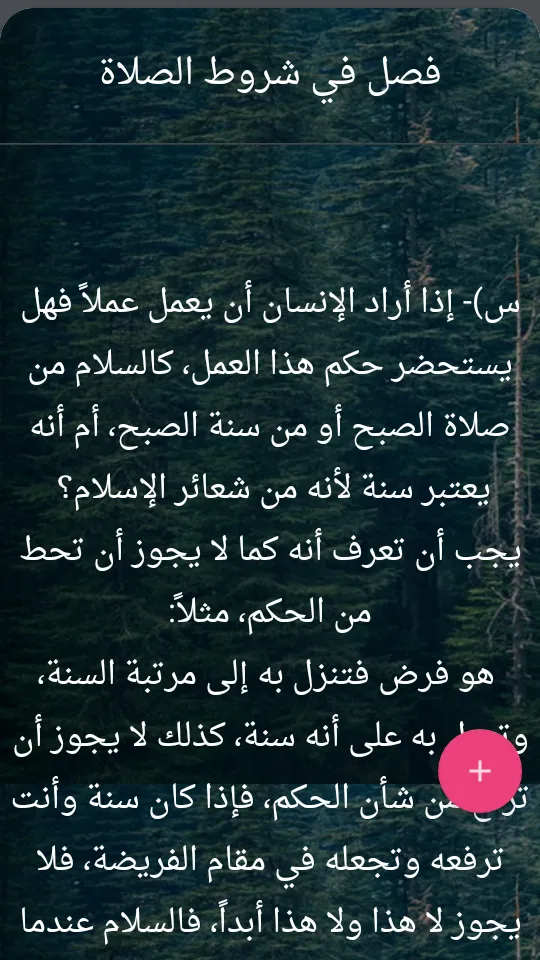
◉ The possibility of changing the background color of reading the page to hundreds of colors.
◉ The ability to set photo backgrounds as a background for comfortable reading.
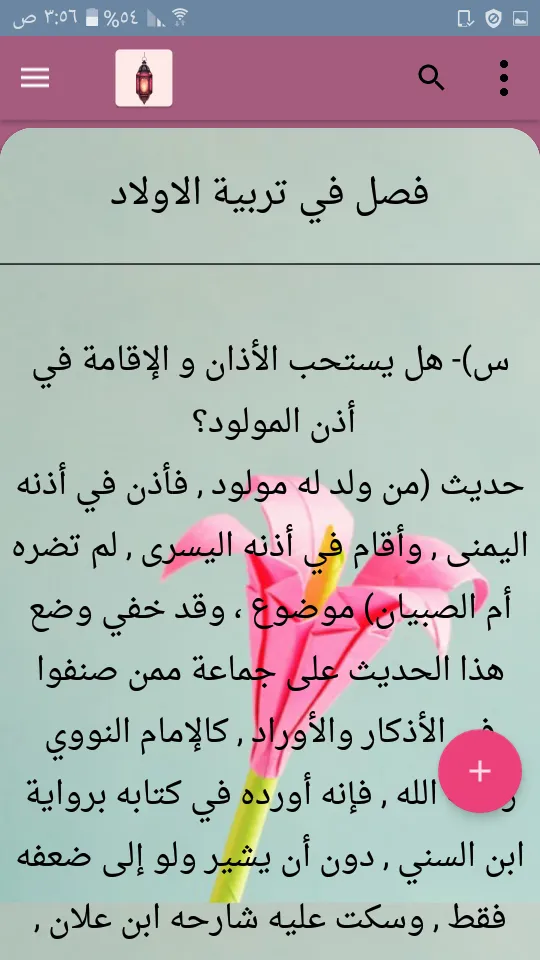
◉ The ability to change the color of the theme in hundreds of colors.
Lists:
◉ A list of the names of the main sections of the book.
◉ A list of the chapters of each book separately.
◉ A side menu containing all the chapters of the book for quick display and transition between them.
◉ A list of favorites that includes saved books and another for saved doors.
◉ A list of your notes and thoughts about each section independently.
reading :
◉ The ability to continue reading at the last line reached in the reading automatically.
◉ The ability to display the screen completely or normally.
◉ The possibility of displaying the doors with a comfortable night reading system.
◉ Move between the next and previous chapters from the same reading page.
Settings :
◉ The ability to change the language of the application to ten different languages.
◉ The ability to download lines automatically without touching the screen.
◉ There is a timer to set the time period for automatic reading and exit.
◉ Determine the distance between the lines for a clearer and larger view as needed.
◉ Go directly to the beginning and end of the page.
◉ The ability to write down, modify and delete your notes and thoughts.
◉ The possibility of resetting the program settings and returning it to the default.
Copying and sharing:
◉ The ability to fully copy and share any section.
◉ The possibility of copying and sharing any specific part of the section through prolonged pressure.
◉ The ability to share and evaluate the application.
Books and Reference
Ratings
0
0 total ratings
5
73%
4
10%
3
4%
2
3%
1
10%
REVIEWS
No reviews yet. Be the first one to review this app
'%20fill-rule='evenodd'%20clip-rule='evenodd'%20d='M8.04878%200.118571C9.10796%20-0.198465%2010.2321%200.132893%2010.9526%200.961509L18.7058%209.9036H22.0709C23.0433%209.90386%2023.8429%2010.7032%2023.843%2011.6757V13.1309H23.8497C23.8497%2013.4983%2023.5476%2013.8014%2023.1803%2013.8015H19.9372V33.9548C19.9372%2034.423%2019.5703%2034.7975%2019.1021%2034.7977H17.142C15.91%2034.7977%2014.9156%2033.8036%2014.9154%2032.5644V28.0251C13.5538%2028.5582%2012.3722%2028.7169%2010.9963%2028.7169C6.45689%2028.7169%203.74677%2025.6897%203.74677%2020.6099V13.8015H1.77319C0.800641%2013.8015%200.000280942%2013.0091%200%2012.0294V10.573C0.000219737%2010.2057%200.303205%209.9036%200.670545%209.9036H13.5676L5.13039%201.85482C4.82078%201.55938%204.94365%201.04032%205.35428%200.917851L8.04878%200.118571ZM8.78425%2013.8082V20.611C8.78438%2023.1974%209.8151%2024.35%2012.1135%2024.35C12.9637%2024.3499%2014.1167%2024.1489%2014.902%2023.7959V13.8082H8.78425Z'%20fill='white'/%3e%3c/svg%3e)
Permissions
Storage: access photos, media, and files on your device
Internet: use your internet connection
Phone: make and manage phone calls
Curated for YouSee all






Scan to download on PhonePe Appstore

