

Mahindra & Mahindra Ltd
4.0
ratings32 MB
SizeVerified
SCREENSHOTS (8)
About the app
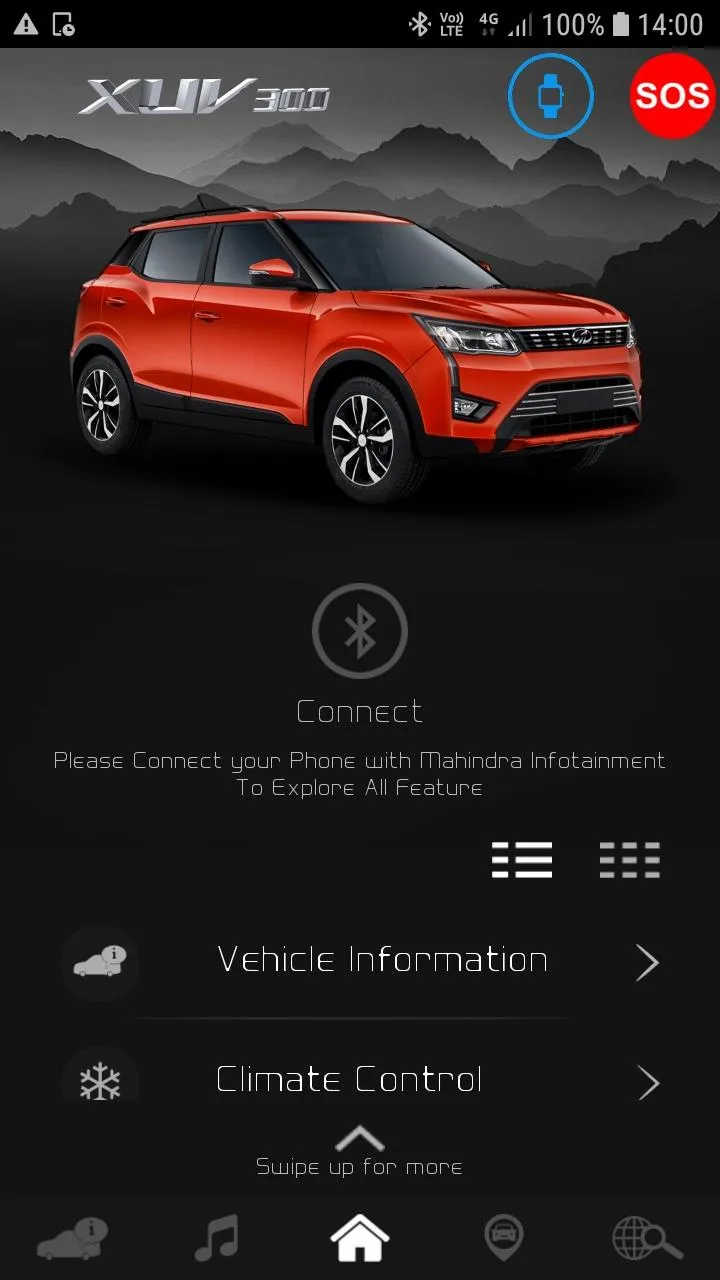
Bluesense App supports for Phone and Wearable.
Features available in Bluesense App for Phone and Wearable.
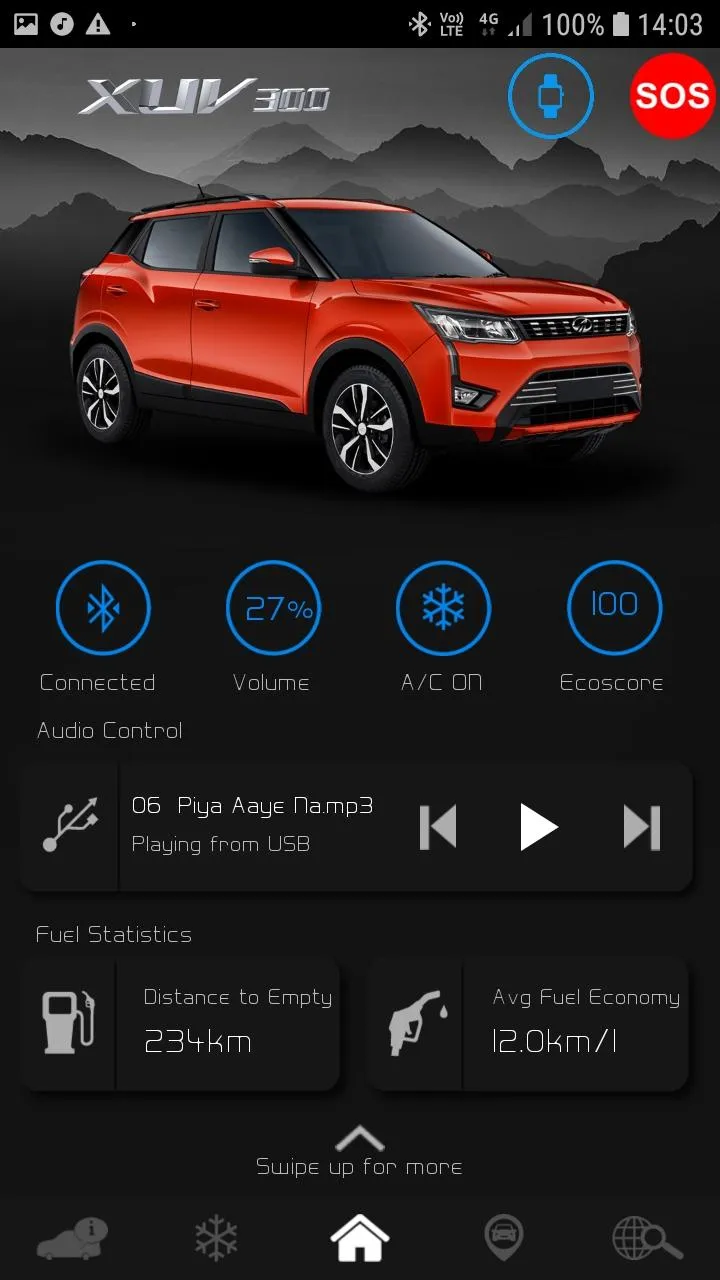
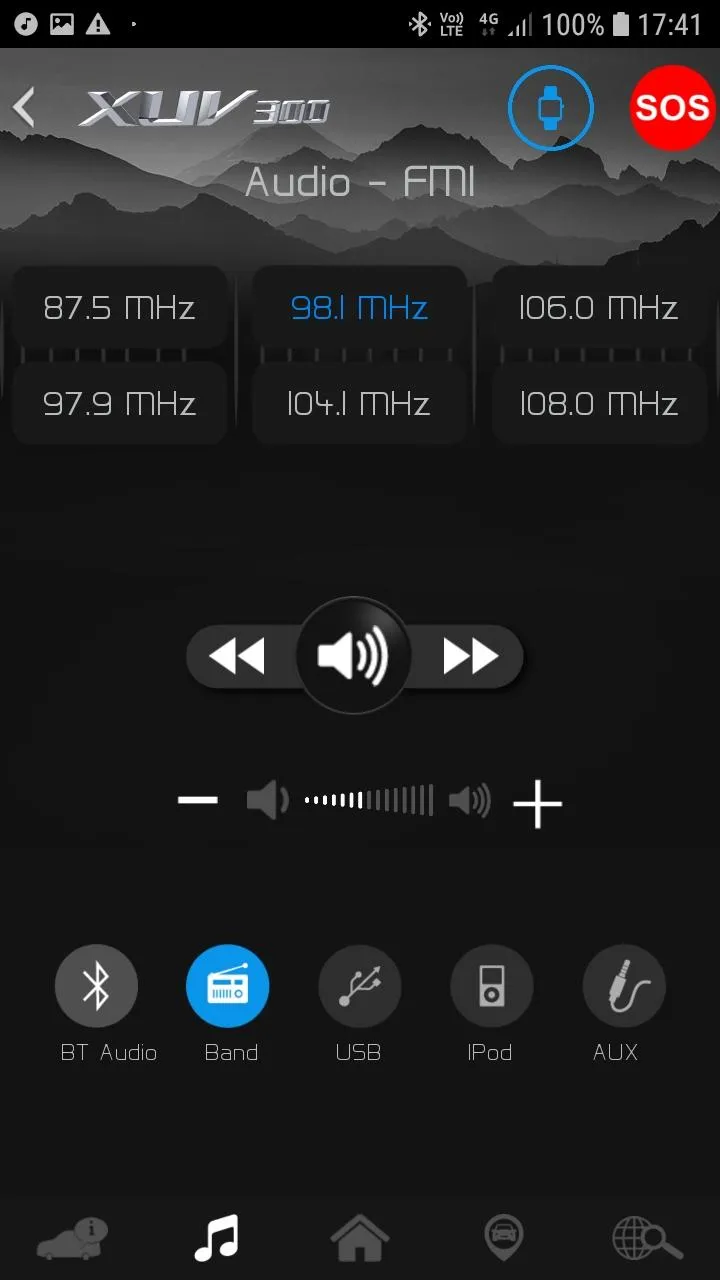
1. Audio Controls
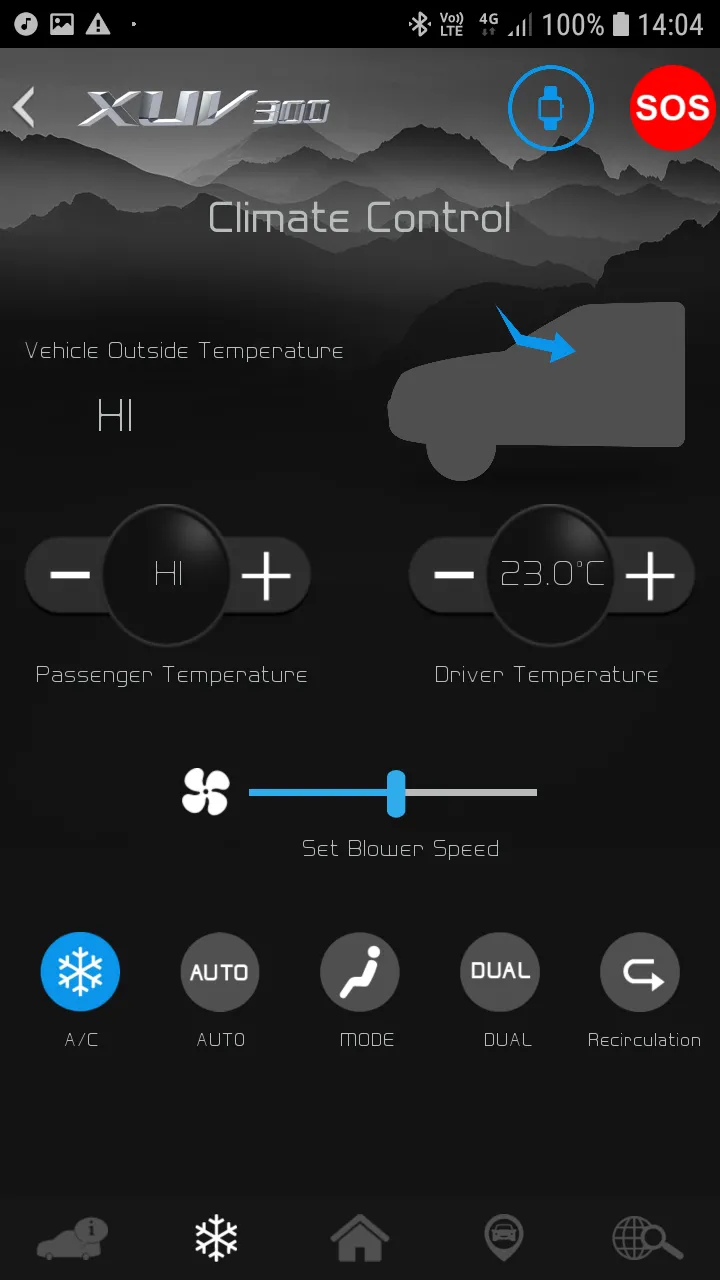
2. Climate Controls
3. Emergency Assist
4. Location Services
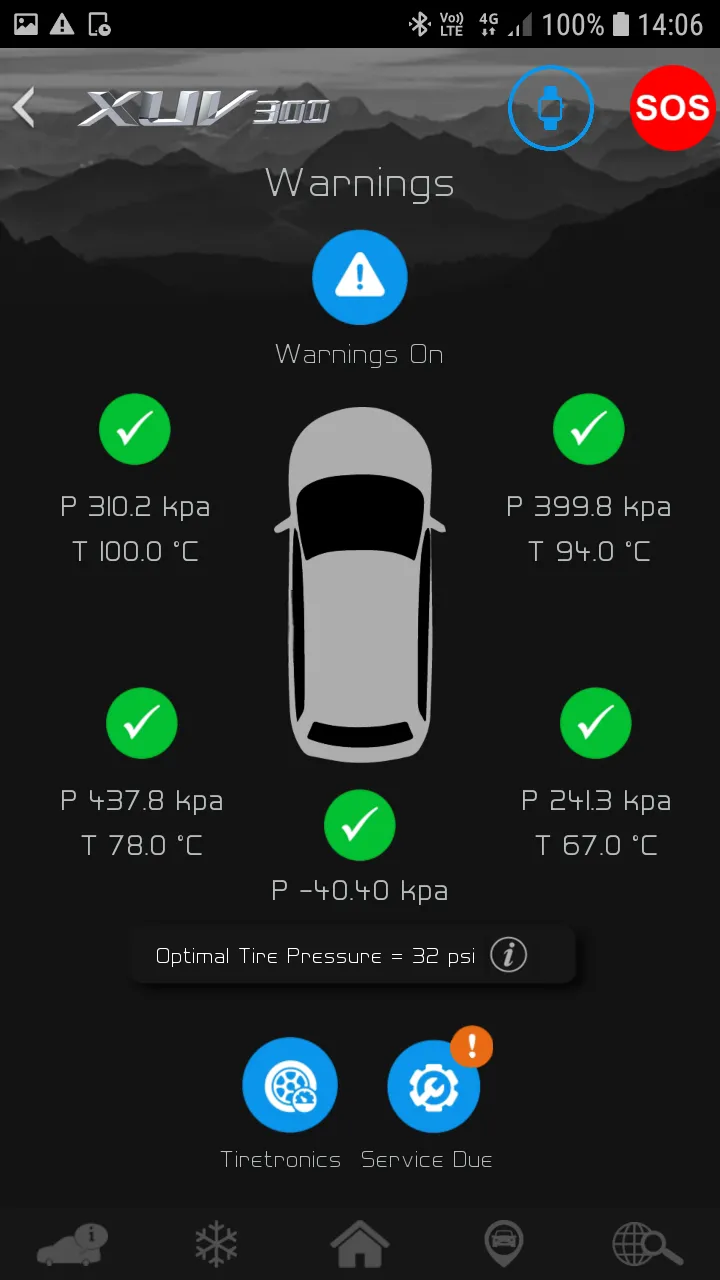
5. Tiretronics
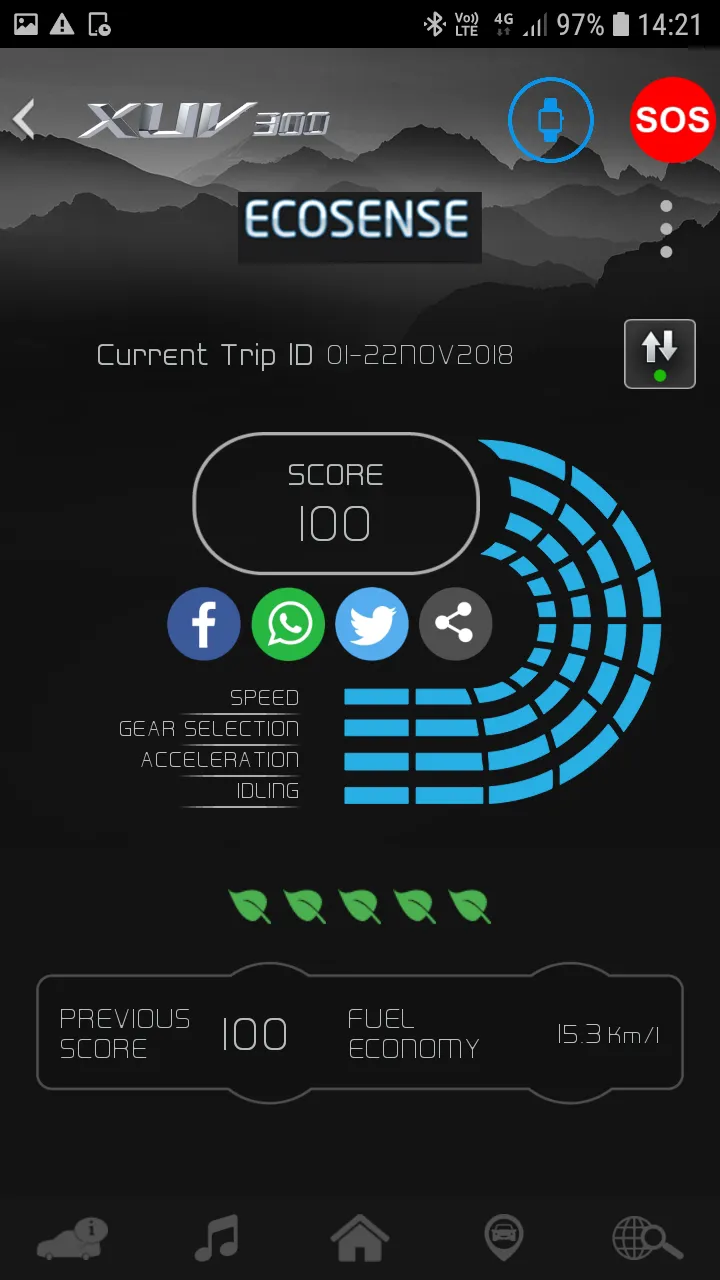
6. Fuel Statistics
7. Settings
Let’s see all the features in detail,
1. Audio Control:
a. User can control following Audio controls from Smart Watch,
i. Pause
ii. Play
iii. Next song/ station
iv. Previous song/ station
v. Source selection: USB / BAND / BT audio / AUX / iPOD
vi. Volume
2. Climate Controls:
a. User can control following Climate controls from Smart Watch,
i. A/C - On/Off
ii. AUTO - On
iii. DUAL A/C - On/Off
iv. Inside Temperature information
v. Outside Temperature information
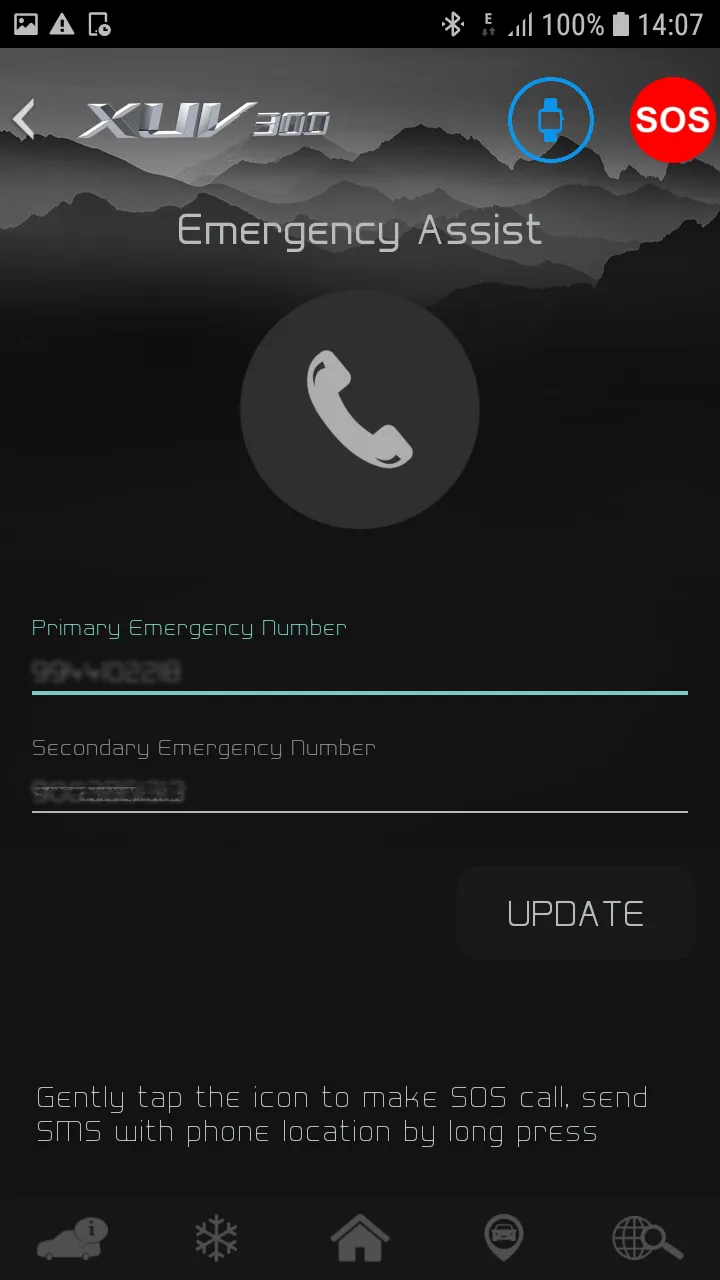
3. Emergency Assist
a. User can connect to Mahindra customer care in case of emergency,
i. By short press on phone icon, call will be trigger to Mahindra Customer Care after user confirmation.
ii. By Long press on phone icon, SMS will be sent to Mahindra Customer Care.
4. Location Services
a. User can have following features in location services,
i. Share My Location – User can share his/her current location to friends/family.
ii. Fuel Stations Near Me – User can view nearby fuel station on his/her mobile.
5. Tiretronics
a. Smart Watch notifies user, if any of the vehicle tire pressure is Low/High.
6. Fuel Statistics
a. User can view following features in Fuel Statistics,
i. Average Fuel Economy
ii. Distance to Empty
7. Settings
a. User can feel vibration on Smart Watch while selecting any of the Bluesense App buttons.
Auto and Vehicles
Ratings
0
0 total ratings
5
73%
4
10%
3
4%
2
3%
1
10%
REVIEWS
No reviews yet. Be the first one to review this app
'%20fill-rule='evenodd'%20clip-rule='evenodd'%20d='M8.04878%200.118571C9.10796%20-0.198465%2010.2321%200.132893%2010.9526%200.961509L18.7058%209.9036H22.0709C23.0433%209.90386%2023.8429%2010.7032%2023.843%2011.6757V13.1309H23.8497C23.8497%2013.4983%2023.5476%2013.8014%2023.1803%2013.8015H19.9372V33.9548C19.9372%2034.423%2019.5703%2034.7975%2019.1021%2034.7977H17.142C15.91%2034.7977%2014.9156%2033.8036%2014.9154%2032.5644V28.0251C13.5538%2028.5582%2012.3722%2028.7169%2010.9963%2028.7169C6.45689%2028.7169%203.74677%2025.6897%203.74677%2020.6099V13.8015H1.77319C0.800641%2013.8015%200.000280942%2013.0091%200%2012.0294V10.573C0.000219737%2010.2057%200.303205%209.9036%200.670545%209.9036H13.5676L5.13039%201.85482C4.82078%201.55938%204.94365%201.04032%205.35428%200.917851L8.04878%200.118571ZM8.78425%2013.8082V20.611C8.78438%2023.1974%209.8151%2024.35%2012.1135%2024.35C12.9637%2024.3499%2014.1167%2024.1489%2014.902%2023.7959V13.8082H8.78425Z'%20fill='white'/%3e%3c/svg%3e)
Permissions
Location: access this device"s location
Contacts: access your contacts
Storage: access photos, media, and files on your device
Internet: use your internet connection
Curated for YouSee all






Scan to download on PhonePe Appstore

