

Repala Manideep
5.0
1 ratings2 MB
SizeVerified
SCREENSHOTS (6)
About the app
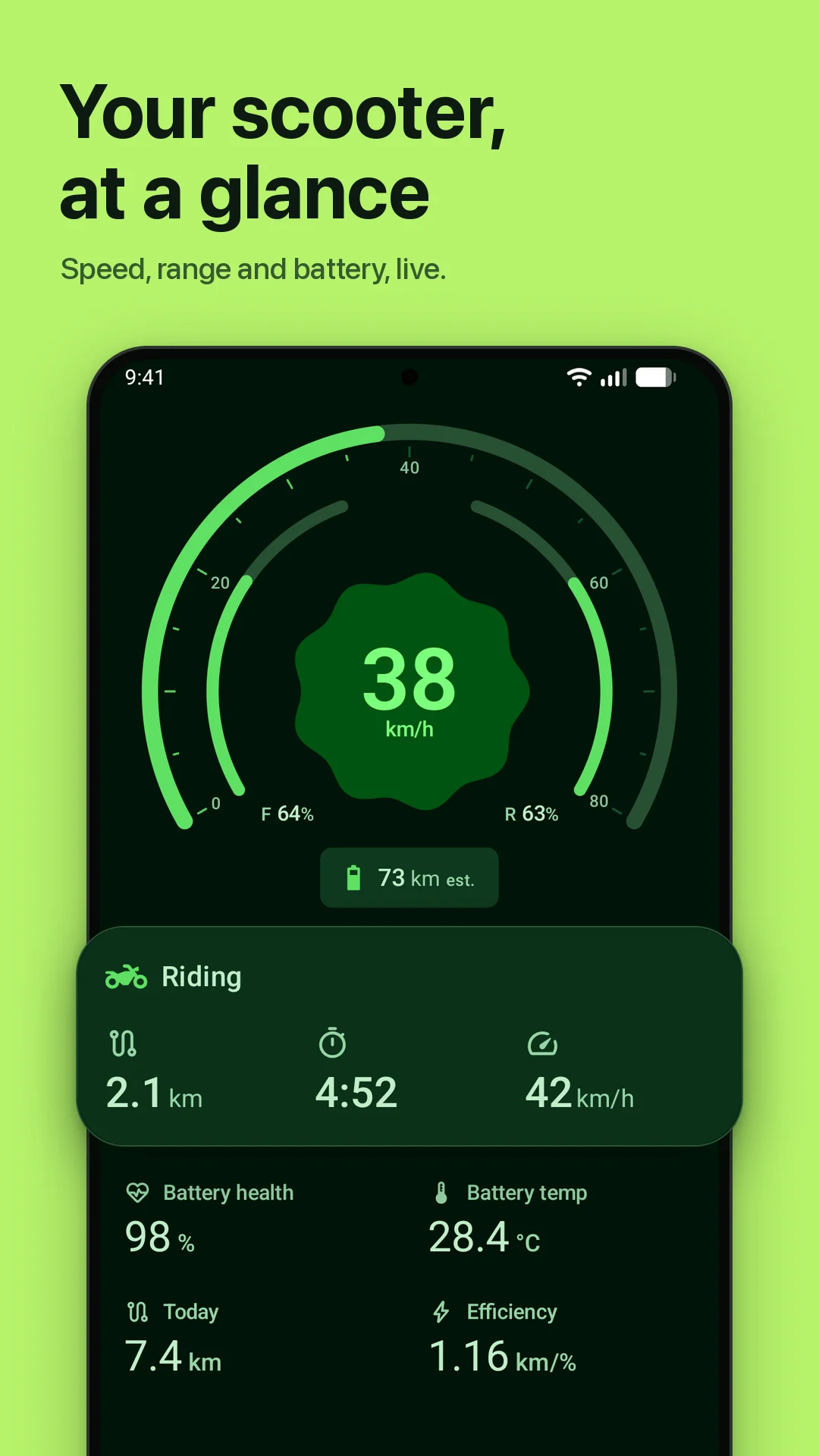
Ruta is a free, open-source companion app for Hero Vida electric scooters. View live battery and range stats, record every ride, track battery health over time, and bring Google Maps directions, music, and calls directly to your scooter's display. Everything stays on your phone—no account, no cloud, and no ads.
KEY FEATURES
• Live Cluster: View real-time speed, front and rear battery pack charge, range, and status (drive, standby, or charging).
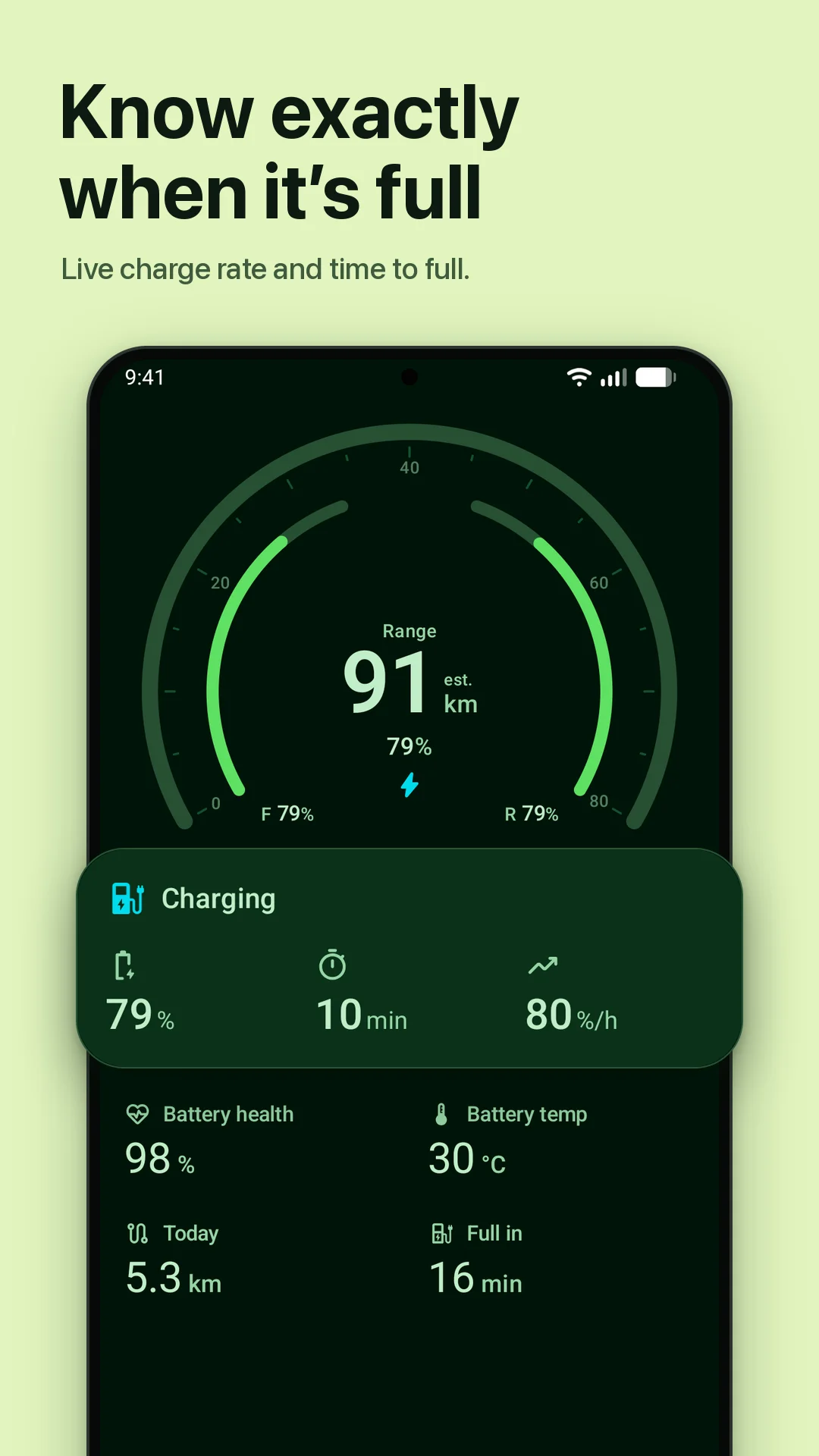
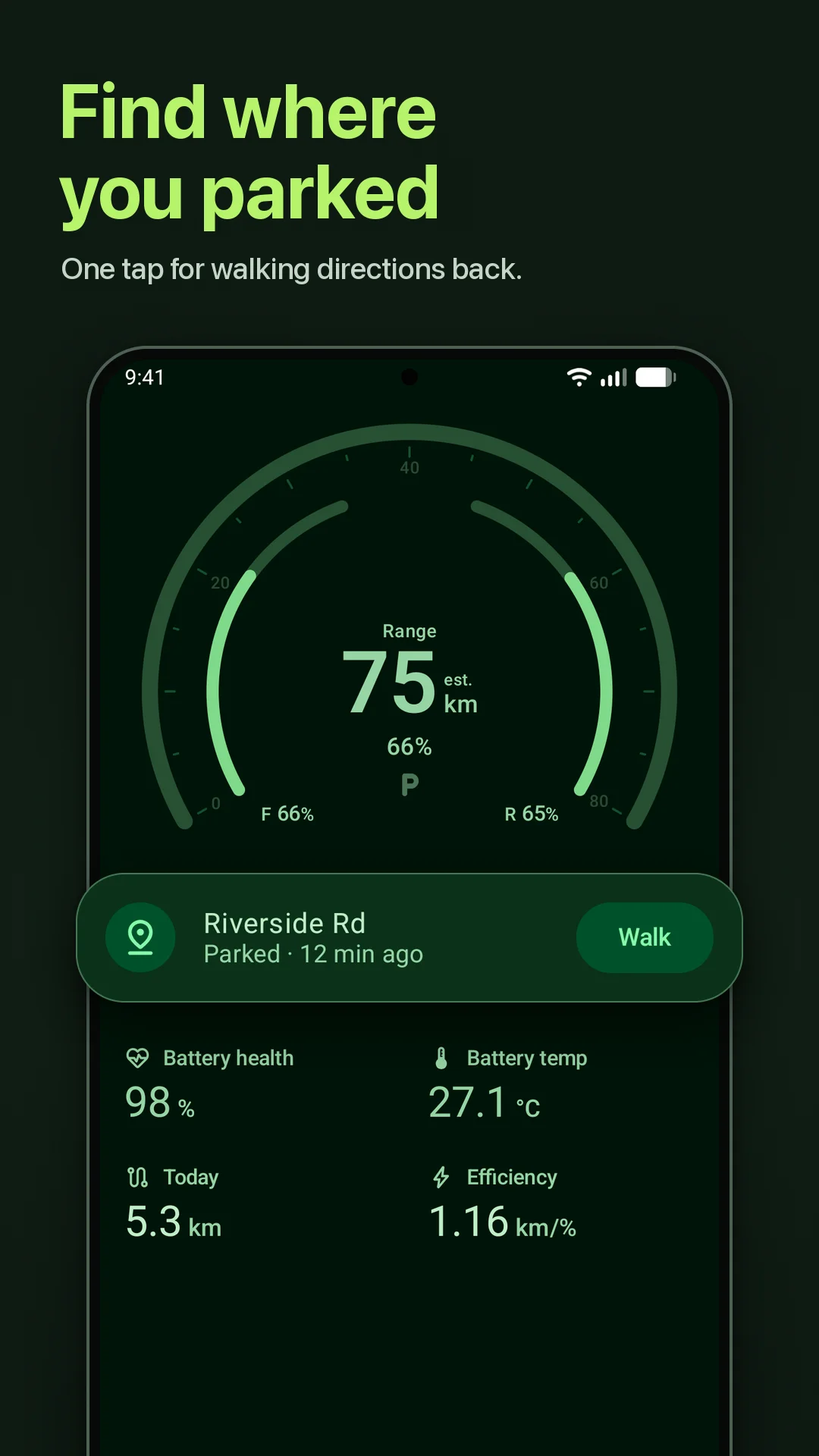
• Detailed Battery Stats: Check battery health, temperature, efficiency (km per 1%), and "Full in" time estimates while charging.
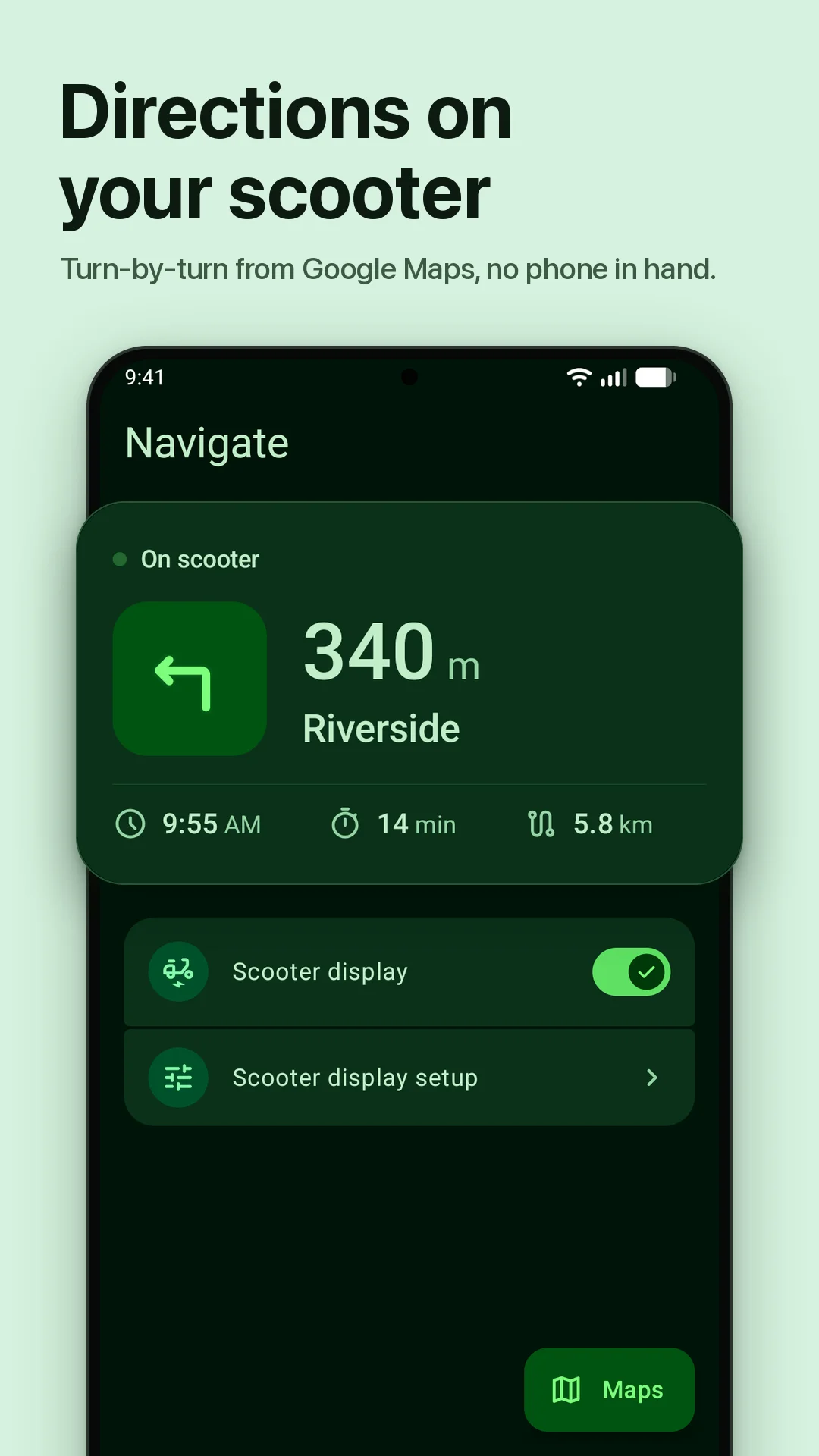
• Turn-by-Turn Navigation: Send Google Maps turn arrows, distance, road names, and arrival times to your scooter's display, including "Then left/right" cues for back-to-back turns.
• Live Range Check: Know instantly if you have enough charge for your route ("12 km spare", "Tight", or "Short by 4 km").
• Music & Handlebar Controls: See the current song, artist, and volume on the scooter display; play, skip, and adjust volume using your handlebar buttons.
• Calls & Alerts: View caller names on the display, answer or reject calls from the handlebar, and see missed calls. Optionally display message sender names when no music is playing.
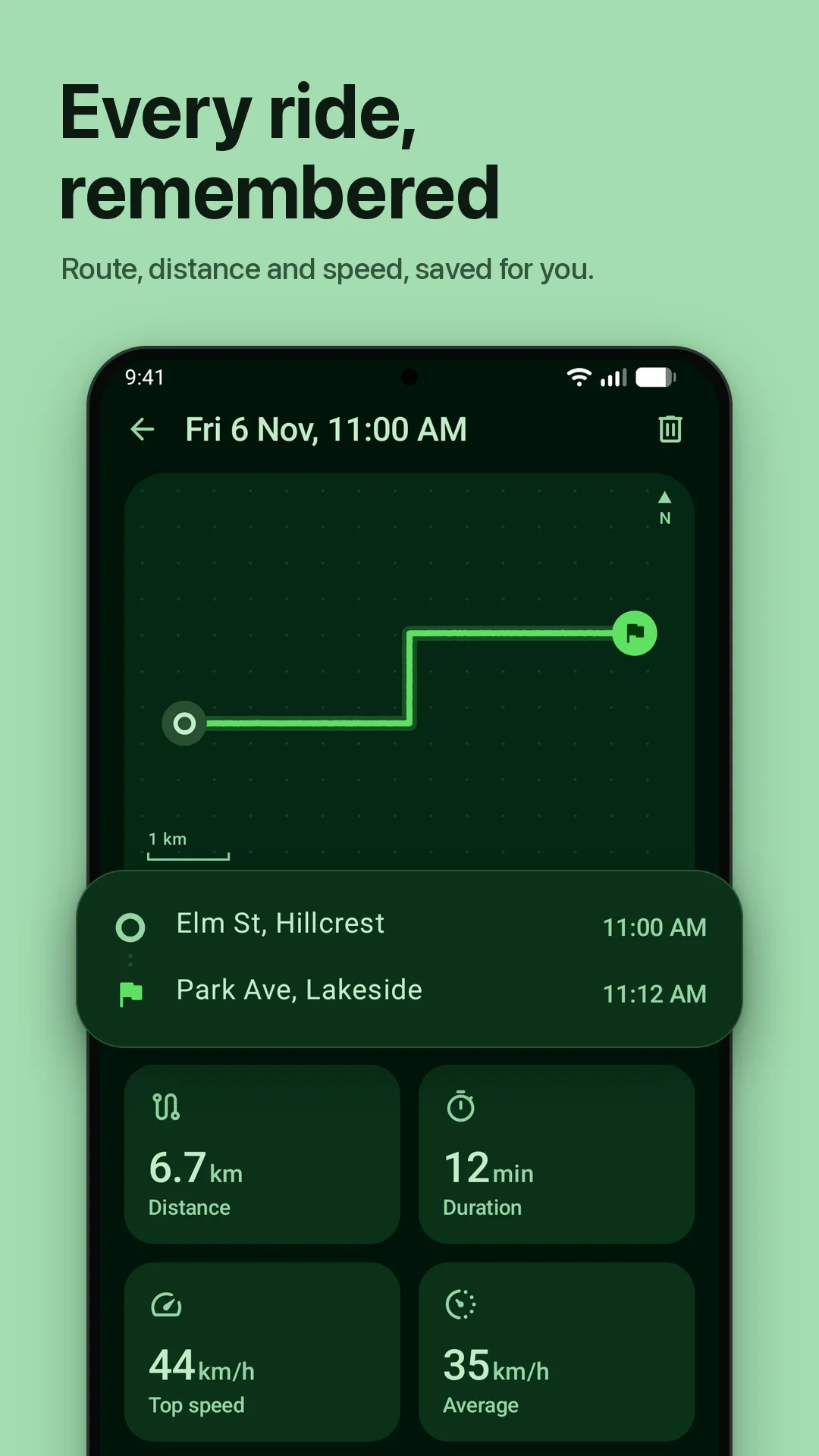
• Ride Receipts: Automatically record rides with your phone's GPS—complete with route maps, start/end locations, distance, speeds, and battery used.
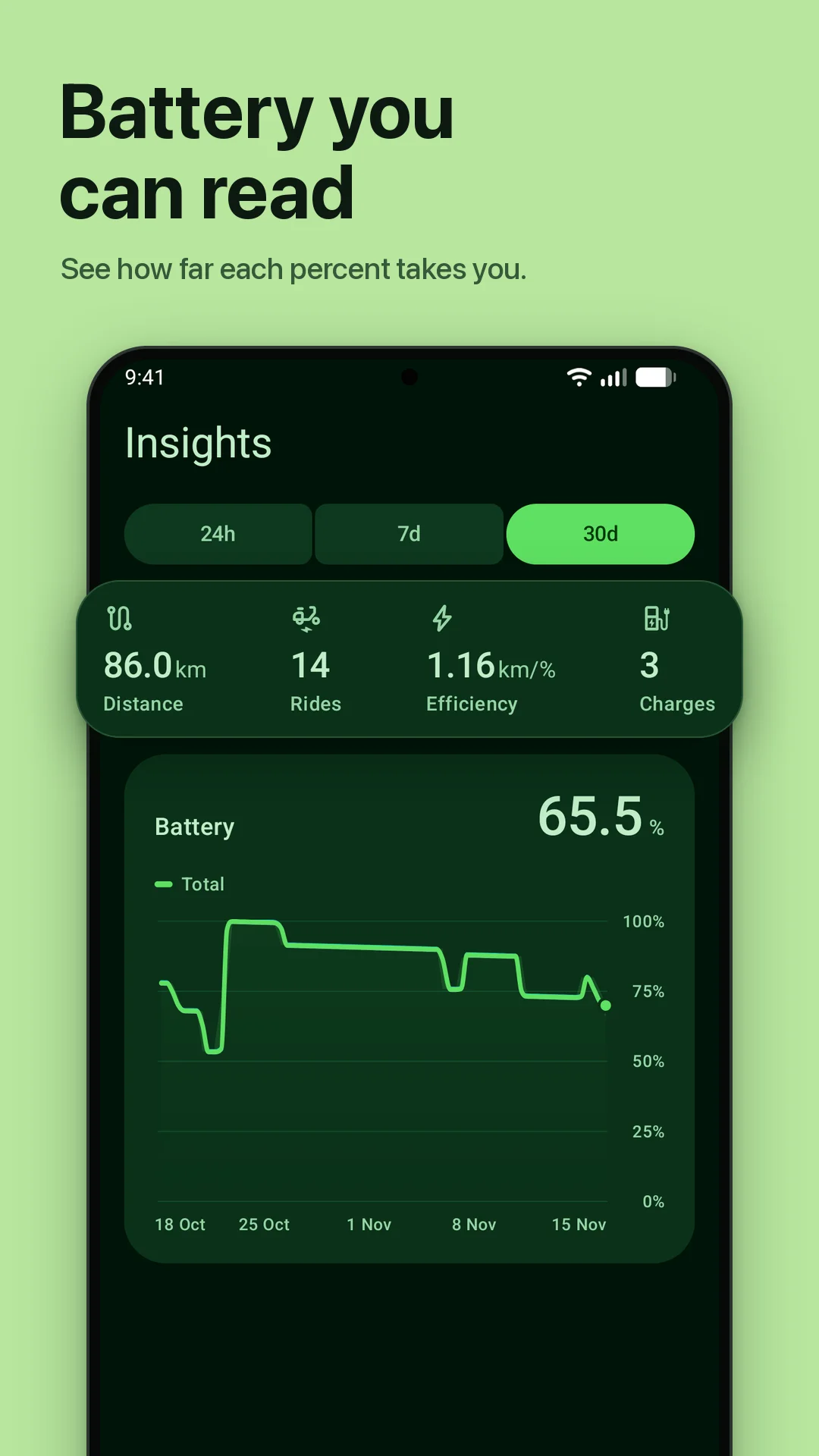
• Battery Insights: Track charge, range, temperature, health, pack balance, and charging history with 24-hour, 7-day, and 30-day charts.
• Find My Scooter: Remembers where you parked with one-tap walking directions back.
• Smart Notifications: Get alerted at 80%, 90%, or 100% charge, when charging stops, or when you don't have enough range for your route.
• Multiple Scooters: Save multiple scooters with their PINs stored encrypted on your device.
• Try Demo Mode: Explore every screen (parked, riding, navigating, charging, call, music) even without a scooter nearby.
COMPATIBILITY
• Hero Vida scooters with the Bluetooth telematics unit (TCU). Tested on the Vida VX2; other Vida models may also work.
• Android 11 or newer with Bluetooth LE and Google Maps (for navigation).
QUICK SETUP
1. Close the official Vida app so it releases the scooter's Bluetooth connection.
2. Open Ruta, grant Nearby Devices permission, and select your scooter (names start with HMC_).
3. Enter your scooter's Bluetooth PIN (found in the official Vida app under Home > USE PIN while disconnected).
4. For turn-by-turn directions, enable the Navigation widget on your scooter (Long-press handlebar toggle > Menu > Display > Widgets > Navigation).
PRIVACY FIRST
• 100% local storage: Rides, battery history, and saved scooters never leave your phone.
• Zero tracking: No account required, no cloud sync, no analytics, and no ads.
• Encrypted security: Scooter PINs are encrypted using Android Keystore. The only network usage is Android's built-in Geocoder to turn coordinates into place names.
DISCLAIMER
Ruta is an independent, open-source project (Apache License 2.0) and is not affiliated with, endorsed by, or supported by Hero MotoCorp or Vida. "Hero" and "Vida" are used solely to indicate compatibility. Use at your own risk, and always set up navigation and music before you ride.
Auto and Vehicles
Ratings
5
1 total ratings
5
100%
4
0%
3
0%
2
0%
1
0%
REVIEWS

******5724
24/11/2026
cool app for hero scooty

Permissions
Location: access this device"s location
Contacts: access your contacts
Internet: use your internet connection
Phone: make and manage phone calls
Developer Info





Scan to download on PhonePe Appstore