

Bajaj Auto Ltd
4.0
ratings70 MB
SizeVerified
SCREENSHOTS (2)
About the app
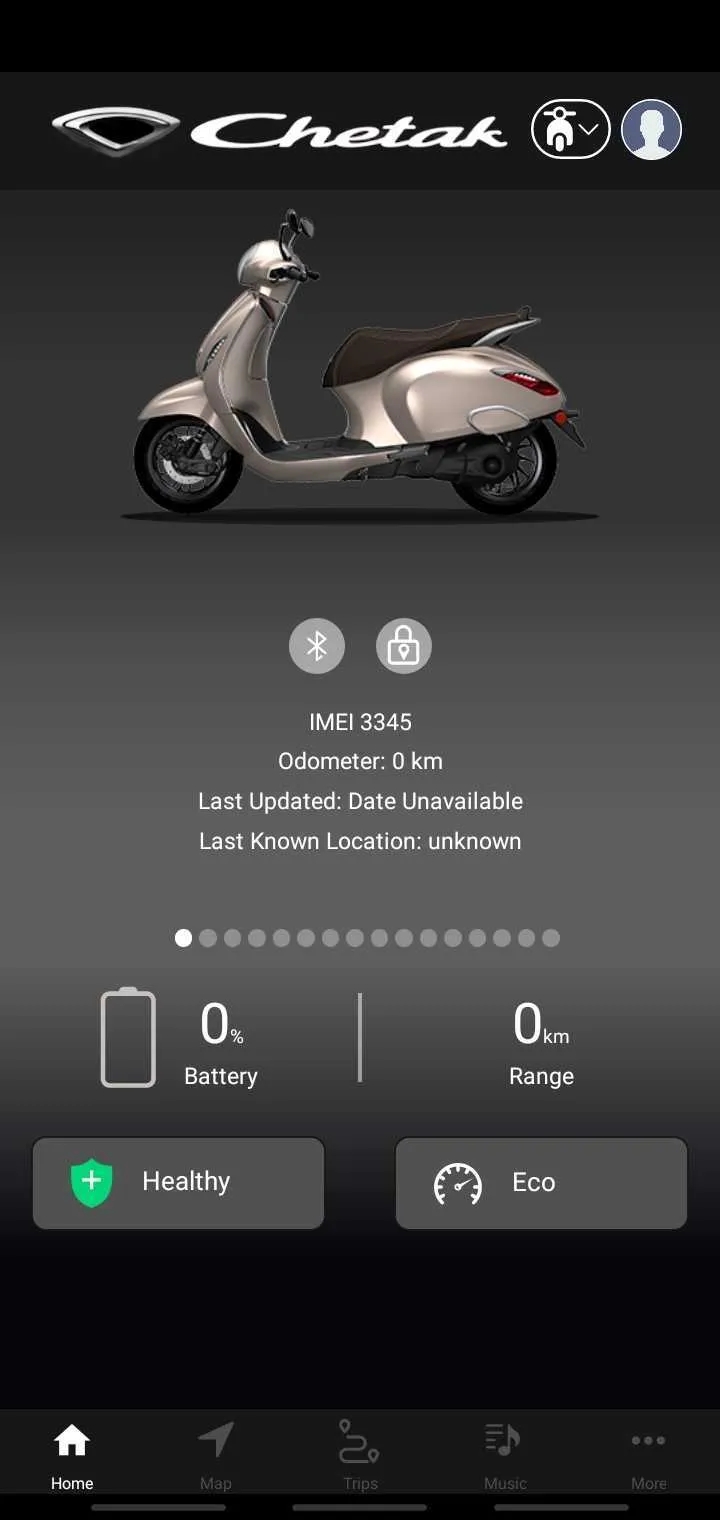
Install Chetak app to connect with your vehicle. Once downloaded, turn on the vehicle, connect to vehicle bluetooth and pair. Once paired, simply scan the QR code provided in glove box to connect My Chetak app with your vehicle.
Once connected, you can use -
a.CALL CONTROL: Manage your calls without compromising your safety, keeping you connected througout your journy.
b.REJECT CALL WITH SMS: Tell your friends that you are riding.Reject incoming call and send sms to incoming caller number.
c.MUSIC CONTROL: Listen to your Favorite tracks and control them without looking at your phone.
d.Turn By Turn NAVIGATION: Ensuring you're always on the right track to your destination without looking at your phone.
e.SMS AND WHATSAPP ALERT: Get Notified for Incoming sms and whatsApp alerts.
f. Check the battery charging status of your Chetak
g. Check the range of the vehicle
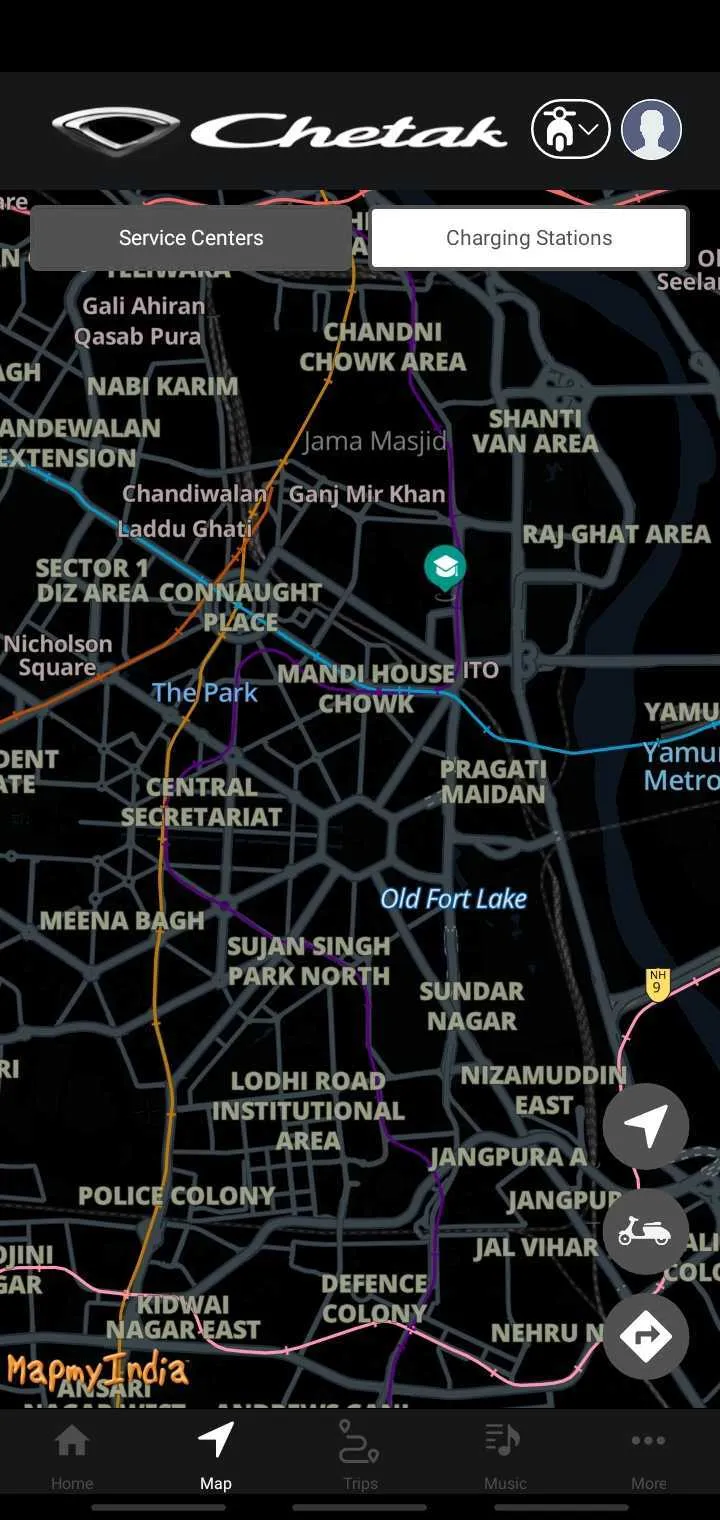
h. Use navigation function to locate your vehicle and get directions to reach vehicle
i. Add emergency contact, who can also install My chetak app and use the features
j. Access trip history information
k. Access Owners manual
Auto and Vehicles
Ratings
0
0 total ratings
5
73%
4
10%
3
4%
2
3%
1
10%
REVIEWS
No reviews yet. Be the first one to review this app
'%20fill-rule='evenodd'%20clip-rule='evenodd'%20d='M8.04878%200.118571C9.10796%20-0.198465%2010.2321%200.132893%2010.9526%200.961509L18.7058%209.9036H22.0709C23.0433%209.90386%2023.8429%2010.7032%2023.843%2011.6757V13.1309H23.8497C23.8497%2013.4983%2023.5476%2013.8014%2023.1803%2013.8015H19.9372V33.9548C19.9372%2034.423%2019.5703%2034.7975%2019.1021%2034.7977H17.142C15.91%2034.7977%2014.9156%2033.8036%2014.9154%2032.5644V28.0251C13.5538%2028.5582%2012.3722%2028.7169%2010.9963%2028.7169C6.45689%2028.7169%203.74677%2025.6897%203.74677%2020.6099V13.8015H1.77319C0.800641%2013.8015%200.000280942%2013.0091%200%2012.0294V10.573C0.000219737%2010.2057%200.303205%209.9036%200.670545%209.9036H13.5676L5.13039%201.85482C4.82078%201.55938%204.94365%201.04032%205.35428%200.917851L8.04878%200.118571ZM8.78425%2013.8082V20.611C8.78438%2023.1974%209.8151%2024.35%2012.1135%2024.35C12.9637%2024.3499%2014.1167%2024.1489%2014.902%2023.7959V13.8082H8.78425Z'%20fill='white'/%3e%3c/svg%3e)
Permissions
Location: access this device"s location
Contacts: access your contacts
Storage: access photos, media, and files on your device
Biometric Information: access biometric data like fingerprint to unlock the app
Developer Info
Curated for YouSee all






Scan to download on PhonePe Appstore

