
Ribar
4.0
ratings23 MB
SizeVerified
SCREENSHOTS (8)
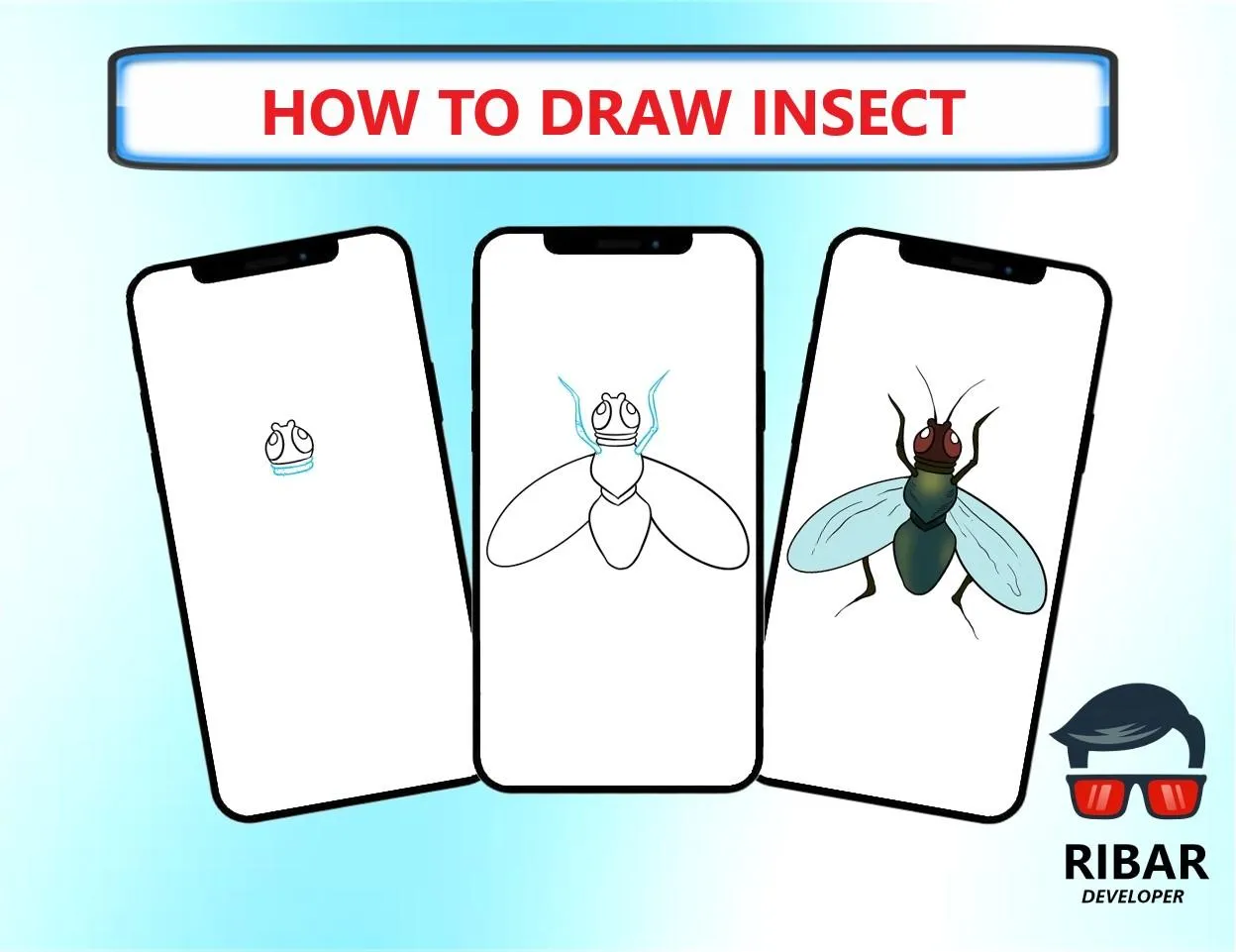
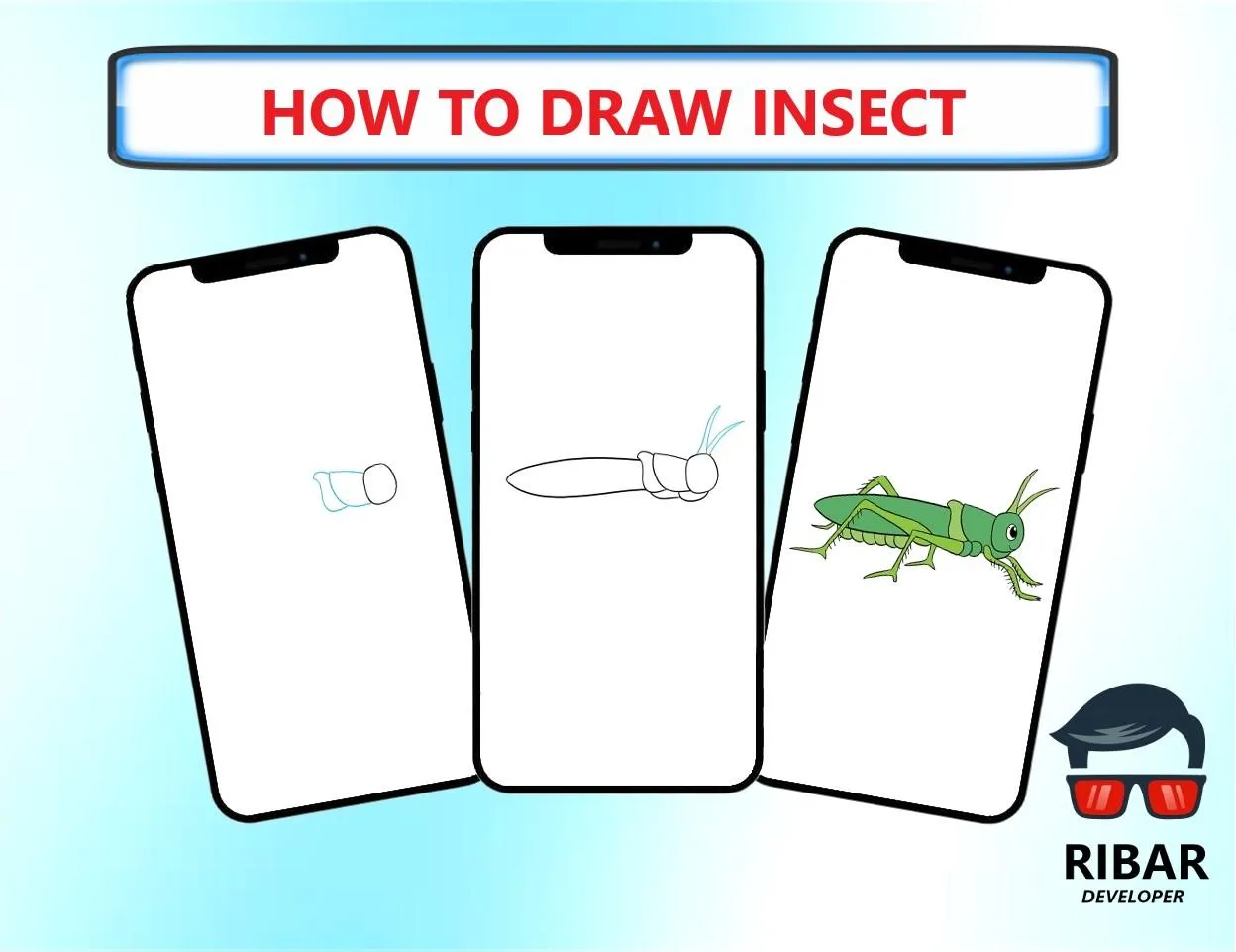
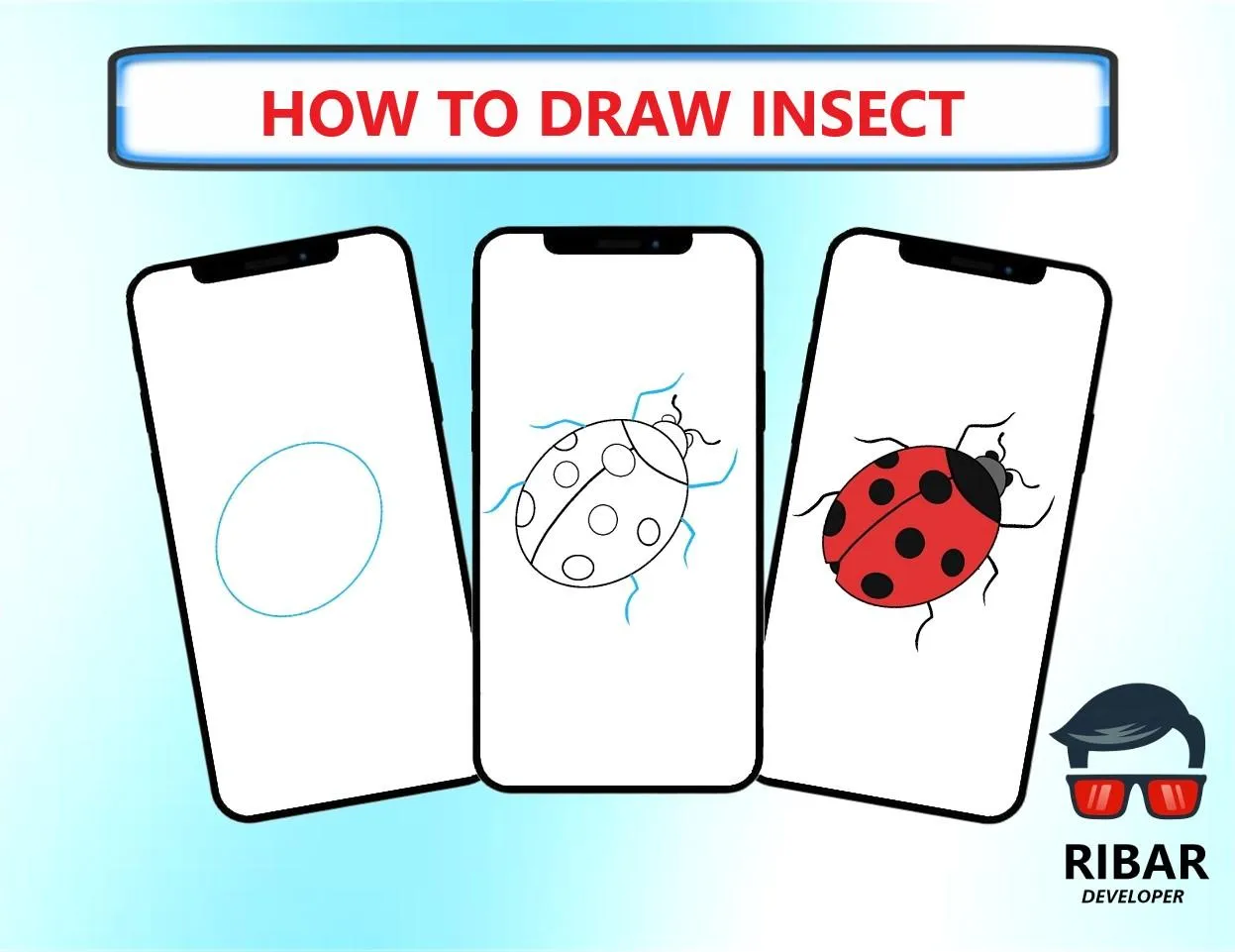
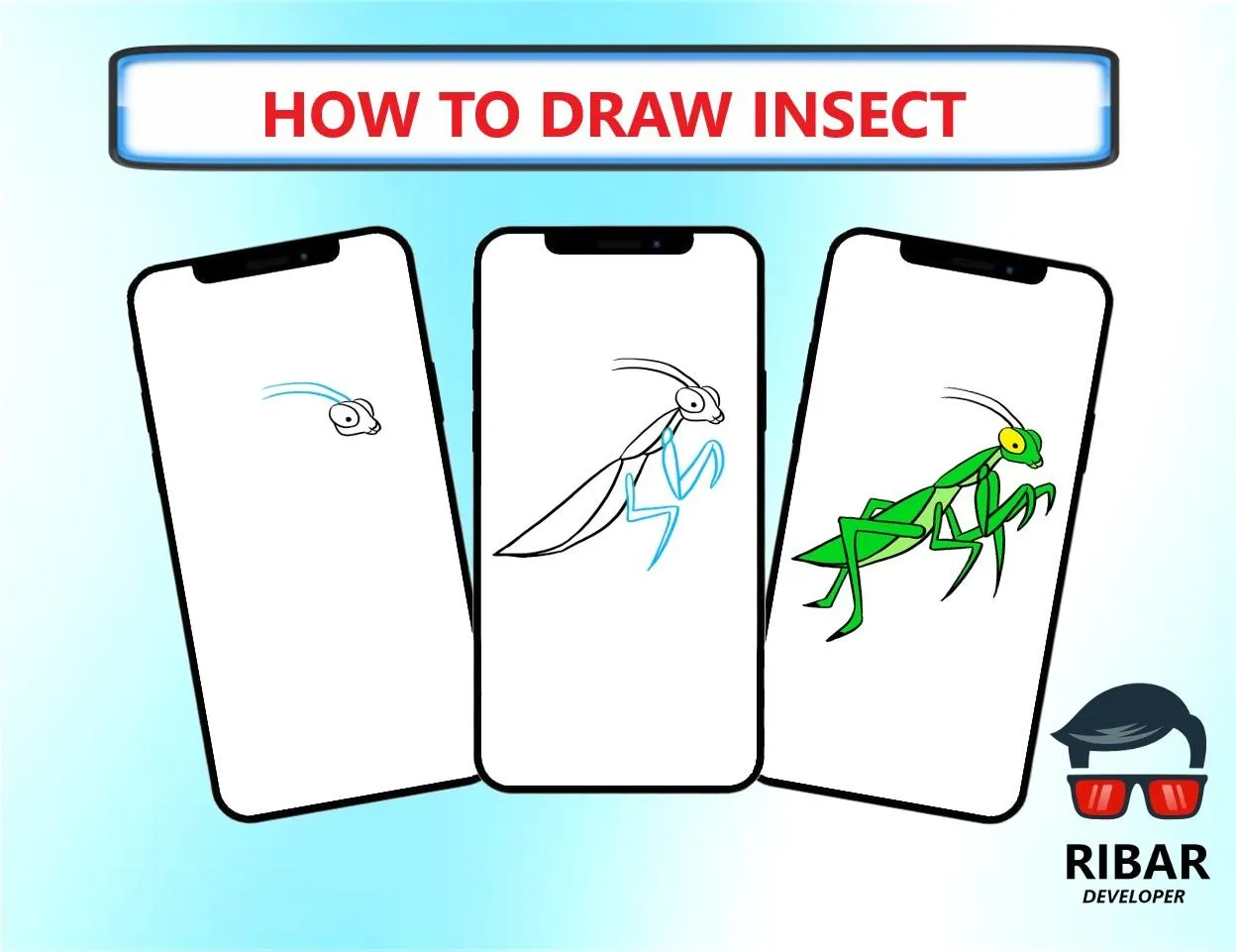
About the app
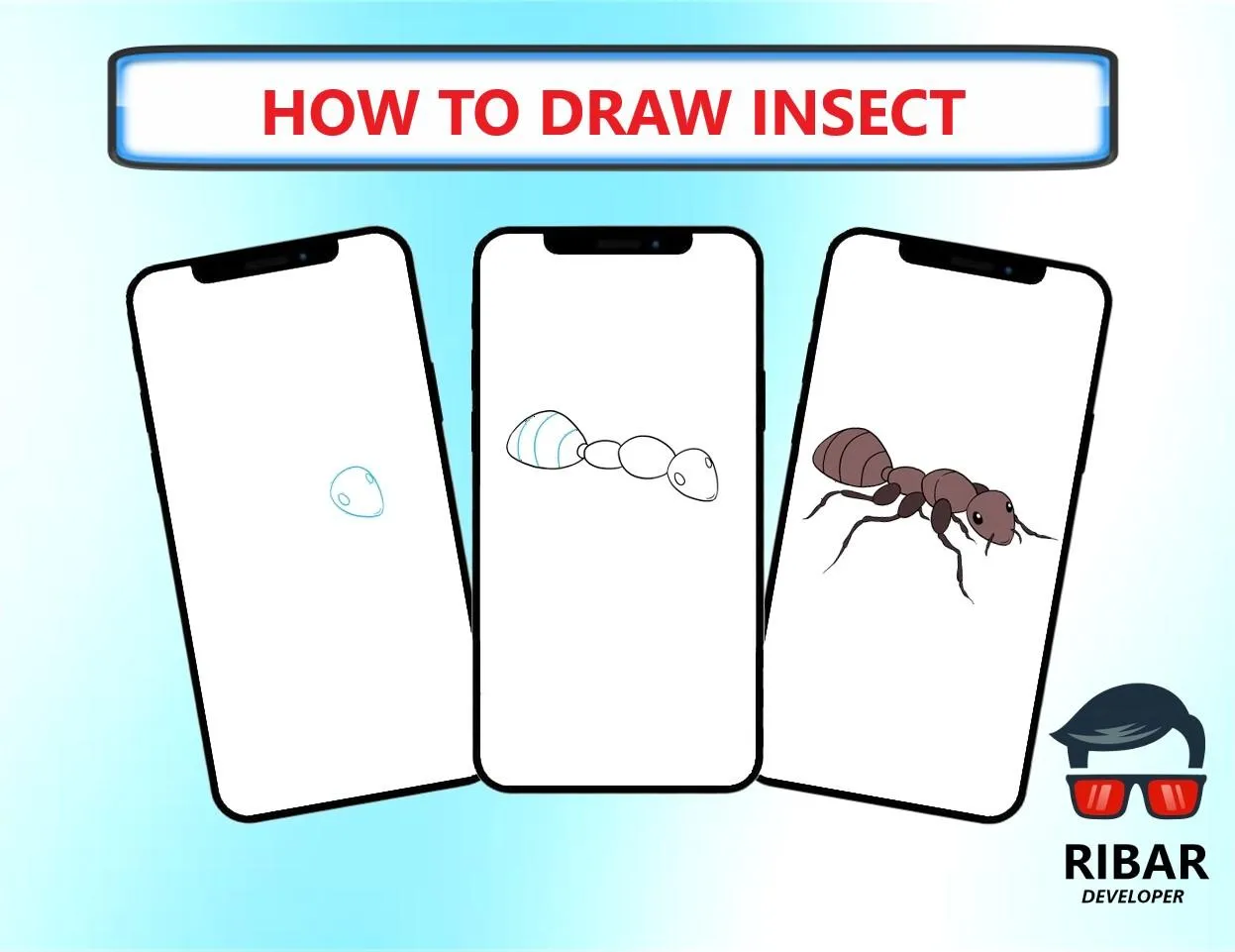
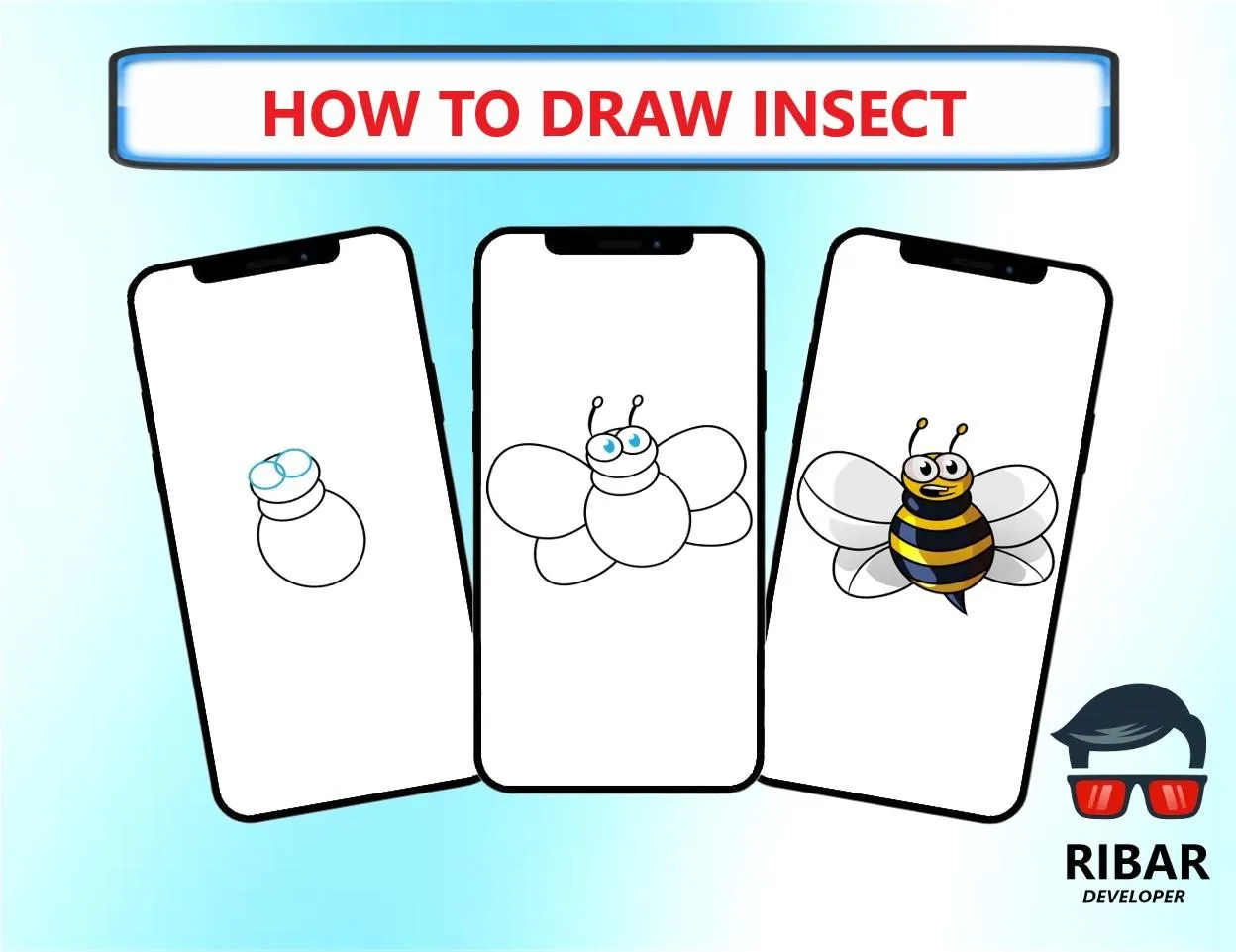
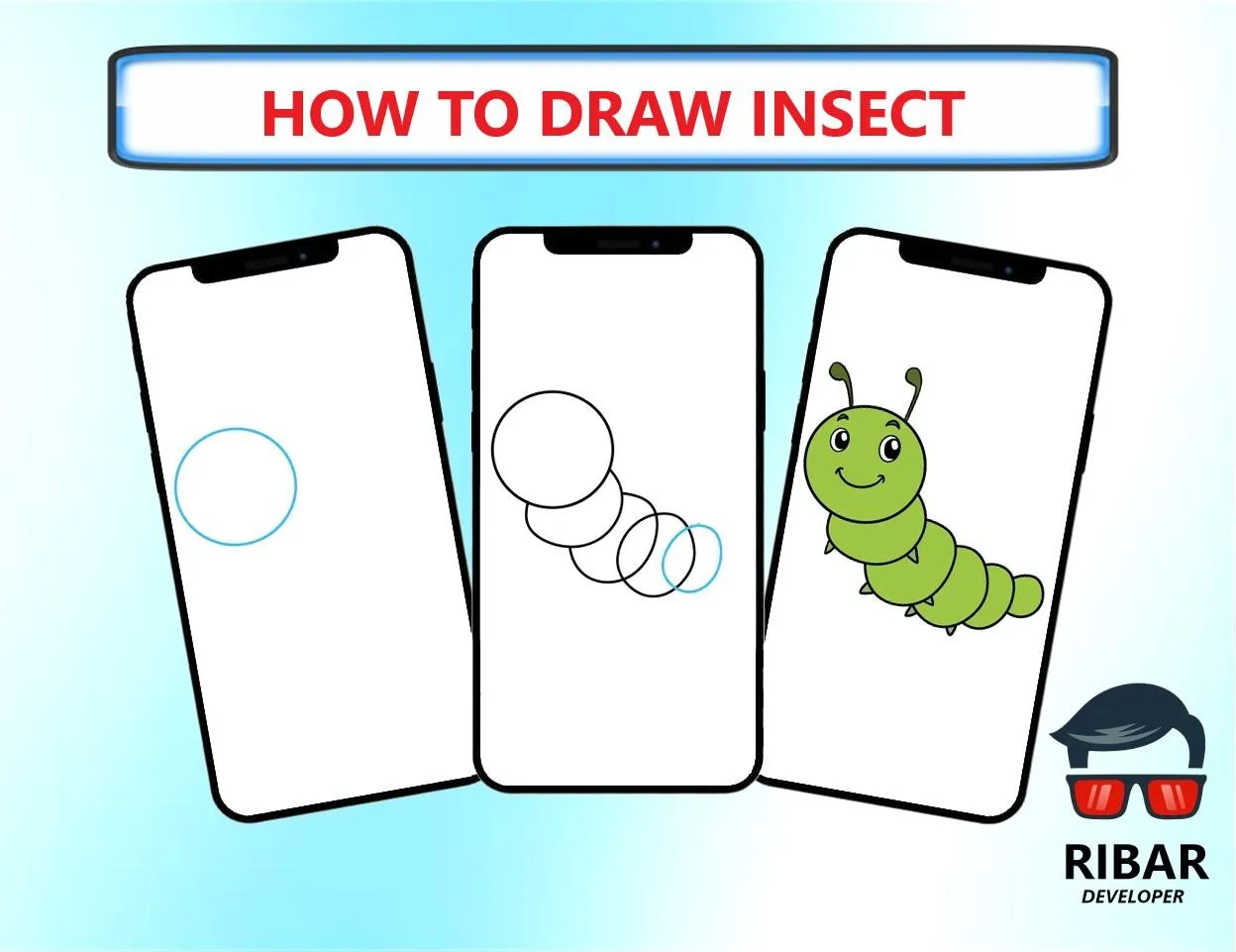
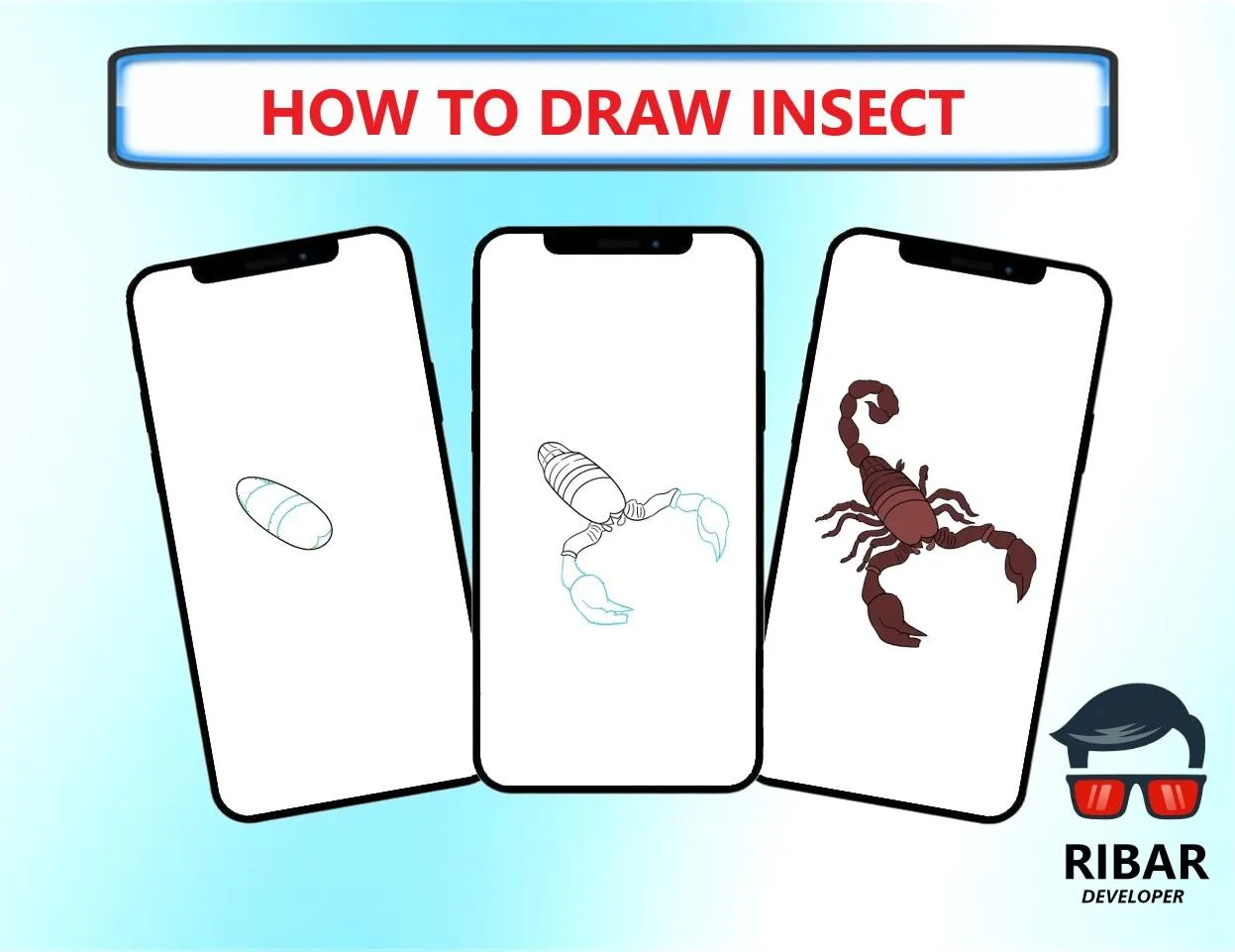
How To Draw Insect is a simple application that helps you learn to draw various types of insect easily through an excellent step-by-step guide and detailed tutorial 👍.
You don't need any experience and skills, just follow the steps!
✍🏼 Grab paper and pencil, choose the insect you like, and let's draw!
This application is suitable for all ages both children and adults.
In this application you only need to follow the stage to stride from the beginner level to the master level.
This application is expected to be able to make the pace and progress of learning to draw much better than before.
❤️ In this application there are more than 22 groups of instructions that are very easy to follow: :
📌 how to draw ant
📌 how to draw butterfly garden
📌 how to draw cute caterpillar
📌 how to draw dragonfly
📌 how to draw grasshopper
📌 how to draw cartoon spider
📌 how to draw spider web
📌 how to draw ladybug
📌 how to draw praying mantis
📌 how to draw bed bug
📌 how to draw bee garden
📌 how to draw bee hive
📌 how to draw beetle
📌 how to draw cartoon bee
📌 how to draw cartoon butterfly
📌 how to draw cute butterfly
📌 how to draw firefly
📌 how to draw honeycomb
📌 how to draw housefly
📌 how to draw monarch butterfly
📌 how to draw mosquito
📌 how to draw moth
📌 how to draw rainbow butterfly
📌 how to draw scorpion and many more insect...
Invite your friends to draw their favorite characters.
Explain exercise with the best draw easy lessons! Good luck!
⚙️ Existing features in the application :
✔️ Adjust Line Thickness = You can adjust the pencil size to your liking.
✔️ Pencil = You can make any line or shape as you wish.
✔️ Eraser = You can erase the image with a pencil (Manual).
✔️ Select Color = You can choose and adjust the color of the pencil.
✔️ Zoom = You can enlarge or reduce the image size as desired.
✔️ Move = You can move the image as desired
✔️ Delete = Erase the image result with pencil (Automatic)
✔️ Save = You can save the picture you want.
✔️ Share = You can share the picture you made to social media.
✔️ Display Both = Displays images and results in pencil.
✔️ Hide Image = Only display results in pencil.
✔️ Don't show both = Don't show pictures and results in pencil.
✔️ Favorites = You can create shortcuts to your favorite images.
✔️ My Work = You can see the results of images that have been created and saved.
✔️ Language = This application is in English.
Note & Disclaimer
All content in this application is collected from Google or other applications.
This application is only for fans and does not mean imitating any brand.
So all the contents of this application are suitable for the right owner, if you feel entitled to the content in this application, please contact us via email or write a comment below, we will immediately follow up.
Art and Design
Ratings
0
0 total ratings
5
73%
4
10%
3
4%
2
3%
1
10%
REVIEWS
No reviews yet. Be the first one to review this app
'%20fill-rule='evenodd'%20clip-rule='evenodd'%20d='M8.04878%200.118571C9.10796%20-0.198465%2010.2321%200.132893%2010.9526%200.961509L18.7058%209.9036H22.0709C23.0433%209.90386%2023.8429%2010.7032%2023.843%2011.6757V13.1309H23.8497C23.8497%2013.4983%2023.5476%2013.8014%2023.1803%2013.8015H19.9372V33.9548C19.9372%2034.423%2019.5703%2034.7975%2019.1021%2034.7977H17.142C15.91%2034.7977%2014.9156%2033.8036%2014.9154%2032.5644V28.0251C13.5538%2028.5582%2012.3722%2028.7169%2010.9963%2028.7169C6.45689%2028.7169%203.74677%2025.6897%203.74677%2020.6099V13.8015H1.77319C0.800641%2013.8015%200.000280942%2013.0091%200%2012.0294V10.573C0.000219737%2010.2057%200.303205%209.9036%200.670545%209.9036H13.5676L5.13039%201.85482C4.82078%201.55938%204.94365%201.04032%205.35428%200.917851L8.04878%200.118571ZM8.78425%2013.8082V20.611C8.78438%2023.1974%209.8151%2024.35%2012.1135%2024.35C12.9637%2024.3499%2014.1167%2024.1489%2014.902%2023.7959V13.8082H8.78425Z'%20fill='white'/%3e%3c/svg%3e)
Permissions
Storage: access photos, media, and files on your device
Internet: use your internet connection
Phone: make and manage phone calls
Curated for YouSee all






Scan to download on PhonePe Appstore

